![RST RST02888 — управление радиоконтролируемым временем и настройками [34/42]](/img/pdf.png)
RST RST02888 — управление радиоконтролируемым временем и настройками [34/42]
Превью страниц
Страница 34 /
42
![RST 02888 (meteo light IQ888) Инструкция по эксплуатации онлайн [34/42] 732731](/views2/1343117/page34/bg22.png)
After entering RCC receiving mode, “rcc” character will be in blink in the LCD. If it had detected the available
signal, with the blink of in the front of “rcc”, and “rcc” stop blinking at the same time. After receive success-
fully, “ rcc” and will display in the LCD all the times. If the setting time zone won’t be zero, it will display local
time according to the setting time zone automatically. For Russia, the default for RCC : DCF77 + 2Hr.
The main unit will enter RCC receiving automatically at 1:00, 2:00, 3:00, 4:00 every morning, each time will last for
at best 10 minutes.
When it is receiving RCC, press “12/24 rcc -” once, it will exit the receiving mode. And when it is in the normal
mode, press and hold “12/24 rcc -” for 3 seconds, it will enter into the receiving mode manually.
• When it is in the normal mode, Press “12/24 rcc -” button, it can choose the time mode: 12/24HR
• When it is in the receiving of RCC, press “12/24 rcc –” button, it can exit the receiving mode manually. In the
normal mode, press and hold “12/24 rcc –” for 3 seconds, it will enter RCC receiving mode manually.
• When setting the calendar or alarm time, press “12/24 rcc –” button , it can adjust the setting item down,
reduce 1 by each press. Press and hold this button, it can reduce down quickly.
RST 02888 34
Radio controlled receiving mode
“12/24 rcc -” button function
Содержание
10- Инструкция по применению
- Цифровая погодная станция с радиодатчиком цифровой подсветкой дисплея и системой синхронизации времени и даты по радиосигналам rcc 77 khz
- Meteo light
- Instruction manual
- Wireless weather station with digital backlight polyphony alarm
- Meteo light
- Features
- Battery door
- Low batteries indicator
- Low battery icon appear at indoor temperature and outdoor temperature row in particular channel indicating the external transmitter of the channel in low battery status
Похожие устройства
-
 RST RST07851Инструкция по эксплуатации
 -
 RST RST07841Инструкция по эксплуатации
 -
RST RST07831Инструкция по эксплуатации
-
 RST RST04168Инструкция по эксплуатации
 -
 RST RST04167Инструкция по эксплуатации
 -
 RST RST02889Инструкция по эксплуатации
 -
 RST RST02877Инструкция по эксплуатации
 -
 RST RST02875Инструкция по эксплуатации
 -
 RST RST02787Инструкция по эксплуатации
 -
 RST RST02785Инструкция по эксплуатации
 -
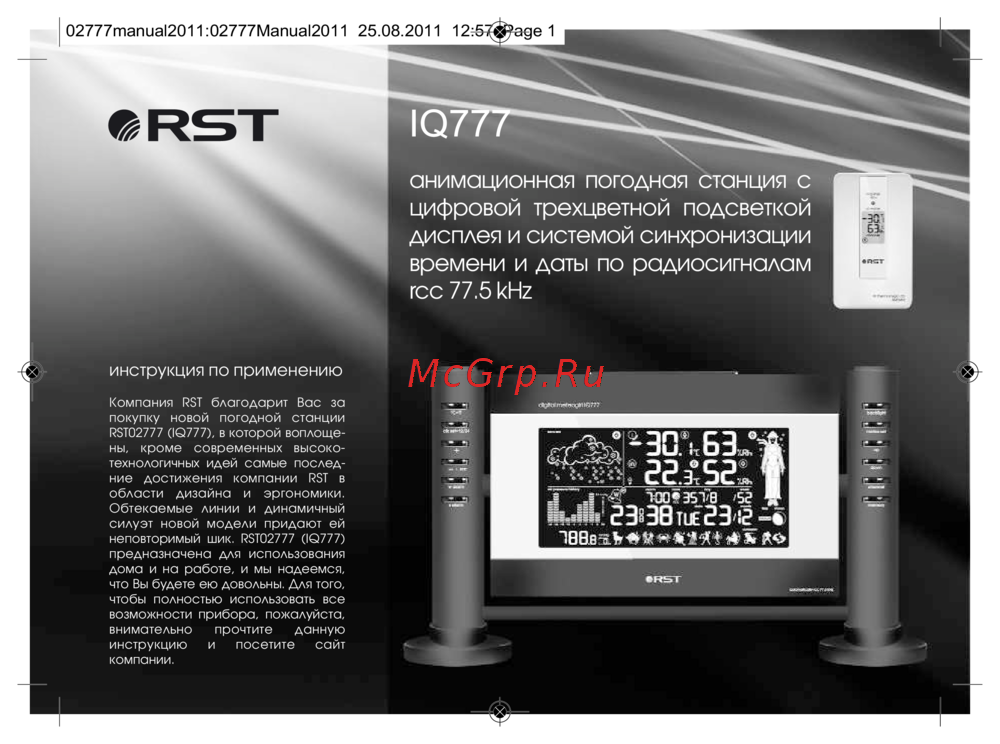 RST RST02777Инструкция по эксплуатации
 -
 RST RST02737Инструкция по эксплуатации
Изучите функции радиоконтролируемого времени, включая автоматический прием сигнала, настройку часового пояса и режимы отображения времени. Удобное управление с помощью кнопок.