![RST RST02888 — управление удаленным датчиком: режим поиска и функции [39/42]](/img/pdf.png)
RST RST02888 — управление удаленным датчиком: режим поиска и функции [39/42]
Превью страниц
Страница 39 /
42
![RST 02888 (meteo light IQ888) Инструкция по эксплуатации онлайн [39/42] 732731](/views2/1343117/page39/bg27.png)
enter into the searching mode, and it will exit the searching mode after 2 minutes,.
• When the remote sensor is in the searching mode, press “channel” button for 3 seconds, it can clear all the
data of the channel, and receiving the new data of the remote sensor.
• If the main unit had registered more than two channels, press “channel” button can choose display diffe-
rent channel or enter into auto scroll mode, The sequence is shown as follows:
•
There are
three round arcs at the right downside
of channel number for indicating the
signal intension of remote sensor.
When it has three round arcs, it shows
to be in strongest signal; when it has
two round arcs, it shows to be in com-
mon signal; when it has only one, it
shows the quite weaker signal.
A: Outdoor Temperature
B: Remote sensor channel number
C: Low battery indicator remote sensor in
Channel 1
D: ICE Alert E: Tide(medium) F: Moon
phase G: Indoor temperature H: Outdoor temperature trend
indicator(down) I: Today maximum temperature data in Channel 1 J: Today minimum temperature data in Channel 5
K: Indoor humidity L: Indoor humidity trend indicator(down)
RST 02888 39
Channel button function
A
E
F
G
H
B
I
J
L
C
D
K
Содержание
10- Инструкция по применению
- Цифровая погодная станция с радиодатчиком цифровой подсветкой дисплея и системой синхронизации времени и даты по радиосигналам rcc 77 khz
- Meteo light
- Instruction manual
- Wireless weather station with digital backlight polyphony alarm
- Meteo light
- Features
- Battery door
- Low batteries indicator
- Low battery icon appear at indoor temperature and outdoor temperature row in particular channel indicating the external transmitter of the channel in low battery status
Похожие устройства
-
 RST RST07851Инструкция по эксплуатации
 -
 RST RST07841Инструкция по эксплуатации
 -
RST RST07831Инструкция по эксплуатации
-
 RST RST04168Инструкция по эксплуатации
 -
 RST RST04167Инструкция по эксплуатации
 -
 RST RST02889Инструкция по эксплуатации
 -
 RST RST02877Инструкция по эксплуатации
 -
 RST RST02875Инструкция по эксплуатации
 -
 RST RST02787Инструкция по эксплуатации
 -
 RST RST02785Инструкция по эксплуатации
 -
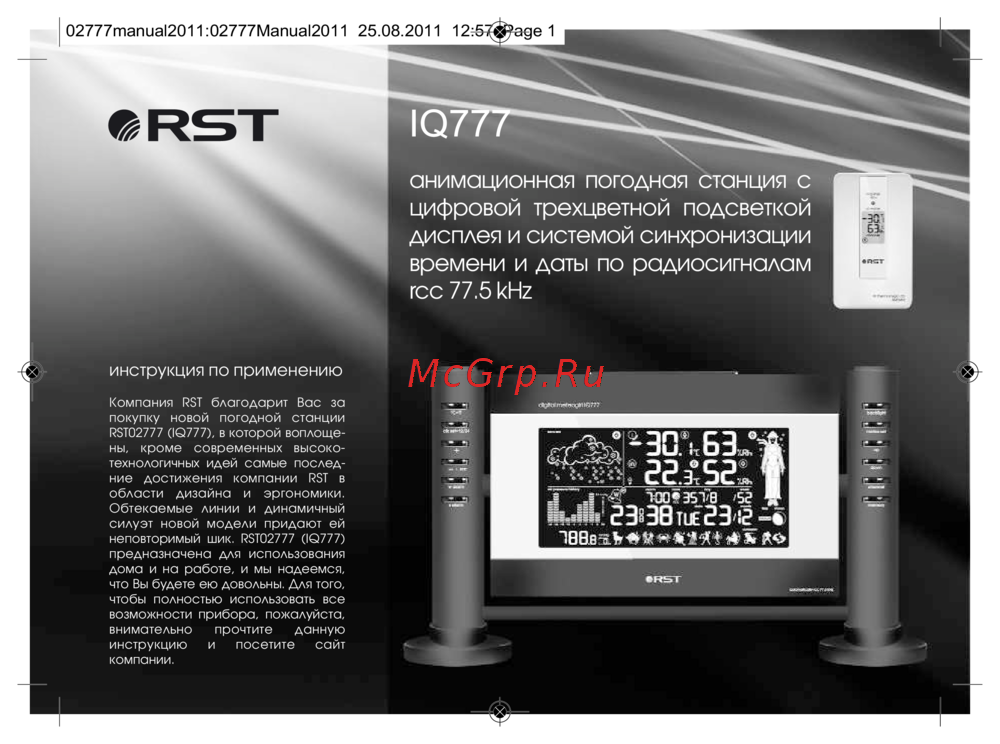 RST RST02777Инструкция по эксплуатации
 -
 RST RST02737Инструкция по эксплуатации
Узнайте, как управлять удаленным датчиком, включая режим поиска, очистку данных и индикаторы сигнала. Подробности о температуре и влажности.