
Samsung SGH-A100SB Руководство по эксплуатации онлайн
Превью страниц
Страница 1 /
65
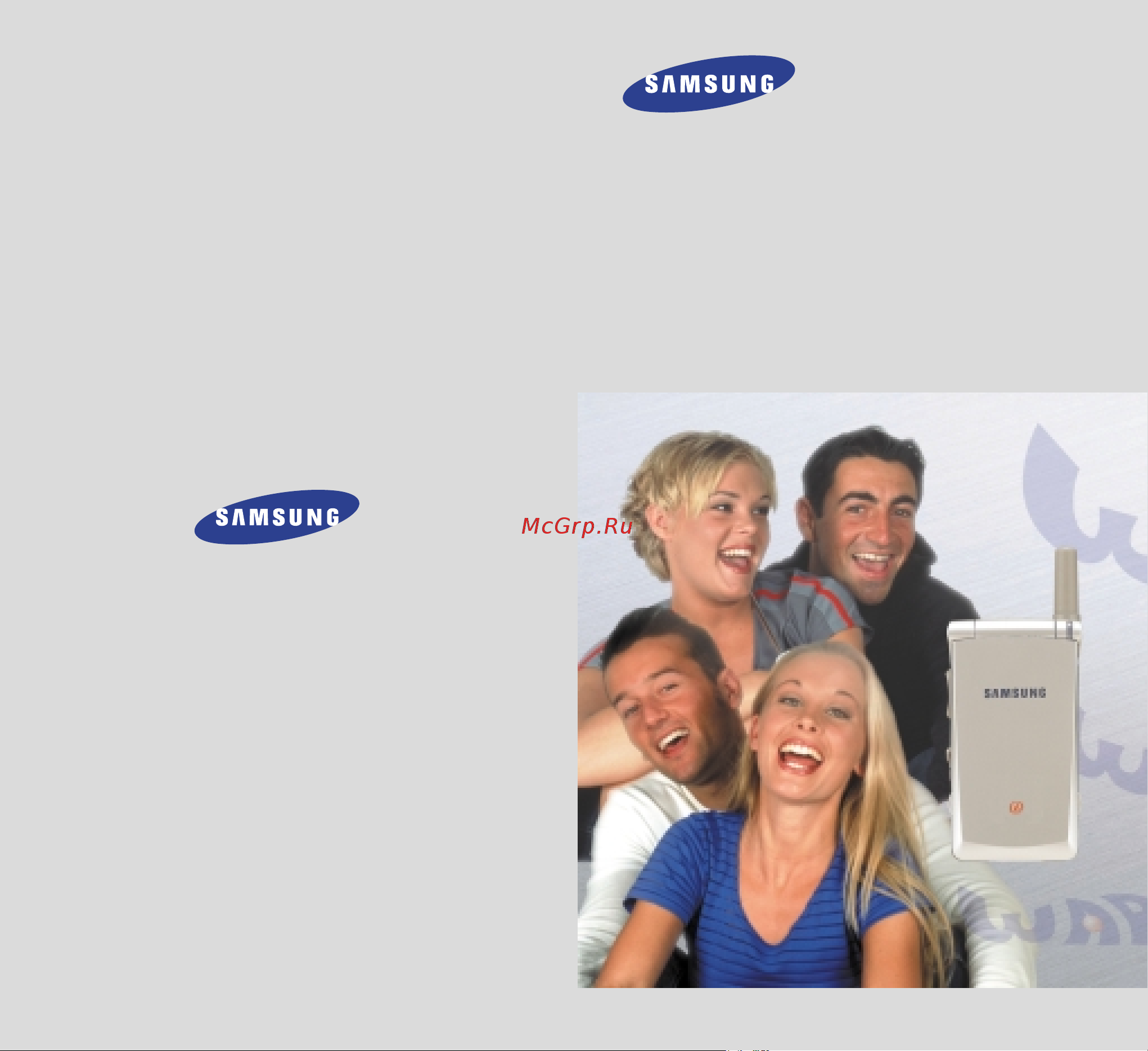
Printed in Korea
Code No. : GH68-01560A
English. 10/2000. Rev. 1.0
ELECTRONICS
World Wide Web
http://www.samsungmobile.com
DUAL BAND
GSM TELEPHONE
SGH-A110
Содержание
185- Dual band gsm telephone sgh a110
- Contents
- Respect special regulations follow any special regulations in force in any area and always switch off your phone whenever it is forbidden to use it or when it may cause interference or danger in a hospital for example
- Read these simple guidelines failure to comply with them may be dangerous or illegal for more detailed safety information see safety information on page 106
- Interference all mobile phones may be subject to radio interference which may affect their performance
- Important safety precautions
- Switch off when refuelling do not use the phone at a refuelling point service sta tion or near fuels or chemicals
- Switch off in aircraft mobile phones can cause interference using them on aircraft is both illegal and dangerous
- Road safety comes first do not use a hand held phone while driving park the vehicle first remember that in some countries it is illegal to use a hand held phone while driving
- User s manual earphone
- Unpacking
- Travel adapter handset
- Hand strap
- Battery
- Your phone
- Phone layout
- Display layout
- Display
- Service light
- Backlight
- Getting started
- Bye by
- ➀ ➁
- Your first call
- Remove the battery to do so ➀ push up and hold the catch above the battery on the back of the phone ➁ lift the battery away
- Page 25
- Page 24
- Page 19
- Page 17
- Page 15
- Installing the sim card
- Charging a battery
- Switching the phone on off
- Low battery indicator
- Phone password
- Access codes
- Barring password
- Correcting the number
- Redialling the last number
- Making international calls
- Making a call from the phonebook
- Making a call
- General functions
- Ending a call
- Answering a call
- Adjusting the volume
- Viewing missed calls
- Editing a missed call number
- Deleting a missed call
- Selecting functions and options
- Example setting the display language
- Storing a phone number with a name
- Phonebook
- Entering a name
- Speed dialling by memory location
- Searching for and dialling a number in the phonebook
- Phonebook options
- Accessing the options
- Defining a caller group
- Caller group
- Memory status
- Assigning numbers to a group
- Switching the microphone off mute
- Putting a call on hold
- In call options
- Searching for a number in the phonebook
- Muting sending key tones
- Making a multiparty call
- Having a private conversation with one participant
- Answering a second call
- Using the sms service
- Setting up the multiparty call
- Using the navigation keys
- Using the menus
- Dropping one participant
- Using the index system
- Menu map
- Call records
- Sound setting
- Security
- Phone settings
- Organiser
- Message
- Wap browser
- The wap browser menu is dependant on the version of the software see the wap browser user s manual supplied with your phone
- Network services
- Received calls
- Missed calls
- Call records
- Dialled calls
- Call time
- Read messages
- Messages
- Call cost
- Write messages
- Preset message list
- Broadcast
- Voice mail
- Sound settings
- Ring tone
- Melody composer
- Alert type
- Ring volume
- Keypad tone
- Minute minder
- Message tone
- Error tone
- Connect tone
- Phone settings
- Own number
- Infrared activate
- Greeting message
- Service light
- Language
- Caller id
- Backlight
- Auto redial
- Active flip
- Slide menu
- Reset settings
- Organiser
- Contrast
- Calendar
- To do list
- Time date
- Shortcut
- Calculator
- Security
- Pin check
- Phone lock
- Change pin
- Fdn mode
- Change pin2
- Change password
- Sim lock
- Network services
- Call diverting
- Call barring
- Network selection
- Call waiting
- Line identification
- Closed user group cug
- Activating a closed user group
- When you switch your phone on the following messages may appear
- Wap browser
- Solving problems
- The phone starts beeping and warning low battery flashes in the display
- The audio quality of the call is poor
- No service network failure or not done is displayed
- No number is dialled when you recall a phonebook entry
- Your correspondent cannot reach you
- Your correspondent cannot hear you speaking
- You have entered a number but it was not dialled
- Using the batteries
- Precautions when using batteries
- Safety information
- Road safety
- Operating environment
- Emergency calls
- Care and maintenance
- Dual band
- Call waiting
- Call holding
- Call diverting
- Call barring
- Active flip
- Line identification services
- Gsm global system for mobile communication
- Glossary of terms
- Voice mail
- Soft keys
- Sms short message service
- Sim subscriber identification module
- Sdn service dialling numbers
- Roaming
- Puk pin unblocking key
- Pin personal identification number
- Phone password
- Multi party calling
- Language 4 32 74
- Fixed dial number mode 89
- Call barring password 94
- Searching dialling 36 45
- Dropping a participant 48
- Quick reference card
Похожие устройства
-
 Samsung S7350Инструкция по применению
 -
 Samsung SGH-A100GAРуководство по эксплуатации
 -
 Samsung SGH-B320RРуководство по эксплуатации
 -
 Samsung Caspi (GT-E3210)Руководство по эксплуатации
 -
 Samsung SGH-A300SAРуководство по эксплуатации
 -
 Samsung E2100 (GT-E2100)Руководство по эксплуатации
 -
 Samsung Tobi (GT-S3030)Руководство по эксплуатации
 -
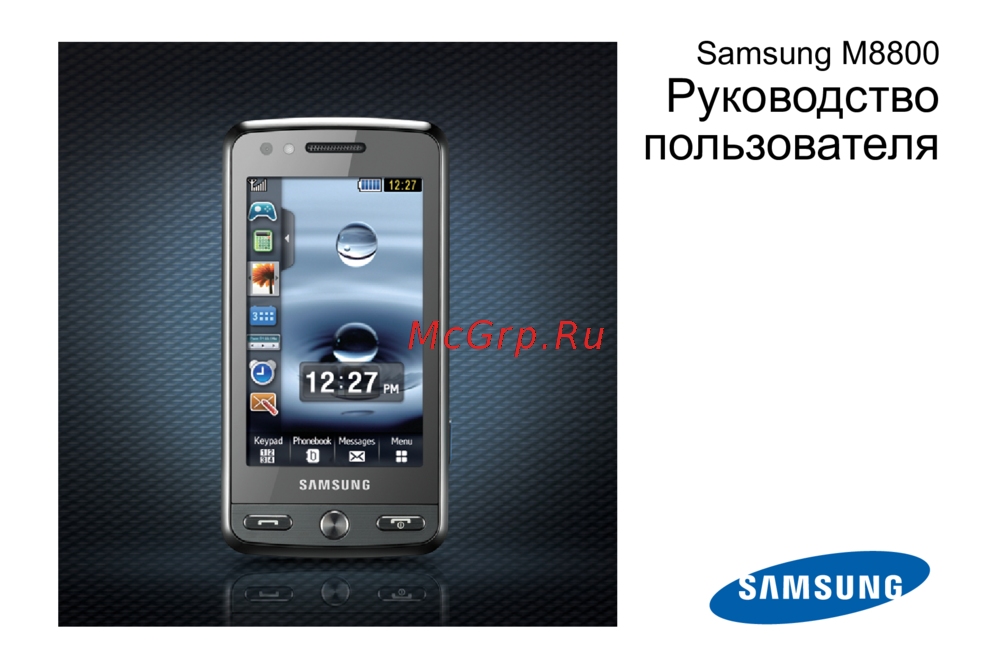 Samsung GT-M8800Руководство по эксплуатации
 -
 Samsung SGH-D780MРуководство по эксплуатации
 -
 Samsung Galaxy J1 (SM-J100)Руководство по эксплуатации
 -
 Samsung Galaxy Ace 4 Neo (SM-G318H)Руководство по эксплуатации
 -
 Samsung Galaxy A7 (SM-A700)Руководство по эксплуатации