![Zalman Z3 PLUS WHITE — важные рекомендации по установке и эксплуатации устройства [2/12]](/img/pdf.png)
Zalman Z3 PLUS WHITE — важные рекомендации по установке и эксплуатации устройства [2/12]
Превью страниц
Страница 2 /
12
![Zalman Z3 PLUS WHITE [2/12] English 한 글](/views2/1111203/page2/bg2.png)
2
1. 주의사항
1. Cautionary Note
1. 설치 전 설명서를 숙독하십시오.
2. 설치 전 제품과 구성품을 반드시 확인 후 이상이 있을 경우 구입처에 교환/환불 조치
받으십시오.
3. 제품 설치 시 사고 예방을 위해 장갑을 착용하고 취급하십시오.
4. 시스템 장착 시 치명적 손상이 발생할 수 있으므로 무리한 힘을 가하지 마십시오.
5. 케이블을 잘못 연결하면 합선으로 인한 화재 우려가 있어 필히 설명서를 참고하여
연결하십시오.
6. 시스템 사용시 제품의 통풍구가 막히지 않도록 주의 하십시오.
7. 직사광선, 물, 습기, 기름, 먼지가 많은 곳을 피하고 공기가 잘 통하는 곳에서 보관/사용
하십시오.
8. 화학약품 등으로 제품의 표면을 닦지 마십시오. (알코올 또는 아세톤 등 유기용제)
9. 동작 중에는 인체나 제품에 해를 끼칠 수 있으므로 손이나 물체를 넣지 마십시오.
10. 어린이의 손이 닿지 않는 곳에서 보관/사용하십시오.
11. 정해진 용도 외의 사용 및 소비자 부주의로 발생한 문제는 당사에서 책임지지 않습니다.
12. 제품의 외관 디자인 및 규격은 품질 향상을 위해 소비자에게 예고 없이 변경될 수
있습니다.
1. Please read this manual thoroughly prior to installation.
2. Before installing, check the components and condition of the product, and
if any problem is found, contact the retailer.
3. Please wear gloves while handling this product to prevent injuries.
4. Incorrect cable connections may cause short circuits leading to fire hazards.
5. Do not block the front intake vent or the rear exhaust vent.
6. Keep this unit away from heat sources, direct sunlight, water, oil and place the unit
on a flat and well-ventilated area.
7. Do not clean the product surface with chemicals or wet cloth.
(chemicals: industrial alcohol, pait thinner and organic solvent etc.)
8. Avoid inserting objects or hands into the system while it is in operation to prevent
product damage and injuries.
9. Zalman Tech Co., Ltd. is not responsible for any improper use.
10. Product design and specifications may be revised to improve quality and performance.
ENGLISH / 한 글
Содержание
- Z3 z3 plus p.1
- Atx mid tower pc case p.1
- Z3 series p.1
- English 한 글 p.2
- Cautionary note p.2
- Fan cotroller p.3
- ① ② ③ ④ p.3
- Low high p.3
- Front i o ports 상면 i o 포트 p.3
- Components 구성품 p.3
- ⑤ ⑥ ⑦ ⑧ p.3
- Part 명칭 part 명칭 p.3
- Installation 설치방법 p.4
- Atx m atx p.4
- ① unfasten the hand screw holding the pci cover and disassemble the cover ② remove the pci slot cover ③ install the vga card and fasten with a fixing screw p.4
- Side panel removal 사이드 커버 분리 p.4
- ① pci커버를 고정하는 핸드 스크류를 풀고 커버를 분리합니다 ② pci 커버를 제거합니다 ③ 그래픽 카드를 설치하고 고정나사로 고정합니다 p.4
- Vga card installation 그래픽 카드 설치 p.4
- Motherboard installation 마더보드 설치 p.4
- Front cover removal front cover 분리 p.5
- 5 5 and 3 drive installation 5 5 및 3 드라이브 설치 p.5
- Tip 추가사항 p.5
- Odd installation odd 설치 3 3 installation 외부 3 장착 p.5
- Cable connection 케이블 연결 p.6
- 3 hdd installation 3 hdd 장착 p.6
- 2 hdd and ssd optional 2 hdd ssd 추가 장착 p.6
- 품질보증 및 a s 안내 p.7
- Français español p.8
- Top io ports puerto de io en superficie p.9
- Part name part name p.9
- ⑤ ⑥ ⑦ ⑧ p.9
- ① ② ③ ④ p.9
- Partes components p.9
- Installation p.10
- ① desserrer la vis à la main qui fixe le couvercle de pci et séparer le couvercle ② retirer le couvercle du logement pci ③ installer la carte graphique et la fixer avec vis de fixation ① separar el cubierto desarmando el tornillo de mano que fija el cubierto pci ② remover el cubierto de la ranura pci ③ instalar la tarjeta grafica y fijar con tornillo p.10
- Retrait du panneau latéral retirar el panel lateral p.10
- Installation de la carte mère instalación de la placa base p.10
- Atx m atx p.10
- Assemblage de la carte graphique ensamblaje de tarjeta grafica p.10
- Séparation de couvercle avant remover tapa frontal p.11
- Installation des lecteurs de 5 5 et 3 instalación de unidades de 5 5 y 3 p.11
- Installation de l odd 2 instalar odd p.11
- Installation des plateaux de 2 et 3 3 instalación de bandejas de 5 5 3 p.11
- Installation de la carte graphique asuntos adicionales p.11
- Disques dur 2 hdd ssd optionnels 2 hdd ssd opcional p.12
- Onnexion des câbles cable connection p.12
- Montage de hdd de 3 p.12
Похожие устройства
-
 Zalman S3Инструкция пользователя
 -
 Zalman N3Инструкция пользователя
 -
 Zalman i3Инструкция по первичной настройке
 -
 Zalman X3Руководство по работе с устройством
 -
 Zalman N2Инструкция по эксплуатации
 -
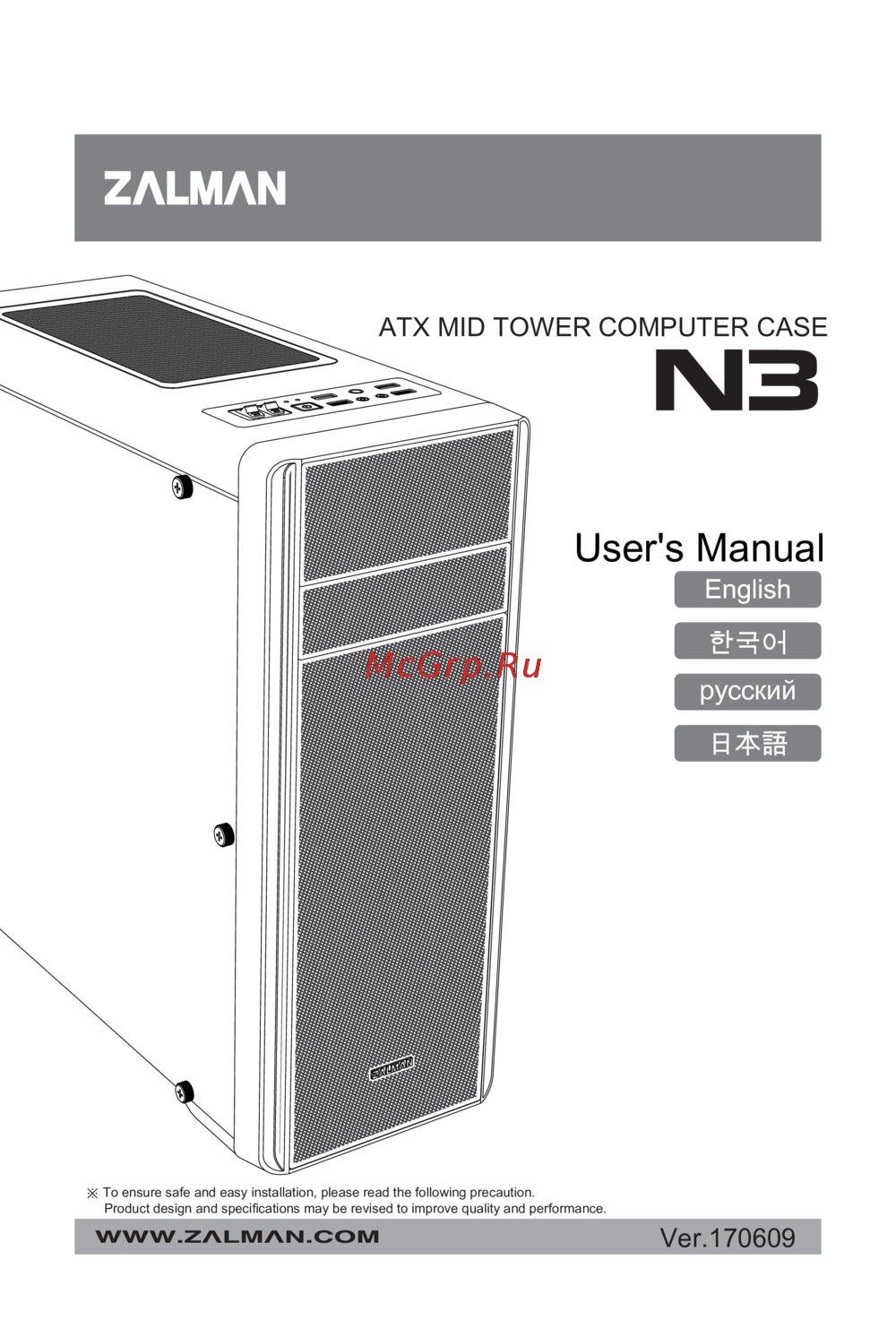 Zalman N3Инструкция по эксплуатации
 -
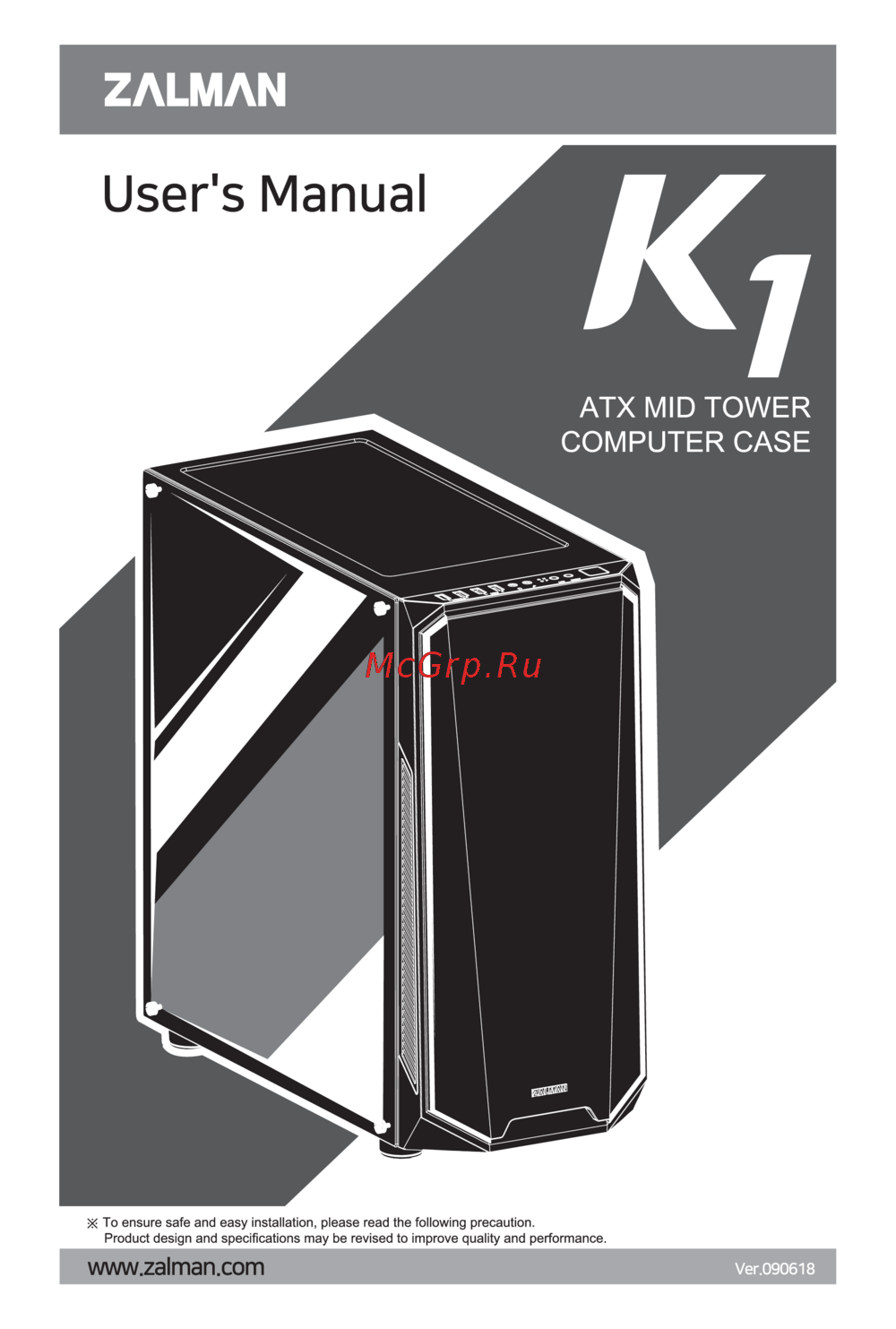 Zalman K1Инструкция по эксплуатации
 -
 Zalman S3Инструкция по эксплуатации
 -
 Zalman S2Инструкция по эксплуатации
 -
 Zalman i3 EdgeИнструкция по эксплуатации
 -
Zalman i3Инструкция по эксплуатации
-
 Zalman K1 Rev.AИнструкция по эксплуатации
Перед установкой обязательно ознакомьтесь с инструкцией и проверьте комплектующие. Соблюдайте меры предосторожности для безопасного использования устройства.