
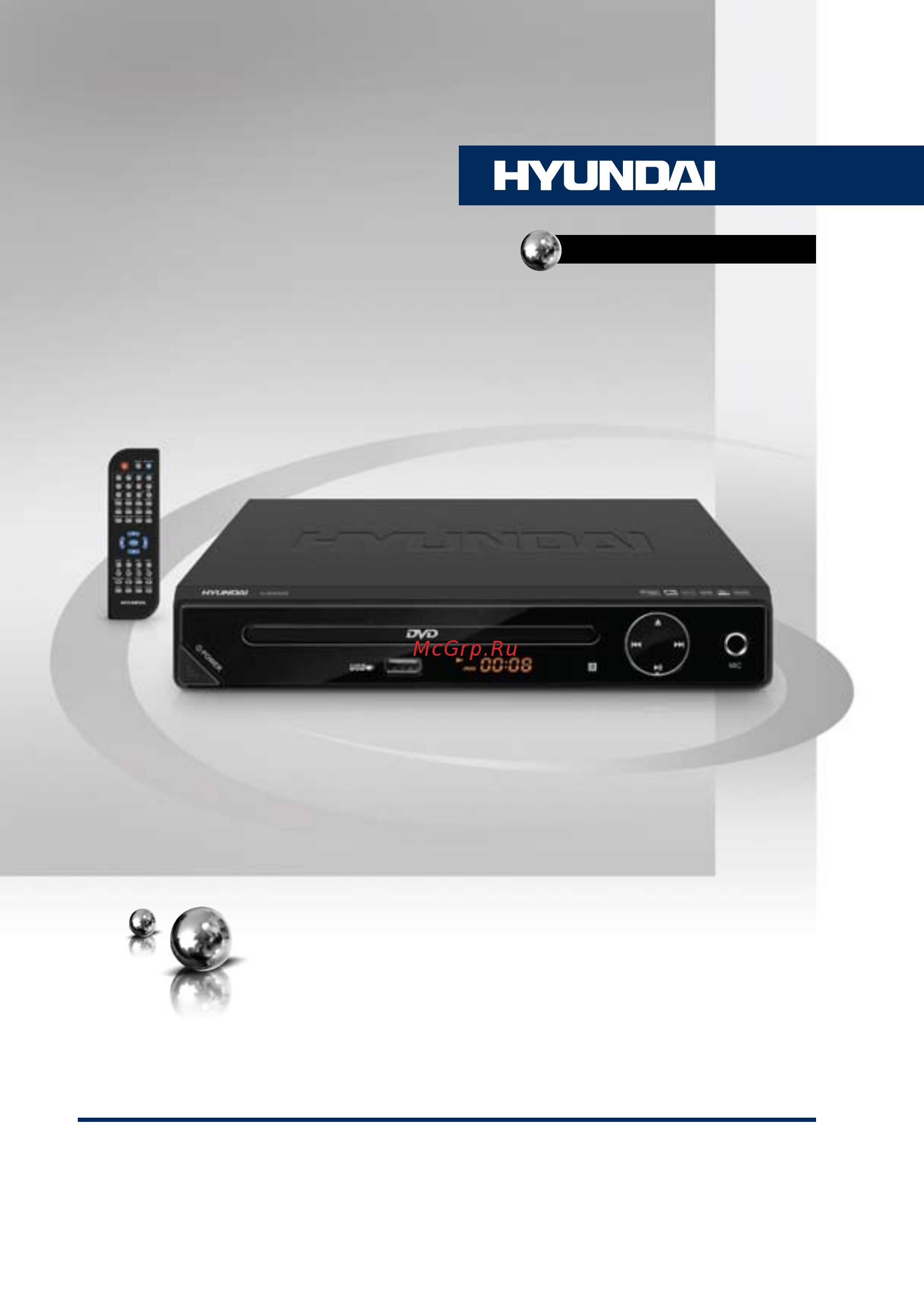
Hyundai H-DVD5028 Инструкция по эксплуатации онлайн
Превью страниц
Страница 1 /
25
Содержание
108- Before you start operation
- Toreducetheriskofelectricshock toreducetheriskofelectricshock orfire donotopenthecover refer servicingtoqualifiedservice personnel
- Thank you for purchasing our product for safety it is strongly recommended to read this manual carefully before connecting operating and or adjusting the product and keep the manual for reference in the future
- If you want to dispose this product do not mix it with general household waste there is a separate collection system for used electronic products in accordance with legislation that requires proper treatment recovery and recycling please contact your local authorities for the correct method of disposal by doing so you will ensure that your disposed product undergoes the necessary treatment recovery and recycling and thus prevent potential negative effects on the environment and human health
- Alertstheusertothepresence alertstheusertothepresence ofimportantoperating instructions
- Utilization of the product
- Thismarkindicatesthisunitbelongs thismarkindicatesthisunitbelongs toclass1laserproduct
- Important safeguards
- Dear customer
- Alertstheusertothepresence ofdangerousvoltagewithinthe product senclosure
- Video audio system connection
- Control elements
- Before you start operation
- Rear panel
- Front panel
- Remote controller rc
- Operation
- Changing the battery
- Operation
- Button functions
- System setup
- Presssetupbuttontoenterthesetup menu insetupmenu presssetupbutton againtoquitthesetuppage
- Press buttontoentertheadjustment
- Operation
- List use buttonstoselecttheadjustment andpressenterbuttontoconfirmand buttontoreturntooptionslist 6 toreturntosetuppagelistpress buttonwhenintheoptionlist
- General setup
- Use buttonstoselecttheoptionyou wanttoadjust
- Use buttonstochooseasetuppage generalsetup audiosetup dolbysetup video setup mpeg4subtitlesetup preferencepage 3 press buttontoenterthesetuppage selected
- Tv format normal ps whentheunitisconnectedtothe normaltvset thewide screenimageisshown onthefullscreen butsomepartiscutoff normal lb whentheunitisconnectedto thenormaltvset thewide screenimageis shownandblackbarsappearonthetopand
- Theitemsingraycan tbesetup the setupismemorizedandkeptafterpowerisoff
- Audio setup
- Video setup
- Preference setup availablewhile playbackfullstop
- Operation
- Mpeg4 subtitle setup page
- Dolby setup
- Karaoke operation
- Ripping
- Other functions
- Operation operation
- Mp3 jpeg compressed video playback
- How to create a playlist
- Usb note
- Operation operation
- Deleting data from usb
- Copying data
- Accessories
- Troubleshooting
- General information
- Specifications
- General information
- Functions
- Connectors
- Compatibility
- Appearance
- Additional
- Перед началом эксплуатации перед началом эксплуатации
- Меры предосторожности
- Утилизация изделия
- Уважаемый покупатель
- Перед началом эксплуатации перед началом эксплуатации
- Подключение
- Управление устройством
- Передняя панель
- Задняя панель
- Элементы управления
- Установка батареек
- Управление устройством
- Пульт дистанционного управления
- Функции кнопок
- Управление устройством
- Управление устройством
- Страница общих настроек
- Настройка системы
- Управление устройством
- Страница настройки видео
- Настройка предпочтений
- Управление устройством
- Настройка субтитров mpeg4
- Настройка аудио
- Настройка dolby digital
- Караоке
- Функция ripping
- Управление устройством управление устройством
- Прочие операции
- Воспроизведение файлов mp3 jpeg сжатых форматов видео
- Копирование данных
- Создание списка воспроизведения
- Примечания по usb разъему
- Комплект поставки
- Управление устройством управление устройством
- Удаление файлов с usb
- Руководство по устранению неисправностей
- Общая информация общая информация
- Технические характеристики
- Видео
- Функции
- Терминалы
- Совместимость с форматами
- Общая информация общая информация
- Дополнительные параметры
- Внешний вид
- Аудио
- Заполняет торговое предприятие
- Гарантийный талон
- Гарантийное обязательство
- Информация о возврате dvd проигрывателя
- Гарантийный талон
Похожие устройства
-
 Hyundai H-DVD220Инструкция по эксплуатации
 -
 Hyundai H-DVD5029Инструкция по эксплуатации
 -
 Hyundai H-DVD5068 BlackИнструкция по эксплуатации
 -
 Hyundai H-DVD5003 BlackИнструкция по эксплуатации
 -
 Mystery MDV-842UРуководство по настройке
 -
 Mystery MDV-744UHРуководство по эксплуатации
 -
 BBK DVP030SИнструкция по работе
 -
 LG DP547HРуководство по использованию
 -
 Elenberg DVDP-2403Инструкция 1
 -
 BBK DVP176SI черныйРуководство по эксплуатации
 -
 Toshiba SDP73SWRРуководство по эксплуатации
 -
 Toshiba SDP63SWRРуководство по эксплуатации