![Steelseries sensei mlg black usb [62153] — управление игровым оборудованием с помощью программного обеспечения [6/9]](/icons/site-icon-64.png)
Steelseries sensei mlg black usb [62153] — управление игровым оборудованием с помощью программного обеспечения [6/9]
Превью страниц
Страница 6 /
9
![Steelseries sensei mlg black usb [62153] [6/9] Steelseries engine](/views2/1308752/page6/bg6.png)
6
STEELSERIES ENGINE
The Sensei is powered by the SteelSeries Engine software suite, which really enables the
full gaming power of Sensei. Certain features of the Sensei, such as macro creation and
illumination color setting, are only available through the SteelSeries Engine.
1. Download the appropriate software from our website: http://www.steelseries.com/downloads/
2. Launch the installer and follow the instructions on the screen.
Note: To ensure that the Sensei works properly, please be sure that it is plugged in during the
installation.
In order to use the SteelSeries Engine with the Sensei, set the current profile to Profile 1
in the LCD menu (which is the default). Settings made through the SteelSeries Engine will
not take effect on the Sensei unless this is done. In addition, change made to Profile 1
through the LCD menu will be overridden by the SteelSeries Engine as long as the Engine
is active.
SOFTWARE OVERVIEW
Please refer to your user manual for information regarding the SteelSeries Engine and
its universal features such as profile management, macro assignment, and statistics
recording.
Left Handed Use
The SteelSeries Sensei is symmetrical, allowing for ambidextrous use. Selecting the Left
Handed use button will swap the buttons on the right and left side of the mouse.
Содержание
7
Похожие устройства
-
 Steelseries Sensei 310Руководство по эксплуатации
 -
 Steelseries Sensei 310Инструкция по эксплуатации
 -
![Steelseries SENSEI Wireless Black USB [62250] Инструкция по эксплуатации](/views2/1308751/f_page-1.png) Steelseries SENSEI Wireless Black USB [62250]Инструкция по эксплуатации
Steelseries SENSEI Wireless Black USB [62250]Инструкция по эксплуатации -
 Smartbuy SBM-356AG-BWРуководство по использованию
 -
 A4Tech X-718BKИнструкция к устройству
 -
 Defender Anger MKP-019Руководство по настройке
 -
 Sven GX-950 GamingРуководство по настройке
 -
 Sven RX-G920Руководство по использованию
 -
 Sven GX-990 GamingИнструкция по применению
 -
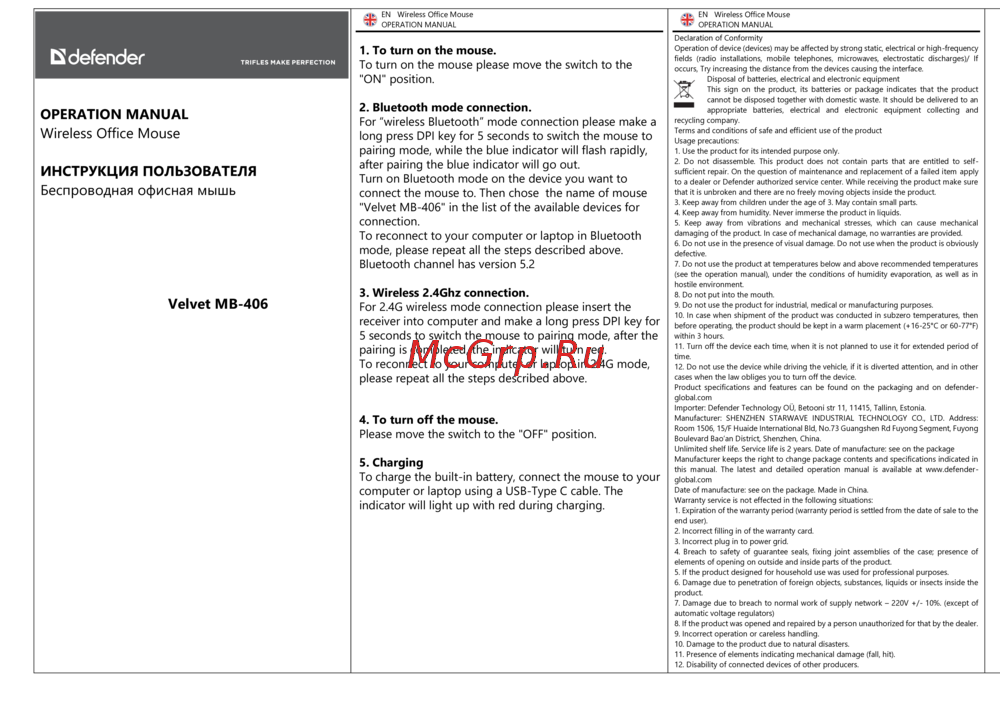 Velvet MB-406Инструкция к устройству
 -
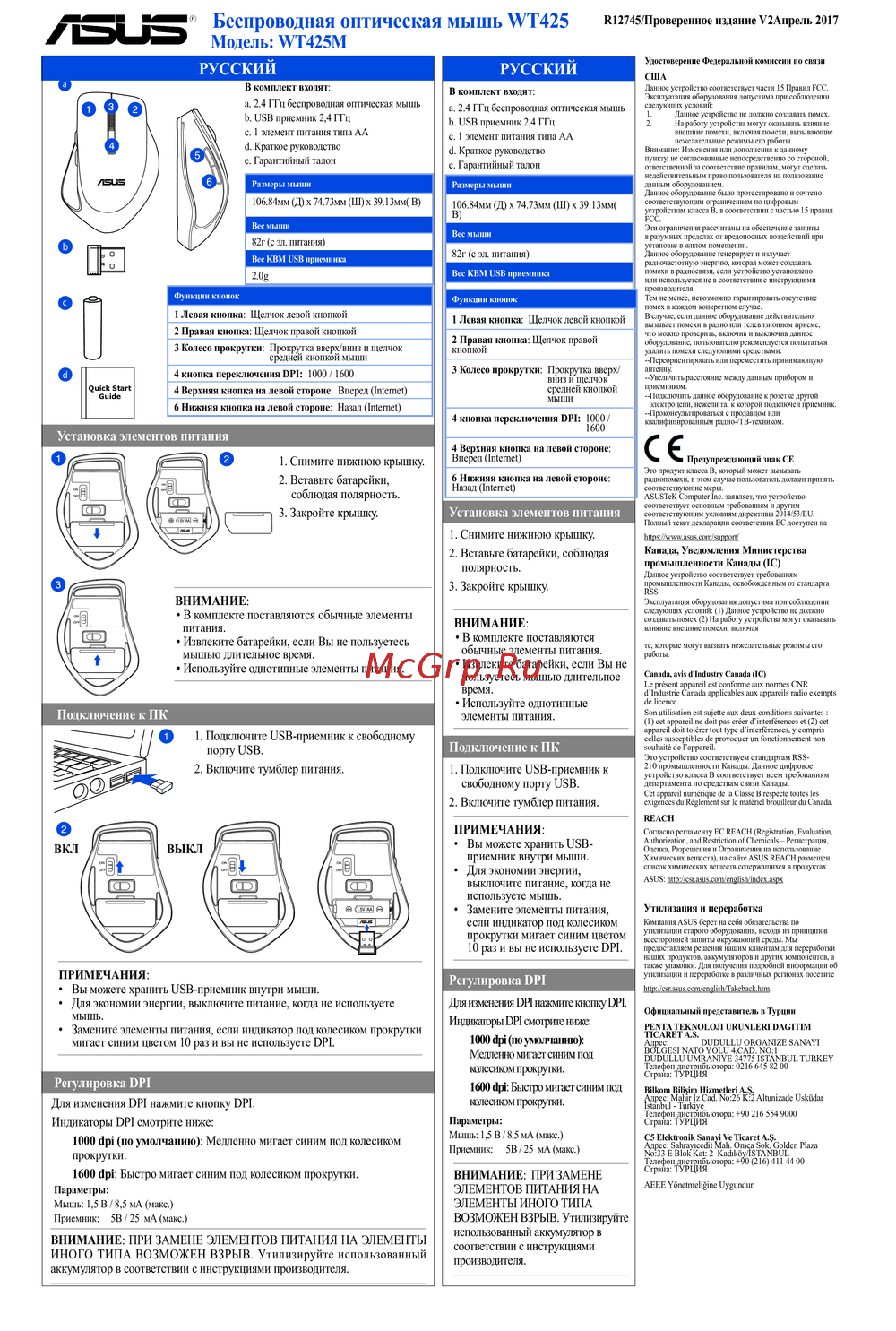 Asus WT425MИнструкция в сокращённом виде
 -
 Ailtech FB26CS AirКраткий обзор функций
Узнайте, как использовать программное обеспечение для настройки игрового оборудования. Создавайте макросы, настраивайте подсветку и управляйте профилями для максимальной производительности.