![RST RST02777 — инструкция по настройке и использованию метеостанции [36/41]](/img/pdf.png)
RST RST02777 — инструкция по настройке и использованию метеостанции [36/41]
Превью страниц
Страница 36 /
41
![RST 02777 Инструкция по эксплуатации онлайн [36/41] 162397](/views2/1178245/page36/bg24.png)
at the bottom of the main station, then insert the input of the adapter into the socket with 230V alter-
nating current, then the backlight will lighten all the time, please take the below picture as reference.
ch•scr•srch button function
•If the weather station didn’t search remote sensor mode, press and hold “ch•scr•srch” button for
3 seconds, it can enter into the searching mode, then after 2 minutes, it will exit the searching mode.
•When the remote sensor is the searching mode, press “ch•scr•srch” button for 3 seconds, it can
clear all the data of the channel, and receiving the new data of the remote sensor.
•If the main station had registered more than two channels, press “ch•scr•srch” button can choose
different display channel or enter into auto scroll mode, The sequence is shown as follow
•There are three round arcs at the right downside of channel number for indicating the signal inten-
sion of remote sensor. When it has three round arcs, it shows to be in strongest signal; when it has
two round arcs, it shows to be in common signal; when it has only one, it shows the quite weaker sig-
nal.
outdoor thermo sensor unit registration procedure:
•The weather station automatically starts receiving transmission from remote Sensor for outdoor
temperature and humidity after new batteries are inserted.
•The sensor will automatically transmit temperature and humidity data to the weather station after
36
02777manual2011:02777Manual2011 25.08.2011 12:57 Page 36
Содержание
30- Инструкция по применению
- Manual2011 02777manual2011 25 8 011 12 57 page 1
- Анимационная погодная станция с цифровой трехцветной подсветкой дисплея и системой синхронизации времени и даты по радиосигналам rcc 77 khz
- Manual2011 02777manual2011 25 8 011 12 57 page 2
- Manual2011 02777manual2011 25 8 011 12 57 page 3
- Manual2011 02777manual2011 25 8 011 12 57 page 4
- Manual2011 02777manual2011 25 8 011 12 57 page 5
- Manual2011 02777manual2011 25 8 011 12 57 page 6
- Manual2011 02777manual2011 25 8 011 12 57 page 7
- Manual2011 02777manual2011 25 8 011 12 57 page 8
- Manual2011 02777manual2011 25 8 011 12 57 page 9
- Воскресенье понедельник вторник среда четверг пятница суббота
- Manual2011 02777manual2011 25 8 011 12 57 page 10
- Manual2011 02777manual2011 25 8 011 12 57 page 11
- Manual2011 02777manual2011 25 8 011 12 57 page 12
- Manual2011 02777manual2011 25 8 011 12 57 page 13
- Manual2011 02777manual2011 25 8 011 12 57 page 14
- Manual2011 02777manual2011 25 8 011 12 57 page 15
- Manual2011 02777manual2011 25 8 011 12 57 page 16
- Manual2011 02777manual2011 25 8 011 12 57 page 17
- Manual2011 02777manual2011 25 8 011 12 57 page 18
- Manual2011 02777manual2011 25 8 011 12 57 page 19
- Manual2011 02777manual2011 25 8 011 12 57 page 20
- Manual2011 02777manual2011 25 8 011 12 57 page 21
- Manual2011 02777manual2011 25 8 011 12 57 page 22
- Manual2011 02777manual2011 25 8 011 12 57 page 23
- Manual2011 02777manual2011 25 8 011 12 57 page 24
- Manual2011 02777manual2011 25 8 011 12 57 page 25
- Digital meteolight rst02777
- Sunday monday tuesday wednesday thursday friday saturday
Похожие устройства
-
 RST RST07851Инструкция по эксплуатации
 -
 RST RST07841Инструкция по эксплуатации
 -
RST RST07831Инструкция по эксплуатации
-
 RST RST04168Инструкция по эксплуатации
 -
 RST RST04167Инструкция по эксплуатации
 -
 RST RST02889Инструкция по эксплуатации
 -
 RST RST02888Инструкция по эксплуатации
 -
 RST RST02877Инструкция по эксплуатации
 -
 RST RST02875Инструкция по эксплуатации
 -
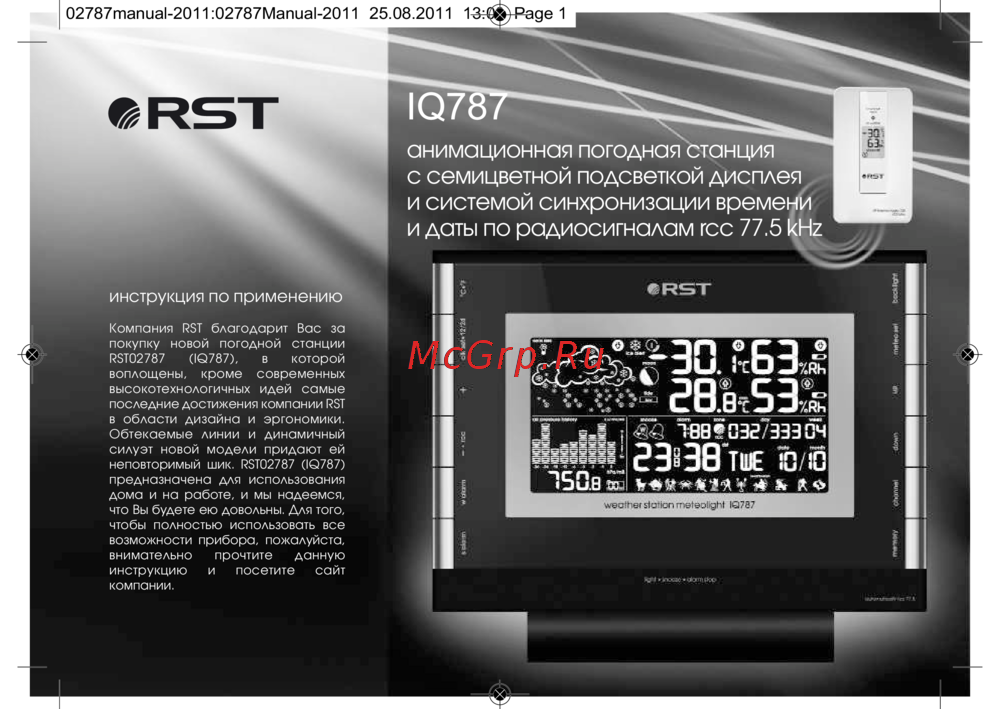 RST RST02787Инструкция по эксплуатации
 -
 RST RST02785Инструкция по эксплуатации
 -
 RST RST02737Инструкция по эксплуатации
Узнайте, как правильно настроить метеостанцию и зарегистрировать удаленные датчики. Следуйте простым шагам для получения данных о температуре и влажности.