![RST RST02777 — инструкция по использованию беспроводного датчика температуры и влажности [37/41]](/img/pdf.png)
RST RST02777 — инструкция по использованию беспроводного датчика температуры и влажности [37/41]
Превью страниц
Страница 37 /
41
![RST RST02777 Инструкция по эксплуатации онлайн [37/41] 284911](/views2/1178245/page37/bg25.png)
batteries inserted. Batteries compartment of remote sensor is locating behind the body back.
•For having more than one external transmitter(Maximum 5)select the Channel, Must be ensure each
sensor is transmitting difference channel after inserting batteries .The channel select button (CH) is
at the back of the remote sensor.
•Press “
o
C/
o
F” button to select Temperature in Celsius mode/Fahrenheit mode.
memory button function:
• Press “memory” button to show the maximum temperature and humidity.
“MAX” is shown on the LCD
• Press “memory” button again to show the minimum temperature and humidity.
“MIN” is shown on the LCD.
• Press and hold “memory” button for 3 seconds to clear the recorded maximum and minimum
reading.
temperature and air pressure trend display
After you insert batteries the weather station measures the current temperature, humidity and air
pressure. The trend is not shown on the LCD. When it shows , it indicates that the temperature,
humidity or air pressure have the trend of increasing. When it shows , it indicates that the temper-
ature, humidity or air pressure have the trend of decreasing. If without showing these two indicators,
it means that the data is in stable during the current time.
37
02777manual2011:02777Manual2011 25.08.2011 12:57 Page 37
Содержание
30- Инструкция по применению
- Manual2011 02777manual2011 25 8 011 12 57 page 1
- Анимационная погодная станция с цифровой трехцветной подсветкой дисплея и системой синхронизации времени и даты по радиосигналам rcc 77 khz
- Manual2011 02777manual2011 25 8 011 12 57 page 2
- Manual2011 02777manual2011 25 8 011 12 57 page 3
- Manual2011 02777manual2011 25 8 011 12 57 page 4
- Manual2011 02777manual2011 25 8 011 12 57 page 5
- Manual2011 02777manual2011 25 8 011 12 57 page 6
- Manual2011 02777manual2011 25 8 011 12 57 page 7
- Manual2011 02777manual2011 25 8 011 12 57 page 8
- Manual2011 02777manual2011 25 8 011 12 57 page 9
- Воскресенье понедельник вторник среда четверг пятница суббота
- Manual2011 02777manual2011 25 8 011 12 57 page 10
- Manual2011 02777manual2011 25 8 011 12 57 page 11
- Manual2011 02777manual2011 25 8 011 12 57 page 12
- Manual2011 02777manual2011 25 8 011 12 57 page 13
- Manual2011 02777manual2011 25 8 011 12 57 page 14
- Manual2011 02777manual2011 25 8 011 12 57 page 15
- Manual2011 02777manual2011 25 8 011 12 57 page 16
- Manual2011 02777manual2011 25 8 011 12 57 page 17
- Manual2011 02777manual2011 25 8 011 12 57 page 18
- Manual2011 02777manual2011 25 8 011 12 57 page 19
- Manual2011 02777manual2011 25 8 011 12 57 page 20
- Manual2011 02777manual2011 25 8 011 12 57 page 21
- Manual2011 02777manual2011 25 8 011 12 57 page 22
- Manual2011 02777manual2011 25 8 011 12 57 page 23
- Manual2011 02777manual2011 25 8 011 12 57 page 24
- Manual2011 02777manual2011 25 8 011 12 57 page 25
- Digital meteolight rst02777
- Sunday monday tuesday wednesday thursday friday saturday
Похожие устройства
-
 RST RST07851Инструкция по эксплуатации
 -
 RST RST07841Инструкция по эксплуатации
 -
RST RST07831Инструкция по эксплуатации
-
 RST RST04168Инструкция по эксплуатации
 -
 RST RST04167Инструкция по эксплуатации
 -
 RST RST02889Инструкция по эксплуатации
 -
 RST RST02888Инструкция по эксплуатации
 -
 RST RST02877Инструкция по эксплуатации
 -
 RST RST02875Инструкция по эксплуатации
 -
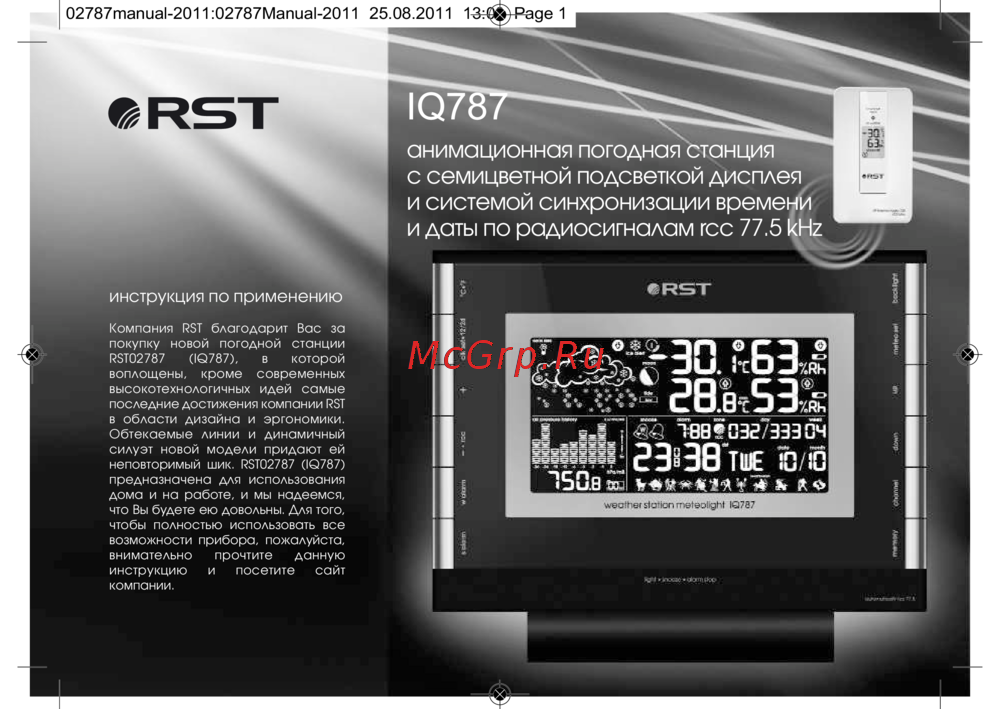 RST RST02787Инструкция по эксплуатации
 -
 RST RST02785Инструкция по эксплуатации
 -
 RST RST02737Инструкция по эксплуатации
Узнайте, как правильно использовать беспроводной датчик для измерения температуры и влажности. Подробные инструкции по настройке и функции памяти.