![RST RST02888 — инструкция по настройке времени и будильника на устройстве [32/42]](/img/pdf.png)
RST RST02888 — инструкция по настройке времени и будильника на устройстве [32/42]
Превью страниц
Страница 32 /
42
![RST RST02888 Инструкция по эксплуатации онлайн [32/42] 284916](/views2/1343117/page32/bg20.png)
Press and hold “clock set ” button for 3 seconds to enter clock/ Calendar setting .
Press “+” or “-” button to adjust the setting and press “clock set” button to confirm each setting.
The setting sequence is shown as follow: Year, Month, Date, Language, Hour, Minute, Melody for Alarm, RCC
on/off, Zone.
The Time setting Mode will automatically exit in 20 seconds without any adjustment.
There are 6 melodies for Alarm: AL1-3 are for three different sound,AL4-6 are the same sound as AL1-3,but sound
volume for AL4-6 will increase gradually, the first 10 seconds is the lowest volume, 11 to 20 seconds is the louder,
and after 21 seconds is the loudest sound.
When the time turn to DST ZONE, the time display will add one hour automatically and with “dst” display. When
it exits DST ZONE, the time display will deduct one hour automatically and cancel “dst” display.
RST 02888 32
Manual Time Setting
Содержание
10- Инструкция по применению
- Цифровая погодная станция с радиодатчиком цифровой подсветкой дисплея и системой синхронизации времени и даты по радиосигналам rcc 77 khz
- Meteo light
- Instruction manual
- Wireless weather station with digital backlight polyphony alarm
- Meteo light
- Features
- Battery door
- Low batteries indicator
- Low battery icon appear at indoor temperature and outdoor temperature row in particular channel indicating the external transmitter of the channel in low battery status
Похожие устройства
-
 RST RST07851Инструкция по эксплуатации
 -
 RST RST07841Инструкция по эксплуатации
 -
RST RST07831Инструкция по эксплуатации
-
 RST RST04168Инструкция по эксплуатации
 -
 RST RST04167Инструкция по эксплуатации
 -
 RST RST02889Инструкция по эксплуатации
 -
 RST RST02877Инструкция по эксплуатации
 -
 RST RST02875Инструкция по эксплуатации
 -
 RST RST02787Инструкция по эксплуатации
 -
 RST RST02785Инструкция по эксплуатации
 -
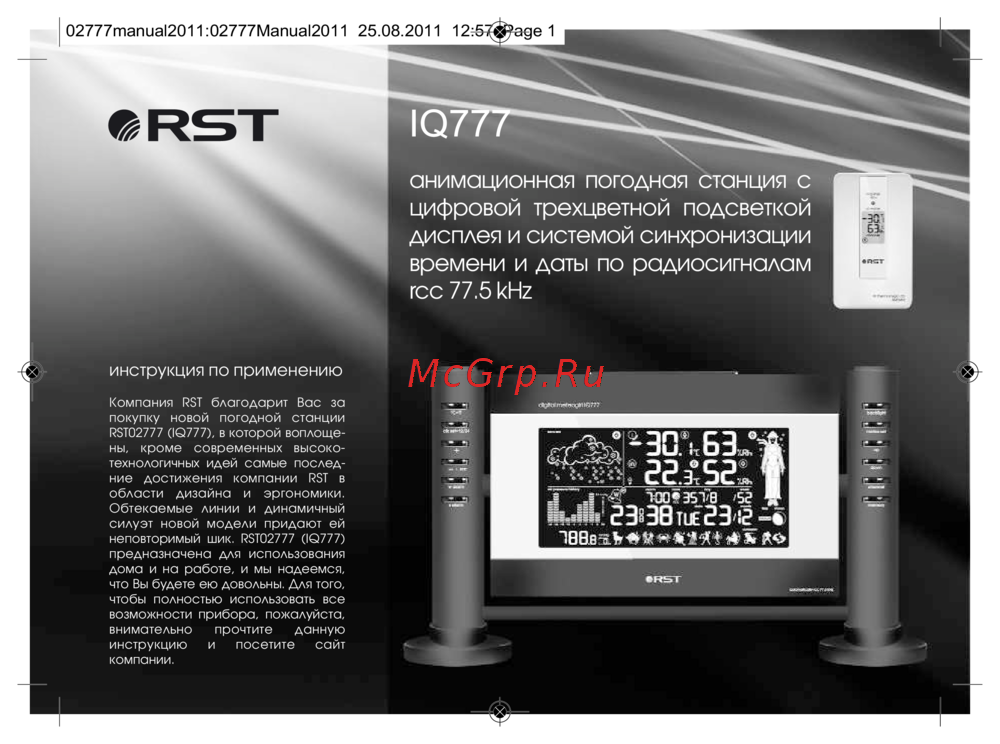 RST RST02777Инструкция по эксплуатации
 -
 RST RST02737Инструкция по эксплуатации
Узнайте, как правильно настроить часы и будильник на вашем устройстве. Пошаговая инструкция по установке времени, даты и мелодий будильника.