![RST RST02888 Инструкция по эксплуатации онлайн [36/42] 284916](/img/pdf.png)
RST RST02888 Инструкция по эксплуатации онлайн [36/42] 284916
Превью страниц
Страница 36 /
42
![RST RST02888 Инструкция по эксплуатации онлайн [36/42] 284916](/views2/1343117/page36/bg24.png)
• Press and hold “s alarm” button for 3 seconds to enter Single Alarm Time setting. Press “+” or “-” button to
adjust the alarm time. After “s alarm” stops, it will turn off automatically.
• Press “S alarm” button to switch alarm ON or OFF.
• Press an hold “W alarm” button for 3 seconds to enter Weekday(except Saturday and Sunday) Alarm Time
setting. Press “+” or “-” button to adjust the alarm time.
• Press “W alarm” button to switch Weekday Alarm ON or OFF.
• The snooze time will last for 8 minutes, then it alarms again
• Press and hold the “light•snooze•alarm stop” button for 3 seconds to stop the alarm or snooze alarm.
• When alarm switch off (no w alarm and no s alarm) on alarm display must be show “OFF” instead of alarm
time. When we set alarm (w alarm or s alarm) on display, it will show alarm time and symbol with description
(w or s).When s alarm and s alarm turn on simultaneously, it will show the early setting alarm time for the
alarm.
• When the alarm is ON, you can see the symbol “ ” or “ ” is in blink, the blink one is for the corresponding
alarm time out, press “light•snooze•alarm stop” button can enter the mode of snooze, in the meantime, the
symbol “ ” or “ ” will be in blink, the blink item is for the mode of snooze for corresponding
alarm The snooze time will last for 8 minutes, then it alarms again.
RST 02888 36
Snooze Alarm time Function:
Содержание
10- Инструкция по применению
- Цифровая погодная станция с радиодатчиком цифровой подсветкой дисплея и системой синхронизации времени и даты по радиосигналам rcc 77 khz
- Meteo light
- Instruction manual
- Wireless weather station with digital backlight polyphony alarm
- Meteo light
- Features
- Battery door
- Low batteries indicator
- Low battery icon appear at indoor temperature and outdoor temperature row in particular channel indicating the external transmitter of the channel in low battery status
Похожие устройства
-
 RST RST07851Инструкция по эксплуатации
 -
 RST RST07841Инструкция по эксплуатации
 -
RST RST07831Инструкция по эксплуатации
-
 RST RST04168Инструкция по эксплуатации
 -
 RST RST04167Инструкция по эксплуатации
 -
 RST RST02889Инструкция по эксплуатации
 -
 RST RST02877Инструкция по эксплуатации
 -
 RST RST02875Инструкция по эксплуатации
 -
 RST RST02787Инструкция по эксплуатации
 -
 RST RST02785Инструкция по эксплуатации
 -
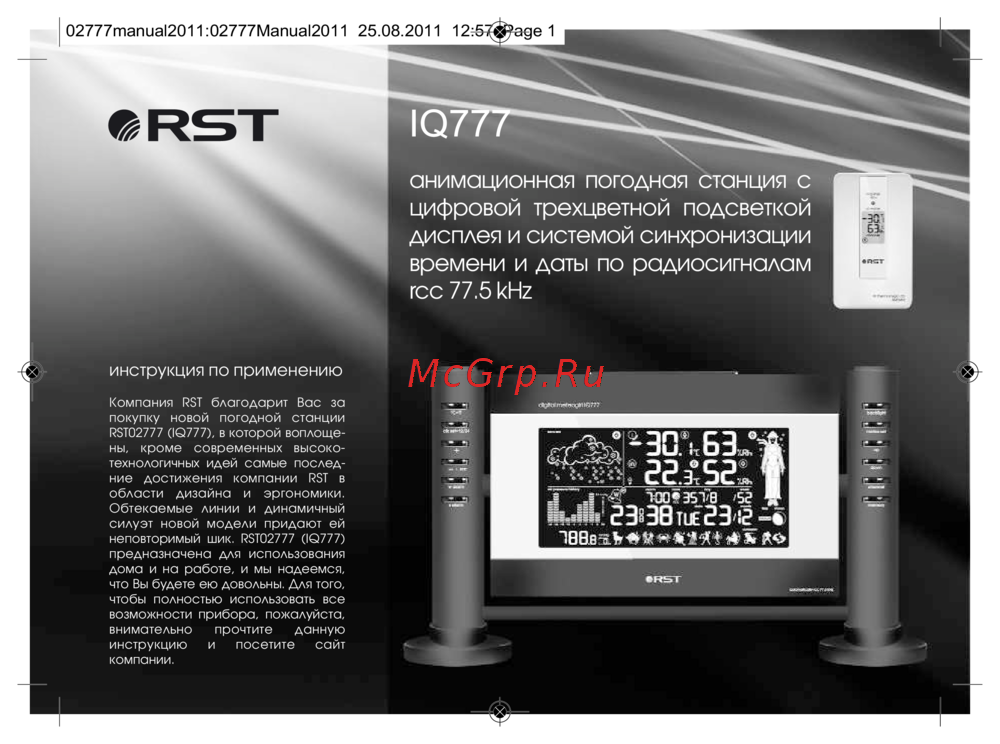 RST RST02777Инструкция по эксплуатации
 -
 RST RST02737Инструкция по эксплуатации