![RST RST02888 — настройка температуры и подсветки на термометре [37/42]](/img/pdf.png)
RST RST02888 — настройка температуры и подсветки на термометре [37/42]
Превью страниц
Страница 37 /
42
![RST 02888 (meteo light IQ888) Инструкция по эксплуатации онлайн [37/42] 732731](/views2/1343117/page37/bg25.png)
Press“
o
C/
o
F ”button to select Temperature in Celsius mode/Fahrenheit mode.
When power on, the channel number will be in blink, press the “channel” button to choose the required chan-
nel number.
• Press “light•snooze•alarm stop” button once to activate the backlight for 5 seconds.
• Press “light m•demo•+” button you can choose the backlight mode
“a” or “b”.
• When it is in the backlight mode “b”, press and hold
“light•snooze•alarm stop” button for 3 seconds, it will enter into the
backlight color choice manually. When it once enter into the mode,
the backlight will demonstrate the different colors slowly, when you
need to confirm the preferable color, just press “light•snooze•alarm
stop” button again.
• If it is in the backlight mode “a”, the backlight color will change
according to outdoor temperature conditions, the changing vari-
ants are listed as follows
• Insert the fan-out of the adapter into the DC Jack, which is at the
bottom of the main unit, then insert the input of the adapter into the
RST 02888 37
Thermometer unit:
Backlight function
Содержание
10- Инструкция по применению
- Цифровая погодная станция с радиодатчиком цифровой подсветкой дисплея и системой синхронизации времени и даты по радиосигналам rcc 77 khz
- Meteo light
- Instruction manual
- Wireless weather station with digital backlight polyphony alarm
- Meteo light
- Features
- Battery door
- Low batteries indicator
- Low battery icon appear at indoor temperature and outdoor temperature row in particular channel indicating the external transmitter of the channel in low battery status
Похожие устройства
-
 RST RST07851Инструкция по эксплуатации
 -
 RST RST07841Инструкция по эксплуатации
 -
RST RST07831Инструкция по эксплуатации
-
 RST RST04168Инструкция по эксплуатации
 -
 RST RST04167Инструкция по эксплуатации
 -
 RST RST02889Инструкция по эксплуатации
 -
 RST RST02877Инструкция по эксплуатации
 -
 RST RST02875Инструкция по эксплуатации
 -
 RST RST02787Инструкция по эксплуатации
 -
 RST RST02785Инструкция по эксплуатации
 -
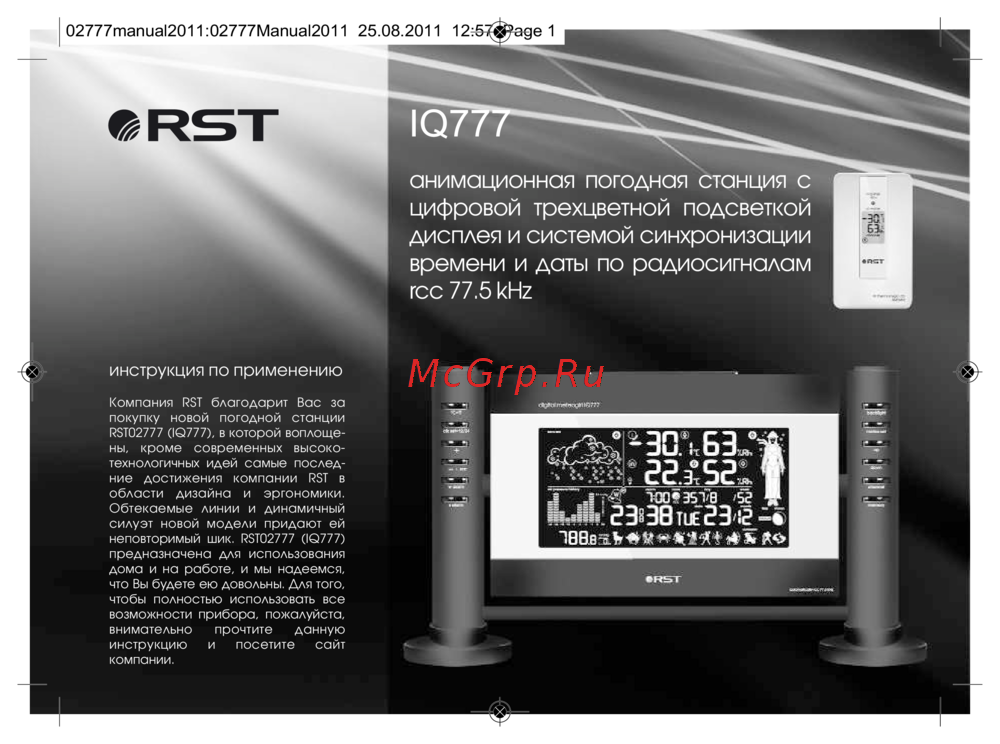 RST RST02777Инструкция по эксплуатации
 -
 RST RST02737Инструкция по эксплуатации
Узнайте, как выбрать режим температуры, настроить подсветку и выбрать канал на термометре. Простые шаги для удобного использования устройства.