![DFC PREMIO T730 — инструкции по сборке тренажера: шаги и рекомендации [4/12]](/img/pdf.png)
DFC PREMIO T730 — инструкции по сборке тренажера: шаги и рекомендации [4/12]
Превью страниц
Страница 4 /
12
![DFC PREMIO T730 [4/12] We recommend 2 people assist in assembling this unit place all parts of the treadmill in a cleared area and remove the packing materials do not dispose of the packing materials until assembly is completed before you start installation inspect and prepare all parts and screws featured in this manual when you open the carton you will find the following parts](/views2/1482851/page4/bg4.png)
3
Assembly Instrucons
We recommend 2 people assist in assembling this unit. Place all parts of the
Treadmill in a cleared area and remove the packing materials. Do not dispose of the
packing materials unl assembly is completed. Before you start installaon inspect
and prepare all parts and screws featured in this manual. When you open the carton,
you will find the following parts.
(S1) #5/#6 Allen Wrench
each 1 PC
(S2) Hex Bolt M8x50mm
teeth 12 mm
4 PCS
(S4) Philips Head Screw
M5x25mm
2 PCS
(S3) Hex Bolt
M8x16mm
6 PCS
(S6) Audio Cable
1 PC
(S5) Multi Hex Tool with
Philips Screwdriver
1 PC
(S7) Safety Key
1 PC
(S9) Treadmill Main Body
1 PC
(S8) Covers
2 PCS
Содержание
- Электрическая p.1
- Safety precautions p.2
- Directions for use p.3
- We recommend 2 people assist in assembling this unit place all parts of the treadmill in a cleared area and remove the packing materials do not dispose of the packing materials until assembly is completed before you start installation inspect and prepare all parts and screws featured in this manual when you open the carton you will find the following parts p.4
- Assembly instructions p.4
- Emergency stop p.6
- Display functions p.7
- You can use quick workout the speed and incline during your workout press start to beginning your workout p.8
- User can start a workout by pressing the quick select button for either speed or incline p.8
- This treadmill console has 12 preset workout programs to choose from see below for breakdown of each program when in program mode use program button to select your chosen workout p1 to p12 press start button to confirm and start your workout p.8
- There are 3 quick select buttons for both speed and incline 6km h to 18km h for speed options and 2 to 8 for incline options p.8
- The computer with mp3 player usb port and sd port this program design support user to play music during training p.8
- Quick workout p.8
- Program mode program mode p.8
- Power on p.8
- Plug the main power cord in a grounded wall outlet please make sure the power matched ensure the safety key is in the correct position and inserted properly in the console p.8
- Mode to confirm all settings and to enter exercise modes 2 speed to select training mode and adjust the function value up 3 speed to select training mode and adjust the function value down 4 start stop to start or stop your workout p.8
- If you need to stop the treadmill during your workout press stop or pull out the safety key p.8
- Function buttons p.8
- Moving storage instructions p.9
- Warm up exercise p.10
- Maintenance instructions p.11
Похожие устройства
-
 DFC VT-2300Руководство по работе с устройством
 -
 DFC SLIM PROРуководство по эксплуатации
 -
 DFC MONZA T125Руководство по эксплуатации
 -
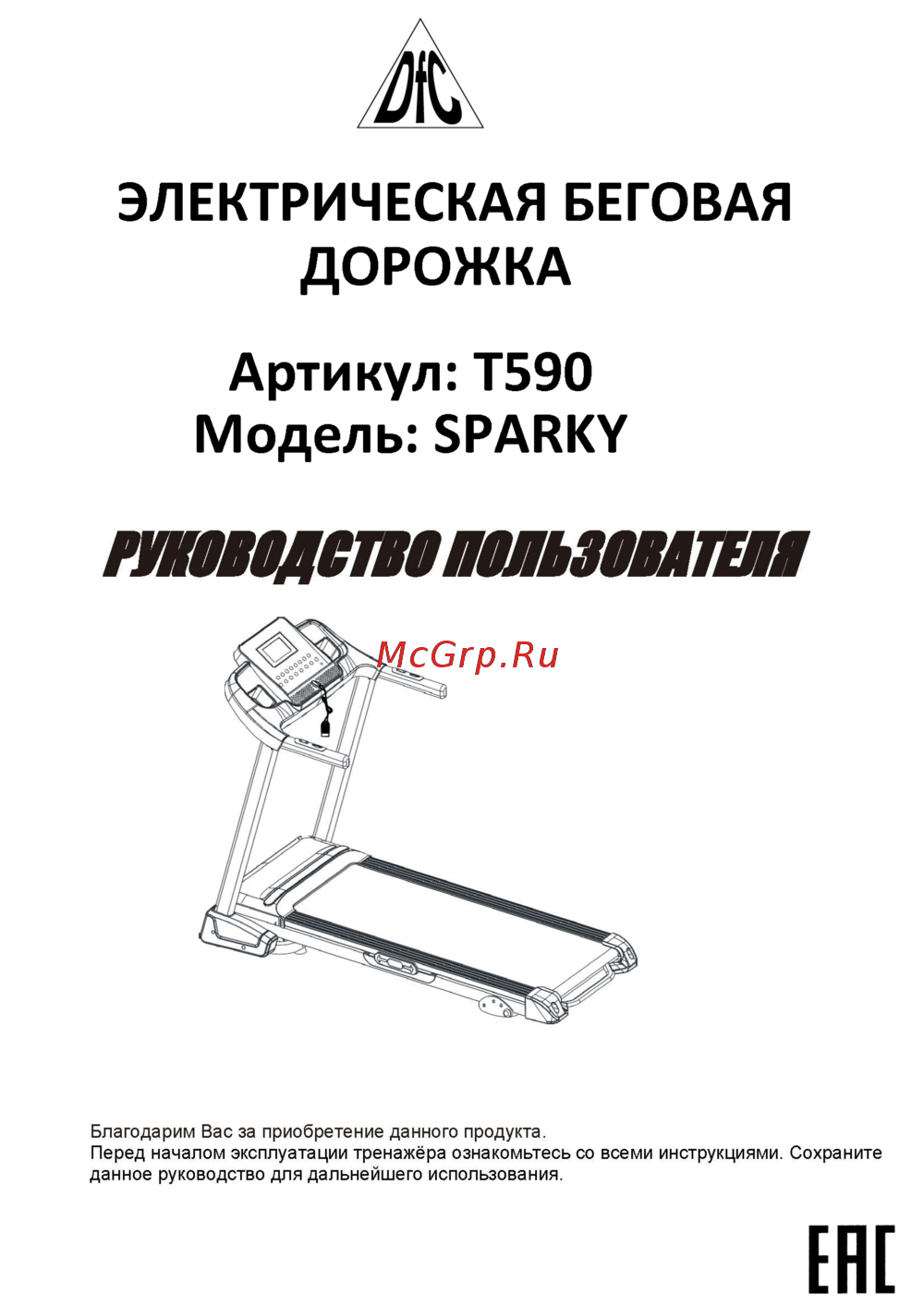 DFC SPARKY T590Руководство по эксплуатации
 -
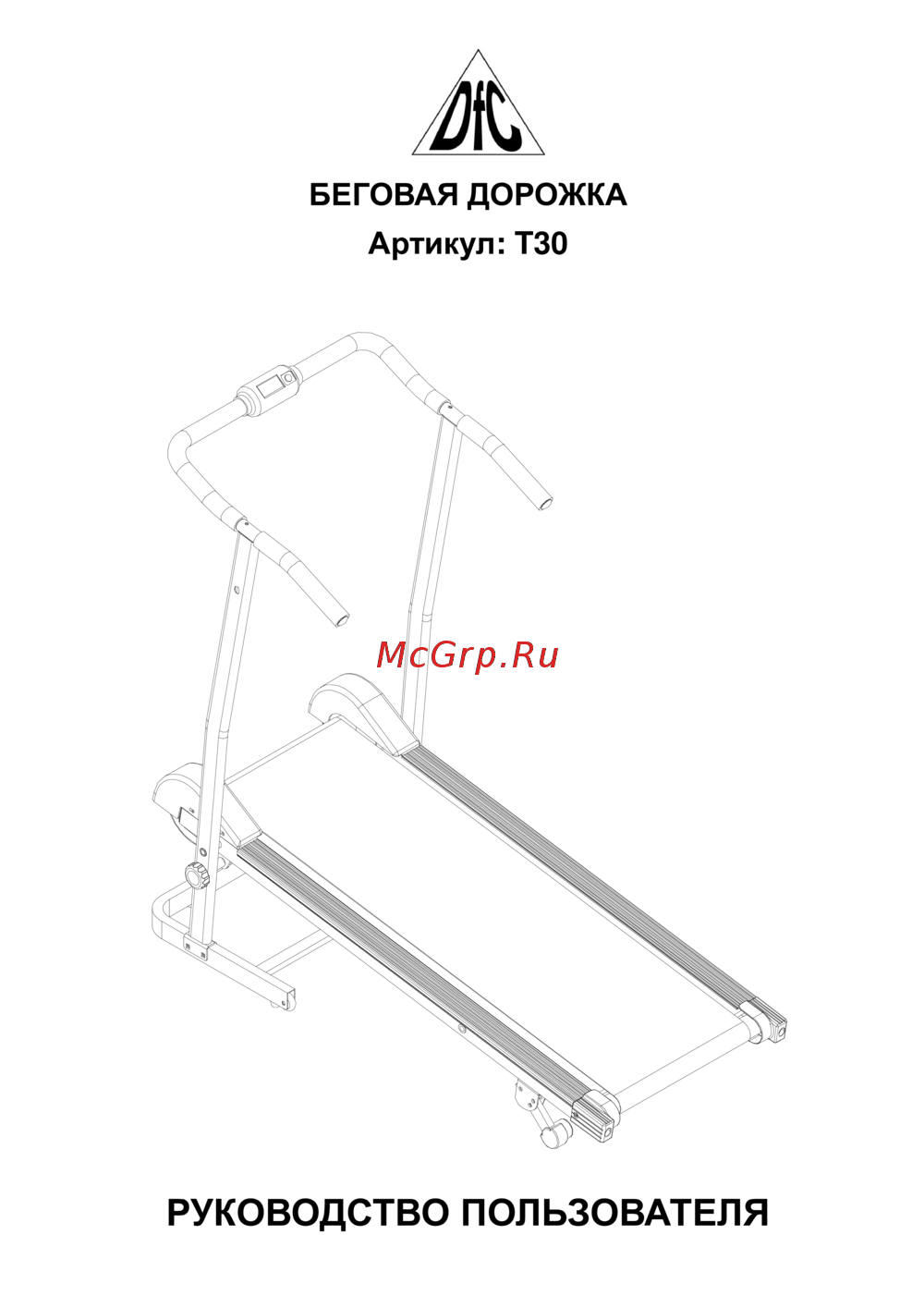 DFC T30Руководство по эксплуатации
 -
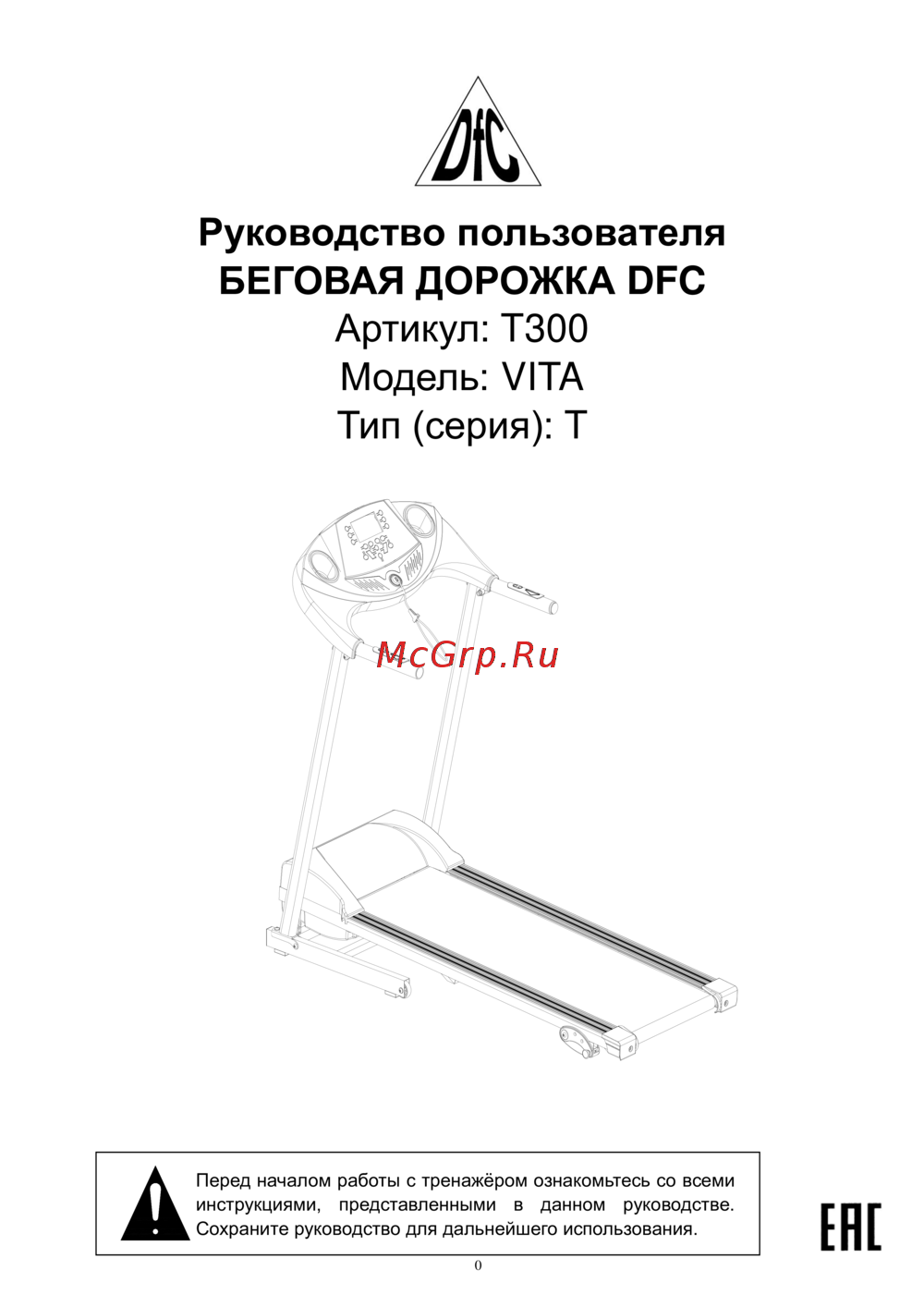 DFC VITA T300Руководство по эксплуатации
 -
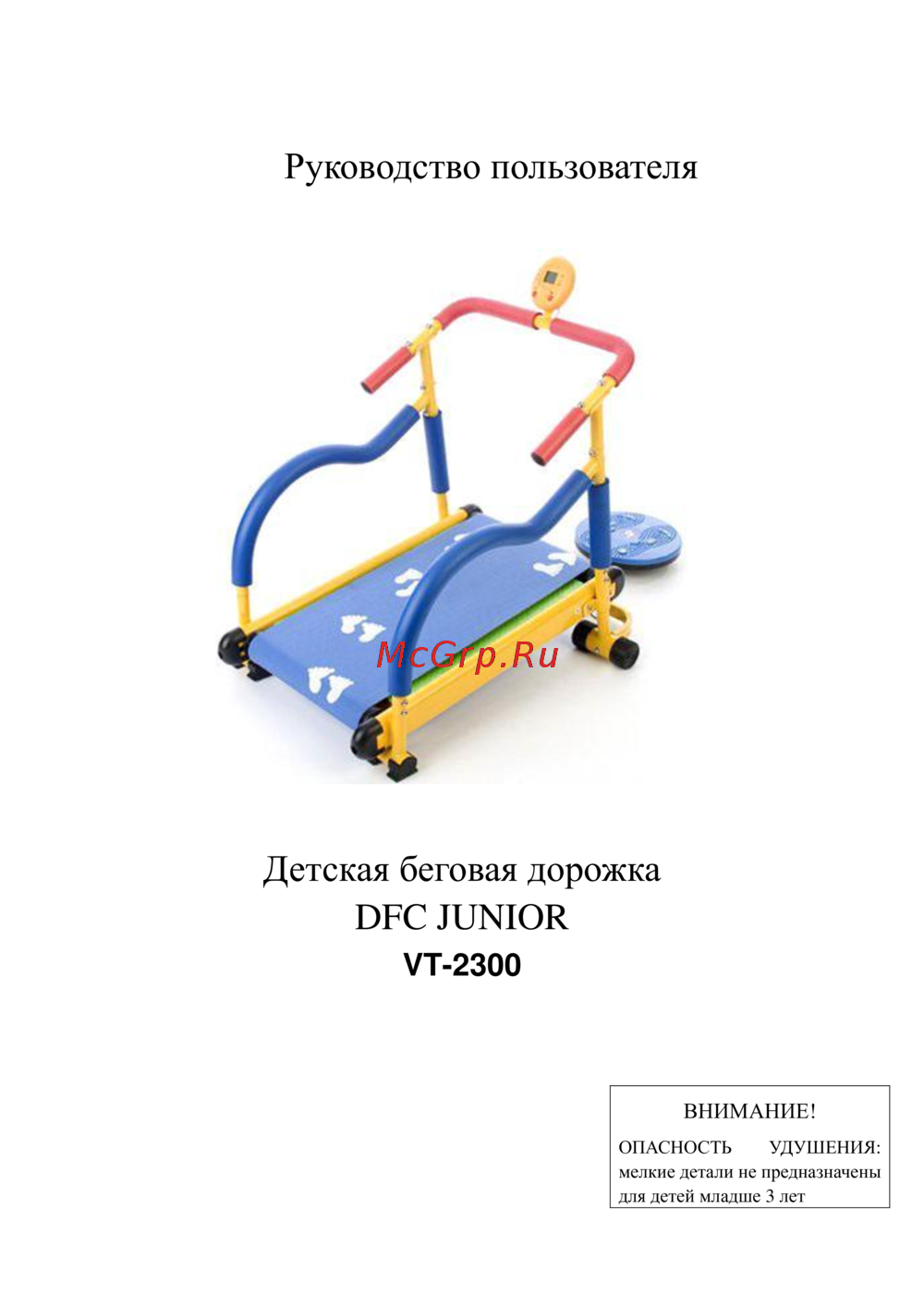 DFC VT-2300Руководство по эксплуатации
 -
 DFC Sura T-460Руководство пользователя
 -
 DFC Latina II T650Руководство пользователя
 -
 DFC ELEGANT T-ELРуководство пользователя
 -
 DFC Calibra T630Руководство пользователя
 -
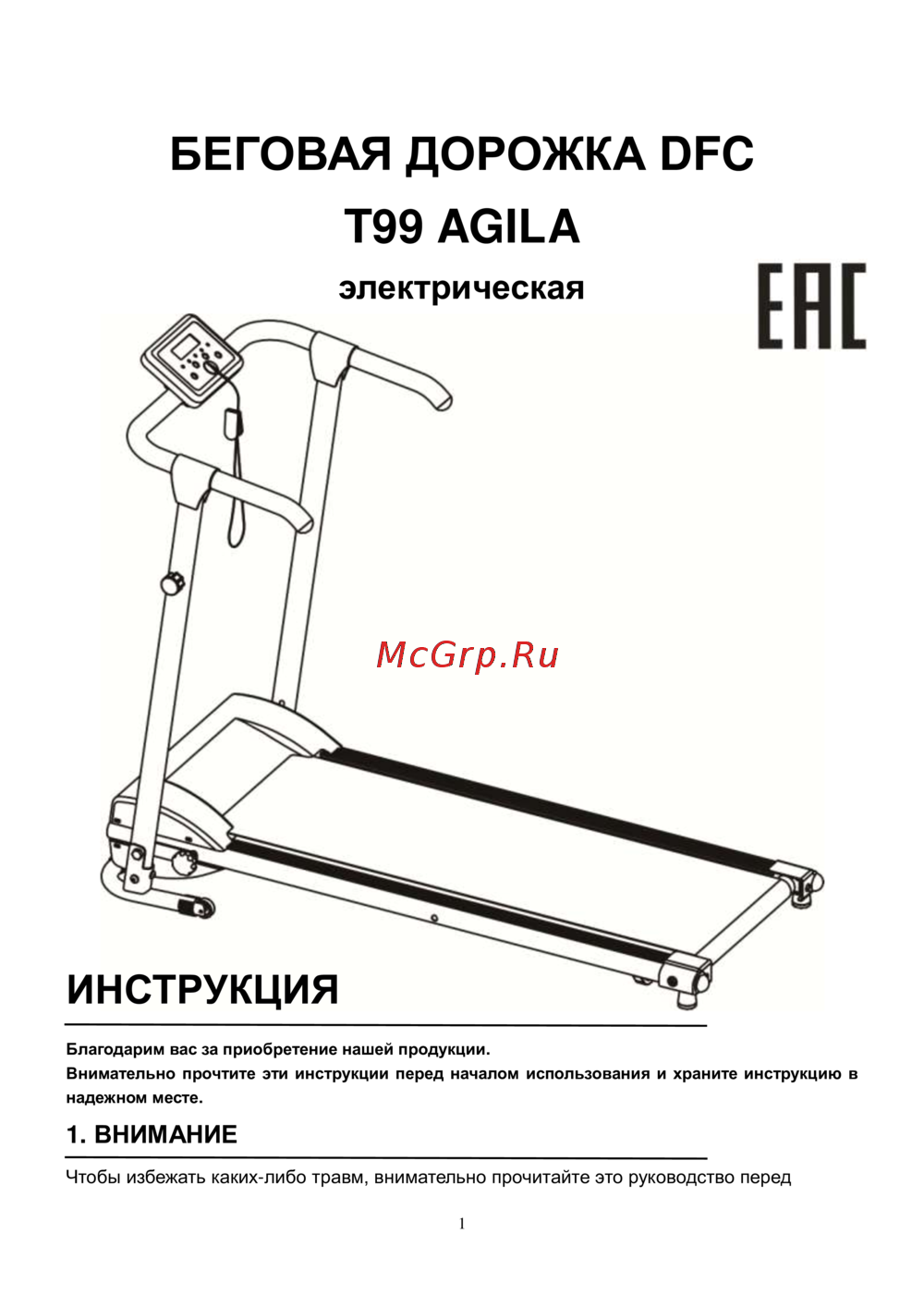 DFC Agila T99Руководство пользователя
Следуйте нашим инструкциям по сборке тренажера. Подготовьте все детали и инструменты, чтобы обеспечить успешную установку. Работайте в команде для лучшего результата.