
Epson LX-300 Инструкция по эксплуатации онлайн
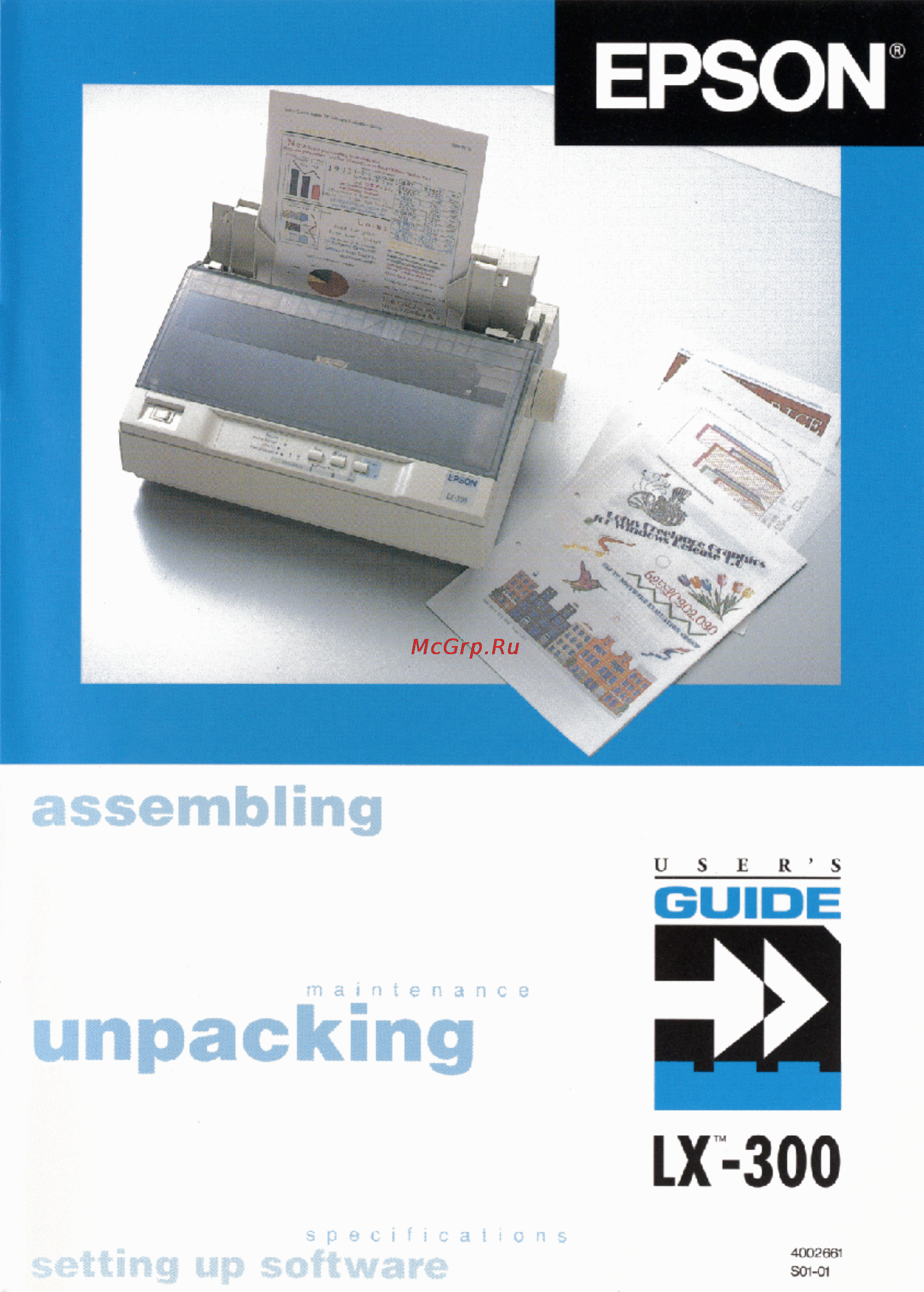
Содержание
- Front cover p.1
- Printer parts p.2
- Blueberry rev e p.2
- A5 size front inside cover 95 04 17 p.2
- Proof sign off katagiri _______ moira _______ tim linda _______ _______ cindy _______ p.2
- Lx 300 p.3
- User s guide p.3
- Copyright p.3
- Blueberry rev e p.3
- Fcc compliance statement p.4
- Blueberry rev e p.4
- Where to get help for united states users p.5
- Blueberry rev e p.5
- For united kingdom users p.6
- Epson product guarantee p.6
- Blueberry rev e p.6
- Warnin p.7
- Use of options p.7
- This appliance must be earthed refer to rating plate for voltage and check that the appliance voltage corresponds to the supply voltage p.7
- The wires in the mains lead fitted to this appliance are coloured in accordance with the following code p.7
- Safety information p.7
- Importan p.7
- Green and yellow earth blue neutral brown live p.7
- Blueberry rev e p.7
- Blueberry rev e p.8
- Contents p.9
- Blueberry rev e p.9
- Blueberry rev e p.10
- Appendix p.11
- Blueberry rev e p.11
- Blueberry rev e p.12
- Introduction p.13
- Features p.13
- Blueberry rev e p.13
- Warnings cautions and notes p.14
- Finding your way around p.14
- Blueberry rev e p.14
- Important safety instructions p.15
- Blueberry rev e p.15
- Blueberry rev e p.16
- Setting up the printer p.17
- Blueberry rev e p.17
- Unpacking the printer p.18
- Blueberry rev e p.18
- Blueberry rev e p.19
- Choosing a place for the printer p.19
- Installing the paper feed knob p.20
- Blueberry rev e p.20
- Assembling the printer p.20
- Installing the ribbon cartridge p.21
- Blueberry rev e p.21
- Attaching the paper supports p.21
- Blueberry rev e p.22
- Blueberry rev e p.23
- Blueberry rev e p.24
- Plugging in the printer p.25
- Blueberry rev e p.25
- Running the self test p.26
- Blueberry rev e p.26
- Blueberry rev e p.27
- Blueberry rev e p.28
- Using the parallel interface p.29
- Connecting the printer to your computer p.29
- Blueberry rev e p.29
- Blueberry rev e p.30
- Using the serial interface p.31
- Blueberry rev e p.31
- Setting up your software p.32
- Blueberry rev e p.32
- Windows 3 and all windows programs p.33
- Window p.33
- Microsoft p.33
- Blueberry rev e p.33
- And all windows programs p.33
- Using non windows software p.34
- Blueberry rev e p.34
- Blueberry rev f p.35
- Using the printer p.35
- Using the control panel p.36
- Lights and buttons p.36
- Blueberry rev f p.36
- Lf ff to eject a page p.37
- Lf ff button p.37
- Button p.37
- Blueberry rev f p.37
- Selecting fonts p.38
- Blueberry rev f p.38
- Printing on single sheets p.39
- Loading single sheets p.39
- Blueberry rev f p.39
- Adjusting the loading position p.39
- Getting the results you expect p.40
- Blueberry rev f p.40
- Printing with the push tractor p.41
- Printing on continuous paper p.41
- Blueberry rev f p.41
- Blueberry rev f p.42
- Blueberry rev f p.43
- Blueberry rev f p.44
- Printing with the pull tractor p.45
- Switching back to single sheets p.45
- Blueberry rev f p.45
- Blueberry rev f p.46
- Blueberry rev f p.47
- Blueberry rev f p.48
- Printing on special paper p.49
- Blueberry rev f p.49
- Blueberry rev f p.50
- Adjusting the paper thickness lever p.50
- Multi part forms p.51
- Labels p.51
- Blueberry rev f p.51
- Envelopes p.52
- Blueberry rev f p.52
- Changing the printer settings p.53
- Blueberry rev f p.53
- Blueberry rev f p.54
- Blueberry rev f p.55
- Skip over perforation p.56
- Shape of zero p.56
- Printer setting descriptions p.56
- Character spacing p.56
- Blueberry rev f p.56
- Tractor p.57
- Auto tear off p.57
- Auto line feed p.57
- Page length p.57
- Interface p.57
- Character table p.57
- Blueberry rev f p.57
- Software p.58
- Installing and using options p.58
- Cut sheet feeder p.58
- Blueberry rev f p.58
- Bit rate parity bit data length and etx ack p.58
- Auto carriage return p.58
- Blueberry rev f p.59
- Blueberry rev f p.60
- Blueberry rev f p.61
- Pull tractor unit p.62
- Blueberry rev f p.62
- Roll paper holder p.63
- Blueberry rev f p.63
- Blueberry rev f p.64
- Color upgrade kit p.65
- Blueberry rev f p.65
- Blueberry rev f p.66
- Blueberry rev f p.67
- Blueberry rev f p.68
- Troubleshooting p.69
- Blueberry rev e p.69
- Problems and solutions p.70
- Power supply p.70
- Power is not being supplied p.70
- Blueberry rev e p.70
- Printing p.71
- Blueberry rev e p.71
- The printer does not print p.71
- The print is faint or uneven p.72
- Dots are missing in printed characters or graphics p.72
- Blueberry rev e p.72
- The print position is not what you expected p.73
- Printed characters are not what you expected p.73
- Blueberry rev e p.73
- Single sheets do not feed properly p.74
- Paper handling p.74
- Blueberry rev e p.74
- Continuous paper does not feed properly p.75
- Blueberry rev e p.75
- When you use the cut sheet feeder the paper does not feed properly p.76
- Options p.76
- Blueberry rev e p.76
- Blueberry rev e p.77
- Switching between the cut sheet feeder and the push tractor does not work properly p.77
- With color upgrade kit installed printer doesn t operate properly p.78
- Using the pull tractor with the push tractor continuous paper does not feed properly p.78
- Blueberry rev e p.78
- Blueberry rev e p.79
- Appendix p.79
- Printing p.80
- Printer specifications p.80
- Blueberry rev e p.80
- Blueberry rev e p.81
- Blueberry rev e p.82
- Appendix p.82
- Blueberry rev e p.83
- Appendix p.83
- Electrical p.84
- Blueberry rev e p.84
- Mechanical p.84
- Safety approvals p.85
- Parallel interface specifications p.85
- Interface specifications p.85
- Environmental p.85
- Blueberry rev e p.85
- Serial pin assignments p.86
- Serial interface specifications p.86
- Blueberry rev e p.86
- Printer settings p.87
- Blueberry rev e p.87
- Using the command summary p.88
- Sending printer commands p.88
- Command summary p.88
- Blueberry rev e p.88
- Blueberry rev e p.89
- Vertical motion p.89
- Printer operation p.89
- Data control p.89
- Horizontal motion p.90
- Blueberry rev e p.90
- Print size and character width p.91
- Print enhancement p.91
- Overall printing style p.91
- Blueberry rev e p.91
- Word processing p.92
- Chracter tables p.92
- Character tables p.92
- Blueberry rev e p.92
- User defined characters p.93
- Blueberry rev e p.93
- Blueberry rev e p.94
- Graphics p.94
- Color printing p.94
- Blueberry rev e p.95
- Blueberry rev e p.96
- Blueberry rev e p.97
- Blueberry rev e p.98
- Epson singapore pte ltd p.99
- Epson portugal s a p.99
- Epson overseas marketing locations p.99
- Epson italia s p a p.99
- Epson iberica s a p.99
- Epson hong kong ltd p.99
- Epson france s a p.99
- Epson deutschland gmbh p.99
- Epson australia pty ltd p.99
- Epson america inc p.99
- Trading ltd p.99
- Seiko epson corporation p.99
- Overseas marketing locations p.99
- Hirooka office p.99
- Epson uk ltd p.99
- Epson taiwan technology p.99
- Back cover p.100
Похожие устройства
-
 Epson LQ-690 II (C11CJ82402)Руководство по эксплуатации
 -
 Epson LX-350 (C11CC24032)Руководство по эксплуатации
 -
 Epson FX-880Инструкция по эксплуатации
 -
 Epson FX-980Инструкция по эксплуатации
 -
 Epson LX-1170Инструкция по эксплуатации
 -
 Epson LX-1170IIИнструкция по эксплуатации
 -
Epson LX-300+Инструкция по эксплуатации
-
Epson LX-300+IIИнструкция по эксплуатации
-
 Epson PLQ-20Инструкция по эксплуатации
 -
 Epson PLQ-22CSИнструкция по эксплуатации
 -
 Citizen CBM-910-IIИнструкция по эксплуатации
 -
 Epson NPD6547-04Руководство по использованию