![Icom IC-F420 — инструкция по эксплуатации и подключению трансивера [3/20]](/img/pdf.png)
Icom IC-F420 — инструкция по эксплуатации и подключению трансивера [3/20]
Превью страниц
Страница 3 /
20
![Icom IC-F310 [3/20] Connection and maintenance 9 12](/views2/1074525/page3/bg3.png)
ii
TABLE OF CONTENTS
IMPORTANT ........................................................................ i
EXPLICIT DEFINITIONS ..................................................... i
CAUTIONS .......................................................................... i
TABLE OF CONTENTS ...................................................... ii
1 PANEL DESCRIPTION ............................................. 1–5
■ Front panel ............................................................................ 1
■ Function LED ........................................................................ 2
■ Programmable function keys ................................................ 3
2 OPERATION ............................................................. 6–8
■ Turning power ON ................................................................ 6
■ Channel selection ................................................................. 6
■ Receiving and transmitting ................................................... 7
D Transmitting notes .......................................................... 7
D DTMF transmission ........................................................ 8
D Scrambler function ......................................................... 8
■ User set mode ...................................................................... 8
D Entering user set mode .................................................. 8
3 CONNECTION AND MAINTENANCE .................... 9–12
■ Rear panel and connection ................................................... 9
■ Supplied accessories .......................................................... 10
■ Mounting the transceiver...................................................... 11
■ Optional UT-96/UT-105/UT-109/UT110 installation ............. 11
■ Optional OPC-617 installation ............................................. 12
■ Antenna ............................................................................... 12
■ Fuse replacement ............................................................... 12
■ Cleaning ............................................................................. 12
4 OPTIONAL SmarTrunk II™ OPERATION ........... 13–15
■ SmarTrunk II™ and conventional modes ........................... 13
■ SmarTrunk II™ operation ................................................... 13
5 OPTIONS .................................................................... 16
DO NOT use or place the transceiver in areas with tem-
peratures below –30°C or above +60°C or, in areas subject
to direct sunlight, such as the dashboard.
AVOID operating the transceiver without running the vehi-
cle’s engine. The vehicle’s battery will quickly run out if the
transceiver is in transmission while the vehicle’s engine is
OFF.
AVOID placing the transceiver in excessively dusty envi-
ronments.
AVOID placing the transceiver against walls. This will ob-
struct heat dissipation.
AVOID the use of chemical agents such as benzine or al-
cohol when cleaning, as they damage the transceiver sur-
faces.
BE CAREFUL! The transceiver will become hot when
operating continuously for long periods.
For U.S.A. only
CAUTION: Changes or modifications to this transceiver, not ex-
pressly approved by Icom Inc., could void your authority to operate
this transceiver under FCC regulations.
Содержание
81- If320s if310s
- Instruction manual
- If410s if420s
- Uhf transceiver
- Vhf transceiver
- Save this instruction manual
- R warning neve
- Cautions important
- Read all instruction
- Explicit definitions
- Connection and maintenance 9 12
- Options 16
- Important i explicit definitions i cautions i table of contents ii 1 panel description 1 5
- Be careful
- Use or place the transceiver in areas with tem peratures below 30 c or above 60 c or in areas subject to direct sunlight such as the dashboard
- The use of chemical agents such as benzine or al cohol when cleaning as they damage the transceiver sur faces
- The transceiver will become hot when operating continuously for long periods
- Table of contents
- Placing the transceiver in excessively dusty envi ronments
- Placing the transceiver against walls this will ob struct heat dissipation
- Optional smartrunk ii operation 13 15
- Operation 6 8
- Operating the transceiver without running the vehi cle s engine the vehicle s battery will quickly run out if the transceiver is in transmission while the vehicle s engine is off
- I front panel
- Panel description
- Panel description
- I function led
- Panel description
- I programmable function keys
- Panel description
- Product information
- Panel description
- Operation
- I turning power on
- I channel selection
- 5 1 6 2 7 3 8 4 9
- Operation
- Important
- I receiving and transmitting
- D transmitting notes
- I user set mode
- Operation
- D scrambler function
- D entering the user set mode
- D dtmf transmission
- Connection and maintenance
- I rear panel and connection
- I supplied accessories
- Connection and maintenance
- I optional ut 96 ut 105 ut 109 and ut 110 installation
- I mounting the transceiver
- Connection and maintenance
- I cleaning
- I antenna
- I optional opc 617 installation
- I fuse replacement
- Connection and maintenance
- Avoid the use of solvents such as benzene or al cohol as they may damage transceiver surfaces
- A key element in the performance of any communication sys tem is an antenna ask your dealer about antennas and the best places to mount them
- Two fuses are installed in the supplied dc power cable if a fuse blows or the transceiver stops functioning track down the source of the problem if possible and replace the dam aged fuse with a new rated one
- Install the opc 617 as shown below
- If the transceiver becomes dusty or dirty wipe it clean with a dry soft cloth
- I smartrunk ii operation
- Optional smartrunk ii operation
- I smartrunk ii and conventional modes
- D receiving a call
- D placing a telephone call
- D calling another local system subscriber
- Optional smartrunk ii operation
- D terminating a call
- D system busy indication
- D ptt dispatch operation
- D programming memory speed dial
- D memory speed dialing
- D last number redial
- D emergency call
- D turbo speedial
- Optional smartrunk ii operation
- D clear channel alerting
- Options
- 9 16 kamihigashi hirano ku osaka 547 0002 japan
Похожие устройства
-
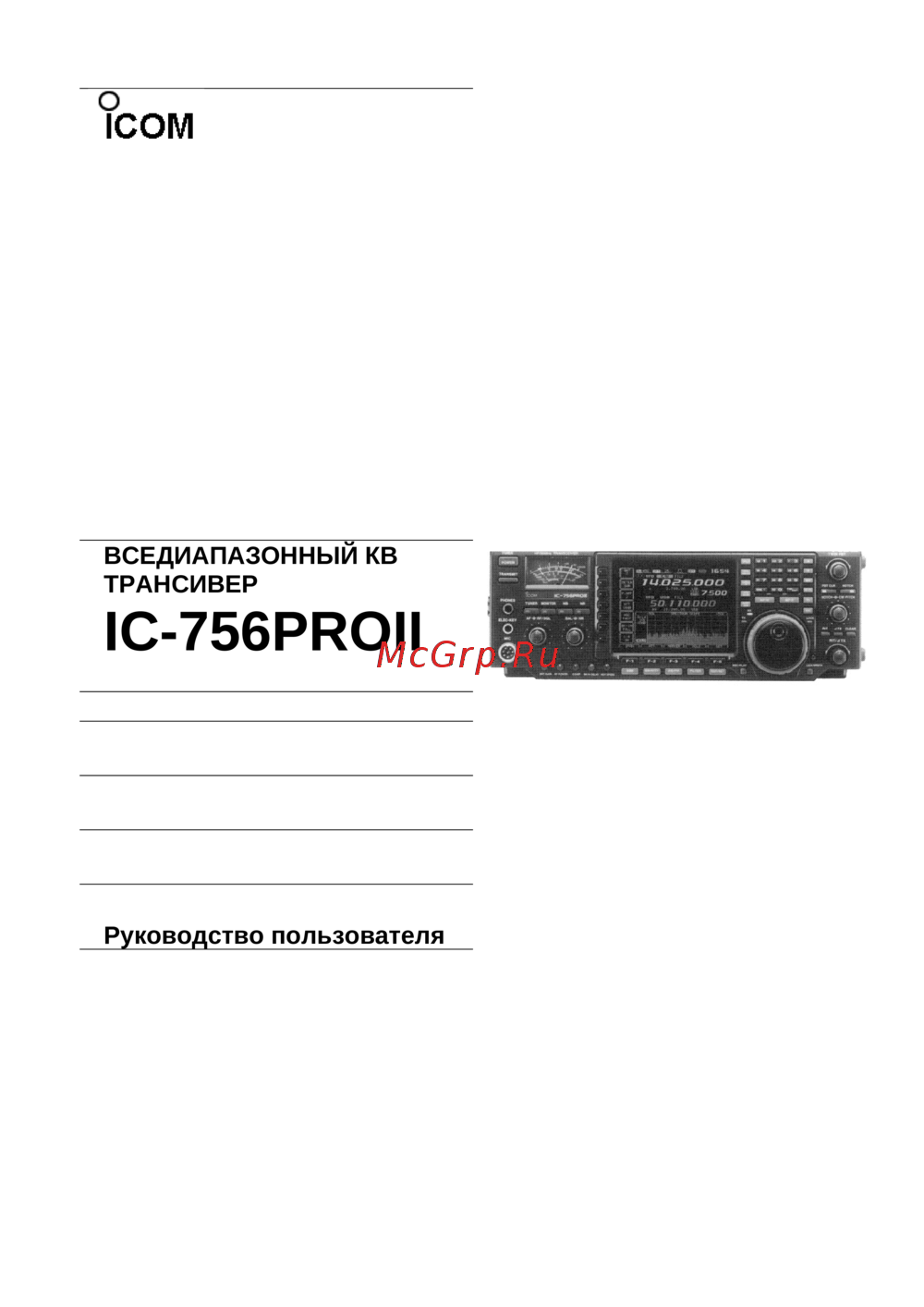 Icom IC-756PROIIРуководство пользователя
 -
 Icom IC-756PROService Manual
 -
 Icom IC-F4013Инструкция по эксплуатации
 -
Icom IC-F3013Инструкция по эксплуатации
-
 Icom IC-F4036SИнструкция по эксплуатации
 -
Icom IC-F4033SИнструкция по эксплуатации
-
Icom IC-F3036SИнструкция по эксплуатации
-
Icom IC-F3033SИнструкция по эксплуатации
-
 Icom IC-F2821/DИнструкция по эксплуатации
 -
Icom IC-F2721/DИнструкция по эксплуатации
-
Icom IC-F1721/DИнструкция по эксплуатации
-
 Icom IC-F211SИнструкция по эксплуатации
Подробная инструкция по эксплуатации трансивера, включая описание панели, операции, подключения и обслуживания. Узнайте, как правильно использовать устройство.