![Sony PlayStation 3 — инструкция по настройке игровой консоли: подключение и запуск [11/64]](/icons/site-icon-64.png)
Sony PlayStation 3 — инструкция по настройке игровой консоли: подключение и запуск [11/64]
Превью страниц
Страница 11 /
64
![Sony PlayStation 3 [11/64] Step 5 perform initial setup of the system software](/views2/1787861/page11/bgb.png)
PS3-1004 2-894-645-72(1)
11
EN
RU
Getting started
Setting up the PS3™ system
Step 4: Connect the AC Power Cord
Connect the AC Power Cord.
Caution
• Do not plug the AC Power Cord for the system into an electrical outlet until
you have made all other connections.
• The socket-outlet shall be installed near the equipment and shall be easily
accessible.
AC IN connector
AC Power Cord (supplied)
To the electrical outlet
Some regions and
countries may use a
different electrical outlet
plug from the one
illustrated.
Step 5: Perform initial setup of the system software
After turning on the system, perform initial setup.
1 Turn on the TV.
2 Turn on the MAIN POWER switch.
MAIN POWER switch
The power indicator will turn solid red to indicate that the system has
entered standby mode.
3 Touch the power button.
Power button
Power indicator
The power indicator turns green and the picture is displayed on the TV
screen.
Содержание
252- About the ps3 system documentation
- User s guide
- Network
- Settings
- Safety and support
- Quick reference
- Friends
- Button displays the options menu control panel
- Home menu
- Using xmb xrossmediabar
- Selected item
- Select an item using the up or down button
- Select a category using the left or right button
- Press the button to confirm the
- System rear
- System front
- Part names
- Getting started
- Part names
- Sixaxis wireless controller
- Getting started
- Step 1 connect to a tv
- Setting up the ps3 system
- Screens showing the difference in resolution
- Getting started
- Video output on the ps3 system
- Video output cable types
- Setting up the ps3 system
- Getting started
- Setting up the ps3 system
- Getting started
- Connection methods
- Connecting with other types of cables
- Connecting to a tv using an hdmi cable
- Step 2 connect digital audio devices
- Setting up the ps3 system
- Getting started
- Connecting with an optical cable
- Audio output on the ps3 system
- Getting started
- Connecting with an hdmi cable
- Step 3 connect the ethernet cable
- Setting up the ps3 system
- Step 5 perform initial setup of the system software
- Step 4 connect the ac power cord
- Setting up the ps3 system
- Getting started
- Setting up the ps3 system
- Getting started
- Adjusting video output settings
- Turning the ps3 system on and off
- Basic operations
- Using the sixaxis wireless controller
- Basic operations
- Charging the controller
- Battery charge level
- Basic operations
- Using the sixaxis wireless controller
- Using the controller wirelessly
- Playing content
- Basic operations
- Playing content
- Memory stick sd memory card compactflas
- Equipped models only
- Ejecting media
- Basic operations
- Usb devices
- Playing content
- File formats that can be played or viewed
- Basic operations
- Playing games
- Controller settings
- Changing controller numbers
- Switching analog mode
- Starting quitting a game
- Starting a game
- Saved data for ps3 format software
- Quitting a game
- Step 1 create an internal memory card
- Saved data for playstatio
- Playstatio
- Playing games
- Internal memory card types
- Format software
- Using saved data on a memory card 8mb for playstatio
- Step 2 assign a slot
- Playing games
- Or a memory card
- Adjusting network settings
- Network
- Using a wireless connection
- Network
- Example of a wireless network configuration
- Adjusting network settings
- Setting up the internet connection
- Preparing the required items
- Network
- Adjusting network settings
- Network
- Adjusting network settings
- Network
- Adjusting network settings
- Network
- Connecting to the internet
- Checking the system software version
- Updates
- Update using storage media
- Update methods
- Ps3 system updates
- Network update
- Setting the parental control level
- Security settings
- Parental control levels for games
- Other security settings
- Changing security settings
- Using the on screen keyboard
- List of keys
- Keyboard
- Using a usb keyboard
- Keyboard
- Entering characters
- Using the on screen keyboard
- Фото
- Сеть
- Сведения о документации системы ps3
- Руководство пользователя
- Пользователи
- Настройки
- Краткий справочник
- Игра
- Друзья
- Видео
- Безопасность и поддержка
- Mузыка
- Главное меню
- Выберите элемент с помощью кнопки вверх или вниз
- Выберите категорию с помощью кнопки влево или вправо
- Нажмите кнопку для подтверждения выбора
- Кнопка отображение меню параметров панели управления
- Использование xmb xrossmediabar
- Передняя панель системы
- Начало работы
- Названия основных частей
- Задняя панель системы
- Начало работы
- Названия основных частей
- Беспроводной контроллер sixaxis
- Установка системы ps3
- Система ps3 может выводить данные с разрешением двух типов hd и sd чтобы узнать какой видеорежим поддерживается см руководство по эксплуатации телевизора
- Начало работы
- Демонстрация разницы разрешений
- Видеовыход системы ps3
- Ps3 1004 2 894 645 72 1
- Экран sd
- Экран hd
- Шаг 1 подключите телевизор
- Установка системы ps3
- Типы кабелей видеовыхода
- Начало работы
- Установка системы ps3
- Способы подключения
- Подключение с помощью кабелей других типов
- Подключение к телевизору с помощью кабеля hdmi
- Начало работы
- Шаг 2 подключение цифровых аудиоустройств
- Установка системы ps3
- Подключение с помощью оптического кабеля
- Начало работы
- Аудиовыход системы ps3
- Шаг 3 подключение кабеля ethernet
- Установка системы ps3
- Подключение с помощью кабеля hdmi
- Начало работы
- Шаг 4 подключите кабель питания переменного тока
- Установка системы ps3
- Начало работы
- Установка системы ps3
- Начало работы
- Настройка параметров видеовыхода
- Основные операции
- Включение и выключение системы ps3
- Чтобы использовать беспроводной контроллер сначала необходимо зарегистрировать или подключить контроллер к системе ps3 и назначить номер контроллеру
- При первом использовании контроллера или при использовании его с другой системой ps3 сначала необходимо подключить устройства если включить систему и подсоединить контроллер с помощью кабеля usb подключение выполнится автоматически
- Основные операции
- Использование беспроводного контроллера sixaxis
- Уровень заряда батареи
- Основные операции
- Использование контроллера по беспроводной сети
- Использование беспроводного контроллера sixaxis
- Зарядка контроллера
- Основные операции
- Воспроизведение данных
- Основные операции
- Извлечение носителя
- Воспроизведение данных
- Устройства usb
- Поддерживаемые форматы файлов
- Основные операции
- Воспроизведение данных
- Запуск выход из игры
- Выход из игры
- Сохраненные данные для программного обеспечения формата ps3
- Переключение аналогового режима
- Настройки контроллера
- Изменение номеров контроллеров
- Игры
- Игра
- Запуск игры
- Шаг 1 создайте внутреннюю memory card
- Типы внутренних memory card
- Игры
- Игра
- Шаг 2 назначьте гнездо
- Игры
- Игра
- Сеть
- Настройка сети
- Сеть
- Пример конфигурации беспроводной сети
- Настройка сети
- Использование беспроводного соединения
- Установка интернет соединения
- Сеть
- Подготовка необходимых элементов
- Настройка сети
- Сеть
- Настройка сети
- Сеть
- Настройка сети
- Сеть
- Подключение к интернету
- Обновления
- Обновление с помощью носителя
- Способы обновления
- Сетевое обновление
- Проверка версии системного программного обеспечения
- Обновления системы ps3
- Установка уровня родительского контроля
- Уровни родительского контроля для игр
- Настройки безопасности
- Изменение настроек безопасности
- Другие настройки безопасности
- Список клавиш
- Клавиатура
- Использование экранной клавиатуры
- Клавиатура
- Использование экранной клавиатуры
- Использование клавиатуры usb
- Ввод символов
- Ps3 1004 2 894 645 72 1
- Ps3 1004 2 894 645 72 1
- Eu playstation com ps3
Похожие устройства
-
 Sony PlayStation Vita PCH-1108Быстрый старт
 -
Sony PlayStation Vita PCH-1008Руководство по быстрому запуску
-
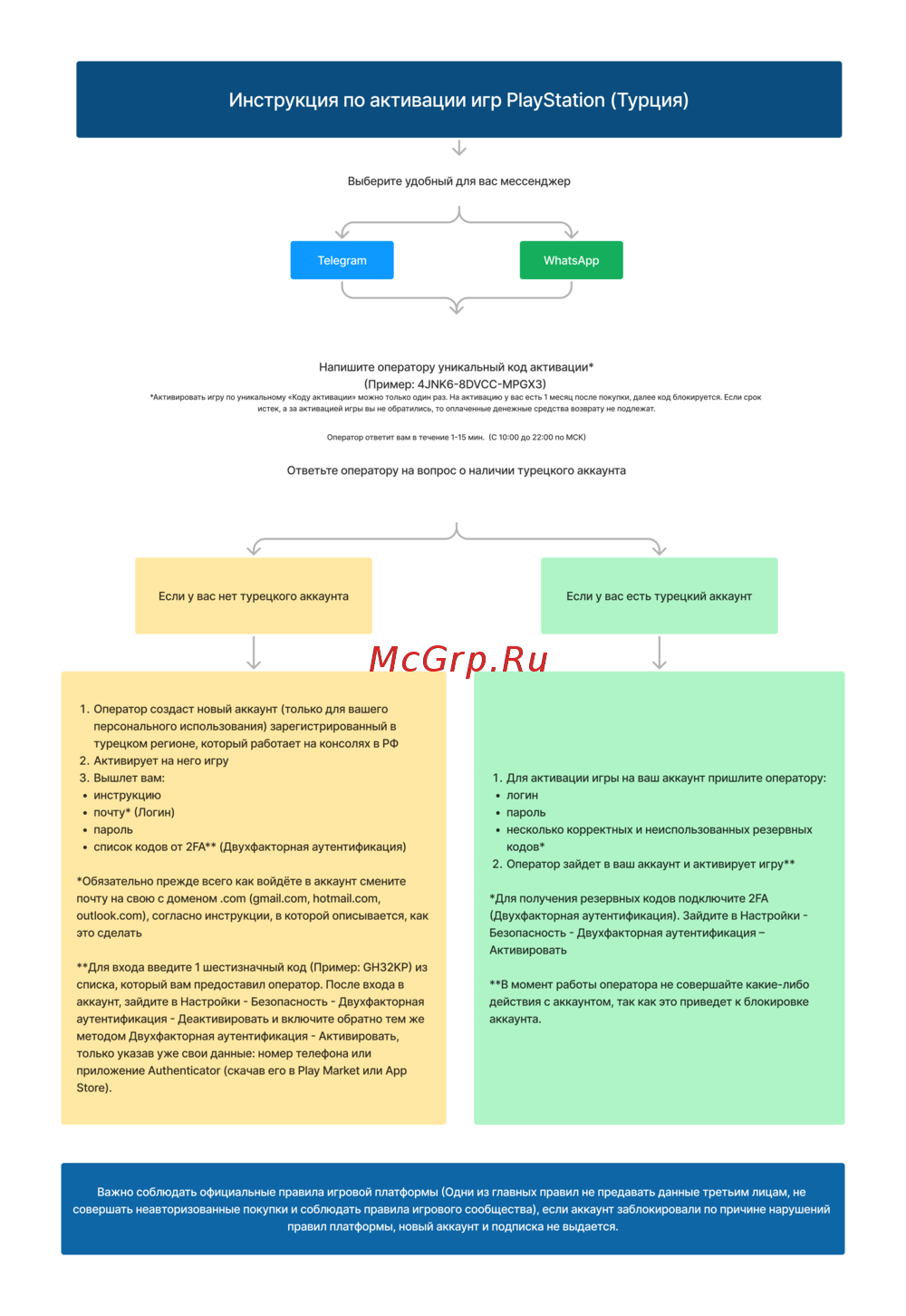 Sony PlayStationРуководство по эксплуатации
 -
 Sony Dual Shock 2Руководство по эксплуатации
 -
 Sony PSP-N1008Инструкция по эксплуатации
 -
 Sony PSP-300 XРуководство по эксплуатации
 -
 Sony PSP-2008 Wh+J.L.HРуководство по эксплуатации
 -
 Sony PS3(80GB)+BD300Руководство по эксплуатации
 -
 Sony PlayStation 2 (SCPH-75008)Руководство по эксплуатации
 -
 Sony PlayStation 2 (SCPH-79008)Руководство по эксплуатации
 -
 Sony PlayStation 3Руководство по эксплуатации
 -
 Sony PlayStation Portable (PSP-1008)Руководство по эксплуатации
Узнайте, как правильно подключить и настроить игровую консоль. Следуйте простым шагам для безопасного подключения и запуска системы.
