![JVC KD-SX855R — инструкция по установке и подключению CD-ресивера [1/38]](/icons/site-icon-64.png)
JVC KD-SX855R — инструкция по установке и подключению CD-ресивера [1/38]
Превью страниц
Страница 1 /
38
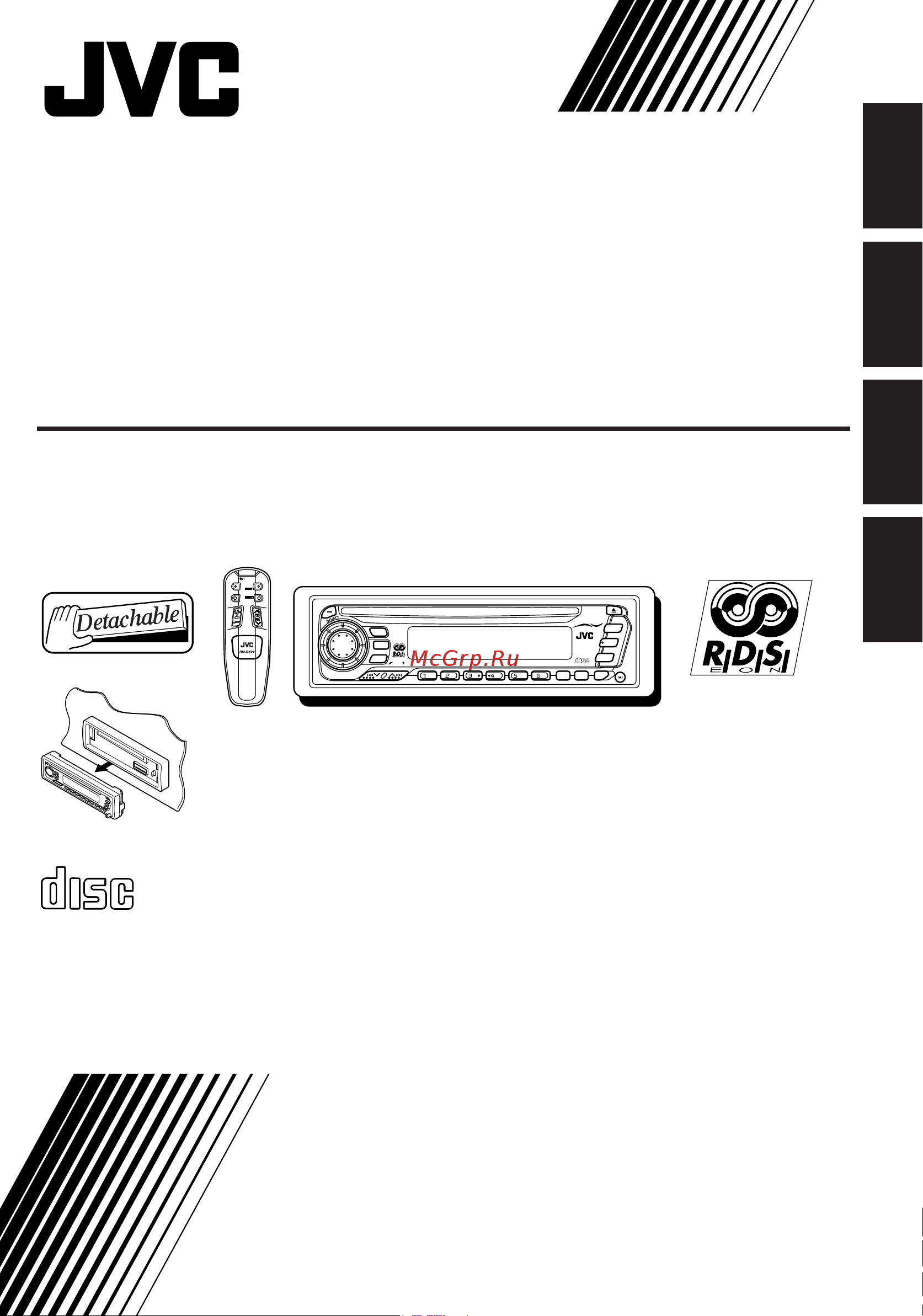
FSUN3086-311
[E]
INSTRUCTIONS
BEDIENUNGSANLEITUNG
MANUEL D’INSTRUCTIONS
GEBRUIKSAANWIJZING
KD-SX855R
CD RECEIVER
CD-RECEIVER
RECEPTEUR CD
CD-RECEIVER
ENGLISH
DEUTSCH
NEDERLANDS
FRANÇAIS
For installation and connections, refer to the separate manual.
Für den Einbau und die Anschlüsse siehe das eigenständige Handbuch.
Pour l’installation et les raccordements, se référer au manuel séparé.
Bijzonderheden over de installatie en aansluiting van het apparaat vindt u in de desbetreffende
handleiding.
COMPACT
DIGITAL AUDIO
ATT
FUNC
BAND
PROG
PRESET
DISC
DISC
40Wx4
SEL
DISP
RPT
SSM
MO/RND
KD-SX855R
COMPACT
DIGITAL AUDIO
TP
RDS
PTY
CD
CHANGER
CONTROL
C D
CD-CH
FM/AM
SOUND
7 8 9 10 11 12
COVER.KD-SX855R[E]E,G,F,N 99.3.29, 11:31 AM3
Содержание
148- Kd sx855r
- Instructions
- Cd receiver recepteur cd cd receiver
- Cd receiver
- Position and reproduction of labels
- Important for laser products
- English
- English
- Contents
- English
- Turn on the power
- Select the source
- Basic operations
- Adjust the volume
- Adjust the sound as you want see pages 22 24
- Start searching a station
- Select the band fm1 fm2 fm3 or am
- Radio basic operations
- Listening to the radio
- Fm station automatic preset ssm
- Storing stations in memory
- Select the fm band number fm1 fm2 or fm3 you want to store fm stations into
- Press and hold both buttons for more than 2 seconds
- Fm1 fm2 fm3 am
- Tune into a station of 88 mhz
- Select the fm1 band
- Repeat the above procedure to store other stations into other preset numbers
- Press and hold the number button in this example 1 for more than 2 seconds
- Manual preset
- Tuning into a preset station
- Selecting fm reception sound
- Select the number 1 6 for the preset station you want
- Select the band fm1 fm2 fm3 or am you want
- Tracing the same programme automatically network tracking reception
- Rds operations
- English
- What you can do with rds eon
- English
- Using standby reception
- Ta standby reception
- Pty standby reception
- English
- Selecting your favorite programme for pty standby reception
- Select pty stby standby if not shown on the display
- Select one of twenty nine pty codes see the table on page 17
- Searching your favorite programme
- Press and hold the button for more than 2 seconds to call up the general settings mode see page 27
- Finish setting
- English
- To search your favorite programme type
- Select one of the pty codes stored in the preset number buttons 1 to 6
- Press and hold the button for more than 1 second while listening to an fm station
- Station name pty programme type frequency clock time
- Setting the ta volume level
- Other convenient rds functions
- English
- Changing the display mode while listening to an fm station
- Automatic selection of the station when using the number buttons
- Pty codes
- English
- Automatic clock adjustment
- To stop play and eject the cd
- Playing a cd
- Insert a disc into the loading slot
- Cd operations
- To fast forward or reverse the track
- Locating a track or a particular portion on a cd
- English
- To go to the next track or the previous track
- To go to a particular track directly
- To play back tracks repeatedly repeat play
- To play back tracks at random random play
- Selecting cd playback modes
- English
- Prohibiting cd ejection
- English
- Sound adjustments
- Selecting preset sound control modes
- Scm off beat soft pop
- Call up the sound control mode you want
- Select the item you want to adjust
- Adjusting the sound
- Adjust the level
- Storing your own sound adjustments
- Setting the clock
- Other main functions
- To check the current clock time
- Clock frequency
- Clock elapsed playing time
- Clock disc number elapsed playing time
- Changing the general settings
- Selecting 24 hour or 12 hour clock
- English
- Selecting the telephone muting
- Selecting the level display
- Selecting the display mode while using the cd changer
- Muting 1 muting 2 off
- English
- Disc time
- Audio off
- Unlock the control panel
- Put the detached control panel into the provided case
- Press the right side of the control panel to fix it to the panel holder
- Lift and pull the control panel out of the unit
- Insert the left side of the control panel into the groove on the panel holder
- How to detach the control panel
- How to attach the control panel
- Detaching the control panel
- Using the remote controller
- Remote operations
- Installing the batteries
- English
- To fast forward or reverse the track
- Select the cd automatic changer
- Playing cds
- Cd changer operations
- To go to the next track or the previous track
- To go to a particular disc directly
- To change the display information while using the cd changer
- English
- Clock disc number elapsed playing time
- To play back tracks repeatedly repeat play
- To play back tracks at random random play
- Selecting cd playback modes
- Rpt1 rpt2
- English
- Canceled
- Taking care of cds
- Moisture condensation
- Maintenance
- How to handle cds
- Handling discs
- To play new cds
- To keep cds clean
- What appears to be trouble is not always serious check the following points before calling a service center
- Troubleshooting
- Symptoms
- Remedies
- English
- Causes
- Audio amplifier section
- Tuner section
- Specifications
- General
- English
- Cd player section
- Mnmmdwjein
- En ge fr nl
Похожие устройства
-
 JVC KD-SH909RРуководство пользователя
 -
 JVC KD-SH9101Руководство пользователя
 -
 JVC KD-SH99RРуководство пользователя
 -
 JVC KD-SX841RРуководство пользователя
 -
 JVC KD-SX909RРуководство пользователя
 -
 JVC KD-SX921RРуководство пользователя
 -
JVC KD-SX924RРуководство пользователя
-
JVC KD-SX925RРуководство пользователя
-
 JVC KD-SX927RРуководство пользователя
 -
JVC KD-SX979RРуководство пользователя
-
JVC KD-SX992RРуководство пользователя
-
 JVC KD-SX997RРуководство пользователя
Подробная инструкция по установке и подключению CD-ресивера. Узнайте, как правильно подключить устройство и использовать его функции для лучшего звучания.