![STATUS DP1051 [7/40] Tool parts overview](/img/pdf.png)
STATUS DP1051 [7/40] Tool parts overview
Превью страниц
Страница 7 /
40
![STATUS DP1051 [7/40] Tool parts overview](/views2/1920851/page7/bg7.png)
7
EN
TOOLS PARTS OVERVIEW
TOOL PARTS OVERVIEW
1. Chuck
2. Left/right rotation switch L/R
3. On/o button
4. Variable speed dial
5. Lock-on button
6. Auxiliary handle
7. Depth gauge
8. Changeover switch
9. Gear selection switch
OPERATION
SWITCHING ON - SWITCHING OFF
Brief activation
Switching on: Press ON/OFF switch 3.
Switching o: Release ON/OFF switch 3.
Continuous operation
Switching on: Press ON/OFF switch 3 and in pressed position lock it by button 5.
Switching o: Press ON/OFF switch 3 once and release it immediately.
INSERTING AND FASTENING DRILL BITS
Through turning the collar of the chuck 1 clockwise or counter-clockwise the jaws are
positioned so the drill bit shank can be inserted inside the choke. By turning the collar of
chuck 1 clockwise the jaws tighten the drill bit shank. Fix the drill bit nally in the chuck by
means of the special chuck key, tightening equally in all three bores.
TWO-SPEED SELECTOR SWITCH
Rotate switch 9 to 180° clockwise or counterclockwise, in order to select one or the other
speed range.
SELECTION OF RPM VALUE
The necessary speed can be pre-selected by rotating the regulator dial 4.
REVERSING
The extreme position of lever 2 to the right is equivalent to clockwise rotation, the extreme
position to the left - to counter-clockwise rotation.
OPERATION MODE SELECTION
• Drilling in metal, wood, etc. The switch 8 is in its extreme right position the symbol “drill
bit” being exposed.
• Drilling in concrete, stone, etc. The ON/OFF switch 8 is in its extreme left position and
the symbol “hammer” is exposed.
OPERATION
Содержание
68- Dp1051
- Impact drill trapano elettrico a percussione schlagbohrmaschine ударна бормашина ударная дрель
- Dp1051
- Intended use general safety rules
- Intended use
- General safety rules
- General safety rules
- Specific safety instructions
- Specific safety instructions
- Tools parts overview
- Tool parts overview
- Operation
- Maintenance
- Technical specifications
- Ce declaration of conformity
- Destinazione d uso
- Avvertenze generali di pericolo per elettroutensili
- Destinazione d uso avvertenze generali di pericolo per elettroutensili
- Avvertenze generali di pericolo per elettroutensili
- Istruzioni supplementari di sicurezza nel lavoro con trapani
- Istruzioni supplementari di sicurezza nel lavoro con trapani
- Istruzioni per l uso
- Descrizione del funzionamento istruzioni per l uso
- Descrizione del funzionamento
- Manutenzione
- Dichiarazione di conformità
- Dati tecnici
- Verwendungszweck allgemeine sicherheitshinweise für elektrowerkzeuge
- Verwendungszweck
- Allgemeine sicherheitshinweise für elektrowerkzeuge
- Allgemeine sicherheitshinweise für elektrowerkzeuge
- Gerätespezifische sicherheitshinweise
- Allgemeine sicherheitshinweise für elektrowerkzeuge gerätespezifische sicherheitshinweise
- Gerätespezifische sicherheitshinweise
- Werkzeugteile überblick
- Gerätespezifische sicherheitshinweise werkzeugteile überblick
- Arbeitshinweise
- Instandhaltung
- Technische daten konformitätserklärung
- Technische daten
- Konformitätserklärung
- Предназначение на уреда основни изисквания за безопасност
- Предназначение на уреда
- Основни изисквания за безопасност
- Основни изисквания за безопасност
- Указания за безопасност при работа с бормашини
- Указания за безопасност при работа с бормашини
- Указания за безопасност при работа с бормашини описание
- Описание
- Употреба
- Технически данни
- Поддръжка технически данни
- Поддръжка
- Декларация за съответствие
- Предназначение изделия основные требования безопасности
- Предназначение изделия
- Основные требования безопасности
- Основные требования безопасности
- Требования безопасности для ударной дрели
- Требования безопасности для ударной дрели
- Указания по работе
- Описание указания по работе
- Описание
- Обслуживание
- Декларации соответствия
- Обслуживание декларация соответствия
- Технические характеристики
- Декларации соответствия технические характеристики
Похожие устройства
-
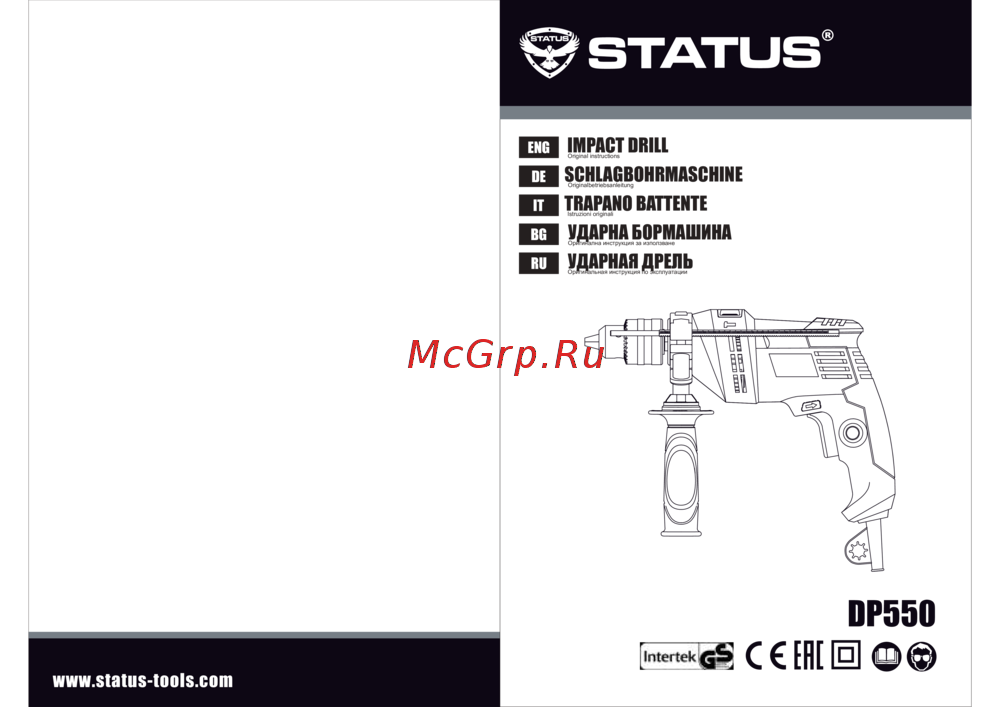 STATUS DP550Инструкция
 -
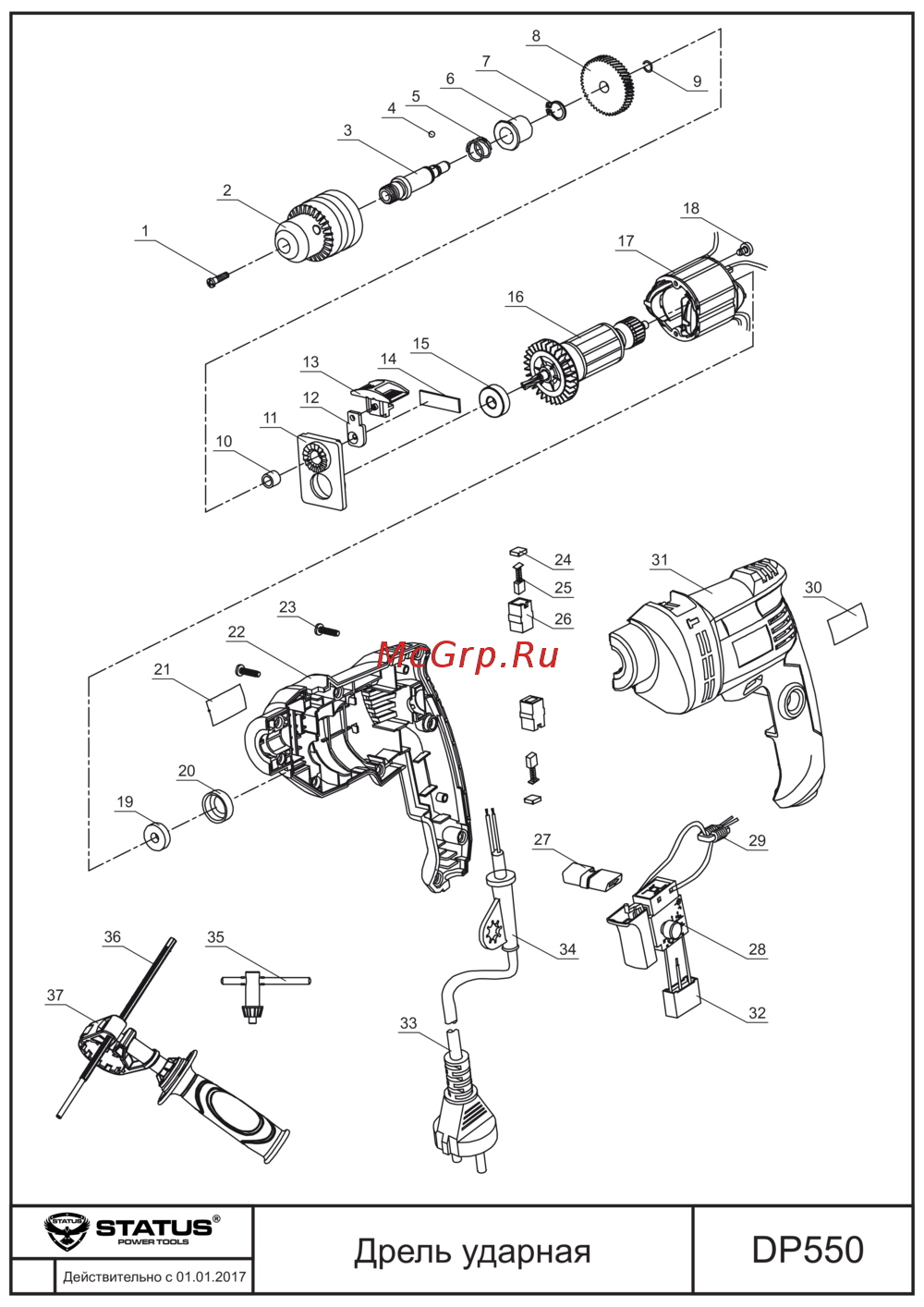 STATUS DP550Схема
 -
 STATUS DP750Инструкция
 -
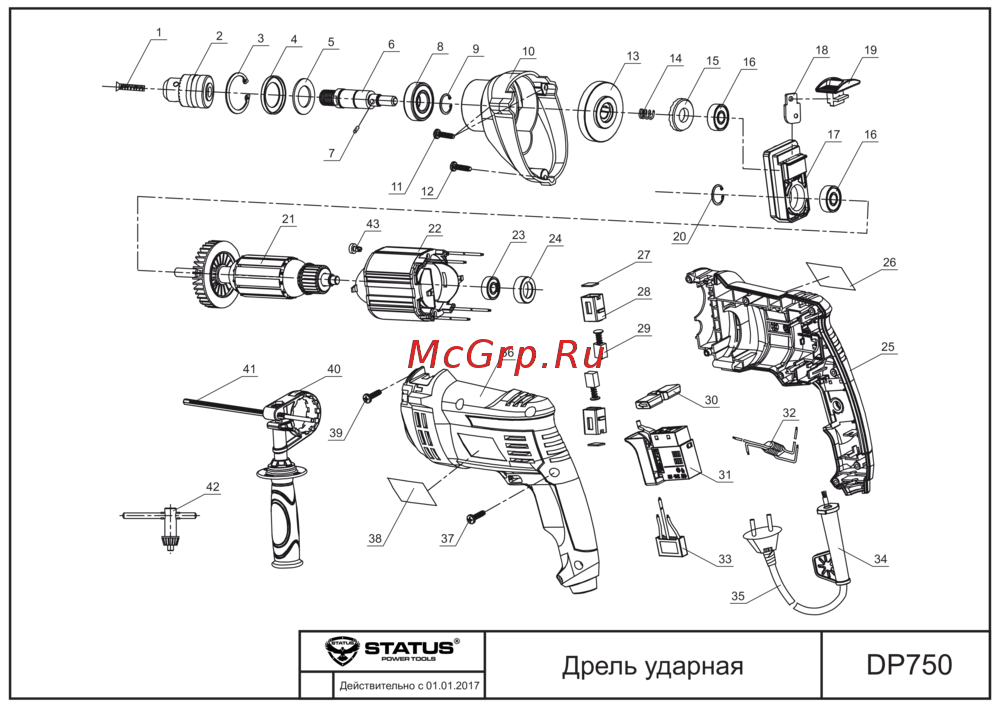 STATUS DP750Схема
 -
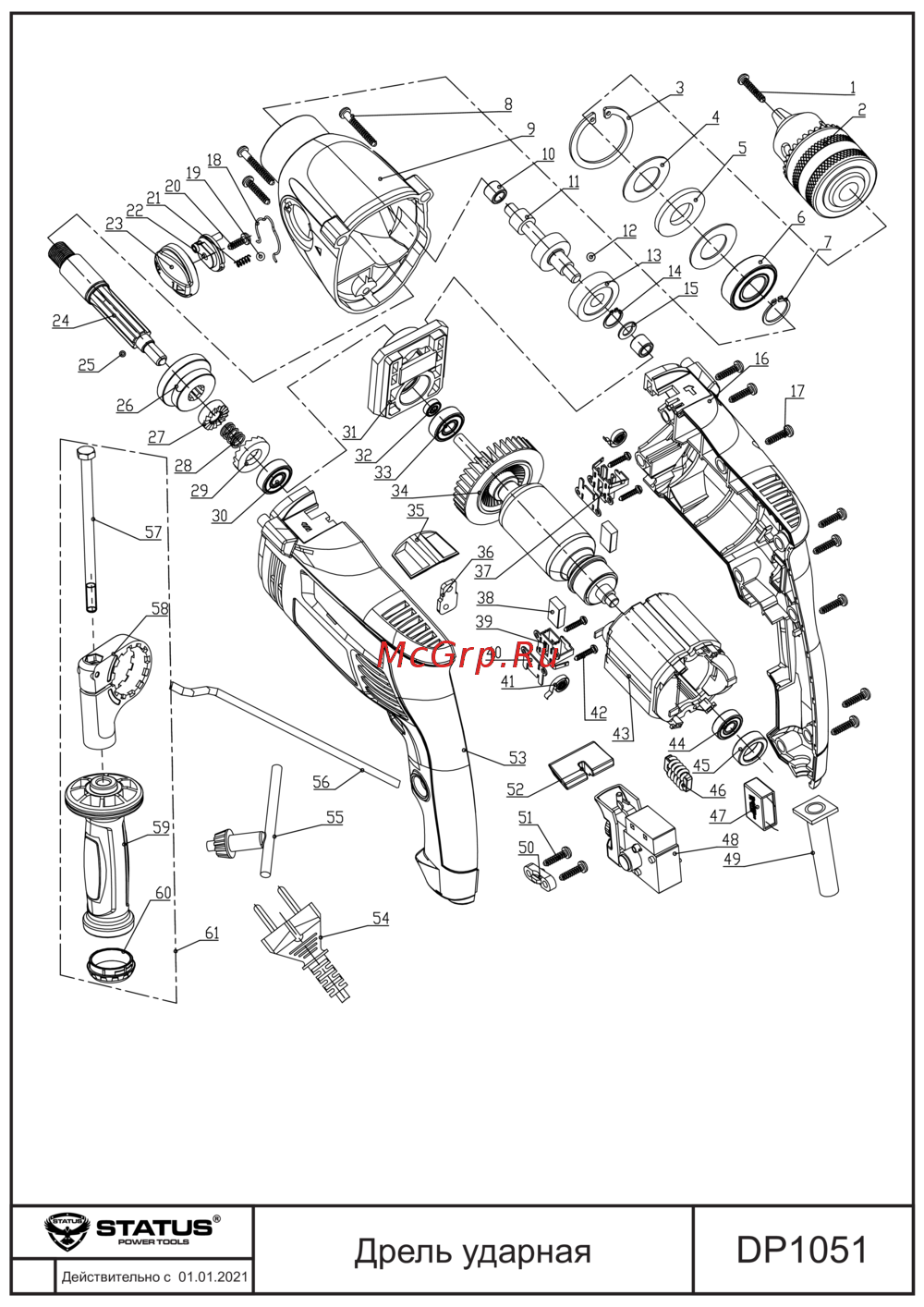 STATUS DP1051Схема
 -
 Sturm ID2091AИнструкция по работе
 -
Sturm ID2076AРуководство по настройке
-
 Sturm ID2154SРуководство по эксплуатации
 -
Sturm ID2154Эксплуатационная инструкция
-
Sturm ID2150IИнструкция к устройству
-
Sturm ID2112Инструкция к устройству
-
Sturm ID2111Инструкция по применению