![PRESIDENT ELECTRONICS PRESIDENT MC 8000 DSC — руководство по процедуре экстренной связи на море [15/40]](/icons/site-icon-64.png)
PRESIDENT ELECTRONICS PRESIDENT MC 8000 DSC — руководство по процедуре экстренной связи на море [15/40]
Превью страниц
Страница 15 /
40
![PRESIDENT ELECTRONICS PRESIDENT MC 8000 DSC [15/40] Switching the inland waterway mode seagoing mode](/views2/1988957/page15/bgf.png)
15
Notes: • If you press and hold DISTRESS for 3 seconds instead of just pressing DIS-
TRESS at step 1, the radio will transmit a Distress call with UNDESIGNATED as
the default setting.
• If the radio receives a Distress call, it will be displayed on the LCD display. An
emergency alert will sound. The name will be displayed if it is the name registered
in the directory.
Otherwise, sender’s MMSI is displayed. Latitude, longitude, and time information
will also be displayed if the GPS module is carried in the vessel that transmitted a
DSC Distress call.
MARINE DISTRESS PROCEDURE
Speak slowly, clearly, calmy.
1. Make sure your radio is ON.
2. Tune to Channel 16.
3. Press the PTT button on the microphone and say “MAYDAY - MAYDAY - MAYDAY”
4. Give your ship ID.
5. Say “MAYDAY [your ship name]”
6. Give your location: (what navigational aids or landmarks are near).
7. State the nature of your distress.
8. Give the number of persons aboard and the conditions of any injured.
9. Estimate present seaworthiness of your vessel.
10. Give a brief description of your vessel (meters, type, color, hull).
11. Say: “I will be listening on the Channel 16”
12. End your message by saying “THIS IS [your ship name or call sign] OVER.”
13. Release the PTT button and listen. Someone should asnwer. If not, repeat call, begin-
ning at item 3 above.
Switching the Inland waterway Mode/Seagoing Mode
You can switch between Inland waterway mode and Seagoing
mode. Press and hold PA to switch between the two.
When the radio in the Inland waterway mode;
• DISTRESS/DSC cannot be transmitted nor received.
• Only ATIS can be transmitted. WX blinks.
When the radio in the Seagoing mode;
Transmission and reception of DISTRESS/DSC, and
transmission of ATIS can be available.
WX
Содержание
43- Contents
- Included with your mc 8000 dsc
- Front panel microphone
- Controls and indicators
- Rear panel connectors
- Acc connectors
- Lcd display
- When the radio is in one of the following modes channel 16 9 mode scan mode or triple watch mode and the user presses the menu key all the of these modes are cancelled
- The menu mode will be cancelled if the radio receives a dsc call or exit is selected
- Notes pos send local time adjust daylite save and alarm clock are not displayed in menu when gps module is not connected
- Flow chart for menu operation
- Installation
- Installing the mc 8000 dsc
- Engine noise suppression
- Choosing a location
- Power on off
- Operation
- Last channel memory
- Squelch
- Channel 16 channel 9 communications
- Triple watch scan
- Triple watch
- Mem entering channel numbers into memory scan
- Manual tuning
- Setting tx output
- Transmitting
- Normal scan
- Distress
- Switching the inland waterway mode seagoing mode
- Marine distress procedure
- High low battery detect
- Uic for the authorized country only
- Menu operation
- Digital selective calling dsc
- System
- Nmea technical setup
- Mc 8000 dsc nmea0183 gps input connection
- Vhf marine channels
- Extend ch hidden feature for the authorized country only
- Specification
- Warranty
- Troubleshooting
- Certificate of conformity
Похожие устройства
-
 PRESIDENT ELECTRONICS PRESIDENT GRANT II ASCИнструкция 2
 -
 PRESIDENT ELECTRONICS PRESIDENT GRANT II ASCИнструкция 1
 -
 PRESIDENT ELECTRONICS PRESIDENT RANDY IIИнструкция по эксплуатации
 -
 PRESIDENT ELECTRONICS PRESIDENT JOHNNY II ASCРуководство по эксплуатации
 -
 PRESIDENT ELECTRONICS PRESIDENT JACKSON II ASCРуководство по эксплуатации
 -
 PRESIDENT ELECTRONICS PRESIDENT TAYLOR III ASCРуководство по эксплуатации
 -
 PRESIDENT ELECTRONICS PRESIDENT HERBERT ASCРуководство по эксплуатации
 -
 PRESIDENT ELECTRONICS PRESIDENT WALKER ASCИнструкция по эксплуатации
 -
 PRESIDENT ELECTRONICS PRESIDENT GRANT ClassicРуководство по эксплуатации
 -
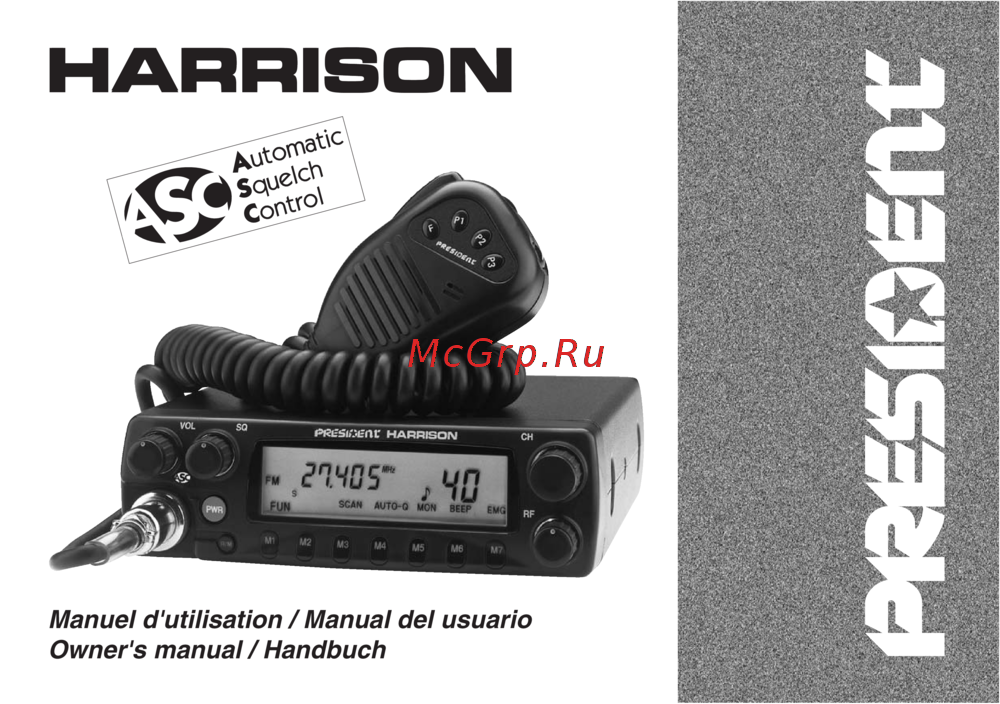 PRESIDENT ELECTRONICS PRESIDENT HARRISONРуководство по эксплуатации
 -
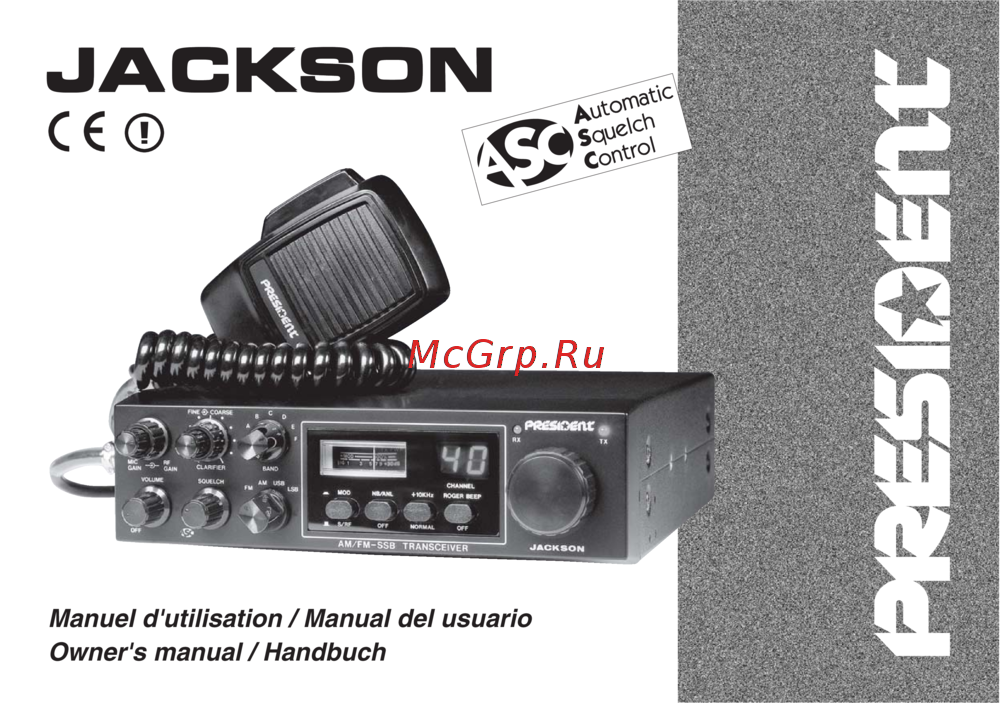 PRESIDENT ELECTRONICS PRESIDENT JACKSON ASCРуководство по эксплуатации
 -
 PRESIDENT ELECTRONICS PRESIDENT JFK ASCРуководство по эксплуатации
Узнайте, как правильно передавать экстренные сигналы с помощью радиостанции. Подробные инструкции по процедуре вызова помощи и переключению режимов работы.