![PRESIDENT ELECTRONICS PRESIDENT MC 8000 DSC Руководство по эксплуатации онлайн [19/40] 757242](/icons/site-icon-64.png)
PRESIDENT ELECTRONICS PRESIDENT MC 8000 DSC Руководство по эксплуатации онлайн [19/40] 757242
Превью страниц
Страница 19 /
40
![PRESIDENT ELECTRONICS PRESIDENT MC 8000 DSC Руководство по эксплуатации онлайн [19/40] 757242](/views2/1988957/page19/bg13.png)
19
6. If the CHannel 70 is busy the message BUSY CHECK ap-
pears. When the channel is free, the DSC CALL is transmit-
ted.
7. When you finish calling, the radio returns to the channel dis-
play screen.
Note: If the Group MMSI is not recorded, you can’t enter this
menu (to enter Group MMSI see page 30).
1-C. ALL SHIPS
1. Press SELECT at DSC CALL (To enter DSC CALL, see page
17). INDIVIDUAL appears.
2. Press CH
▼▼
▼▼
▼
twice to select ALL SHIPS.
3. Press SELECT. URGENCY appears.
4. Select the category of your call using CH
▲▲
▲▲
▲
or CH
▼▼
▼▼
▼
(UR-
GENCY, SAFETY, EXIT).
5. Press SELECT to transmit the ALL SHIPS DSC signal.
When sending either an URGENCY or SAFETY message, all
radios will automatically move to channel 70 until all of the
data is received.
6. If the CHannel 70 is busy the message BUSY CHECK ap-
pears. When the channel is free, the DSC CALL is transmit-
ted.
Содержание
43- Contents
- Included with your mc 8000 dsc
- Front panel microphone
- Controls and indicators
- Rear panel connectors
- Acc connectors
- Lcd display
- When the radio is in one of the following modes channel 16 9 mode scan mode or triple watch mode and the user presses the menu key all the of these modes are cancelled
- The menu mode will be cancelled if the radio receives a dsc call or exit is selected
- Notes pos send local time adjust daylite save and alarm clock are not displayed in menu when gps module is not connected
- Flow chart for menu operation
- Installation
- Installing the mc 8000 dsc
- Engine noise suppression
- Choosing a location
- Power on off
- Operation
- Last channel memory
- Squelch
- Channel 16 channel 9 communications
- Triple watch scan
- Triple watch
- Mem entering channel numbers into memory scan
- Manual tuning
- Setting tx output
- Transmitting
- Normal scan
- Distress
- Switching the inland waterway mode seagoing mode
- Marine distress procedure
- High low battery detect
- Uic for the authorized country only
- Menu operation
- Digital selective calling dsc
- System
- Nmea technical setup
- Mc 8000 dsc nmea0183 gps input connection
- Vhf marine channels
- Extend ch hidden feature for the authorized country only
- Specification
- Warranty
- Troubleshooting
- Certificate of conformity
Похожие устройства
-
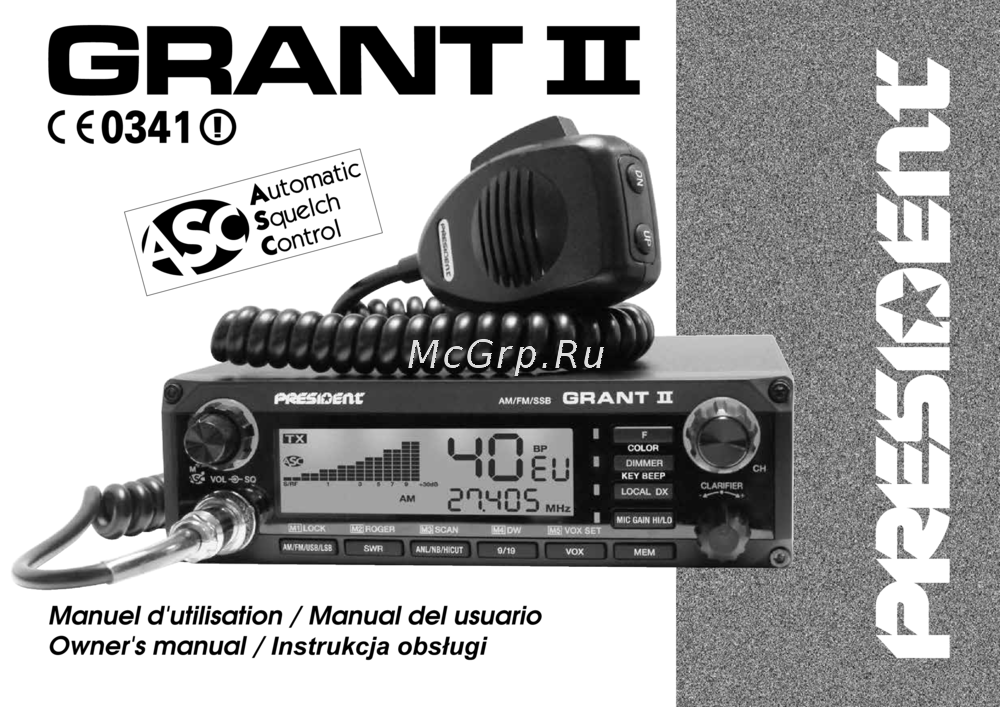 PRESIDENT ELECTRONICS PRESIDENT GRANT II ASCИнструкция 2
 -
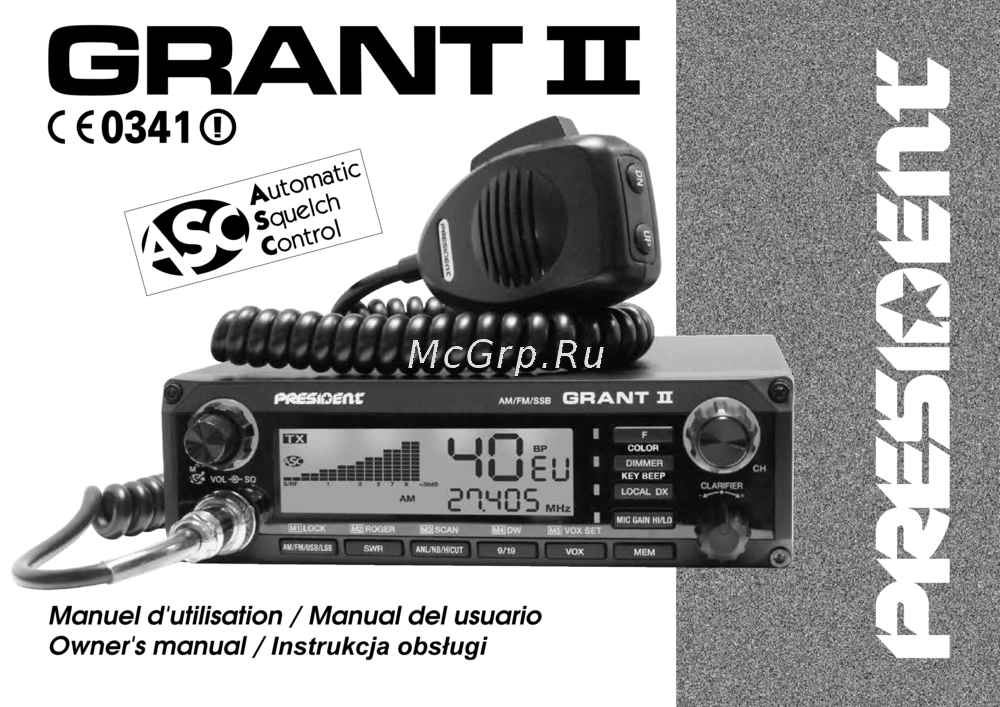 PRESIDENT ELECTRONICS PRESIDENT GRANT II ASCИнструкция 1
 -
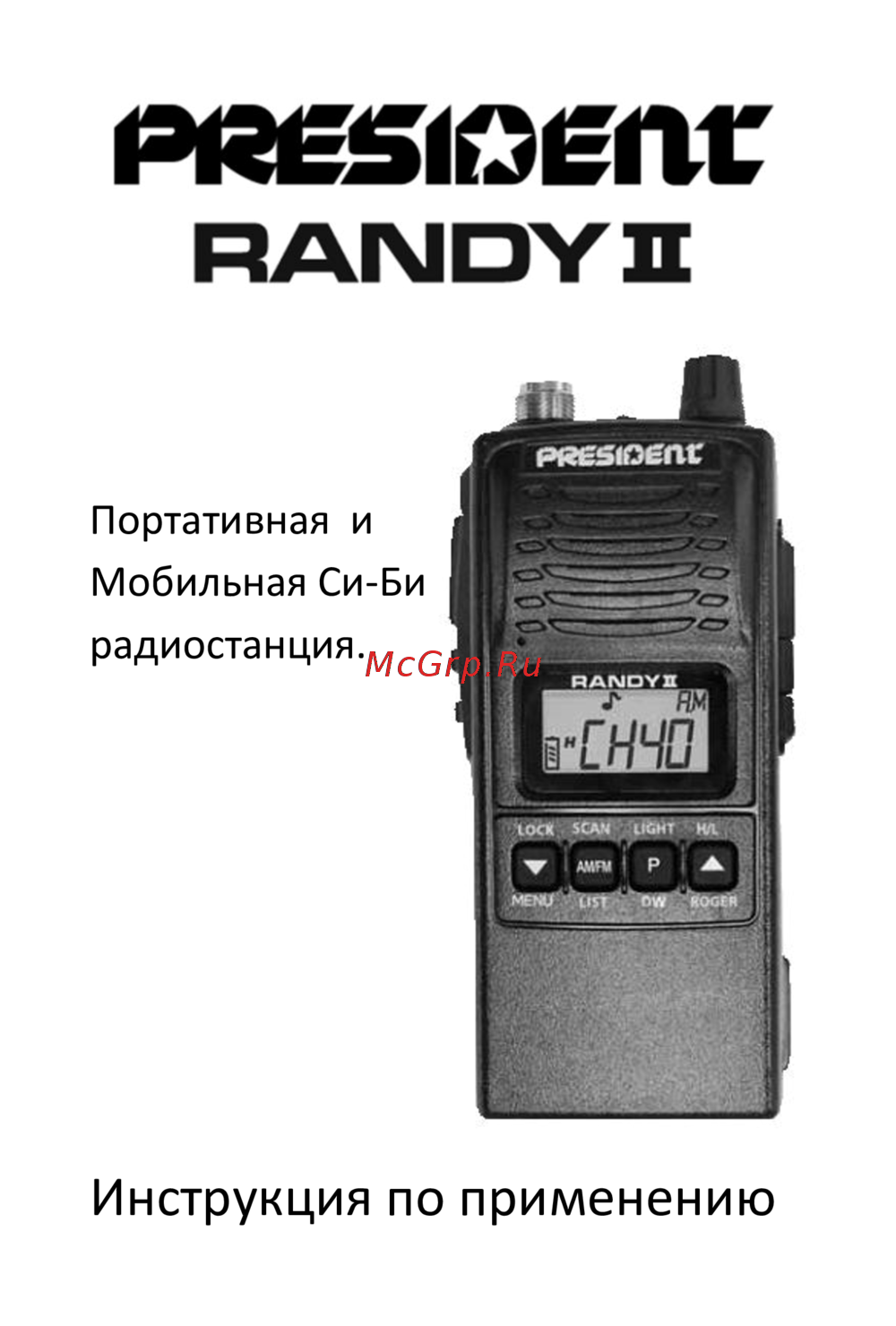 PRESIDENT ELECTRONICS PRESIDENT RANDY IIИнструкция по эксплуатации
 -
 PRESIDENT ELECTRONICS PRESIDENT JOHNNY II ASCРуководство по эксплуатации
 -
 PRESIDENT ELECTRONICS PRESIDENT JACKSON II ASCРуководство по эксплуатации
 -
 PRESIDENT ELECTRONICS PRESIDENT TAYLOR III ASCРуководство по эксплуатации
 -
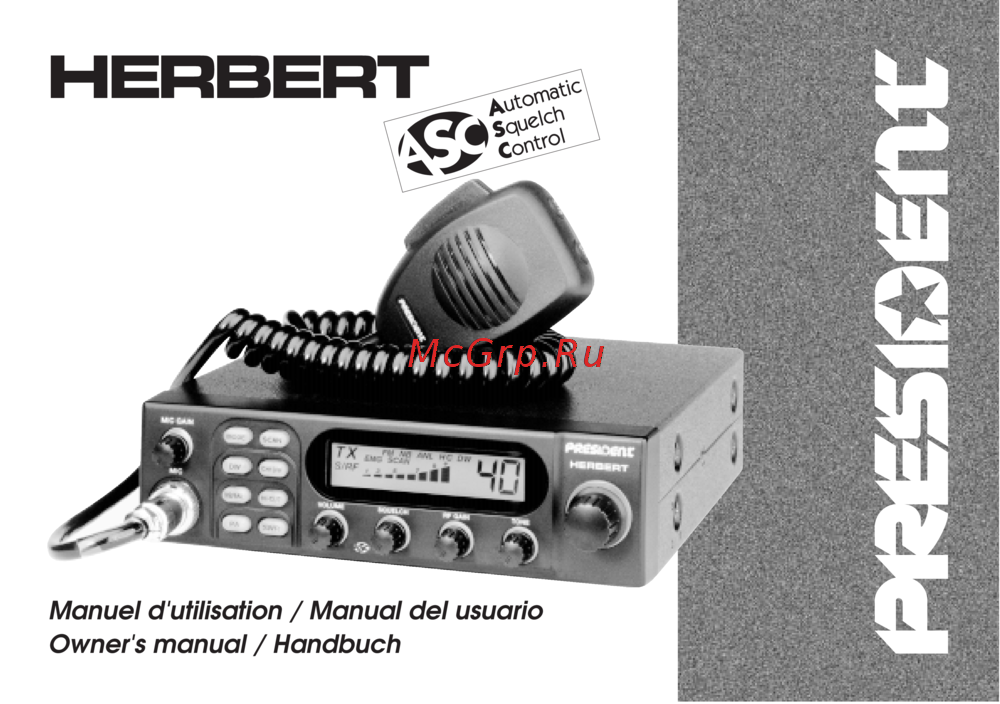 PRESIDENT ELECTRONICS PRESIDENT HERBERT ASCРуководство по эксплуатации
 -
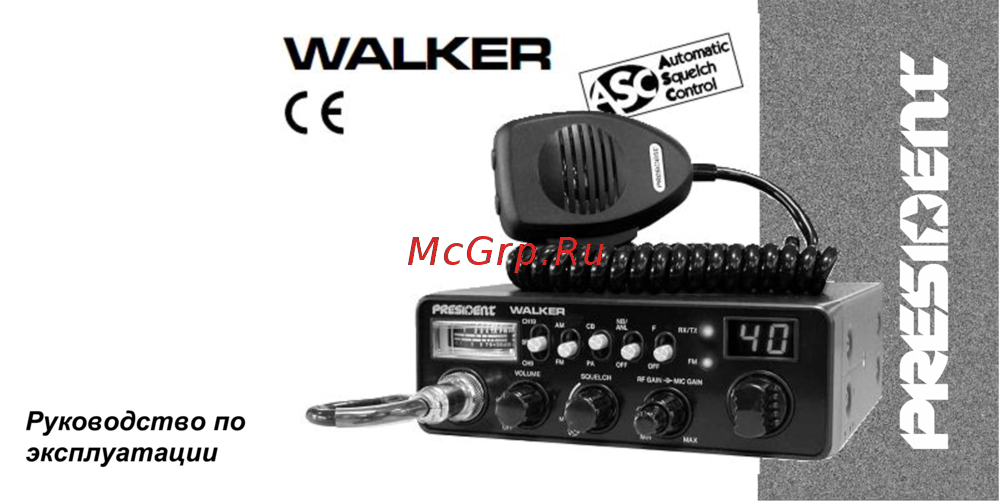 PRESIDENT ELECTRONICS PRESIDENT WALKER ASCИнструкция по эксплуатации
 -
 PRESIDENT ELECTRONICS PRESIDENT GRANT ClassicРуководство по эксплуатации
 -
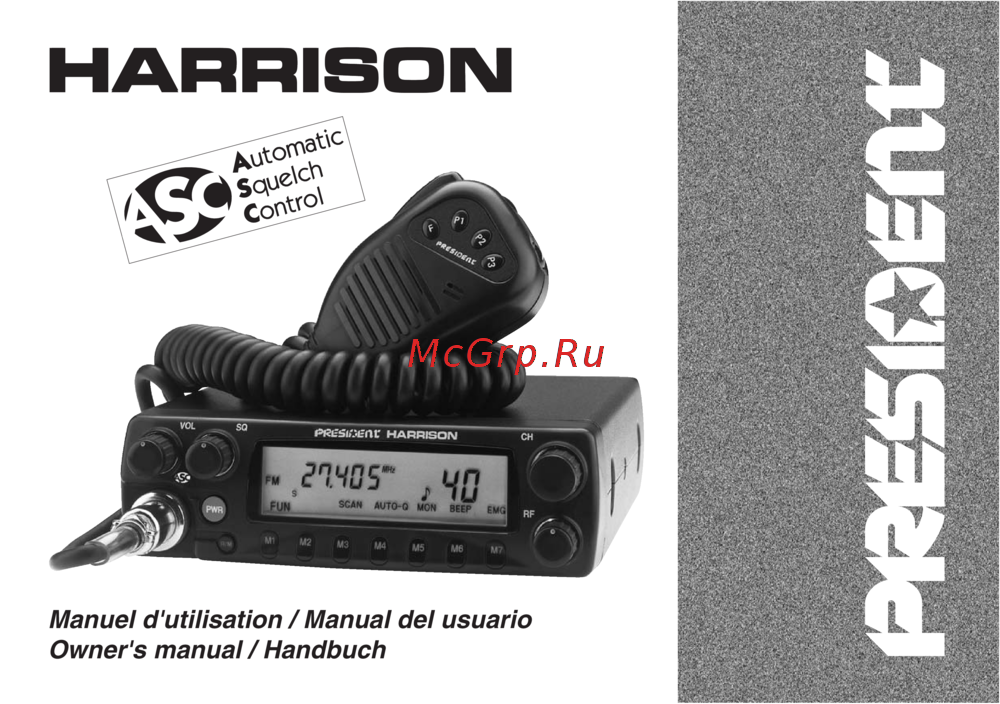 PRESIDENT ELECTRONICS PRESIDENT HARRISONРуководство по эксплуатации
 -
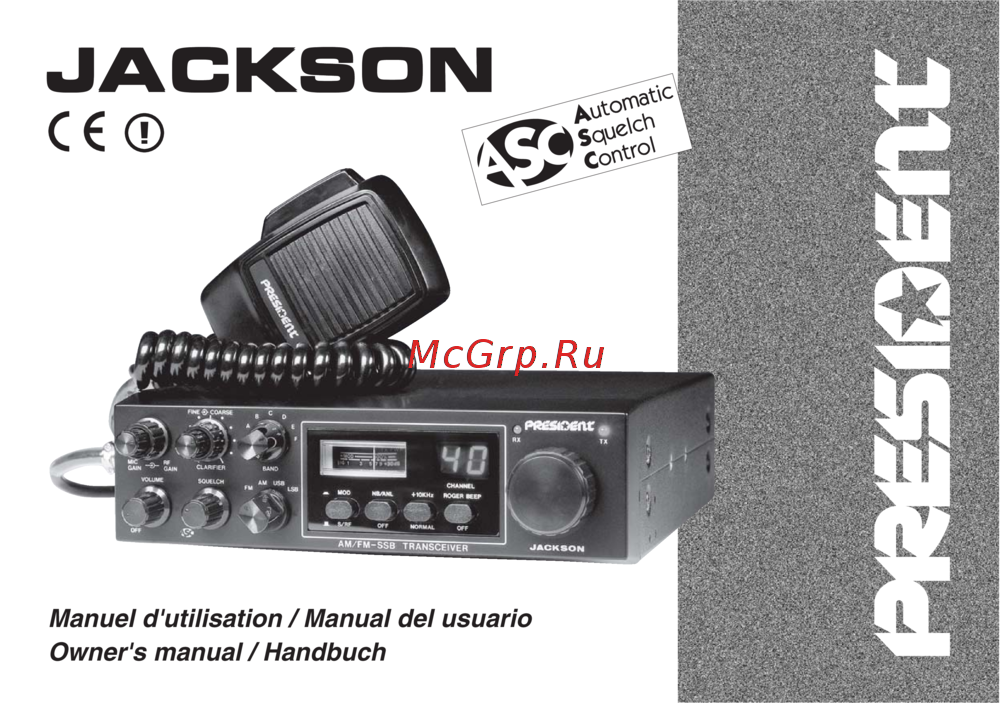 PRESIDENT ELECTRONICS PRESIDENT JACKSON ASCРуководство по эксплуатации
 -
 PRESIDENT ELECTRONICS PRESIDENT JFK ASCРуководство по эксплуатации