![Soundmax SM-DVBT270 — рекомендации по использованию USB-устройств и функции Time Shift [12/36]](/icons/site-icon-64.png)
Soundmax SM-DVBT270 — рекомендации по использованию USB-устройств и функции Time Shift [12/36]
Превью страниц
Страница 12 /
36
![Soundmax SM-DVBT270 [12/36] Timeshift](/views2/2032002/page12/bgc.png)
Operation
Operation
consumption exceeding 500 mA is not
recommended without supplementary power
supply. Failure to use supplementary power for
connected USB drives with power consumption
exceeding this value as well as defective
USB drives may cause mechanical or thermal
changes of elements of this unit as well as
failure of internal elements of the USB port.
Such damages are not warrantee cases.
Warning: usage of external USB drives
containing BIN files in the root directory may
cause malfunction of the unit or damage to the
software.
TimeShift
• The Time Shift function allows you to re-
serve part of the USB-disk space and ensures
a continuous background recording of the se-
lected channel. Time Shift allows you to pause
watching or rewind recording back and resume
viewing from the missed point.
• After you activate the channel recording
(PVR, see “General Operations” paragraph),
press PAUSE button on the RC. Time Shift
function is activated, at the bottom of the
screen will be a status bar with countdown.
Now you can rewind the recorded video by
pressing REV/FWD buttons and set to pause
by pressing PAUSE button. You can also enter
timeshift by simply pressing the pause button
on the RC.
• To disable Time Shift, press EXIT button
on the RC and then press OK to confirm the
operation.
11
USB information
USB file systems supported: NTFS, FAT,
FAT32. 2.0 USB version is supported. For
correct and satisfactory operation, licensed USB
devices of famous brands should be used with
this unit; avoid using USB devices of unknown
brands. Maximum supported capacity is 2 TB.
According to the USB 1.1/2.0 Standard,
usage of a USB device with power current
• Internet: access online
services such as YouTube, RSS, IPTV and
Weather. Internet connection is required via
Wi-Fi. Follow the on-screen instructions to
manage your applications.
IPTV: access to pre-installed IPTV servers
(the list may vary) and the option to
download a local playlist (MY IPTV) in the
***.m3u format. Place local playlists on a
USB stick and plug it into the USB port.
Press the INFO button on the remote control
and select a playlist from the list that
appears. To download a playlist, you must
remove the Wi-Fi dongle from the USB port
and insert the USB stick with playlists. After
downloading the list (you can download only
1 playlist), place the Wi-Fi dongle back.
When the download is completed, a list of
available channels will appear. If the
channels are not loaded, check the contents
of the playlist.
The screen menu of your unit can be
changed without prior notice and hence differ
from the menu represented in this Manual.
PVR and EPG
• Personal video recorder (PVR) is a feature
enabling you to record live TV. There are
three ways to use it:
• Insert a USB storage device in the USB
port and press the REC button on the RC.
• Schedule a specific program you want
to record using the blue button or from within
the EPG menu.
• To schedule a recording do the following:
- Press the EPG button
- Press the red button to add a schedule.
• Adjust the schedule settings as follows:
Mode: PLAY/PVR.
Type: Once/Daily/Mon/Tues/Wed/Thus /Fri/
Sat/Sun.
Start Date: Set the start date of recording.
Start Time: Set the start time.
Duration: Set the duration of recording.
Channel: Press OK then select the channel
that you want to record.
• Press OK to confirm and EXIT to
exit the scheduling menu.
15
Содержание
105- Instruction manual руководство по эксплуатации
- Sm dvbt270
- Blank page
- Table of contents
- Dear customer
- Important safeguards
- Before you start
- Utilization of the product
- Connection
- Rear panel
- Operation
- Front panel
- Control elements
- Operation
- Remote control
- Changing the battery
- Operation
- General operations
- Installation
- Osd operation program
- Operation
- Search
- Picture
- Operation
- System
- Option
- Operation
- Timeshift
- Usb information
- Pvr and epg
- Operation
- Troubleshooting
- Trouble reason solution
- General information
- General information
- Avi dat flv mkv mov mp4 mpeg vob ts
- Accessories
- Supported formats
- Specifications
- General information
- Содержание
- Уважаемый покупатель
- Перед началом эксплуатации
- Меры предосторожности
- Утилизация изделия
- Подключение
- Управление устройством
- Задняя панель
- Элементы управления
- Передняя панель
- Пульт дистанционного управления
- Управление устройством
- Untitled
- Общие операции
- Управление устройством
- Установка
- Управление устройством
- Экранное меню
- Программы
- Управление устройством
- Изображение
- Поиск каналов
- Управление устройством
- Система
- Настройки
- Время
- Управление устройством
- Управление устройством
- Информация о usb
- Pvr и epg
- Отложенный просмотр
- Неисправность причина решение
- Руководство по устранению неисправностей
- Общая информация
- Поддерживаемые форматы
- Комплект поставки
- Поддерживаемые видеокодеки h 64 mpeg 1 2 4 xvid divx4
- Поддерживаемые аудиокодеки mpeg 1 mpeg 2 layer i ii mp3 aac he aac
- Общая информация
- Технические характеристики
- Общая информация
- Хранение и транспортировка
- Общая информация
- Безопасная утилизация
- Город наименование сц адрес телефон
- 465 5454 8 3843 45 69 91
- Краснодар
- Вологда
- Благодарим вас за покупку продукции торговой марки soundmax и доверие к нашей компании soundmax гарантирует высокое качество и надежную работу своей продукции при условии соблюдения технических требований описанных в руководстве по эксплуатации руководство на русском языке прилагается срок службы изделия с товарным знаком soundmax при эксплуатации продукции в рамках бытовых нужд и соблюдении правил пользования приведенных в руководстве по эксплуатации составляет 5 пять лет со дня передачи изделия потребителю срок службы установлен в соответствии с действующим законодательством о защите прав потребителей изготовитель обращает внимание потребителей что при соблюдении данных условий срок службы изделия может значительно превысить указанный изготовителем срок гарантия на аксессуары составляет 2 недели с момента покупки далее гарантия действует только на устройство продукция сертифицирована на соответствие нормативным документам рф гост снип нормы и т д
- 978 0662401
- 7 951 164 0606 7 38471 4 21 27
- Дзержинск
- Г нижний новгород ул комсомольская 17 1 8 831 2939620 8 831 2566818
- Г дзержинск нижегородской обл ул чапаева 69 2
- Г брянск ул дуки д 75 пом iv 4832 40 50 50
- 953 243 66 99
- 8512 238 310
- 831 3281146 8 831 3218630 8 831 3280666
- 35 90 02 35 90 42
- 3452 20 82 65
- 026 670
- Саранск
- Нижний новгород
- Blank page
- Blank page
Похожие устройства
-
 Soundmax SM-DVBT290Руководство по эксплуатации
 -
 Harper HDT2-1010Эксплуатационная инструкция
 -
 Harper HDT2-1514Инструкция пользователя
 -
 Harper HDT2-1513Руководство по работе с устройством
 -
 Cadena CDT-2351SBРуководство по эксплуатации
 -
 Cadena CDT-2315SBРуководство по эксплуатации
 -
 Cadena CDT-2311 MINIРуководство по эксплуатации
 -
 Denn DDT265Руководство по эксплуатации
 -
 Denn DDT245Руководство по эксплуатации
 -
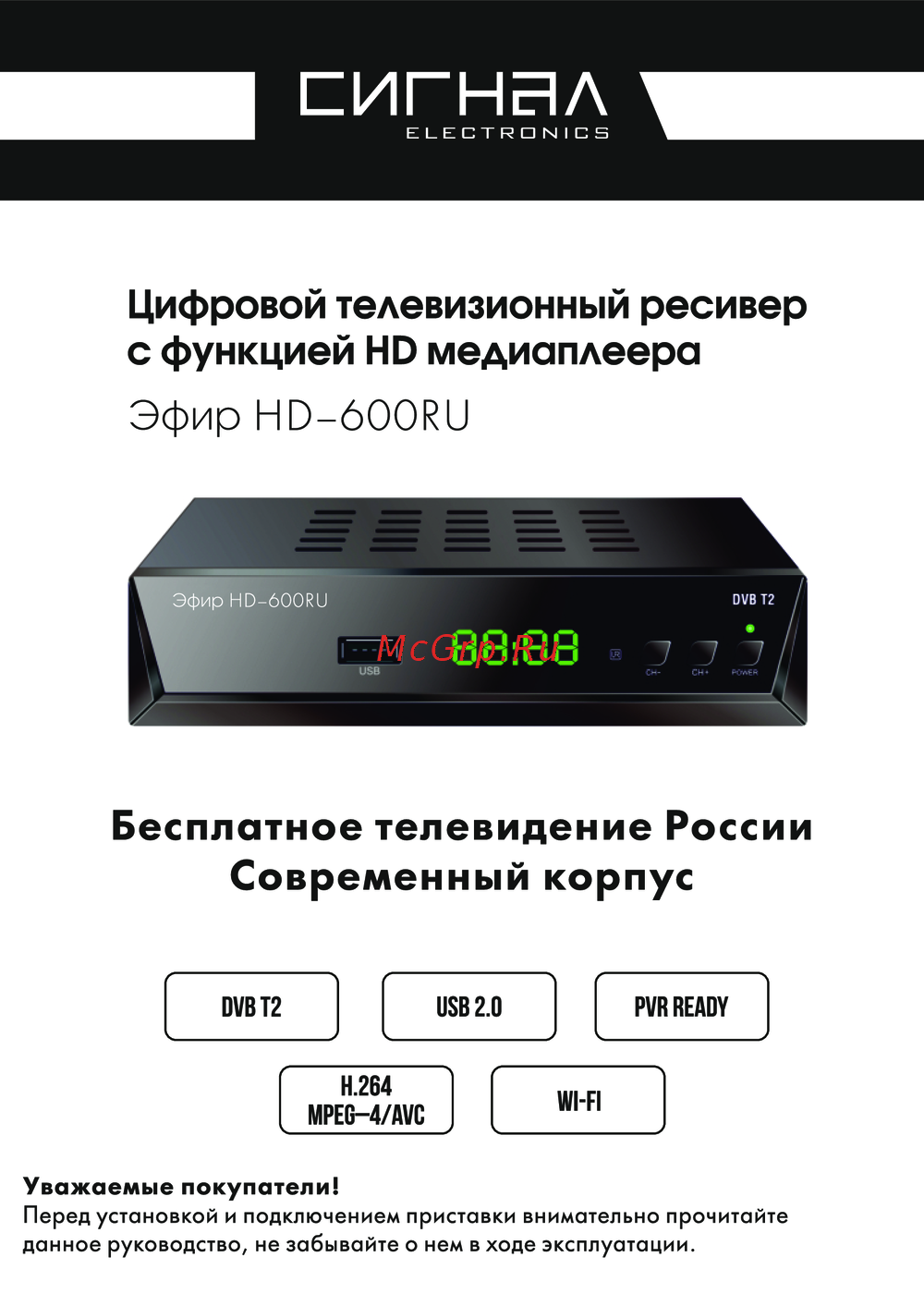 Эфир DVB-T2 HD HD-600 RUРуководство по эксплуатации
 -
 Cadena CDT-2300SBРуководство по эксплуатации
 -
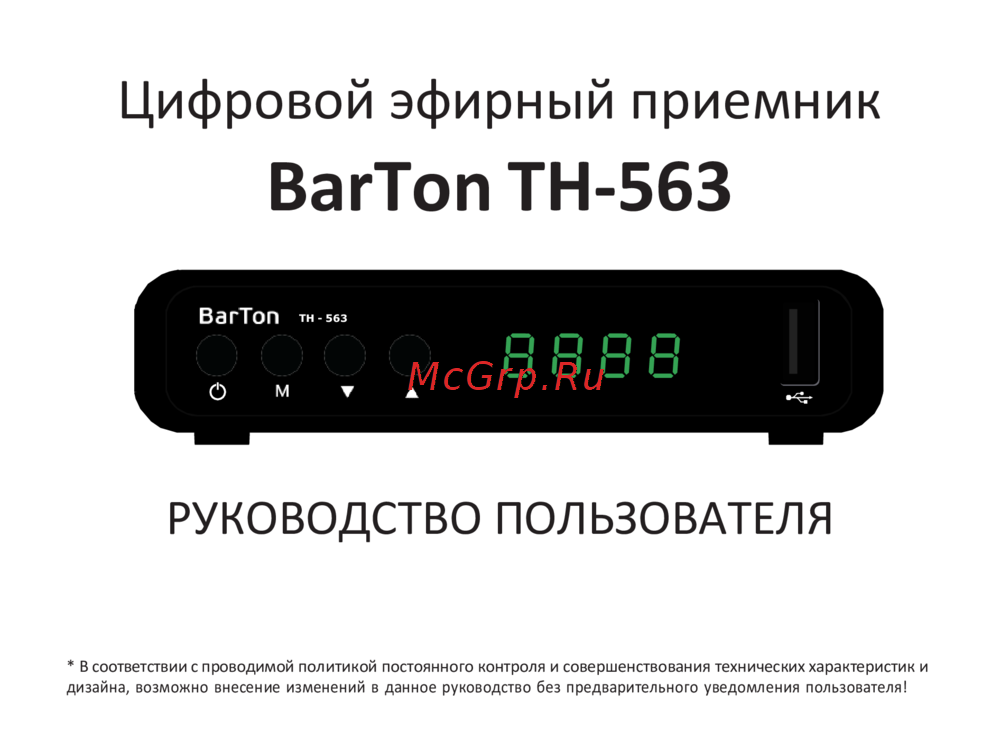 BarTon TH-563Руководство по эксплуатации
Узнайте, как правильно использовать USB-устройства с вашим устройством, включая функции Time Shift и PVR. Избегайте повреждений и обеспечьте стабильную работу.