![Lacie Rugged 250Gb — комплектация и использование внешнего медиаплеера [2/7]](/img/pdf.png)
Lacie Rugged 250Gb — комплектация и использование внешнего медиаплеера [2/7]
Превью страниц
Страница 2 /
7
![Lacie Rugged 250Gb [2/7] Box content](/views2/1146830/page2/bg2.png)
Box Content
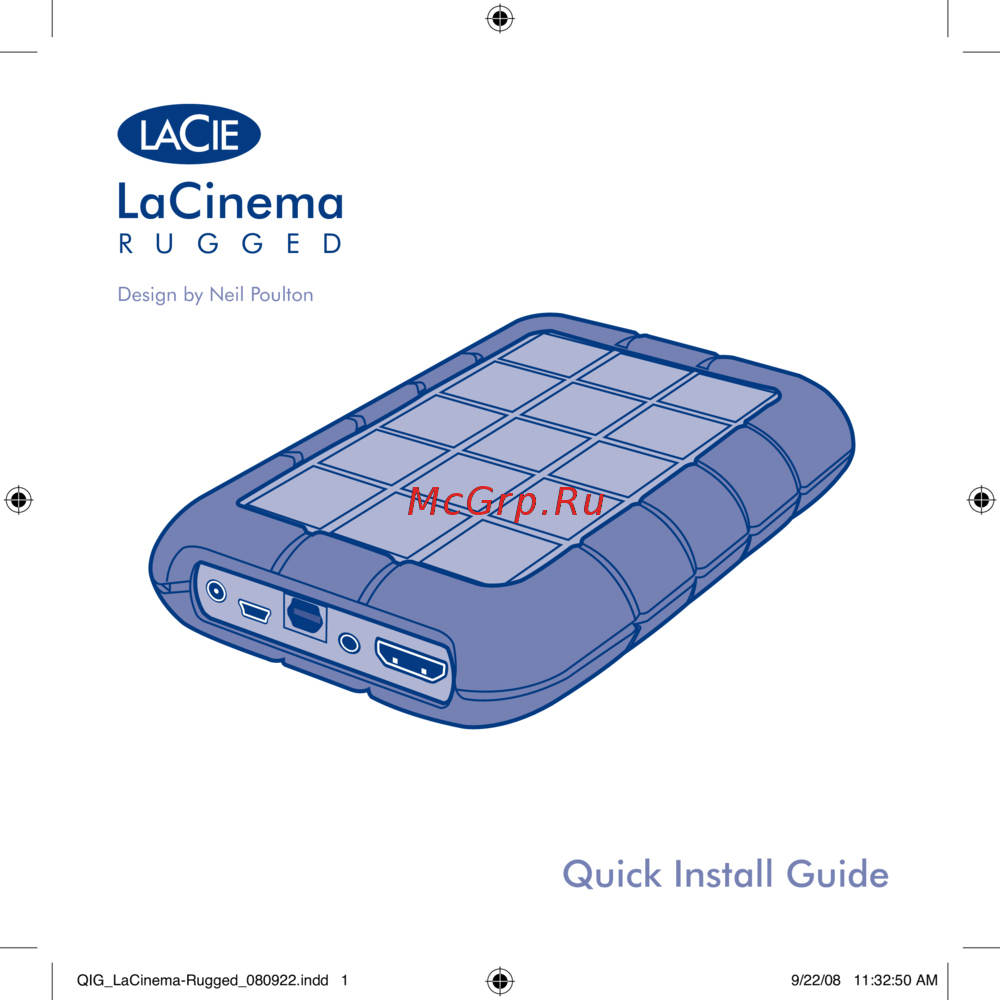
LaCie LaCinema Rugged
External power supply
Video composite + stereo cable
HDMI cable
USB cable
SCART out adapter
Remote control
2 x AAA batteries
Quick Install Guide
LaCie Utilities CD-ROM
(with detailed User Manual and software)
Protect your investment—register for free technical support: www.lacie.com/register
Your LaCie LaCinema Rugged has been pre-formatted as a FAT32 volume for use with Mac OS
and Windows. For more information, please see the user manual on the LaCie Utilities CD-ROM.
CAUTION: Disk should not be reformatted in a file system other than FAT32 / MS- DOS.
If you reformat the disk in HFS file system, files will not be available when connected to a TV.
IMPORTANT NOTICE: The LaCie LaCinema Rugged is not designed or intended for use in
violation of copyrights or other intellectual property rights. The LaCie LaCinema Rugged may
only be used in conjunction with materials legally owned or licensed by the user and only to the
extent that such ownership or license rights permit such use.
QIG_LaCinema-Rugged_080922.indd 2 9/22/08 11:32:51 AM
Содержание
Похожие устройства
-
 Lacie Rugged 250GbИнструкция по эксплуатации
 -
 Lacie Classic 1TbИнструкция по эксплуатации
 -
 Dune Hd Neo 4K T2 PlusРуководство по эксплуатации
 -
 Dune Hd Neo 4K T2Руководство по эксплуатации
 -
 Dune Hd Neo 4KРуководство по эксплуатации
 -
 Dune Hd TV-101 WiFiИнструкция по эксплуатации
 -
 Dune Hd TV-301WiFiИнструкция по эксплуатации
 -
 Dune Hd life 53DWИнструкция по эксплуатации
 -
 Dune Hd Smart B1Инструкция по эксплуатации
 -
 Dune Hd MaxИнструкция по эксплуатации
 -
Dune Hd HD Neo 4K T2 PlusРуководство по эксплуатации
-
Dune Hd HD Neo 4K T2Руководство по эксплуатации
Узнайте о содержимом комплекта внешнего медиаплеера, его подключении и форматах. Защитите свои данные и получите техническую поддержку.