![Moxa ioLogik E1240 — настройка RESTful API и управление системой [4/115]](/img/pdf.png)
Moxa ioLogik E1240 — настройка RESTful API и управление системой [4/115]
Превью страниц
Страница 4 /
115
RESTful API Setting .......................................................................................................................... 3-26
EtherNet/IP Setting ........................................................................................................................... 3-26
System Management ......................................................................................................................... 3-27
Network Connection .................................................................................................................. 3-27
Firmware Update ....................................................................................................................... 3-27
Import System Configuration Settings ......................................................................................... 3-27
Export System Settings .............................................................................................................. 3-28
Change Password ............................................................................................................................. 3-28
Load Factory Defaults ........................................................................................................................ 3-28
Save/Restart .................................................................................................................................... 3-29
4. Using ioSearch™ ................................................................................................................................ 4-1
Introduction to ioSearch™ ................................................................................................................... 4-2
ioSearch™ Main Screen ....................................................................................................................... 4-2
Main Screen Overview.................................................................................................................. 4-2
ioSearch™ Setup ................................................................................................................................ 4-3
System ...................................................................................................................................... 4-3
Sort ........................................................................................................................................... 4-4
Quick Links ................................................................................................................................. 4-4
Main Function ..................................................................................................................................... 4-4
Locate ....................................................................................................................................... 4-5
Firmware Upgrade ....................................................................................................................... 4-5
Unlock ....................................................................................................................................... 4-5
Import ....................................................................................................................................... 4-6
Export ....................................................................................................................................... 4-6
Change IP Address ...................................................................................................................... 4-7
Batch TCP/IP Configuration on Multiple Devices ............................................................................... 4-7
Change Server Name ................................................................................................................... 4-8
Activate EtherNet/IP .................................................................................................................... 4-8
Restart System ........................................................................................................................... 4-9
Reset to Default ........................................................................................................................ 4-10
Mass Deployment (Import) ......................................................................................................... 4-10
Mass Deployment (Export) ......................................................................................................... 4-10
5. Activation Process for the EtherNet/IP Function .............................................................................. 5-1
6. How to Connect the ioLogik E1200 to an Allen-Bradley PLC .............................................................. 6-1
EDS Installation of the ioLogik E1200 Series in Rockwell Software RSLogix 5000 ........................................ 6-2
Establishing communication between the ioLogik E1200 device and the Allen-Bradley PLC ........................... 6-6
A. Modbus/TCP Default Address Mappings ............................................................................................ A-1
ioLogik E1210 Modbus Address and Register Map ................................................................................... A-2
ioLogik E1211 Modbus Address and Register Map ................................................................................... A-3
ioLogik E1212 Modbus Address and Register Map ................................................................................... A-5
ioLogik E1213 Modbus Address and Register Map ................................................................................... A-7
ioLogik E1214 Modbus Address and Register Map ................................................................................... A-9
ioLogik E1240 Modbus Address and Register Map ................................................................................. A-11
ioLogik E1241 Modbus Address and Register Map ................................................................................. A-12
ioLogik E1242 Modbus Address and Register Map ................................................................................. A-14
ioLogik E1260 Modbus Address and Register Map ................................................................................. A-16
ioLogik E1262 Modbus Address and Register Map ................................................................................. A-18
B. EtherNet/IP Default Address Mappings ............................................................................................ B-1
ioLogik E1200 EtherNet/IP Map ............................................................................................................ B-1
C. RESTful API Default Address Mappings ............................................................................................. C-1
ioLogik E1200 RESTful API Map ............................................................................................................ C-1
D. Network Port Numbers ...................................................................................................................... D-1
E. Factory Default Settings .................................................................................................................... E-1
F. Pinouts .............................................................................................................................................. F-1
G. FCC Interference Statement .............................................................................................................. G-1
H. European Community (CE) ................................................................................................................ H-1
Содержание
319- Iologik e1200 series user s manual
- Edition 12 november 2016
- Www moxa com product
- Iologik e1200 series user s manual
- Copyright notice
- Www moxa com support
- Trademarks
- Technical support contact information
- Disclaimer
- Table of contents
- Introduction
- Product model information
- Product features
- Iologik e1200 series introduction
- Inside the box
- Iologik e1200 series introduction
- Standards and certifications
- Product specifications
- Physical characteristics
- Environmental limits
- Common specifications
- Warranty
- Inputs and outputs
- Digital output
- Digital input
- Power requirements
- Mtbf mean time between failures
- Iologik e1211
- Iologik e1210
- Iologik e1200 series introduction
- Iologik e1212
- Mtbf mean time between failures
- Iologik e1200 series introduction
- Inputs and outputs
- Digital output
- Digital input
- Power requirements
- Iologik e1213
- Digital input
- Power requirements
- Mtbf mean time between failures
- Iologik e1200 series introduction
- Inputs and outputs
- Digital output
- Iologik e1214
- Power requirements
- Mtbf mean time between failures
- Iologik e1200 series introduction
- Inputs and outputs
- Digital input
- Iologik e1240
- Analog input
- Inputs and outputs
- Analog output
- Power requirements
- Mtbf mean time between failures
- Iologik e1241
- Iologik e1200 series introduction
- Digital input
- Power requirements
- Mtbf mean time between failures
- Iologik e1242
- Iologik e1200 series introduction
- Inputs and outputs
- Digital output
- Analog input
- Iologik e1200 series introduction
- Inputs and outputs
- Power requirements
- Mtbf mean time between failures
- Iologik e1260
- Thermocouple
- Power requirements
- Mtbf mean time between failures
- Iologik e1262
- Iologik e1200 series introduction
- Inputs and outputs
- Physical dimensions
- Iologik e1200 series introduction
- Ethernet port
- Panel guide
- Led indicators
- Iologik e1200 series introduction
- Hardware reference
- Sinking do circuit
- Iologik e1200 series introduction
- I o circuit diagram
- Di circuit
- Sourcing do circuit
- Iologik e1200 series introduction
- Iologik e1200 series introduction
- Dio circuit
- Rtd circuit
- Relay circuit
- Iologik e1200 series introduction
- Ai circuit
- Tc circuit
- Iologik e1200 series introduction
- Initial setup
- Attention
- Iologik e1200 series initial setup
- Hardware installation
- Grounding the iologik e1200
- Din rail wall mounting
- Connecting the power
- Jumper settings dio and ai
- Iologik e1200 series initial setup
- Connecting to the network
- Iologik e1200 series initial setup
- Ext power configuration settings iologik e1213 only
- Dio mode configuration settings
- Ai mode configuration settings
- Iologik e1200 series initial setup
- I o wiring diagrams
- Attention
- Iologik e1200 series initial setup
- Load factory default settings
- Iosearch installation
- Iologik e1200 series initial setup
- Using the web console
- Iologik e1200 series using the web console
- Introduction to the web console
- Overview
- Iologik e1200 series using the web console
- Network settings for the web console
- Iologik e1200 series using the web console
- General settings
- Ethernet configuration
- User defined modbus addressing
- Iologik e1200 series using the web console
- Default modbus address
- Attention
- Tag generation
- Iologik e1200 series using the web console
- Aopc server settings
- Iologik e1200 series using the web console
- Iologik e1200 series using the web console
- I o settings
- Di channels
- Iologik e1200 series using the web console
- Iologik e1200 series using the web console
- Do channels
- Iologik e1200 series using the web console
- Ai channels
- Iologik e1200 series using the web console
- Ai input range
- Iologik e1200 series using the web console
- Attention
- Iologik e1200 series using the web console
- Ao channels
- Rtd channels
- Iologik e1200 series using the web console
- Iologik e1200 series using the web console
- Tc channels
- Iologik e1200 series using the web console
- Peer to peer settings 1 50
- Peer to peer networking
- Iologik e1200 series using the web console
- Server settings
- Sample peer to peer configuration
- Iologik e1200 series using the web console
- Client settings
- Do safe mode settings
- Ao safe mode settings
- Standard trap
- Snmp trap
- Iologik e1200 series using the web console
- Using snmp
- Snmp trap settings
- Snmp trap server
- Snmp agent
- Private trap
- Iologik e1200 series using the web console
- Specific id
- Snmp trap
- Iologik e1200 series using the web console
- Digital output pulse output trap settings
- Digital input counter trap settings
- Iologik e1200 series using the web console
- Analog input trap settings
- Tc input trap settings
- Rtd input trap settings
- Iologik e1200 series using the web console
- Iologik e1200 series using the web console
- Accessibility ip list
- Restful api setting
- Iologik e1200 series using the web console
- Ethernet ip setting
- System management
- Network connection
- Iologik e1200 series using the web console
- Import system configuration settings
- Firmware update
- Export system settings
- Change password
- Attention
- Load factory defaults
- Iologik e1200 series using the web console
- Save restart
- Iologik e1200 series using the web console
- Using iosearch
- Main screen overview
- Iosearch main screen
- Iologik e1200 series using iosearch
- Introduction to iosearch
- System
- Iosearch setup
- Iologik e1200 series using iosearch
- Quick links
- Main function
- Iologik e1200 series using iosearch
- Attention
- Unlock
- Locate
- Iologik e1200 series using iosearch
- Firmware upgrade
- Batch upgrades on multiple devices of the same model
- Iologik e1200 series using iosearch
- Import
- Export
- Iologik e1200 series using iosearch
- Change ip address
- Batch tcp ip configuration on multiple devices
- Iologik e1200 series using iosearch
- Change server name
- Activate ethernet ip
- Restart system
- Iologik e1200 series using iosearch
- Reset to default
- Mass deployment import
- Mass deployment export
- Iologik e1200 series using iosearch
- Activation process for the ethernet ip function
- Iologik e1200 series activation process for the ethernet ip function
- Iologik e1200 series activation process for the ethernet ip function
- Iologik e1200 series activation process for the ethernet ip function
- Iologik e1200 series activation process for the ethernet ip function
- How to connect the iologik e1200 to an allen bradley plc
- Iologik e1200 series how to connect the iologik e1200 to an allen bradley plc
- Eds installation of the iologik e1200 series in rockwell software rslogix 5000
- Iologik e1200 series how to connect the iologik e1200 to an allen bradley plc
- Iologik e1200 series how to connect the iologik e1200 to an allen bradley plc
- Iologik e1200 series how to connect the iologik e1200 to an allen bradley plc
- Establishing communication between the iologik e1200 device and the allen bradley plc
- Iologik e1200 series how to connect the iologik e1200 to an allen bradley plc
- Iologik e1200 series how to connect the iologik e1200 to an allen bradley plc
- Iologik e1200 series how to connect the iologik e1200 to an allen bradley plc
- Iologik e1200 series how to connect the iologik e1200 to an allen bradley plc
- Iologik e1200 series how to connect the iologik e1200 to an allen bradley plc
- Iologik e1200 series how to connect the iologik e1200 to an allen bradley plc
- Modbus tcp default address mappings
- System
- Iologik e1210 modbus address and register map
- Iologik e1200 series modbus tcp default address mappings
- Iologik e1211 modbus address and register map
- Iologik e1200 series modbus tcp default address mappings
- System
- Iologik e1200 series modbus tcp default address mappings
- Iologik e1212 modbus address and register map
- Iologik e1200 series modbus tcp default address mappings
- System
- Iologik e1200 series modbus tcp default address mappings
- Iologik e1213 modbus address and register map
- Iologik e1200 series modbus tcp default address mappings
- System
- Iologik e1200 series modbus tcp default address mappings
- Iologik e1214 modbus address and register map
- Iologik e1200 series modbus tcp default address mappings
- System
- Iologik e1200 series modbus tcp default address mappings
- System
- Iologik e1240 modbus address and register map
- Iologik e1200 series modbus tcp default address mappings
- Iologik e1241 modbus address and register map
- Iologik e1200 series modbus tcp default address mappings
- Iologik e1200 series modbus tcp default address mappings
- System
- Iologik e1242 modbus address and register map
- Iologik e1200 series modbus tcp default address mappings
- System
- Iologik e1200 series modbus tcp default address mappings
- Iologik e1260 modbus address and register map
- Iologik e1200 series modbus tcp default address mappings
- System
- Iologik e1200 series modbus tcp default address mappings
- Iologik e1262 modbus address and register map
- Iologik e1200 series modbus tcp default address mappings
- System
- Iologik e1200 series modbus tcp default address mappings
- Input data map by models
- Ethernet ip default address mappings
- Assembly object 0x04
- Supported service
- Iologik e1200 ethernet ip map
- Output data map by models
- Iologik e1200 series ethernet ip default address mappings
- Di channel object 0x65
- Relay channel object 0x6a
- Iologik e1200 series ethernet ip default address mappings
- Do channel object 0x67
- Ai channel object 0x6b
- Tc channel object 0x6e
- Rtd channel object 0x6d
- Iologik e1200 series ethernet ip default address mappings
- Ao channel object 0x6c
- Restful api default address mappings
- Iologik e1200 restful api map
- Api list
- Supported methods
- Iologik e1200 series restful api default address mappings
- Response code
- Iologik e1200 series restful api default address mappings
- Network port numbers
- Iologik e1200 network port usage
- Factory default settings
- Pinouts
- Pin assignment of terminal blocks
- Federal communication commission warning
- Fcc interference statement
Похожие устройства
-
 Moxa ioLogik W5340-TБрошюра
 -
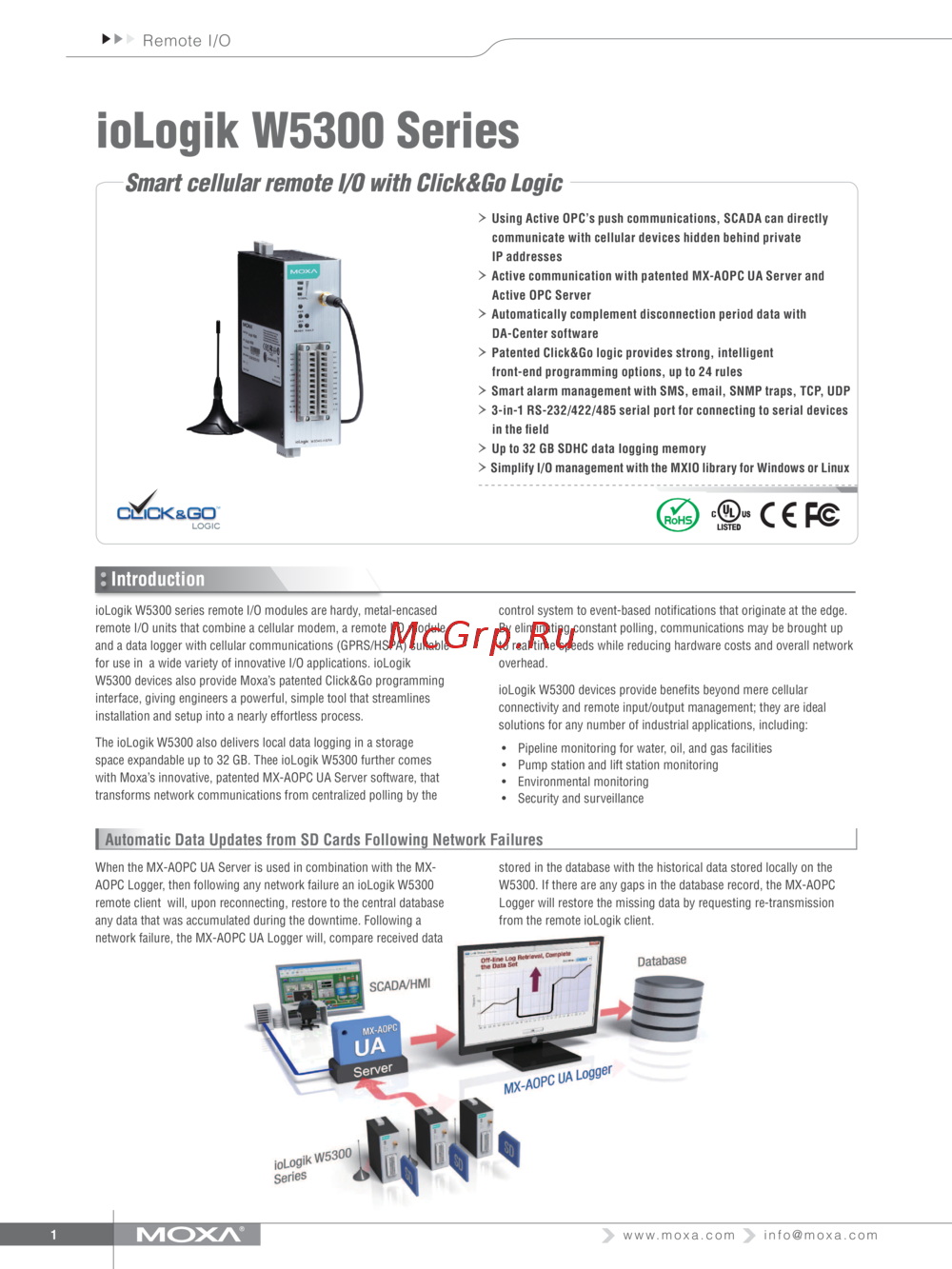 Moxa ioLogik W5340-TТехнические характеристики
 -
 Moxa ioLogik W5340-TИнструкция по эксплуатации
 -
Moxa ioLogik W5340Брошюра
-
Moxa ioLogik W5340Технические характеристики
-
Moxa ioLogik W5340Инструкция по эксплуатации
-
Moxa ioLogik W5312-TБрошюра
-
Moxa ioLogik W5312-TТехнические характеристики
-
Moxa ioLogik W5312-TИнструкция по эксплуатации
-
Moxa ioLogik W5312Брошюра
-
Moxa ioLogik W5312Технические характеристики
-
Moxa ioLogik W5312Инструкция по эксплуатации
Узнайте, как настроить RESTful API, управлять системой и обновлять прошивку. Полное руководство по настройке и эксплуатации сетевых устройств.