![D-Link DP-311P [23/68] Printing with windows xp 2000 continued](/icons/site-icon-64.png)
D-Link DP-311P [23/68] Printing with windows xp 2000 continued
Превью страниц
Страница 23 /
68
![D-Link DP-311P [23/68] Printing with windows xp 2000 continued](/views2/1044870/page23/bg17.png)
Содержание
128- D link dp 311p
- Table of contents
- Contents
- Package contents
- Contents of package
- System requirements
- Introduction
- Rearview
- Getting to know the dp 311p
- Frontview
- Getting started
- You have completed the configuration
- You begin configuring the dp 311p
- Using the web configuration
- Before
- Wireless
- Using the web configuration continued
- Status
- Network
- Management
- Using the web configuration continued
- Using the web configuration continued
- Status
- Wireless
- Using the web configuration continued
- Using the web configuration continued
- Tcp ip settings
- Network
- Using the web configuration continued
- Network continued
- Netware nds settings
- Netware general settings
- Netware bindery settings
- Apple talk settings
- Apple talk printer configuration
- Management
- Using the web configuration continued
- Snmp trap settings
- Snmp community settings
- Using the web configuration continued
- Smb workgroup
- Smb shared name
- Management continued
- Factory default
- Using the web configuration continued
- Print test
- Firmware upgrade
- Printing with windows xp 2000
- Printing with windows xp 2000 continued
- Printing with windows xp 2000 continued
- Printing with windows xp 2000 continued
- Printing with windows xp 2000 continued
- Printing with windows xp 2000 continued
- Printing with windows xp 2000 continued
- Printing with windows 98se me
- Wireless
- Printing with windows 98se me continued
- Network
- Printing with windows 98se me continued
- Printing with windows 98se me continued
- Printing with windows 98se me continued
- Printing with windows 98se me continued
- Printing with windows 98se me continued
- Printing with windows 98se me continued
- Setting up appletalk or lpr printing in mac os x
- Setting up apple talk or lpr printing in mac os x
- Setting up apple talk or lpr printing in mac os x continued
- Setting up apple talk or lpr printing in mac os x continued
- Setting up apple talk or lpr printing in mac os x continued
- Setting up apple talk or lpr printing in mac os x continued
- Setting up apple talk or lpr printing in mac os x continued
- Setting up apple talk or lpr printing in mac os x continued
- Setting up the print server for appletalk printing
- Setting up appletalk printing in mac os 9
- Setting up apple talk printing in mac os 9
- Printing from macos client workstations
- Printing from mac os client workstations
- Printing from macos client workstations continued
- Using the network setup wizard in windows xp
- Networking basics
- Networking basics continued
- Networking basics
- Continued
- Continued
- Networking basics
- Networking basics
- Continued
- Networking basics
- Continued
- Networking basics
- Continued
- Networking basics how to assign a name to your computer continued
- Continued
- Networking basics how to assign a name to your computer continued
- How to find your ip address in windows xp
- Continued
- Networking basics continued how to find your ip address in windows xp continued
- Assigning a static ip address in windows xp 2000
- Networking basics continued assigning a static ip address in windows xp 2000 continued
- Networking basics continued assigning a static ip address in windows xp 2000 continued
- Networking basics continued sharing an lpr printer continued
- Networking basics continued sharing an lpr printer continued
- Networking basics sharing an lpr printer continued
- Networking basics sharing an lpr printer continued
- Networking basics sharing an lpr printer continued
- Technical specifications
- Technical specifications continued
- Technical support
- Tech support for customers within the united states
- Tech support for customers within canada
- Warranty and registration
- Usa only
- Register your d link product online at http support dlink com register
- For detailed warranty outside the united states please contact corresponding local d link office
- Appendix 1
- App 1 printer compatibility list
- Dp 311p printer compatibility list
- Dp 311p incompatible printer list
- Appendix 2
- App 2 incompatible printer list
- Upgrading the print server from windows 2000 xp
- Upgrading the print server from psadmin
- Appendix 3
- App 3 alternate ways of upgrading the firmware in netware unix windows
- Alternate ways of upgrading the firmware in netware windows unix
- Upgrading the print server from unix through tcp ip
- Appendix 3
- Alternate ways of upgrading the firmware in netware windows unix continued
Похожие устройства
-
 D-Link DP-313Инструкция по эксплуатации
 -
 D-Link DP-311UИнструкция по эксплуатации
 -
 D-Link DPR-1040Инструкция по эксплуатации
 -
 D-Link DP-G321Инструкция по эксплуатации
 -
 D-Link DP-G310Инструкция по эксплуатации
 -
 D-Link DP-G301Инструкция по эксплуатации
 -
 Brother NC-9100hРуководство пользователя по работе в сети
 -
 Planet FPS-3121Инструкция по эксплуатации
 -
 Planet FPS-1101Инструкция по эксплуатации
 -
 Planet FPS-1011Инструкция по эксплуатации
 -
 Planet FPS-1010MGИнструкция по эксплуатации
 -
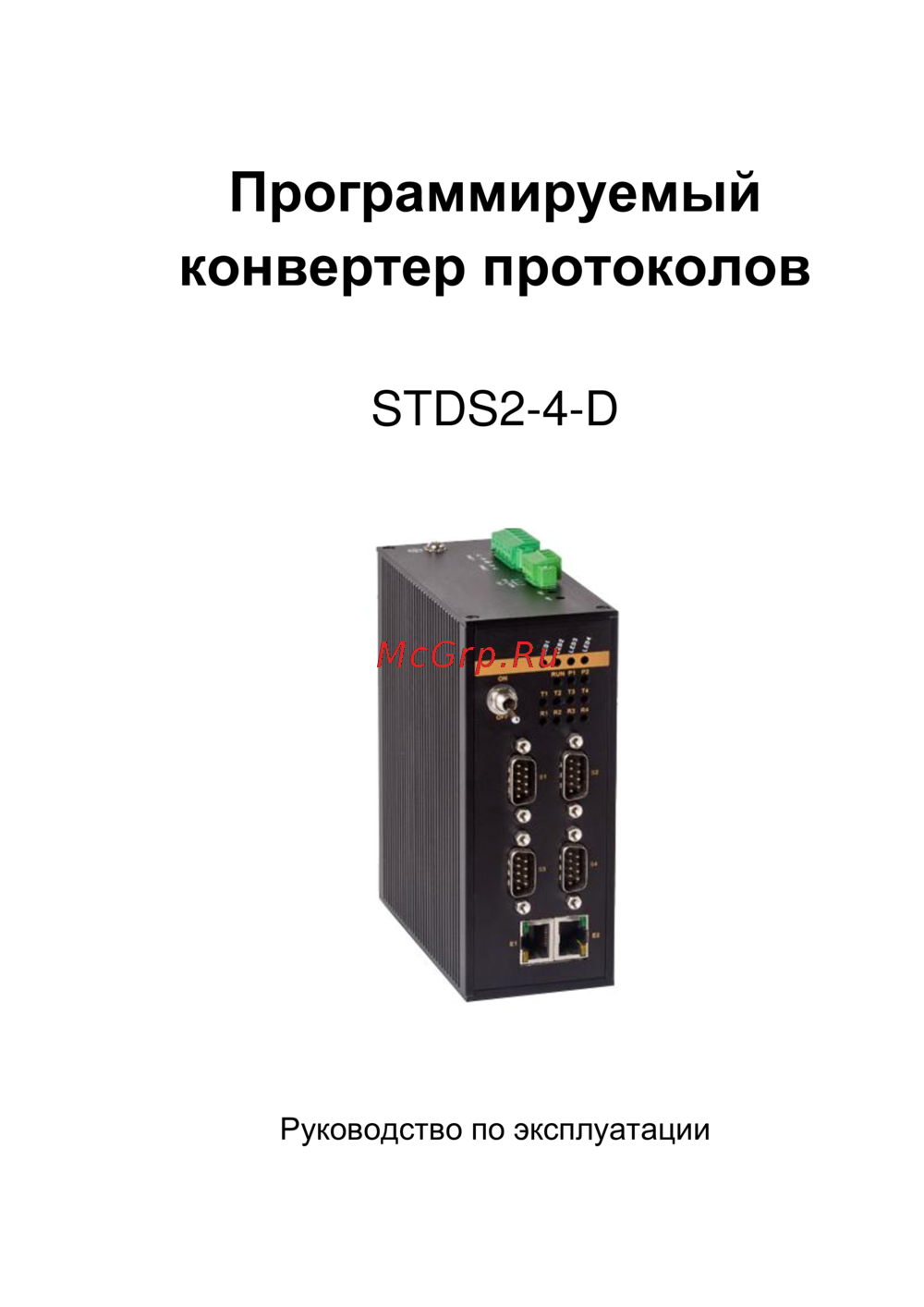 Symanitron STDS2-4-DИнструкция по эксплуатации