![Soundmax SM-CCR3033 BlG — как использовать радиоприемник: выбор диапазона и сохранение станций [11/28]](/icons/site-icon-64.png)
Soundmax SM-CCR3033 BlG — как использовать радиоприемник: выбор диапазона и сохранение станций [11/28]
Превью страниц
Страница 11 /
28
![Soundmax SM-CCR3033 BlG [11/28] Radio operations](/views2/1052102/page11/bgb.png)
11
Radio operations
Band select
In Radio mode press BAND button to select a radio band: FM1, FM2 or FM3. 6 stations can be saved in each
band making total 18 stations.
Manual/automatic tuning
Press / buttons to start automatic search of the nearest station with strong signal in the current
band downwards or upwards. Repeat to find other stations.
To adjust the needed frequency manually, press and hold / buttons; release the button when the
needed frequency is found.
Automatic storing
Press and hold BAND button; the receiver will automatically find and save 6 stations with strong signal in
the current band.
Storing and recalling stations
To store a station, tune to the needed station, then press and hold the desired number button. The
frequency will be stored under the corresponding number. When stored, the preset number will appear on
the display. A stored station can be recalled anytime by pressing the corresponding number button.
Содержание
11
Похожие устройства
-
 Soundmax SM-CCR3187FBИнструкция по эксплуатации
 -
 Soundmax SM-CCR3053F(ЧЕРНЫЙ)\GИнструкция по эксплуатации
 -
 Soundmax SM-CCR3181FBИнструкция по эксплуатации
 -
 Soundmax SM-CCR3180FBИнструкция по эксплуатации
 -
 Soundmax SM-CCR3073F Black GИнструкция по эксплуатации
 -
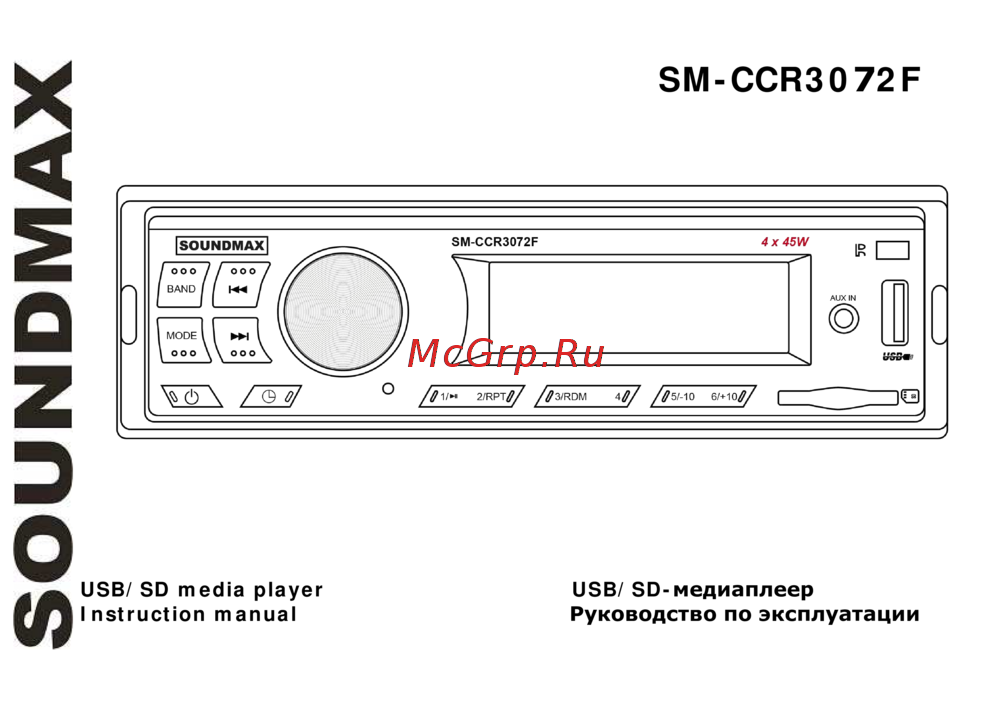 Soundmax SM-CCR3072F Black RИнструкция по эксплуатации
 -
 Soundmax SM-CCR3070F Black GИнструкция по эксплуатации
 -
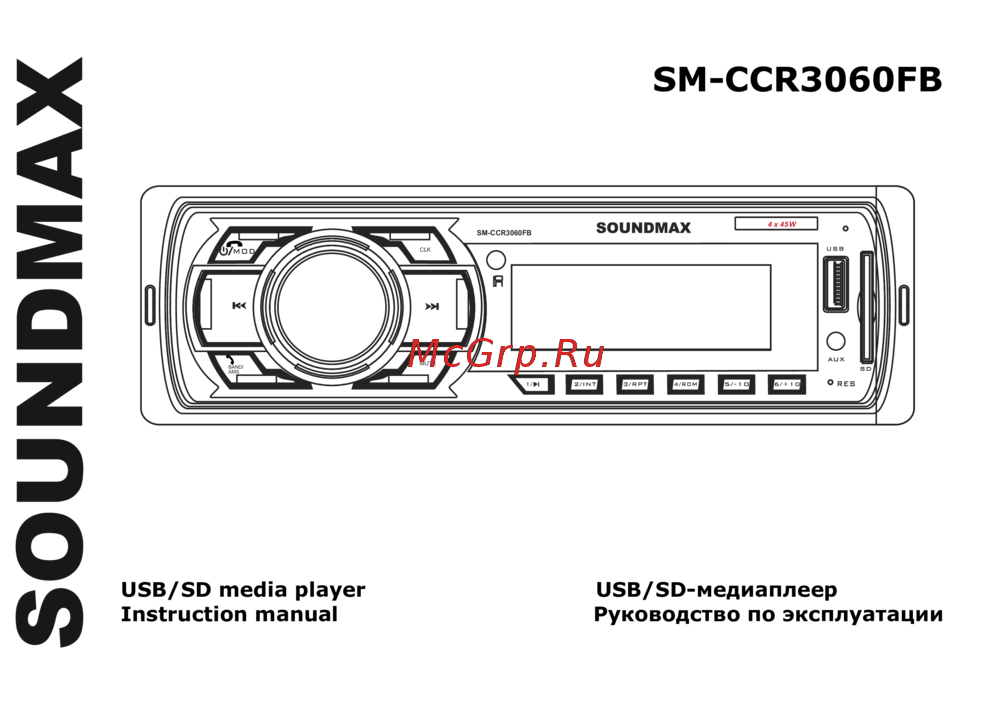 Soundmax SM-CCR3060FB Black RИнструкция по эксплуатации
 -
 Soundmax SM-CCR3046FИнструкция по эксплуатации
 -
 Soundmax SM-CCR3050FИнструкция по эксплуатации
 -
 Soundmax SM-CCR3052FИнструкция по эксплуатации
 -
 Soundmax SM-CCR3054FИнструкция по эксплуатации
Узнайте, как эффективно использовать радиоприемник, выбирая диапазоны и сохраняя любимые станции. Простые шаги для автоматической и ручной настройки.