![Gigabyte MZ71-CE1 (rev. 1.x) — установка и удаление модуля памяти: пошаговое руководство [14/144]](/icons/site-icon-64.png)
Gigabyte MZ71-CE1 (rev. 1.x) — установка и удаление модуля памяти: пошаговое руководство [14/144]
Превью страниц
Страница 14 /
144
![Gigabyte MZ71-CE1 (rev. 1.x) [14/144] Hardware installation 14](/views2/1679971/page14/bge.png)
Hardware Installation - 14 -
1-4-2 Installing and Removing a Memory Module
Before installing a memory module, make sure to turn off the computer and unplug the
power cord from the power outlet to prevent damage to the memory module.
Be sure to install DDR4 DIMMs on to this motherboard.
Follow these instructions to install a DIMM module:
1. Insert the DIMM memory module vertically into the DIMM slot and push it down.
2. Close the plastic clip at both edges of the DIMM slots to lock the DIMM module.
3. Reverse the installation steps when you want to remove the DIMM module.
1
2
2
DIMMs Populated
DIMM Frequency (MT/s)
1R
2R
2DR
1.2V
1
1 -- 3200
-- 1 3200
2
2 -- 2933
1 1 2933
-- 2 2933
1-4-3 DIMM Population Table
RDIMM Maximum Frequency Supported Table
Содержание
228- Forrelatedproductspecifications thelatestfirmwareandsoftware andotherinformation pleasevisit our website at http www gigabyte com
- For more information
- For gigabyte distributors and resellers additional sales marketing materials are available from our reseller portal http reseller b2b gigabyte com
- For further technical assistance please contact your gigabyte representative or visit http esupport gigabyte com to create a new support ticket
- For any general sales or marketing enquires you may message gigabyte server directly by email server grp gigabyte com
- Documentation classifications
- Disclaimer
- Copyright
- 2020 giga byte technology co ltd all rights reserved the trademarks mentioned in this manual are legally registered to their respective owners
- Information in this manual is protected by copyright laws and is the property of gigabyte changes to the specifications and features in this manual may be made by gigabyte without prior notice no part of this manual may be reproduced copied translated transmitted or published in any form or by any means without gigabyte s prior written permission
- In order to assist in the use of this product gigabyte provides the following types of documentation
- Table of contents
- Mz71 ce0 mz71 ce1 motherboard layout block diagram chapter 1 hardware installation
- Chapter 2 bios setup 9
- 8 jumper settings 28
- 7 internal connectors 19
- 6 back panel connectors 17
- 5 installing and removing the m ssd module 16
- 4 installing and removing memory 13
- 3 installing and removing the cpu and heat sink 12
- 2 productspecifications 10
- 2 advanced menu 34
- 1 the main menu 31
- 1 installation precautions 9
- 10 abl post codes 123
- 9 save exit menu 122
- 8 boot menu 120
- 7 security menu 117
- 6 server management menu 11
- 5 chipset setup menu 109
- 4 amd pbs menu 106
- 3 amd cbs menu 70
- 11 agesa post codes 133
- 12 bios post beep code ami standard 144
- Mz71 ce0 mz71 ce1 motherboard layout
- 2 3 4 5 6
- Block diagram
- Chapter 1 hardware installation
- 1 installation precautions
- 2 product specifications
- 3 installing and removing the cpu and heat sink
- Follow these instructions to install the cpu
- This motherboard provides 16 ddr4 memory sockets and supports 8 channel technology after the memory isinstalled thebioswillautomaticallydetectthespecificationsandcapacityofthememory
- The memory to prevent hardware damage
- Same capacity brand speed and chips be used
- Read the following guidelines before you begin to install the memory make sure that the motherboard supports the memory it is recommended that memory of the
- Memory modules have a foolproof design a memory module can be installed in only one
- Direction if you are unable to insert the memory switch the direction
- Always turn off the computer and unplug the power cord from the power outlet before installing
- 4 installing and removing memory
- 4 1 8 channel memory configuration
- 13 hardware installation
- Follow these instructions to install a dimm module
- Close the plastic clip at both edges of the dimm slots to lock the dimm module
- Before installing a memory module make sure to turn off the computer and unplug the power cord from the power outlet to prevent damage to the memory module be sure to install ddr4 dimms on to this motherboard
- 4 3 dimm population table
- 4 2 installing and removing a memory module
- Reverse the installation steps when you want to remove the dimm module
- Rdimm maximum frequency supported table
- Insert the dimm memory module vertically into the dimm slot and push it down
- Hardware installation 14
- Lrdimm maximum frequency supported table
- Ds rdimm maximum frequency supported table
- 15 hardware installation
- 5 installing and removing the m ssd module
- Serial port
- Id button with led
- Gbe lan port 2 mz71 ce1
- Gbe lan port 1 mz71 ce1
- Gbase t rj 45 lan port 2 mz71 ce0
- Gbase t rj 45 lan port 1 mz71 ce0
- 6 back panel connectors
- 100 1000 server management lan port
- Vga port
- Usb 3 ports
- Whenremovingthecableconnectedtoabackpanelconnector firstremovethecablefromyour
- When removing the cable pull it straight out from the connector do not rock it side to side to
- Prevent an electrical short inside the cable connector
- Lan and id button leds
- Hardware installation 18
- Device and then remove it from the motherboard
- 7 internal connectors
- 5 6 7 8
- With the use of the power connector the power supply can supply enough stable power to all the components onthemotherboard beforeconnectingthepowerconnector firstmakesurethepowersupplyisturnedoff and all devices are properly installed the power connector possesses a foolproof design connect the power supply cable to the power connector in the correct orientation the 12v power connector mainly supplies power to the cpu if the 12v power connector is not connected the computer will not start
- To meet expansion requirements it is recommended that a power supply that can withstand high power consumption be used 500w or greater if a power supply is used that does not provide the required power the result can lead to an unstable or unbootable system
- Hardware installation 20
- 2 3 atx p12v_1 p12v_2 2x12 main power connector and 2x4 12v power connector
- 5 6 7 sata0 sata1 sata2 sata3 sata 6gb s connectors
- 21 hardware installation
- The sata connectors conform to sata 6gb s standard and are compatible with sata 3gb s standard each sata connector supports a single sata device
- Serial general purpose input output sgpio is a communication method used between a host bus adapter hba and a main board
- Sata_sgp sata sgpio connector
- Thesefanheadersarenotconfigurationjumperblocks donotplaceajumpercaponthe
- The power management bus pmbus is a variant of the system management bus smbus which is targeted at digital management of power supplies
- The motherboard has one 4 pin cpu fan header cpu_fan and two 4 pin sys_fan system fan headers most fan headers possess a foolproof insertion design when connecting a fan cable be sure to connect it in the correct orientation the black connector wire is the ground wire the motherboard supports cpu fan speed control which requires the use of a cpu fan with fan speed control design for optimum heat dissipation it is recommended that a system fan be installed inside the chassis
- Pmbus connector
- Overheating overheating may result in damage to the cpu or the system may hang
- Headers
- Hardware installation 22
- Be sure to connect fan cables to the fan headers to prevent your cpu and system from
- 10 11 12 13 14 cpu0_fan cpu1_fan sys_fan1 sys_fan2 sys_fan3 sys_fan4 cpu fan system fan headers
- No pin
- Com2 serial port cable connector
- 23 hardware installation
- 17 f_usb3 f_usb2 usb 3 connector 2 header
- Theconnector headerconformtousb2 3 specification eachusbconnector headercanprovidetwo usb ports via an optional usb bracket for purchasing the optional usb bracket please contact the local dealer
- The com header can provide one serial port via an optional com port cable for purchasing the optional com port cable please contact the local dealer
- Pinno definition
- The front panel design may differ by chassis a front panel module mainly consists of power switch reset switch power led hard drive activity led speaker etc when connecting your chassis front panel module to this header make sure the wire assignments and the pin assignments are matched correctly
- Hardware installation 24
- Fp_1 front panel header
- Connect the power switch reset switch speaker chassis intrusion switch sensor and system status indicator on the chassis to this header according to the pin assignments below note the positive and negative pins before connecting the cables
- Trusted platform module tpm is an international standard for a secure cryptoprocessor a dedicated microcontroller designed to secure hardware through integrated cryptographic keys
- Spi_tpm trusted platform module connector
- Bp_1 hdd backplane board header
- 25 hardware installation
- The intelligent platform management bus communications protocol defines a byte level transport for transferringintelligentplatformmanagementinterfacespecification ipmi messagesbetweenintelligenti2c devices
- Led_bmc bmc firmware readiness led
- Ipmb intelligent platform management bus connector
- Hardware installation 26
- Bat battery socket
- Case_open case open intrusion alert header
- 8 jumper settings
- Chapter 2 bios setup
- Bios setup program function keys
- Server management
- Security
- Save exit
- Chipset
- Amd pbs option
- Amd cbs
- Advanced
- 1 the main menu
- Mz71 ce0
- 2 advanced menu
- Mz71 ce1
- 2 1 trusted computing
- 2 2 psp firmware versions
- 2 3 ast2500 super io configuration
- 2 3 1 serial port 1 2 configuration
- 2 4 s5 rtc wake settings
- 2 5 serial port console redirection
- 2 6 cpu configuration
- 2 7 ami graphic output protocol policy
- 2 8 pci subsystem settings
- 2 9 usb configuration
- 2 10 network stack configuration
- 2 11 nvme configuration
- 2 12 sata configuration
- 2 13 uefi post logo configuration
- 2 14 t1s auth configuration
- 2 15 amd mem configuration status
- 2 16 iscsi configuration
- 2 17 vlan configuration
- 2 18 mac ipv4 network configuration
- 2 19 mac ipv6 network configuration
- Mz01 ce1 broadcom bcm5720 gigabit ethernet
- Mz01 ce0 broadcom bcm57416 10gbase t ethernet
- 2 20 broadcom network connection
- 2 20 1 iscsi boot configuration menu
- 3 amd cbs menu
- 3 1 cpu common options
- 3 1 1 performance
- 3 1 2 prefetcher settings
- 3 1 3 core watchdog
- 3 2 df common options
- 3 2 1 scrubber
- 3 2 2 memory addressing
- 3 2 3 acpi
- 3 2 4 link
- 3 3 umc common options
- 3 3 1 ddr4 common options
- 3 3 1 1 dram controller configuration
- 3 3 1 2 cad bus configuration
- 3 3 1 3 data bus configuration
- 3 3 1 4 common ras
- 3 3 1 5 security
- 3 3 2 dram memory mapping
- 3 3 3 nvdimm
- 3 3 4 memory mbist
- 3 3 4 1 data eye
- 3 4 nbio common options
- 3 4 1 smu common options
- 3 4 2 nbio ras common options
- 3 5 fch common options
- 3 5 1 ac power loss options
- 3 5 2 fch ras options
- 3 5 3 miscellaneous options
- 3 6 ntb common options
- 3 7 soc miscellaneous control
- 4 amd pbs menu
- 4 1 ras
- 5 chipset setup menu
- 5 1 north bridge
- 6 server management menu
- 6 1 system event log
- 6 2 view fru information
- 6 3 bmc network configuration
- 6 4 ipv6 bmc network configuration
- 7 security menu
- 7 1 secure boot
- 8 boot menu
- 9 save exit menu
- 10 abl post codes
- 10 3 pmu test points
- 10 2 memory test points
- 10 1 startprocessortestpoints
- 10 4 original post code
- 10 7 extended memory test point
- 10 6 topology test points
- 10 5 cpu test points
- 10 8 gnb earlier init
- 10 9 pmu test points
- 10 11 abl5 test points
- 10 10 abl0 test points
- 11 2 0xa1xx for cz only memory postcodes
- 11 1 universal post code
- 11 agesa post codes
- 11 5 0xa5xx assigned for agesa psp module
- 11 4 pmu post code
- 11 3 s3 interface post code
- 11 6 0xa9xx 0xaaxx assigned for agesa nbio module
- 11 7 0xacxx assigned for agesa ccx module
- 11 9 0xafxx assigned for agesa fch module
- 11 8 0xadxx assigned for agesa df module
- 12 bios post beep code ami standard
- 12 2 dxe beep codes
- 12 1 pei beep codes
Похожие устройства
-
 Gigabyte MU70-SU0 (rev. 1.0)Инструкция
 -
 Gigabyte MW50-SV0 (rev. 1.0)Инструкция
 -
 Gigabyte MD80-TM1 (rev. 1.0)Инструкция
 -
 Gigabyte MD80-TM0 (rev. 1.0)Инструкция
 -
 Gigabyte MW31-SP0 (rev. 1.0)Инструкция
 -
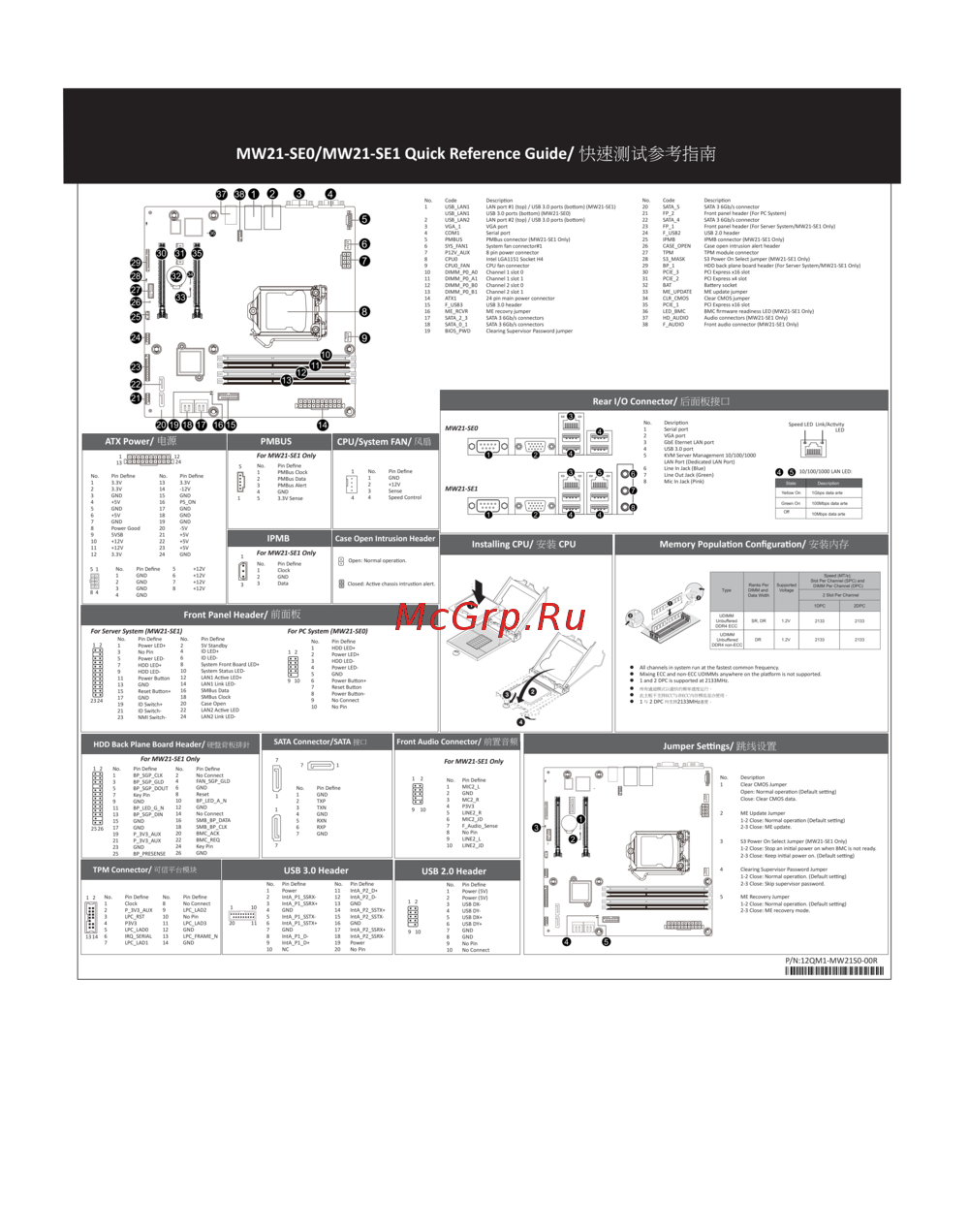 Gigabyte MW21-SE0 (rev. 1.0)Инструкция
 -
 Gigabyte MD70-HB2 (rev. 1.0)Инструкция
 -
Gigabyte MD70-HB0 (rev. 1.2)Инструкция
-
 Gigabyte MD60-SC1 (rev. 1.1)Инструкция
 -
Gigabyte MD60-SC0 (rev. 1.1)Инструкция
-
 Gigabyte MH70-HD1 (rev. 1.0)Инструкция
 -
Gigabyte MH70-HD0 (rev. 1.0)Инструкция
Узнайте, как правильно установить и удалить модуль памяти. Следуйте простым инструкциям для безопасной установки DDR4 DIMM на материнскую плату.
