![AMERICAN DJ Dotz TPAR System — управление системой освещения: руководство пользователя [6/14]](/img/pdf.png)
AMERICAN DJ Dotz TPAR System — управление системой освещения: руководство пользователя [6/14]
Превью страниц
Страница 6 /
14
![AMERICAN DJ Dotz TPAR System [6/14] This menu will let you activate the rf remote control](/views2/2014468/page6/bg6.png)
ADJ Products, LLC - www.adj.com - Dotz TPar System User Manual Page 11
Dotz TPar System System Menu
Pixel Flip - In this mode you adjust the unit so that the
LEDs in DMX mode will illuminate at your desired starting
point. The unit can start at either the left or the right.
1. Press the MENU button until “Pixel Flip” is displayed, press
ENTER.
2. Either “O” or “On” will be displayed. “O” the unit will illumi-
nate left to right, and “On” the unit will illuminate right to left. Use
the UP and DOWN buttons to nd your desired mode, and press
ENTER.
RF Active - This menu will let you activate the RF remote
control.
1. Press the MENU button until “RF Active” is displayed, press
ENTER.
2. Either “On” or “O” will be displayed, use the UP or DOWN
buttons to activate (On) or deactivate (O) the remote. Press
ENTER to conrm.
ADJ Products, LLC - www.adj.com - Dotz TPar System User Manual Page 10
Universal DMX Control: This function allows you to use a Elation®
universal DMX-512 controller to control the chases and patterns,
dimmer and strobe. A DMX controller allows you to create unique
programs tailored to your individual needs. The Dotz TPar System
has 5 DMX channel modes; a 3 Channel Mode, 5 Channel Mode, 9
Channel Mode, 12 Channel Mode, & 18 Channel Mode. See pages
14-20 for the DMX channel modes and traits.
1. This function will allow you to control each individual fixture’s
traits with a standard DMX 512 controller such as the
Elation® Show Designer™ or the Elation® DMX Operator.™
2. To run your fixture in DMX mode, follow directions on page 8 to
set your DMX address and DMX Channel mode.
3. Plug in the fixture via the XLR connections to any standard DMX
controller.
4. For longer cable runs (more than a 100 feet) use a terminator on
the last fixture.
Dotz TPar System Universal DMX Control
Master-Slave Operation: This function will allow you to link up to 16
units together and operate without a controller. The units will be sound
activated. In Master-Slave operation one unit will act as the controlling
unit and the others will react to the controlling units programs. Any unit
can act as a Master or as a Slave.
1. Using approved DMX data cables, daisy chain your units together
via the XLR connector on the rear of the units. Remember the
Male XLR connector is the input and the Female XLR connector is
the output. The rst unit in the chain (master) will use the female
XLR connector only - The last unit in the chain will use the male
XLR connector only. For longer cable runs we suggest a termina-
tor at the last fixture.
2. On the Master unit, designate the unit as a “Master” unit following
the instructions on page 10. Then set your desired operating mode.
3. On the slave units press the MODE button until “Slave Mode” is
displayed.
4. The slave units will now follow the Master unit.
Dotz TPar System Master-Slave Configuration
Содержание
49- User instructions
- Dotz tpar system
- Warning
- Unpacking
- Introduction
- Customer support
- Caution
- Data cable dmx cable requirements for dmx operation
- Power supply
- Dmx 512
- When longer runs of cable are used you may need to use a terminator on the last unit to avoid erratic behavior a terminator is a 90 120 ohm 1 4 watt resistor which is con nected between pins 2 and 3 of a male xlr connector data and data this unit is inserted in the female xlr connector of the last unit in your daisy chain to terminate the line using a cable terminator adj part number z dmx t will decrease the possibilities of erratic behavior
- Special note line termination
- Some manufactures use 5 pin xlr connectors for data transmission in place of 3 pin 5 pin xlr fixtures may be implemented in a 3 pin xlr dmx line when inserting standard 5 pin xlr connectors in to a 3 pin line a cable adaptor must be used these adaptors are readily available at most electric stores the chart below details a proper cable conversion
- Pin xlr dmx connectors
- Notice
- Dotz tpar system system menu
- Dotz tpar system set up
- Built in programs
- Be sure to follow figures two and three when making your own cables do not use the ground lug on the xlr connector do not con nect the cable s shield conductor to the ground lug or allow the shield conductor to come in contact with the xlr s outer casing grounding the shield could cause a short circuit and erratic behavior
- Slave mod
- Dmx mod
- Dim curv
- Built in program
- Auto ru
- Sound mod
- This menu will let you activate the rf remote control
- Rf activ
- Press the menu button until rf active is displayed press enter
- Press the menu button until pixel flip is displayed press enter 2 either off or on will be displayed off the unit will illumi nate left to right and on the unit will illuminate right to left use the up and down buttons to find your desired mode and press enter
- Pixel fli
- In this mode you adjust the unit so that the leds in dmx mode will illuminate at your desired starting point the unit can start at either the left or the right
- Either on or off will be displayed use the up or down buttons to activate on or deactivate off the remote press enter to confirm
- If extra lights are attached to the top of the bar channels 17 18 will control the lights
- Dotz tpar system power cord daisy chaining
- Dotz tpar system photometrics
- Dotz tpar system 18 channel mode
- Dimmer curves 128 170 architectural 171 213 theater 214 255 default to unit curve setting 17 light 1 if appicable 0 127 light 1 off 128 255 light 1 on 18 light 2 if appicable 0 127 light 2 off 128 255 light 2 on
- Channel value function
- Beam opening m
- 1 2 3 4 5
- With this feature you can connect the fixtures to one another using the iec input and output sockets the quantity that can be connected is 7 fixtures maximum for 120v and 14 fixtures maxi mum for 230v after the maximum fixtures has been reached you will need to use a new power outlet they must be the same fix tures do not mix fixtures
- When channel 13 is being used between the values of 240 255 channel 14 will control sound sensitivity
- When channel 13 is being used between the values of 16 135 channel 14 will control the dimming
- When channel 13 is being used between the values of 136 239 channel 14 will control the speed of the programs
- Intensity lux
- Dotz tpar system warranty
- Dotz tpar system notes
- Adj products llc www adj com dotz tpar system user manual page 24 adj products llc www adj com dotz tpar system user manual page 25
- Auto sensing voltage
Похожие устройства
-
 AMERICAN DJ Stinger StarРуководство по эксплуатации
 -
 AMERICAN DJ Stinger GoboРуководство по эксплуатации
 -
 AMERICAN DJ ZipperРуководство по эксплуатации
 -
 AMERICAN DJ Rotobeam 4Руководство по эксплуатации
 -
 AMERICAN DJ BOOM BOX FX3Руководство по эксплуатации
 -
 Involight DD6Руководство по использованию
 -
 Involight HZ610Руководство по использованию
 -
 Involight FM900DMXИнструкция пользователя
 -
 ILDA Pangolin Quick-ShowРуководства пользователя
 -
 ADJ Hydro Beam X1Руководство по эксплуатации
 -
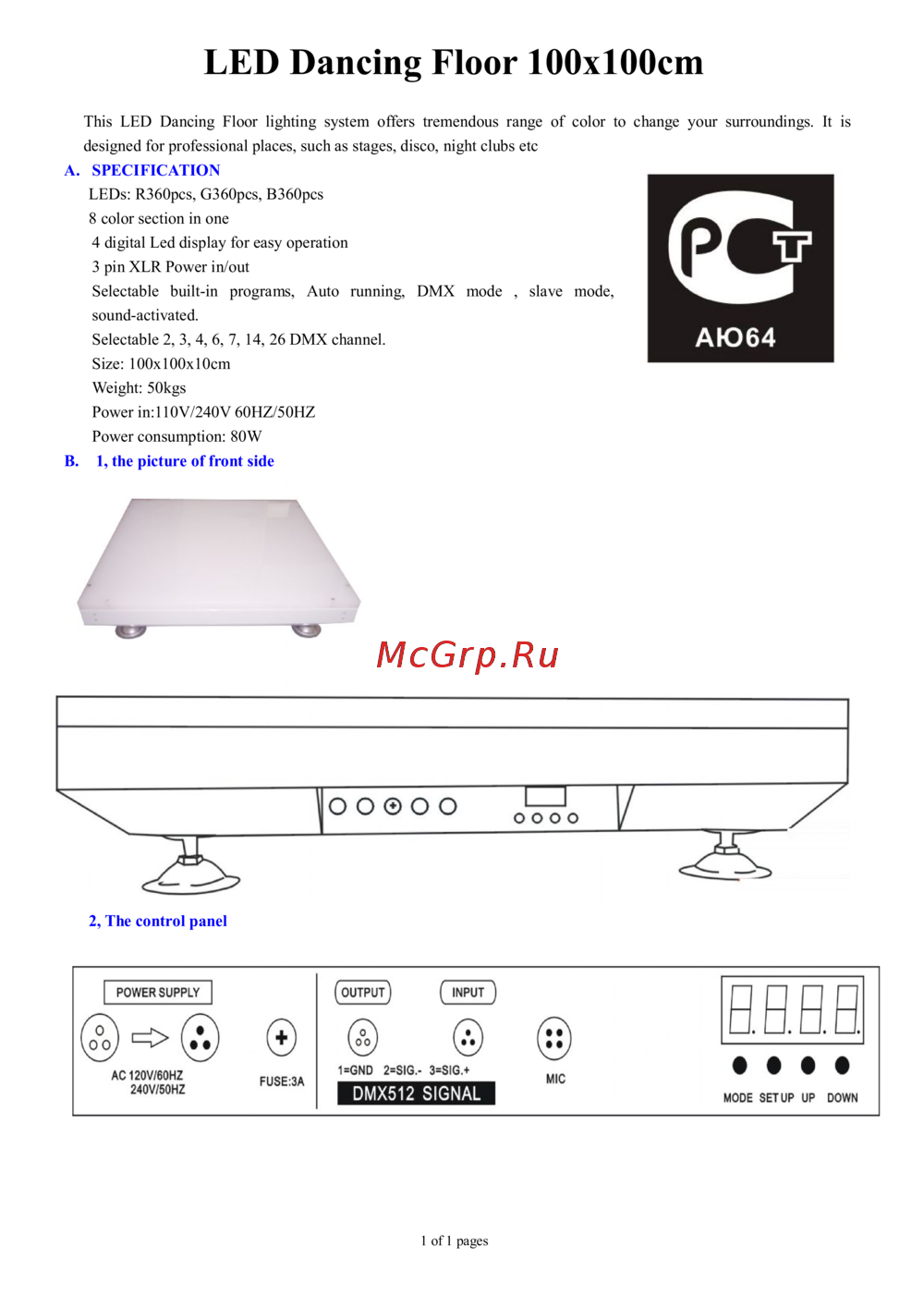 Involight LDF100Руководство по эксплуатации
 -
 AMERICAN DJ Focus Spot ONEРуководство по эксплуатации
Изучите функции управления системой освещения, включая режимы DMX, настройку пикселей и активацию дистанционного управления. Подробные инструкции для оптимального использования.