![Tp-Link TD-W8151N — руководство пользователя по настройке фильтрации IP для модема [80/102]](/icons/site-icon-64.png)
Tp-Link TD-W8151N — руководство пользователя по настройке фильтрации IP для модема [80/102]
Превью страниц
Страница 80 /
102
![Tp-Link TD-W8151N Инструкция по эксплуатации онлайн [80/102] 16754](/views2/1017827/page80/bg50.png)
TD-W8151N
150Mbps Wireless N ADSL2+ Modem Router User Guide
Note:
If you want to make the rule take effect, please select Yes to active the rule.
Step 3: Enter the “Source IP Address”, “Destination IP Address”, “Subnet Mask” and “Port
Number” in the corresponding field.
Step 4: Select the Protocol as “TCP” and select the Unmatched rule as “Next”.
Step 5: Finally, click the SAVE to save the entry.
Step 6: Go to Step 2 to configure the next two rules: Block E-mail received by the IP address
192.168.1.7 on your local network; Make the PC with IP address 192.168.1.8 unable to
visit the website of IP address 202.96.134.12.
Note:
After you complete the IP filter rules for the example, the Filter list will show as follows. You can
enter the IP / MAC Filter Set Index to view the information about the rule.
Шаг 1: Выберите “IP/MAC Filter” как тип фильтра (см. рис 4-37).
Выберите “IP” в поле тип правила в окне фильтра, после этого вы сможете
настроить конкретное правило для примера.
Шаг 2: Выберите IP/MAC Filter Set Index (указанный индекс фильтра по IP/MAC-адресу)
и IP/MAC Filter Rule Index (индекс правила фильтра по IP/MAC-адресу) для правила,
затем выберите интерфейс “PVC0”, укажите направление “Both” (“Оба”) для первого
правила.
69
Содержание
84- Td w8151n td w8151n
- Mbps wireless n adsl2 modem router
- Авторское право и торговые марки
- Fcc statement
- Copyright trademarks
- Сертификация fcc
- Fcc rf radiation exposure statement
- Требования fcc по уровню радиоизлучения
- Отметка ce
- Ce mark warning
- Country restriction reason remark
- Территории различных стран
- Страна ограничения причина замечание
- National restrictions ограничения действующие на
- 2483 mhz 2400 0 2483 5 мгц
- Tp link technologies co ltd
- South building no keyuan road central zone science technology park nanshan
- Shenzhen p r china
- Declaration of conformity
- Декларация соответствия
- Tp link technologies co ltd
- South building no keyuan road central zone science technology park nanshan
- Shenzhen p r china
- Tp link technologies co ltd
- Contents
- Содержание
- Комплект поставки
- Package content
- Wireless
- Product overview обзор
- Chapter 1 introduction глава 1 введение
- Беспроводная передача данных
- Main features основные характеристики
- Conventions допущения
- Chapter 2 hardware installation глава 2 установка аппаратной части
- Chapter 2 hardware installation глава 2 установка
- Аппаратной части
- The front panel передняя панель
- The back panel задняя панель
- Installation environment требования к среде инсталляции
- Connecting the router подключение маршрутизатора
- Руководство по быстрой настройке
- Configure pc настройка компьютера
- Chapter 3 quick installation guide глава 3 руководство по быстрой настройке
- Chapter 3 quick installation guide глава 3
- Login вход
- Настройка программного обеспечения
- Status состояние
- Chapter 4 software configuration глава 4 настройка программного обеспечения
- Chapter 4 software configuration глава 4
- Interface setup настройка интерфейса
- Quick start быстрый старт
- Internet internet
- Lan локальная сеть
- Wireless беспроводная сеть
- Advanced setup расширенные настройки
- Routing маршрутизация
- Firewall межсетевой экран
- Nat nat
- Virtual server виртуальный сервер
- Dmz dmz
- Ip address mapping переназначение ip адреса
- Qos qos
- Vlan vlan
- Adsl adsl
- Access management управление доступом
- Filter фильтр
- Ip filter фильтр по ip
- Mac filter фильтр по mac адресу
- Application filter фильтр по приложению
- Url фильтр по url адресу
- Upnp upnp
- Snmp snmp
- Ddns ddns
- Cwmp cwmp
- Time zone часовой пояс
- Maintenance эксплуатация устройства
- Administration администрирование
- Firmware встроенное по
- Sysrestart перезагрузка системы
- Diagnostics диагностика
- Help справка
- Appendix a specification
- Приложение a спецификация
Похожие устройства
-
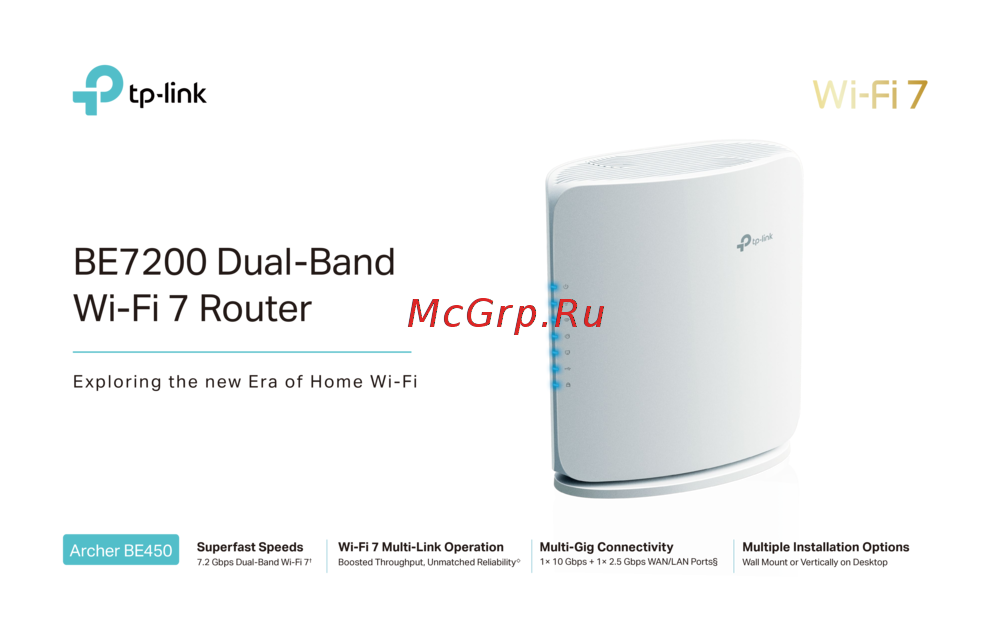 Tp-Link Archer BE450Краткая инструкция
 -
Tp-Link BE7200Краткое руководство пользователя
-
 Tp-Link Archer EC220 G5Руководство по настройке
 -
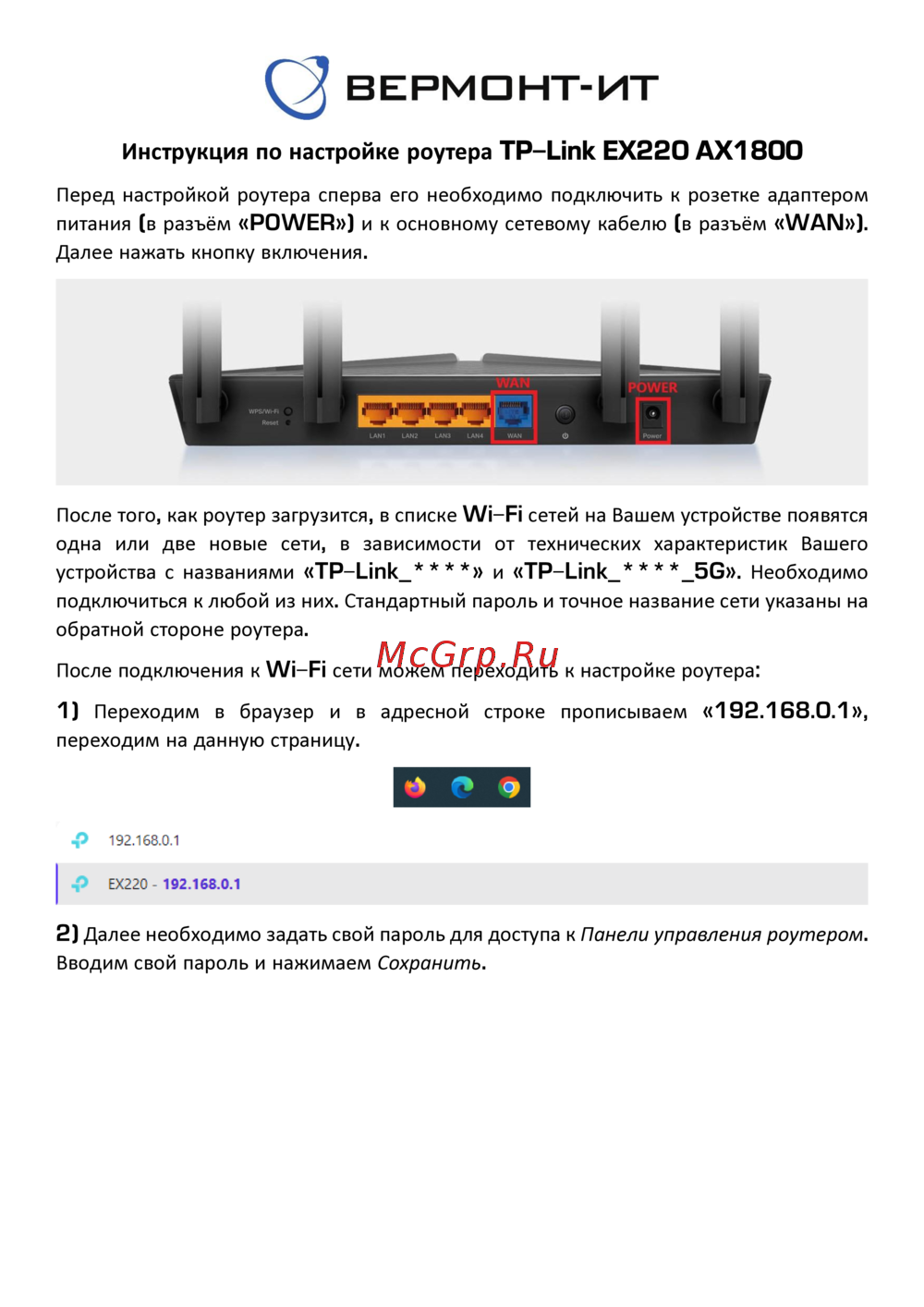 Tp-Link EX220 AX1800Руководство пользователя
 -
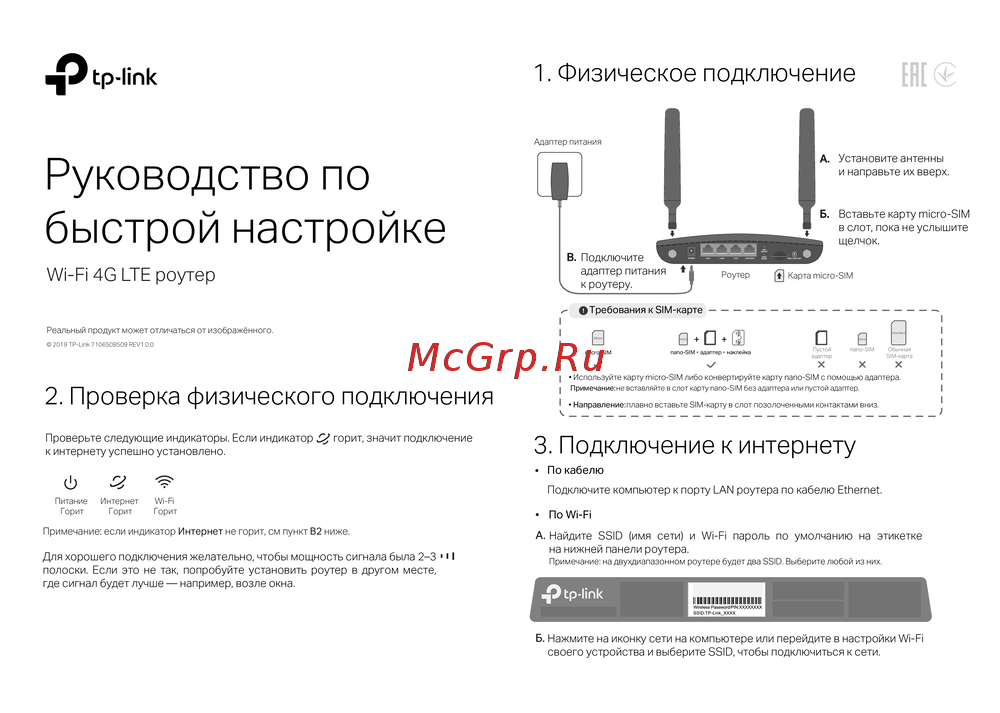 Tp-Link Wi-Fi 4G LTE роутерКраткая инструкция по использованию
 -
 Tp-Link TL-WR3002XИнструкция по применению
 -
 Tp-Link AC750Руководство по работе с устройством
 -
 Tp-Link TL-MR6400 черныйРуководство по эксплуатации
 -
 Tp-Link TL-MR100 N300Руководство по эксплуатации
 -
 Tp-Link TL-MR105 N300Руководство по эксплуатации
 -
 Tp-Link Archer MR500 AC1200Руководство по эксплуатации
 -
 Tp-Link TL-WR840N N300Руководство по эксплуатации
Узнайте, как настроить фильтрацию IP на вашем модеме. Пошаговые инструкции помогут вам заблокировать определенные IP-адреса и управлять доступом к сети.