![Philips BRI959/00 Lumea Prestige — информация о литий-ионных батареях и устранение неполадок [28/86]](/icons/site-icon-64.png)
Philips BRI959/00 Lumea Prestige — информация о литий-ионных батареях и устранение неполадок [28/86]
Превью страниц
Страница 28 /
86
![Philips BRI959/00 Lumea Prestige [28/86] Troubleshooting](/views2/1244300/page28/bg1c.png)
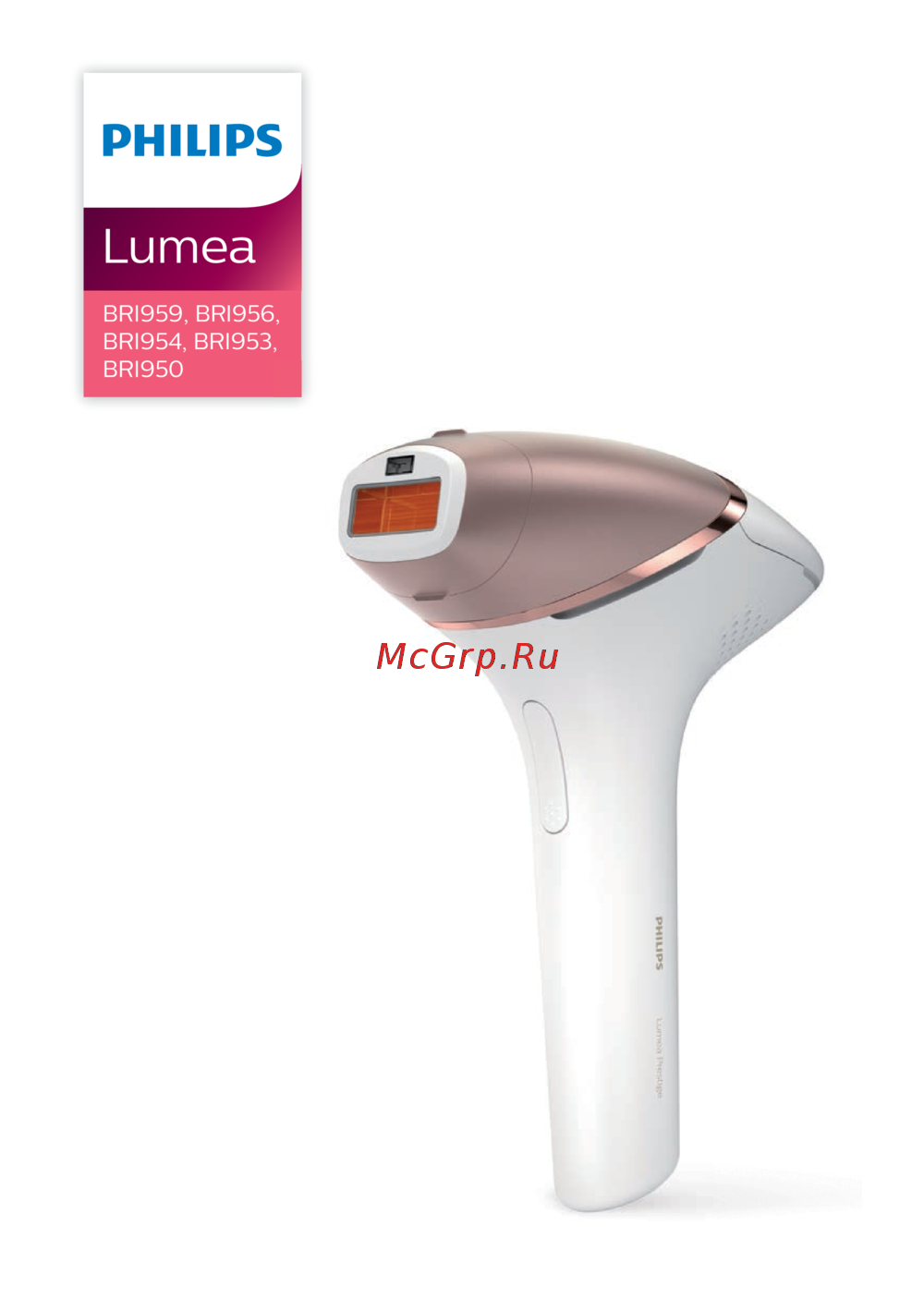
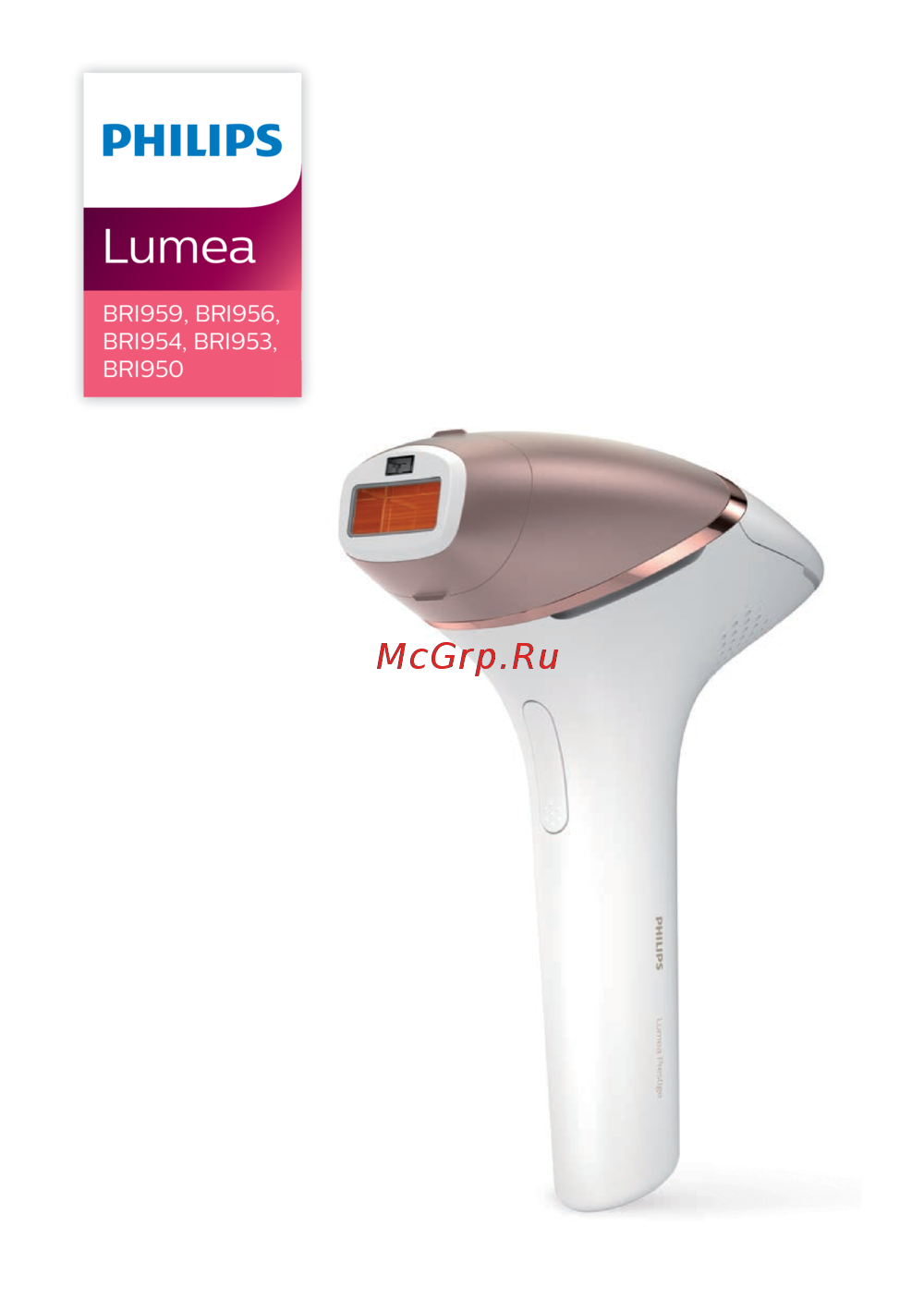
BRI959, BRI956, BRI954, BRI953, BRI950
Lithium-ion battery 2 x 3.6 Volt 1000 mAh
Optical exposure 2.4-6.5 J/cm2
Maximum optical energy 4.8 - 23 J
Optical homogeneity Max. +/- 20% deviation from average optical exposure in
treatment area
Repetition time 1-3.5 s
Pulse duration <2.5 ms
Flash interval Between 1-3.5s depending on battery/mains connected use
Pulse sequence Single pulse
Optical spectrum 560-1200 nm
Troubleshooting
Problem Possible cause Solution
The device/adapter
becomes warm during use.
It is normal for the device and
adapter to become warm (but
not too hot to touch) during
use.
Use the device in a slightly cooler
environment and/ or let it cool down
before continuing use.
The fan is not working. Check if the attachment is well
connected. Clean the connectors on
the attachment if needed. In case the
attachment is well connected and it is
possible to produce ashes with the
device, contact the Consumer Care
Center in your country, your Philips
dealer or a Philips service center.
The cooling airow of the
fan is blocked by hands or a
towel.
Make sure the cooling airow of the fan
is unblocked.
When I place the device on
the skin, it does not release
a ash. The 'ready to ash'
light blinks orange.
Your skin tone in the area to
be treated is too dark.
Treat other body areas with lighter skin
tones with Lumea.
The ready to ash light
blinks orange and all 5
intensity lights blink as well.
The device needs to be reset. To reset the device take the plug out
of the socket, wait for 30 minutes to
let the device cool down. The device
should function normally again. In
case it doesn't work again, contact the
Consumer Care Center in your country.
28
English
Содержание
190- Table of contents
- English
- Contents
- Device overview
- Welcome
- Who should not use lumea contraindication
- Medications history
- General conditions
- Pathologies disorders
- Skin condition
- Location areas
- Warning
- Important
- Danger
- To prevent damage
- Caution
- How ipl works
- Electromagnetic fields emf
- Recommended treatment schedule
- Initial phase
- Touch up phase
- Suitable body hair colors
- Bri953 bri954
- Treatment time per area
- This symbol means using the device cordless
- This symbol means using the device corded
- English
- Bri956 bri959
- Bri950
- Using your lumea prestige before and after tanning
- What to expect
- Tanning with natural or artificial sunlight
- Tanning with creams
- During touch up treatment phase
- After initial treatment phase
- Before you use your lumea prestige
- Skin test
- Pretreating your skin
- Using your lumea prestige
- Skin tone sensor
- Facial attachment
- Body attachment
- Attachments
- Selecting the right light intensity
- Precision attachment bri953 bri954
- Bikini attachment bri956 bri959
- Armpit attachment bri956 bri959
- Handling the device
- Two treatment modes stamp flash and slide flash
- Rare side effects
- Common skin reactions
- After use
- Aftercare
- Cleaning storage
- Charging
- Warranty and support
- Technical specifications
- Recycling
- Bri959 bri956 bri954 bri953 bri950
- Troubleshooting
- Problem possible cause solution
- Bri959 bri956 bri954 bri953 bri950
- Problem possible cause solution
- Problem possible cause solution
- Русский
- Содержание
- Общая информация
- Описание устройства
- Кому не следует пользоваться фотоэпилятором lumea противопоказания
- Препараты анамнез
- Общие усл31вия
- Патологии заболевания
- Состояние кожи
- Меры предосторожности
- Участки кожи
- Важная информация
- Предупреждение
- Меры безопасности
- Внимание
- Электромагнитные поля эмп
- Как работает технология ipl
- Рекомендуемая схема процедур
- Подходящие цвета волос на теле
- Исходная фаза
- Фаза поддержания результата
- Русский
- Этот символ означает следующее использовать устройство от электросети
- Этот символ означает следующее использовать устройство в автономном режиме
- Среднее время воздействия в зависимости от участка
- Bri956 bri959
- Bri953 bri954
- Bri950
- Загар с помощью естественного или искусственного света
- Чего ожидать от использования
- После исходной фазы обработки
- Корректирующие процедуры
- Использование фотоэпилятора lumea prestige до и после загара
- Прежде чем использовать фотоэпилятор lumea prestige
- Предварительная обработка кожи
- Использование кремов для искусственного загара
- Тест на небольшом участке кожи
- Насадки
- Насадка для тела
- Использование фотоэпилятора philips lumea prestige
- Датчик оттенка кожи
- Прецизионная насадка bri953 bri954
- Насадка для подмышек bri956 bri959
- Насадка для области бикини bri956 bri959
- Насадка для лица
- Выбор необходимой интенсивности
- Эксплуатация устройства
- Два режима обработки stamp flash и slide flash
- После завершения работы
- Редкие побочные эффекты
- Возможные кожные реакции
- Дальнейший уход
- Очистка и хранение
- Зарядка
- Утилизация
- Гарантия и поддержка
- Технические характеристики
- Bri959 bri956 bri954 bri953 bri950
- Поиск и устранение неисправностей
- Проблема возможная причина способы решения
- Проблема возможная причина способы решения
- Проблема возможная причина способы решения
- Қазақша
- Мазмұны
- Құрылғыға шолу
- Қош келдіңіз
- Дәрілер журнал
- Lumea құрылғысын кім пайдаланбауы керек қолдануға болмайтын жағдай
- Жалпы шарттар
- Патологиялар бұзылулар
- Тері жағдайы
- Орын аймақтар
- Қауіпті жағдайлар
- Маңызды
- Абайлаңыз
- Зақымдалудан сақтау
- Абайлаңыз
- Электромагниттік өрістер эмө
- Ipl жұмысы
- Ұсынылатын өңдеу кестесі
- Үйлесімді дене түтігінің түстері
- Түзету фазасы
- Бастапқы фаза
- Bri950
- Әрбір аймақ үшін өңдеу уақыты
- Қазақша
- Осы таңба мағынасы сымсыз құрылғыны пайдалану
- Осы таңба мағынасы сымды құрылғыны пайдалану
- Bri956 bri959
- Bri953 bri954
- Қарайту алдында және кейін lumea prestige пайдалану
- Табиғи немесе жасанды күн сәулесімен қарайту
- Не күтуге болады
- Майлап емдеу фазасы барысында
- Кремдермен қарайту
- Бастапқы емдеу фазасынан кейін
- Теріні алдын ала өңдеу
- Тері сынағы
- Lumea prestige пайдалану алдында
- Lumea prestige пайдалану
- Тері реңкінің датчигі
- Саптамалар
- Дене бекітпесі
- Бетке арналған саптама
- Қолтық саптамасы bri956 bri959
- Дәлдікке арналған саптама bri953 bri954
- Бикини саптамасы bri956 bri959
- Дұрыс жарық қарқындылығын таңдау
- Құрылғыны қолдану
- Сирек кездесетін жанама әсерлер
- Пайдаланудан кейін
- Күйіктер артық қызару түк фолликулалары айналасында және жұтыну бұл реакциялар өте сирек болады олар теріңіздің түсіне аса жоғары болатын жарық қарқынын пайдалану нәтижесі болып табылады егер бұл реакциялар 3 күннің ішінде кетпесе дәрігерге қаралуға кеңес береміз тері толығымен қалпына келгенше күтіп төменірек жарық қарқынын пайдаланып отырғаныңызға көз жеткізіңіз
- Жалпы тері реакциялары
- Екі өңдеу режимі штамп және жарқыл және сырғыту және жарқыл
- Тазалау және сақтау
- Зарядтау
- Қосымша өңдеу
- Өңдеу
- Кепілдік және қолдау көрсету
- Техникалық ерекшеліктер
- Bri959 bri956 bri954 bri953 bri950
- Мәселе ықтимал себеп шешім
- Ақаулықтарды жою
- Мәселе ықтимал себеп шешім
- Мәселе ықтимал себеп шешім
- Bri959 bri956 bri954 bri953 bri950
Похожие устройства
-
 Philips SC1991Инструкция к устройству
 -
Philips SC1992Инструкция по применению
-
 Philips BRI956/00Инструкция по эксплуатации
 -
 Philips BRI950/00Инструкция по эксплуатации
 -
 Philips BRI863/00Инструкция по эксплуатации
 -
 Philips SC2007/00Инструкция по эксплуатации
 -
 Philips BRI956/00 Lumea PrestigeИнструкция по эксплуатации
 -
Philips BRI954/00 Lumea PrestigeИнструкция по эксплуатации
-
Philips BRI953/00 Lumea PrestigeИнструкция по эксплуатации
-
Philips BRI950/00 Lumea PrestigeИнструкция по эксплуатации
-
 Philips SC2009/00 Lumea PrestigeИнструкция по эксплуатации
 -
Philips SC2007/00 Lumea PrestigeИнструкция по эксплуатации
Узнайте о характеристиках литий-ионных батарей, их использовании и решении распространенных проблем. Получите советы по уходу и эксплуатации устройства.