![D-Link DES-3828P [258/260] International offices](/icons/site-icon-64.png)
D-Link DES-3828P [258/260] International offices
Превью страниц
Страница 258 /
260
![D-Link DES-3528DC [258/260] International offices](/views2/1043702/page258/bg102.png)
International Offices
U.S.A
17595 Mt. Herrmann Street
Fountain Valley, CA. 92708
TEL: 714-885-6000
Fax 866-743-4905
URL: www.dlink.com
Canada
2180 Winston Park Drive
Oakville, Ontario, L6H 5W1
Canada
TEL: 1-905-8295033
FAX: 1-905-8295223
URL: www.dlink.ca
Europe (U. K.)
4th Floor, Merit House
Edgware Road, Colindale
London NW9 5AB
U.K.
TEL: 44-20-8731-5555
FAX: 44-20-8731-5511
URL: www.dlink.co.uk
Germany
Schwalbacher Strasse 74
D-65760 Eschborn
Germany
TEL: 49-6196-77990
FAX: 49-6196-7799300
URL: www.dlink.de
France
Le Florilege #.2, Allee de la
Fresnerie
78330 Fontenay le Fleury
France
TEL: 33-1-30238688
FAX: 33-1-30238689
URL: www.dlink-france.fr
N
etherlands
Weena 290
3012 NJ Rotterdam
N
etherlands
Tel: +31-10-282-1445
Fax: +31-10-282-1331
URL: www.dlink-benelux.com
Belgium
Rue des Colonies 11
B-1000 Brussels
Belgium
Tel: +32(0)2 517 7111
Fax: +32(0)2 517 6500
URL: www.dlink-benelux.com
Italy
Via Nino Bonnet n. 6/b
20154 – Milano,
Italy
TEL: 39-02-2900-0676
FAX: 39-02-2900-1723
URL: www.dlink.it
Sweden
P.O. Box 15036, S-167 15 Bromma
Sweden
TEL: 46-(0)8564-61900
FAX: 46-(0)8564-61901
URL: www.dlink.se
Denmark
N
averland 2, D
K
-2600
Glostrup, Copenhagen,
TEL: 45-43-969040
FAX: 45-43-424347
URL:www.dlink.dk
N
orwa
y
Karihaugveien 89
1086 Oslo
N
orwa
y
TEL: 47-23-897189
FAX: 47-22-309085
URL: www.dlink.no
Finland
Latokartanontie 7A
FIN-00700 HELSINKI
Finland
TEL : +358-10 309 8840
FAX: +358-10 309 8841
URL: www.dlink.fi
Iberia
C/Sabino De Arana,
56 Bajos
08028 Barcelona
TEL: 34 93 4090770
FAX: 34 93 4910795
URL: www.dlinkiberia.es
Singapore
1 International Business Park
#03-12 The Synergy
Singapore 609917
TEL: 65-6774-6233
FAX: 65-6774-6322
URL: www.dlink-intl.com
Australia
1 Giffnock Avenue,
N
orth Ryde, NSW 2113
Australia
TEL: 61-2-8899-1800
FAX: 61-2-8899-1868
URL: www.dlink.com.au
India
D-Link House, Kurla Bandra
Complex Road,
Off CST Road, Santacruz (East),
Mumbai - 400098.
India
TEL: 91-022-26526696/56902210
FAX: 91-022-26528914
URL: www.dlink.co.in
Middle East (Dubai)
P.O.Box: 500376
Office No.:103, Building:3
Dubai Internet City
Dubai, United Arab Emirates
Tel:+971-4-3916480
Fax:+971-4-3908881
URL: www.dlink-me.com
Turkey
Regus Offices
Beybi Giz Plaza, Ayazaga Mah.
Meydan Sok. No:28
Maslak 34396, Istanbul-Turkiye
TEL: +90 212 335 2553
FAX: +90 212 335 2500
URL: www.dlink.com.tr
Egypt
19 El-Shahed Helmy, El Masri
Al-Maza, Heliopolis
Cairo,Egypt.
TEL:+202 414 4295
FAX:+202 415 6704
URL: www.dlink-me.com
Israel
11 Hamanofim Street
Ackerstein Towers, Regus Business
Center
P.O.B 2148, Hertzelia-Pituach
46120.
Israel
TEL: +972-9-9715700
FAX: +972-9-9715601
URL: www.dlink.co.il
LatinAmerica
Isidora Goyeechea 2934 of 702,
Las Condes
Santiago – Chile S.A.
TEL: 56-2-232-3185
FAX: 56-2-232-0923
URL: www.dlink.cl
Brasil
Av das Nacoes Unidas,
11857 - 14 - andar - cj 141/142
Brooklin Novo
Sao Paulo - SP - Brazil
CEP 04578-000
TEL: +55 11 55039320
FAX: +55 11 55039322
URL: www.dlinkbrasil.com.br
South Africa
Einstein Park II
Block B
102-106 Witch-Hazel Avenue
Highveld Technopark
Centurion
Gauteng
Republic of South Africa
TEL: 27-12-665-2165
FAX: 27-12-665-2186
URL: www..d-link.co.za
Russia
Grafsky per., 14, floor 6
Moscow
129626 Russia
TEL: 7-095-744-0099
FAX: 7-095-744-0099 #350
URL: www.dlink.ru
China
N
o.202,C1 Building, Huitong
Office Park,
N
o.71, Jianguo Road, Chaoyang
District, Beijing,
100025, China.
TEL +86-10-58635800
FAX: +86-10-58635799
URL: www.dlink.com.cn
Taiwan
2F, No. 119, Pao-Chung Rd.
Hsin-Tien, Taipei
Taiwan
TEL: 886-2-2910-2626
FAX: 886-2-2910-1515
URL: www.dlinktw.com.tw
Headquarters
2F, No. 233-2, Pao-Chiao Rd.
Hsin-Tien, Taipei
Taiwan
TEL: 886-2-2916-1600
FAX: 886-2-2914-6299
244
Содержание
371- D link des 3550
- Manual
- Managed layer 2 ethernet switch
- Release 3
- Table of contents
- Preface
- Notes notices and cautions
- Typographical conventions
- Intended readers
- Safety instructions
- Safety cautions
- General precautions for rack mountable products
- Protecting against electrostatic discharge
- Section 1
- Introduction
- Gigabit ethernet technology
- Fast ethernet
- Switch description
- Switching technology
- Features
- Front panel components
- Led indicators
- Side panel description
- Rear panel description
- Gigabit combo ports
- Section 2
- Package contents
- Installation
- Before you connect to the network
- Installing the switch without the rack
- Installing the switch in a rack
- Power on
- Power failure
- Mounting the switch in a standard 19 rack
- Connecting the switch
- Switch to end node
- Section 3
- Switch to hub or switch
- Connecting to network backbone or server
- Management options
- Introduction to switch management
- Command line console interface through the serial port
- Web based management interface
- Snmp based management
- Section 4
- Connecting the console port rs 232 dce
- First time connecting to the switch
- Password protection
- Snmp settings
- Ip address assignment
- Connecting devices to the switch
- Web based switch configuration
- Section 5
- Login to web manager
- Introduction
- Web based user interface
- Areas of the user interface
- Web pages
- Section 6
- Configuring the switch
- Switch information
- Ip address
- Advanced settings
- Setting the switch s ip address using the console interface
- Port configurations
- Port description
- Port mirroring
- Understanding port trunk groups
- Link aggregation
- Lacp port setting
- Mac notification port settings
- Mac notification global settings
- Mac notification
- Igmp snooping
- Static router ports
- Spanning tree
- S mstp
- W rapid spanning tree
- Port transition states
- P2p port
- Edge port
- Stp bridge global settings
- D 802 w 802 s compatibility
- Mst configuration table
- Msti settings
- Stp instance settings
- Mstp port information
- Static multicast forwarding
- Forwarding filtering
- Unicast forwarding
- Multicast port filtering
- Vlan description
- Understanding ieee 802 p priority
- Notes about vlans on the des 3550
- Ieee 802 q vlans
- Q vlan tags
- Tagging and untagging
- Port vlan id
- Ingress filtering
- Default vlans
- Vlan segmentation
- Vlan and trunk groups
- Static vlan entry
- Port based vlans
- Gvrp setting
- Traffic control
- Port security
- Advantages of qos
- Understanding qos
- Port bandwidth
- Scheduling
- P user priority
- P default priority
- Traffic segmentation
- System severity alerts
- System log server
- Sntp settings
- Current time settings
- Time zone and dst
- Configuring the access profile table
- Access profile table
- X port based and mac based access control
- Pae access entity 802 x
- Authentication server
- Authenticator
- Port based network access control
- Client
- Authentication process
- Radius server
- Once the connected client has successfully been authenticated the port then becomes authorized and all subsequent traffic on the port is not subject to access control restriction until an event occurs that causes the port to become unauthorized hence if the port is actually connected to a shared media lan segment with more than one attached device successfully authenticating one of the attached devices effectively provides access to the lan for all devices on the shared segment clearly the security offered in this situation is open to attack
- Network access uncontrolled port
- Network access controlled port
- Figure 6 71 example of typical port based configuration
- Ethernet switch
- Des 3550 fast ethernet layer 2 switch
- Mac based network access control
- Ethernet switch
- Radius server
- Network access uncontrolled port
- Network access controlled port
- Configure authenticator
- Port capability
- Pae system control
- Initializing ports for port based 802 x
- Initializing ports for mac based 802 x
- Reauthenticate port s for port based 802 x
- Radius server
- Static arp table
- Layer 3 ip networking
- Ip mac binding per port
- Ip mac binding
- Ip mac binding table
- Ip mac binding blocked
- Limited ip multicast range settings
- Dhcp bootp relay
- Dhcp bootp relay global settings
- Dhcp bootp relay interface settings
- User accounts
- Security ip
- Section 7
- Management
- Admin and user privileges
- Access authentication control
- Policy parameters
- Application s authentication settings
- Authentication server group settings
- Authentication server hosts
- Login method lists
- Enable method lists
- Local enable password
- Enable admin
- Secure socket layer ssl
- Download certificate
- Ciphersuite
- Ssh configuration
- Secure shell ssh
- Ssh algorithm
- Ssh user authentication
- Snmp settings
- Snmp manager
- Snmp user table
- Snmp view table
- Snmp group table
- Snmp community table configuration
- Snmp host table
- Snmp engine id
- Section 8
- Monitoring
- Port utilization
- Cpu utilization
- Received rx
- Packets
- Umb cast rx
- Transmitted tx
- Received rx
- Errors
- Transmitted tx
- Mac address
- Switch history
- Igmp snooping group
- Igmp snooping forwarding
- Vlan status
- Router port
- Port access control
- Authenticator state
- Layer 3 feature
- Browse arp table
- Download firmware from tftp server
- Tftp services
- Section 9
- Maintenance
- Download configuration file
- Upload log
- Upload configuration
- Ping test
- Save changes
- Reset system
- Logout
- Reset config
- Reboot device
- Single ip management sim overview
- Section 10
- D link single ip management
- Sim using the web interface
- Topology
- Tool tips
- Right click
- Group icon
- Commander switch icon
- Member switch icon
- Candidate switch icon
- Menu bar
- Device
- Firmware upgrade
- Configuration file backup restore
- Technical specifications
- Physical and environmental
- Appendix a
- General
- Performance
- Cables and connectors
- Appendix b
- Cable lengths
- Appendix c
- Glossary
- Warranty product registration
- Limited warranty
- Fcc warning
- Product registration
- General terms
- D link europe limited product warranty
- Technical support
- Tech support for customers within new zealand
- Tech support for customers within australia
- Technical support
- Tech support for customers within south eastern asia and korea
- Monday to friday 9 30am to 7 00pm
- Http www dlink co in dlink drivers support asp
- Http ww dlink co in
- Ftp support dlink co in
- Email techsupport dlink co in
- D link technical support over the telephone
- D link technical support over the internet
- 91 22 26526741
- 91 22 26526696 ext 161 to 167
- You can find software updates and user documentation on the d link website
- Technical support
- Tech support for customers within india
- Technical support
- Tech support for customers within the russia
- Thursday 9 00am to 1 00pm gmt 4
- Technical support
- Tech support for customers within turkey
- Tech support for customers within the u a e north africa
- Tech support for customers within israel
- Tech support for customers within egypt
- Sunday to wednesday 9 00am to 6 00pm gmt 4
- Http support dlink me com
- Email support dlink me com
- D link middle east north africa
- 971 4 391 6480 u a e
- Technical support
- Tech support for customers within south africa and sub sahara region
- Technical support
- Tech support for latin america customers
- Tech support for customers within brazil
- Техническая поддержка
- Soporte técnico help desk guatemala
- Soporte técnico help desk el salvador
- Soporte técnico help desk ecuador
- Soporte técnico help desk colombia
- Soporte técnico help desk chile
- Soporte t é cnico help desk argentina
- Soporte dlinkla com
- El servicio de soporte técnico tiene presencia en numerosos países de la región latino américa y presta asistencia gratuita a todos los clientes de d link en forma telefónica e internet a través de la casilla
- D link latin américa pone a disposición de sus clientes especificaciones documentación y software mas reciente a través de nuestro sitio web
- Asistencia técnica
- Www dlinklatinamerica com
- Soporte técnico help desk venezuela
- Soporte técnico help desk perú
- Soporte técnico help desk panamá
- Telefone
- Suporte técnico
- Suporte t é cnico para clientes no brasil
- E mail
- 友冠技術支援
- Technical support
- Tech support for customers within the united states
- Tech support for customers within canada
- The united kingdom ireland
- Technical support
- For customers within canada
- For customers within
- Österreichs der schweiz und osteuropas sind
- Wenn sie kunde von d link außerhalb deutschlands
- Wenden sie sich bitte an die zuständige
- Technische unterstützung
- Niederlassung aus der liste im benutzerhandbuch
- 12 min aus dem festnetz der deutschen telekom
- Support technique destiné aux clients établis en france
- Support technique destiné aux clients établis au canada
- Assistance technique
- Http www dlink es email soporte dlink es
- Asistencia técnica
- Supporto tecnico
- Gli ultimi aggiornamenti e la documentazione sono
- Email tech dlink it
- Disponibili sul sito d link
- D link mediterraneo s r l
- Via n bonnet 6 b 20154 milano supporto tecnico dal lunedì al venerdì dalle ore 9 0 alle ore 19 0 con orario continuato telefono 02 39607160
- Url http www dlink it supporto html
- Supporto tecnico per i clienti residenti in italia
- Technical support
- Tech support for customers within the netherlands
- Tech support for customers within belgium
- Tech support for customers within
- Luxemburg
- Telefoniczna pomoc techniczna firmy d link
- Pomoc techniczna firmy d link świadczona przez internet
- Pomoc techniczna
- Technická podpora
- Technikai támogatás
- D link magyarország
- D link teknisk support over internett
- 10 610
- Teknisk support
- Produktets garantitid
- Kunder kan kontakte d links teknisk support via våre
- Hverdager 08 00 20 00
- Http www dlink no
- Hjemmesider eller på tlf
- Du kan finne programvare oppdateringer og bruker
- Dokumentasjon på d links web sider
- D link tilbyr sine kunder gratis teknisk support under
- D link teknisk telefon support
- Teknisk support
- D link teknisk support på internettet
- D link tillhandahåller teknisk support till kunder i sverige under hela garantitiden för denna produkt
- D link teknisk support via telefon
- D link teknisk support via internet
- 33 00 35
- Vardagar 08 0 20 0
- Teknisk support för kunder i sverige
- Teknisk support
- På vår hemsida kan du hitta mer information om mjukvaru uppdateringar och annan användarinformation
- Http www dlink se
- Email support dlink se
- 技术支持
- International offices
- Registration card
- All countries and regions excluding usa
Похожие устройства
-
 D-Link DES-3200Сжатое руководство пользователя
 -
 D-Link DES-1100-16Технические характеристики
 -
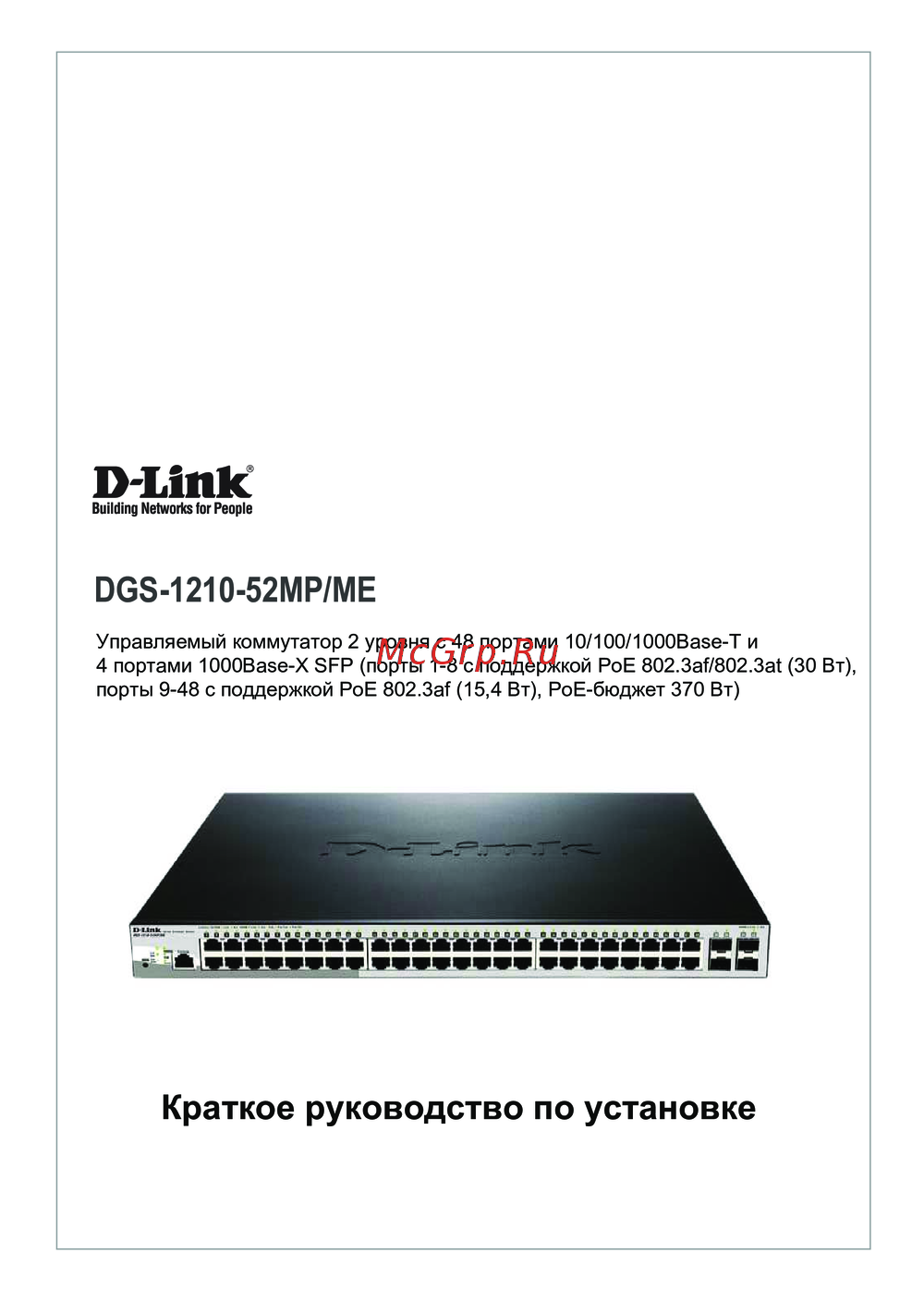 D-Link DGS-1210-52MP/MEКраткая инструкция по использованию
 -
 D-Link DGS-1024DИнструкция в сокращённом виде
 -
D-Link DGS-1016DРуководство по быстрому запуску
-
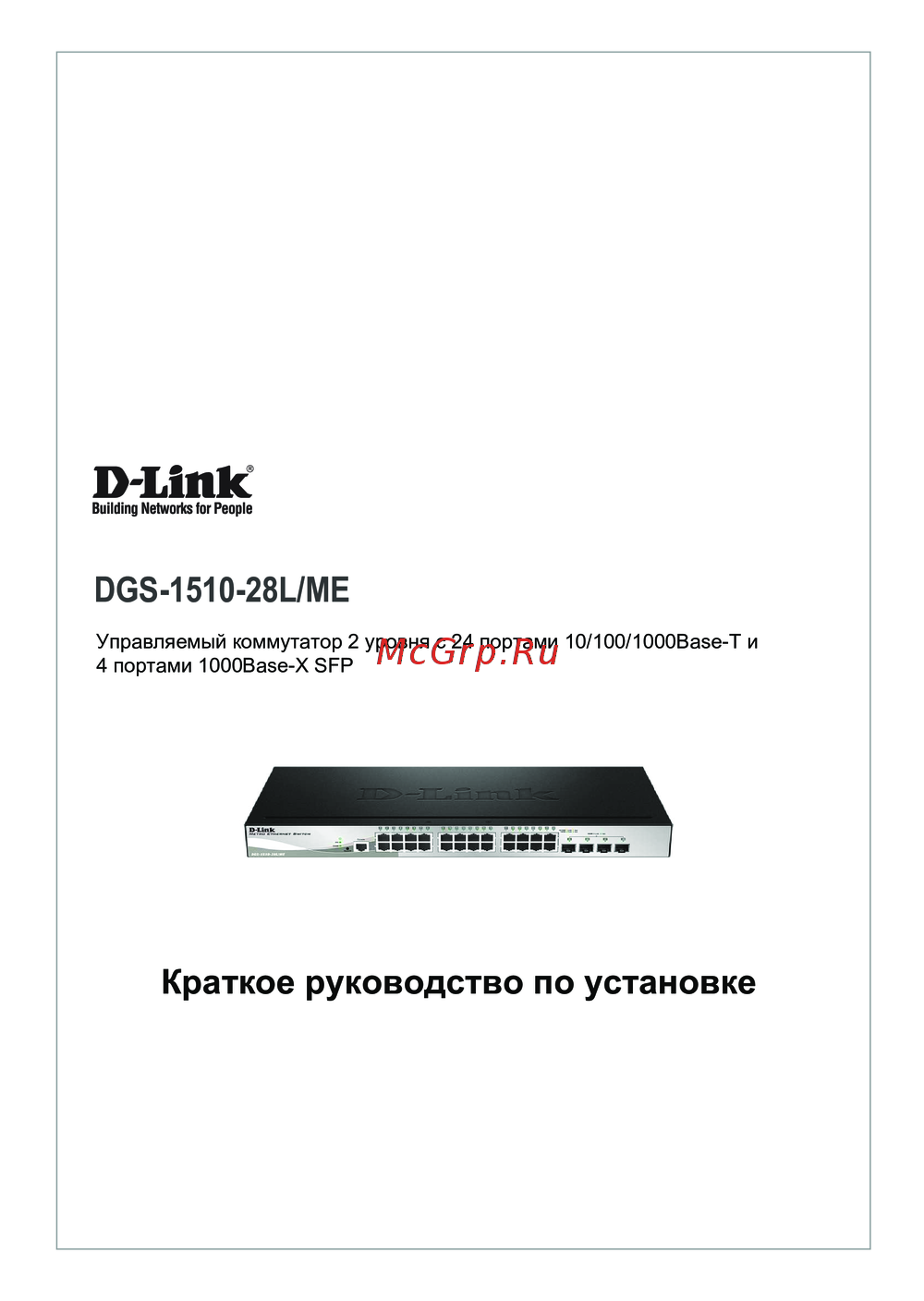 D-Link DGS-1210-28L/MEКраткий обзор функций
 -
D-Link DGS-1510-28L/MEКраткая эксплуатационная инструкция
-
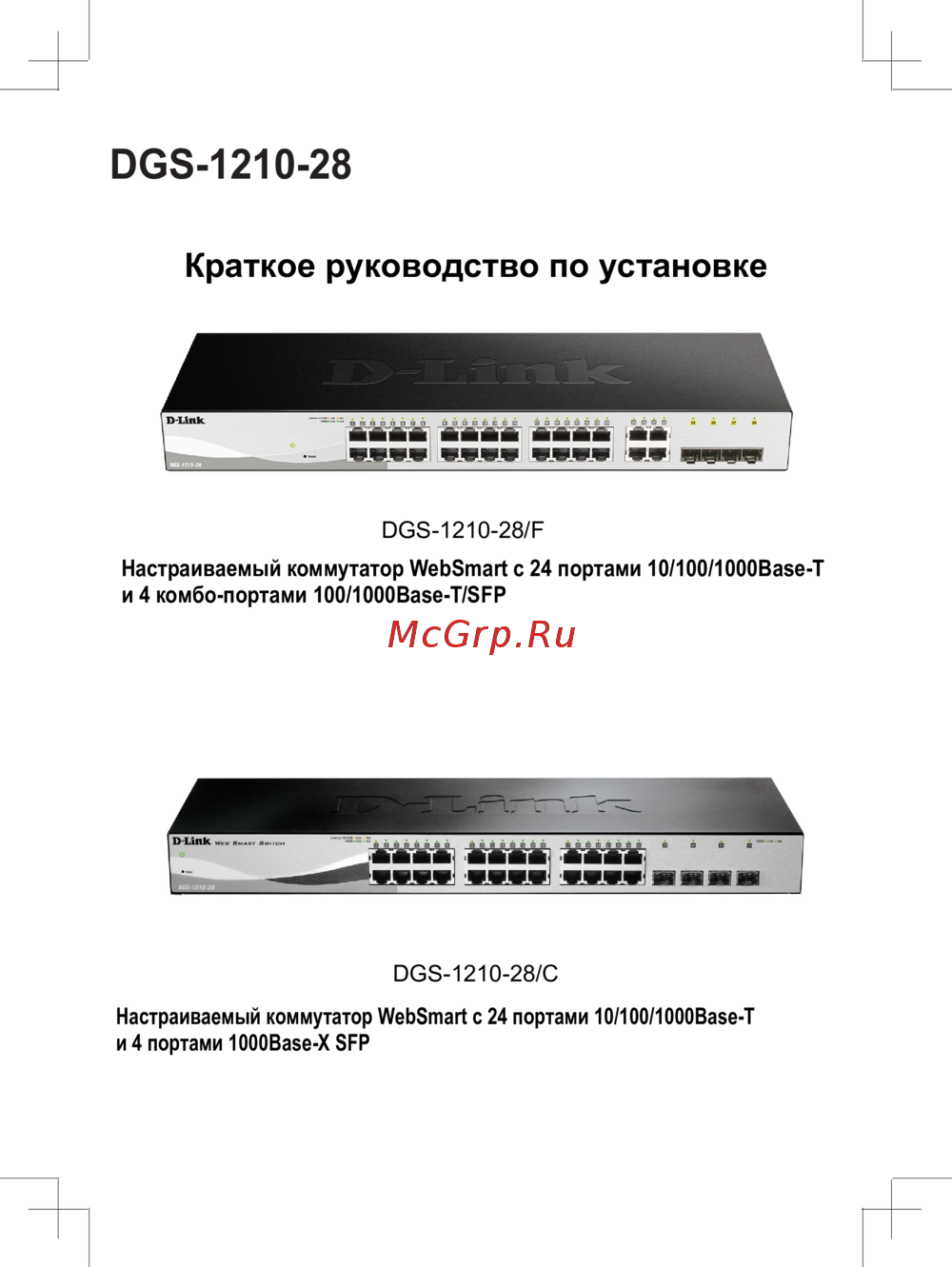 D-Link DGS-1210-28/CКраткий обзор функций
 -
D-Link DGS-1210-28/FКраткая эксплуатационная инструкция
-
D-Link DGS-1210-28Краткая инструкция по использованию
-
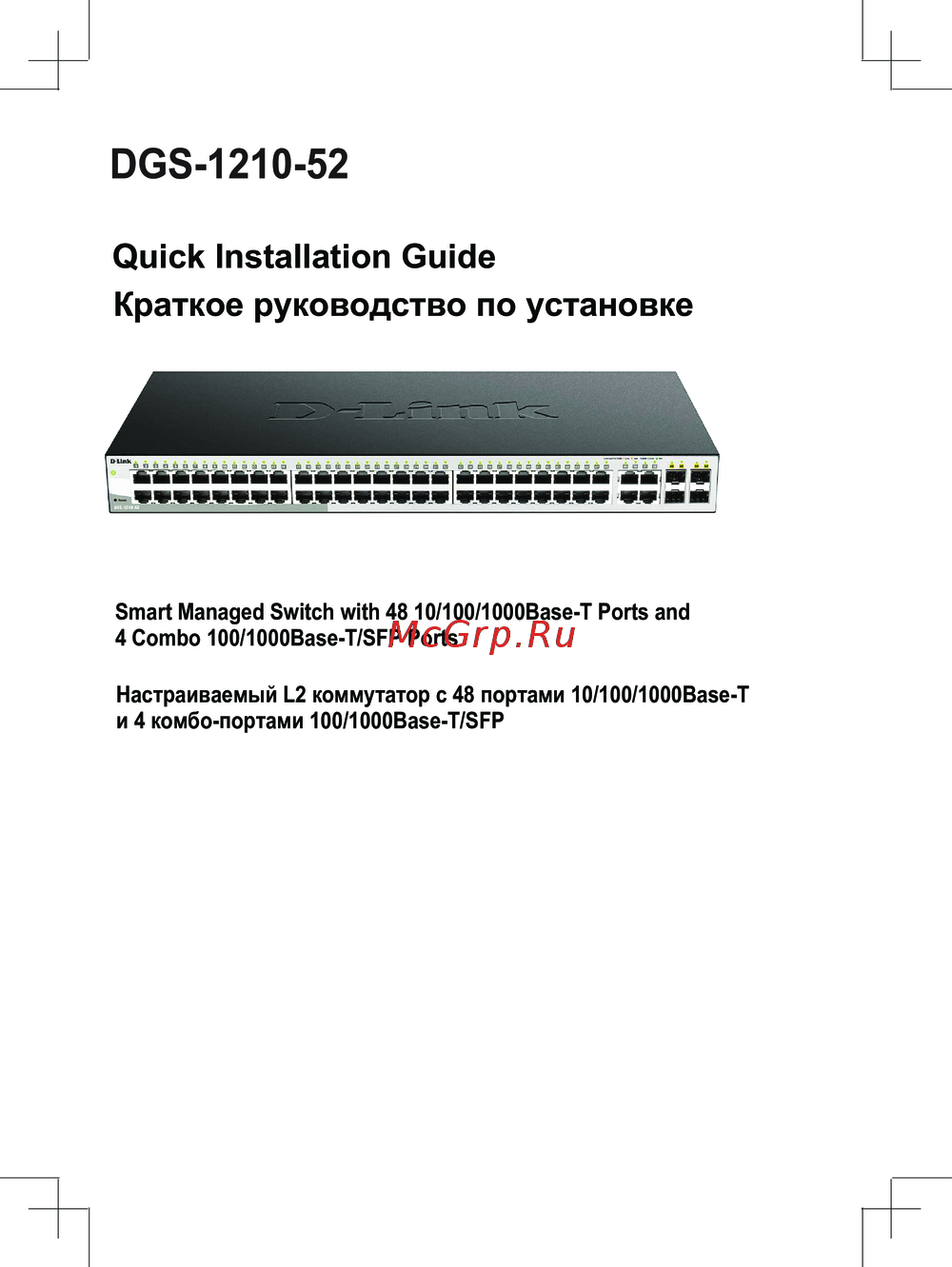 D-Link DGS-1210-52Сжатое руководство пользователя
 -
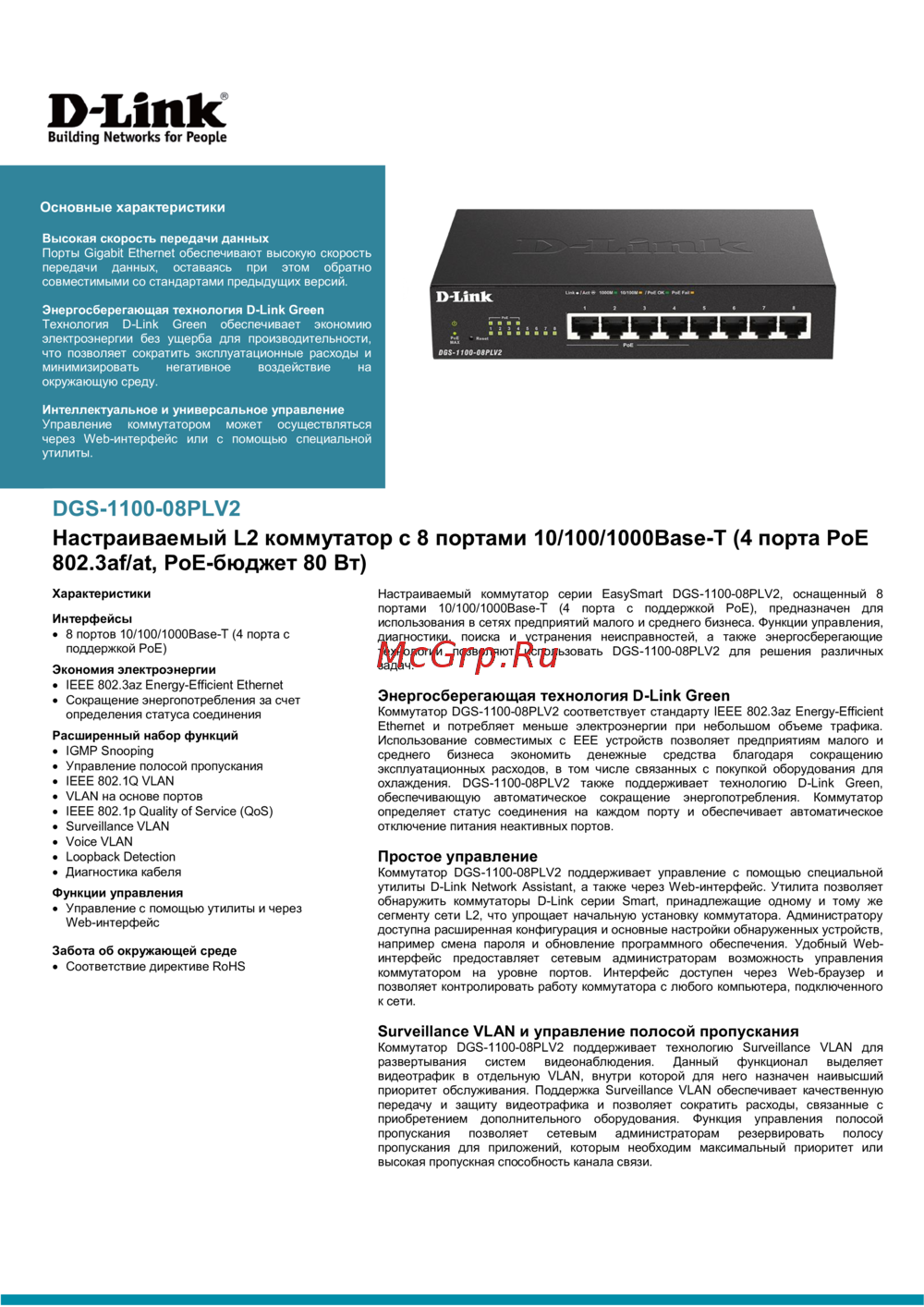 D-Link DGS-1100-08PLV2Технический паспорт устройства