![D-Link DES-3828P Инструкция по эксплуатации онлайн [80/260] 40442](/icons/site-icon-64.png)
D-Link DES-3828P Инструкция по эксплуатации онлайн [80/260] 40442
Превью страниц
Страница 80 /
260
![D-Link DES-3828P Инструкция по эксплуатации онлайн [80/260] 40442](/views2/1043702/page80/bg50.png)
DES-3550 Fast Ethernet Layer 2 Switch
GVRP Setting
In the Configuration menu, open the VLANs folder and click GVRP Setting.
The 802.1Q Port Settings dialog box, shown below, allows you to determine whether the Switch will share its VLAN
configuration information with other GARP VLAN Registration Protocol (GVRP) enabled switches. In addition, Ingress
Checking can be used to limit traffic by filtering incoming packets whose PVID does not match the PVID of the port. Results
can be seen in the table under the configuration settings, as seen below.
Figure 6- 39. 802.1Q Port Settings window
The following fields can be set:
Parameter Description
From/To
These two fields allow you to specify the range of ports that will be included in the
Port-based VLAN that you are creating using the 802.1Q Port Settings window.
PVID
The read only field in the 802.1Q Port Table shows the current PVID assignment for
each port, which may be manually assigned to a VLAN when created in the 802.1Q
Port Settings table. The Switch's default is to assign all ports to the default VLAN
with a VID of 1.The PVID is used by the port to tag outgoing, untagged packets, and
to make filtering decisions about incoming packets. If the port is specified to accept
only tagged frames - as tagging, and an untagged packet is forwarded to the port
for transmission, the port will add an 802.1Q tag using the PVID to write the VID in
the tag. When the packet arrives at its destination, the receiving device will use the
PVID to make VLAN forwarding decisions. If a packet is received by the port, and
Ingress filtering is enabled, the port will compare the VID of the incoming packet to
its PVID. If the two are unequal, the port will drop the packet. If the two are equal,
the port will receive the packet.
GVRP
The Group VLAN Registration Protocol (GVRP) enables the port to dynamically
become a member of a VLAN. GVRP is Disabled by default.
Ingress
This field can be toggled using the space bar between Enabled and Disabled.
Enabled enables the port to compare the VID tag of an incoming packet with the
PVID number assigned to the port. If the two are different, the port filters (drops) the
packet. Disabled disables ingress filtering. Ingress Checking is Disabled by default.
Acceptable Frame
Type
This field denotes the type of frame that will be accepted by the port. The user may
choose between Tagged Only, which means only VLAN tagged frames will be
accepted, and Admit_All, which means both tagged and untagged frames will be
accepted. Admit_All is enabled by default.
Click Apply to implement changes made.
66
Содержание
371- D link des 3550
- Manual
- Managed layer 2 ethernet switch
- Release 3
- Table of contents
- Preface
- Notes notices and cautions
- Typographical conventions
- Intended readers
- Safety cautions
- Safety instructions
- General precautions for rack mountable products
- Protecting against electrostatic discharge
- Section 1
- Introduction
- Gigabit ethernet technology
- Fast ethernet
- Switch description
- Switching technology
- Features
- Front panel components
- Led indicators
- Side panel description
- Rear panel description
- Gigabit combo ports
- Before you connect to the network
- Section 2
- Package contents
- Installation
- Installing the switch without the rack
- Installing the switch in a rack
- Power on
- Power failure
- Mounting the switch in a standard 19 rack
- Connecting the switch
- Switch to end node
- Section 3
- Switch to hub or switch
- Connecting to network backbone or server
- Management options
- Introduction to switch management
- Command line console interface through the serial port
- Web based management interface
- Snmp based management
- Section 4
- Connecting the console port rs 232 dce
- First time connecting to the switch
- Password protection
- Snmp settings
- Ip address assignment
- Connecting devices to the switch
- Web based switch configuration
- Section 5
- Login to web manager
- Introduction
- Web based user interface
- Areas of the user interface
- Web pages
- Section 6
- Configuring the switch
- Switch information
- Ip address
- Advanced settings
- Setting the switch s ip address using the console interface
- Port configurations
- Port description
- Port mirroring
- Understanding port trunk groups
- Link aggregation
- Lacp port setting
- Mac notification port settings
- Mac notification global settings
- Mac notification
- Igmp snooping
- Static router ports
- Spanning tree
- S mstp
- W rapid spanning tree
- Port transition states
- P2p port
- Edge port
- Stp bridge global settings
- D 802 w 802 s compatibility
- Mst configuration table
- Msti settings
- Stp instance settings
- Mstp port information
- Unicast forwarding
- Static multicast forwarding
- Forwarding filtering
- Multicast port filtering
- Vlan description
- Understanding ieee 802 p priority
- Notes about vlans on the des 3550
- Ieee 802 q vlans
- Q vlan tags
- Tagging and untagging
- Port vlan id
- Ingress filtering
- Default vlans
- Vlan segmentation
- Vlan and trunk groups
- Static vlan entry
- Port based vlans
- Gvrp setting
- Traffic control
- Port security
- Advantages of qos
- Understanding qos
- Port bandwidth
- Scheduling
- P user priority
- P default priority
- Traffic segmentation
- System severity alerts
- System log server
- Sntp settings
- Current time settings
- Time zone and dst
- Configuring the access profile table
- Access profile table
- Authentication server
- X port based and mac based access control
- Pae access entity 802 x
- Authenticator
- Port based network access control
- Client
- Authentication process
- Radius server
- Once the connected client has successfully been authenticated the port then becomes authorized and all subsequent traffic on the port is not subject to access control restriction until an event occurs that causes the port to become unauthorized hence if the port is actually connected to a shared media lan segment with more than one attached device successfully authenticating one of the attached devices effectively provides access to the lan for all devices on the shared segment clearly the security offered in this situation is open to attack
- Network access uncontrolled port
- Network access controlled port
- Figure 6 71 example of typical port based configuration
- Ethernet switch
- Des 3550 fast ethernet layer 2 switch
- Network access controlled port
- Mac based network access control
- Ethernet switch
- Radius server
- Network access uncontrolled port
- Configure authenticator
- Port capability
- Pae system control
- Initializing ports for port based 802 x
- Initializing ports for mac based 802 x
- Reauthenticate port s for port based 802 x
- Radius server
- Static arp table
- Layer 3 ip networking
- Ip mac binding per port
- Ip mac binding
- Ip mac binding table
- Ip mac binding blocked
- Limited ip multicast range settings
- Dhcp bootp relay
- Dhcp bootp relay global settings
- Dhcp bootp relay interface settings
- User accounts
- Security ip
- Section 7
- Management
- Admin and user privileges
- Access authentication control
- Policy parameters
- Application s authentication settings
- Authentication server group settings
- Authentication server hosts
- Login method lists
- Enable method lists
- Local enable password
- Enable admin
- Secure socket layer ssl
- Download certificate
- Ciphersuite
- Ssh configuration
- Secure shell ssh
- Ssh algorithm
- Ssh user authentication
- Snmp settings
- Snmp manager
- Snmp user table
- Snmp view table
- Snmp group table
- Snmp community table configuration
- Snmp host table
- Snmp engine id
- Section 8
- Monitoring
- Port utilization
- Cpu utilization
- Received rx
- Packets
- Umb cast rx
- Transmitted tx
- Received rx
- Errors
- Transmitted tx
- Mac address
- Switch history
- Igmp snooping group
- Igmp snooping forwarding
- Vlan status
- Router port
- Port access control
- Authenticator state
- Layer 3 feature
- Browse arp table
- Download firmware from tftp server
- Tftp services
- Section 9
- Maintenance
- Download configuration file
- Upload log
- Upload configuration
- Ping test
- Save changes
- Reset system
- Reboot device
- Logout
- Reset config
- Single ip management sim overview
- Section 10
- D link single ip management
- Sim using the web interface
- Topology
- Tool tips
- Right click
- Group icon
- Commander switch icon
- Member switch icon
- Candidate switch icon
- Menu bar
- Device
- Configuration file backup restore
- Firmware upgrade
- Technical specifications
- Physical and environmental
- Appendix a
- General
- Performance
- Cables and connectors
- Appendix b
- Cable lengths
- Appendix c
- Glossary
- Warranty product registration
- Limited warranty
- Fcc warning
- Product registration
- D link europe limited product warranty
- General terms
- Technical support
- Tech support for customers within new zealand
- Tech support for customers within australia
- Technical support
- Tech support for customers within south eastern asia and korea
- Tech support for customers within india
- Monday to friday 9 30am to 7 00pm
- Http www dlink co in dlink drivers support asp
- Http ww dlink co in
- Ftp support dlink co in
- Email techsupport dlink co in
- D link technical support over the telephone
- D link technical support over the internet
- 91 22 26526741
- 91 22 26526696 ext 161 to 167
- You can find software updates and user documentation on the d link website
- Technical support
- Technical support
- Tech support for customers within the russia
- Thursday 9 00am to 1 00pm gmt 4
- Technical support
- Tech support for customers within turkey
- Tech support for customers within the u a e north africa
- Tech support for customers within israel
- Tech support for customers within egypt
- Sunday to wednesday 9 00am to 6 00pm gmt 4
- Http support dlink me com
- Email support dlink me com
- D link middle east north africa
- 971 4 391 6480 u a e
- Tech support for customers within south africa and sub sahara region
- Technical support
- Technical support
- Tech support for latin america customers
- Tech support for customers within brazil
- Техническая поддержка
- Soporte técnico help desk panamá
- Soporte técnico help desk guatemala
- Soporte técnico help desk el salvador
- Soporte técnico help desk ecuador
- Soporte técnico help desk colombia
- Soporte técnico help desk chile
- Soporte t é cnico help desk argentina
- Soporte dlinkla com
- El servicio de soporte técnico tiene presencia en numerosos países de la región latino américa y presta asistencia gratuita a todos los clientes de d link en forma telefónica e internet a través de la casilla
- D link latin américa pone a disposición de sus clientes especificaciones documentación y software mas reciente a través de nuestro sitio web
- Asistencia técnica
- Www dlinklatinamerica com
- Soporte técnico help desk venezuela
- Soporte técnico help desk perú
- Telefone
- Suporte técnico
- Suporte t é cnico para clientes no brasil
- E mail
- 友冠技術支援
- Technical support
- Tech support for customers within the united states
- Tech support for customers within canada
- The united kingdom ireland
- Technical support
- For customers within canada
- For customers within
- 12 min aus dem festnetz der deutschen telekom
- Österreichs der schweiz und osteuropas sind
- Wenn sie kunde von d link außerhalb deutschlands
- Wenden sie sich bitte an die zuständige
- Technische unterstützung
- Niederlassung aus der liste im benutzerhandbuch
- Support technique destiné aux clients établis en france
- Support technique destiné aux clients établis au canada
- Assistance technique
- Http www dlink es email soporte dlink es
- Asistencia técnica
- Supporto tecnico per i clienti residenti in italia
- Supporto tecnico
- Gli ultimi aggiornamenti e la documentazione sono
- Email tech dlink it
- Disponibili sul sito d link
- D link mediterraneo s r l
- Via n bonnet 6 b 20154 milano supporto tecnico dal lunedì al venerdì dalle ore 9 0 alle ore 19 0 con orario continuato telefono 02 39607160
- Url http www dlink it supporto html
- Technical support
- Tech support for customers within the netherlands
- Tech support for customers within belgium
- Tech support for customers within
- Luxemburg
- Telefoniczna pomoc techniczna firmy d link
- Pomoc techniczna firmy d link świadczona przez internet
- Pomoc techniczna
- Technická podpora
- Technikai támogatás
- D link magyarország
- D link teknisk telefon support
- D link teknisk support over internett
- 10 610
- Teknisk support
- Produktets garantitid
- Kunder kan kontakte d links teknisk support via våre
- Hverdager 08 00 20 00
- Http www dlink no
- Hjemmesider eller på tlf
- Du kan finne programvare oppdateringer og bruker
- Dokumentasjon på d links web sider
- D link tilbyr sine kunder gratis teknisk support under
- Teknisk support
- D link teknisk support på internettet
- Email support dlink se
- D link tillhandahåller teknisk support till kunder i sverige under hela garantitiden för denna produkt
- D link teknisk support via telefon
- D link teknisk support via internet
- 33 00 35
- Vardagar 08 0 20 0
- Teknisk support för kunder i sverige
- Teknisk support
- På vår hemsida kan du hitta mer information om mjukvaru uppdateringar och annan användarinformation
- Http www dlink se
- 技术支持
- International offices
- Registration card
- All countries and regions excluding usa
Похожие устройства
-
 D-Link DES-3200Сжатое руководство пользователя
 -
 D-Link DES-1100-16Технические характеристики
 -
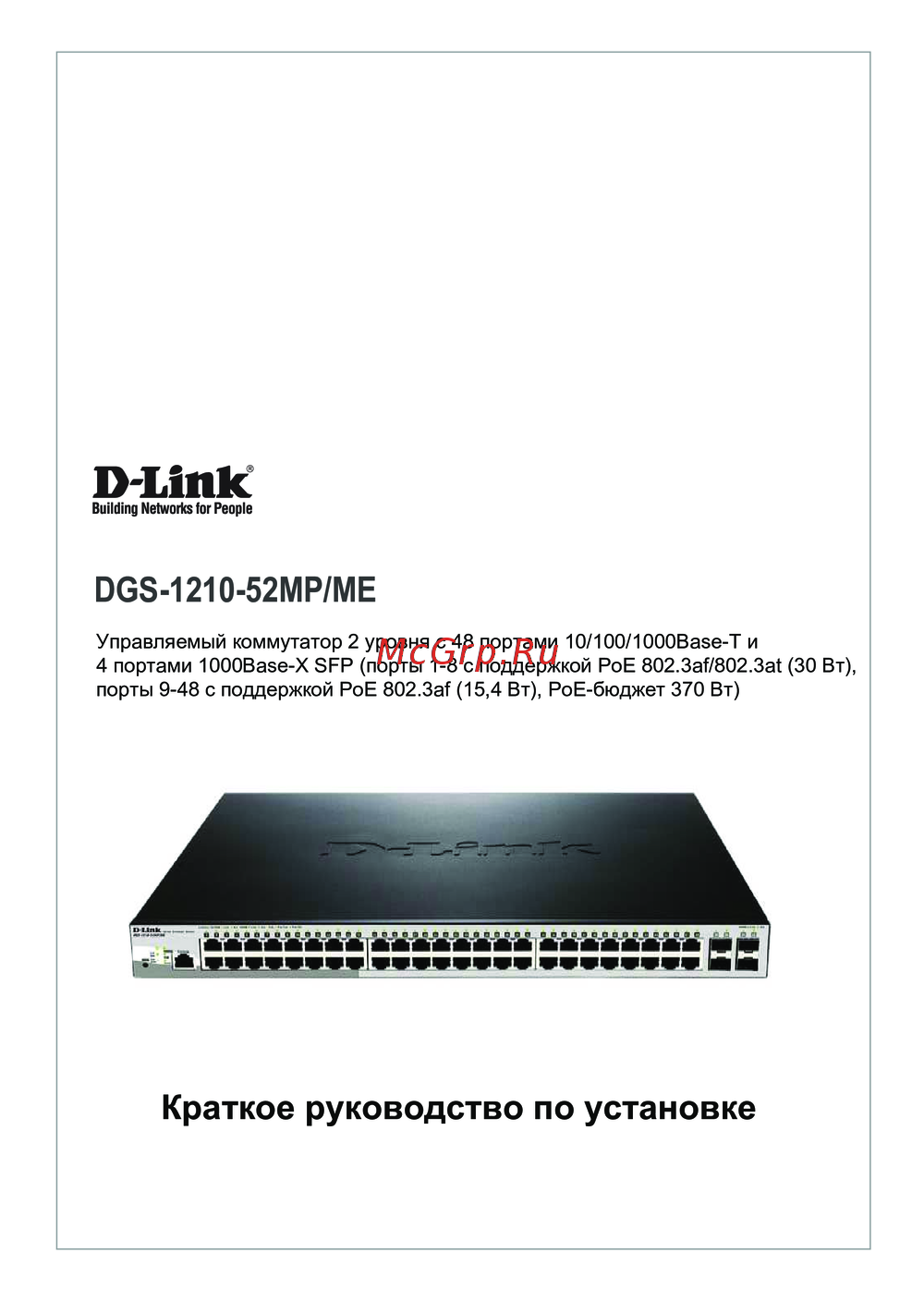 D-Link DGS-1210-52MP/MEКраткая инструкция по использованию
 -
 D-Link DGS-1024DИнструкция в сокращённом виде
 -
D-Link DGS-1016DРуководство по быстрому запуску
-
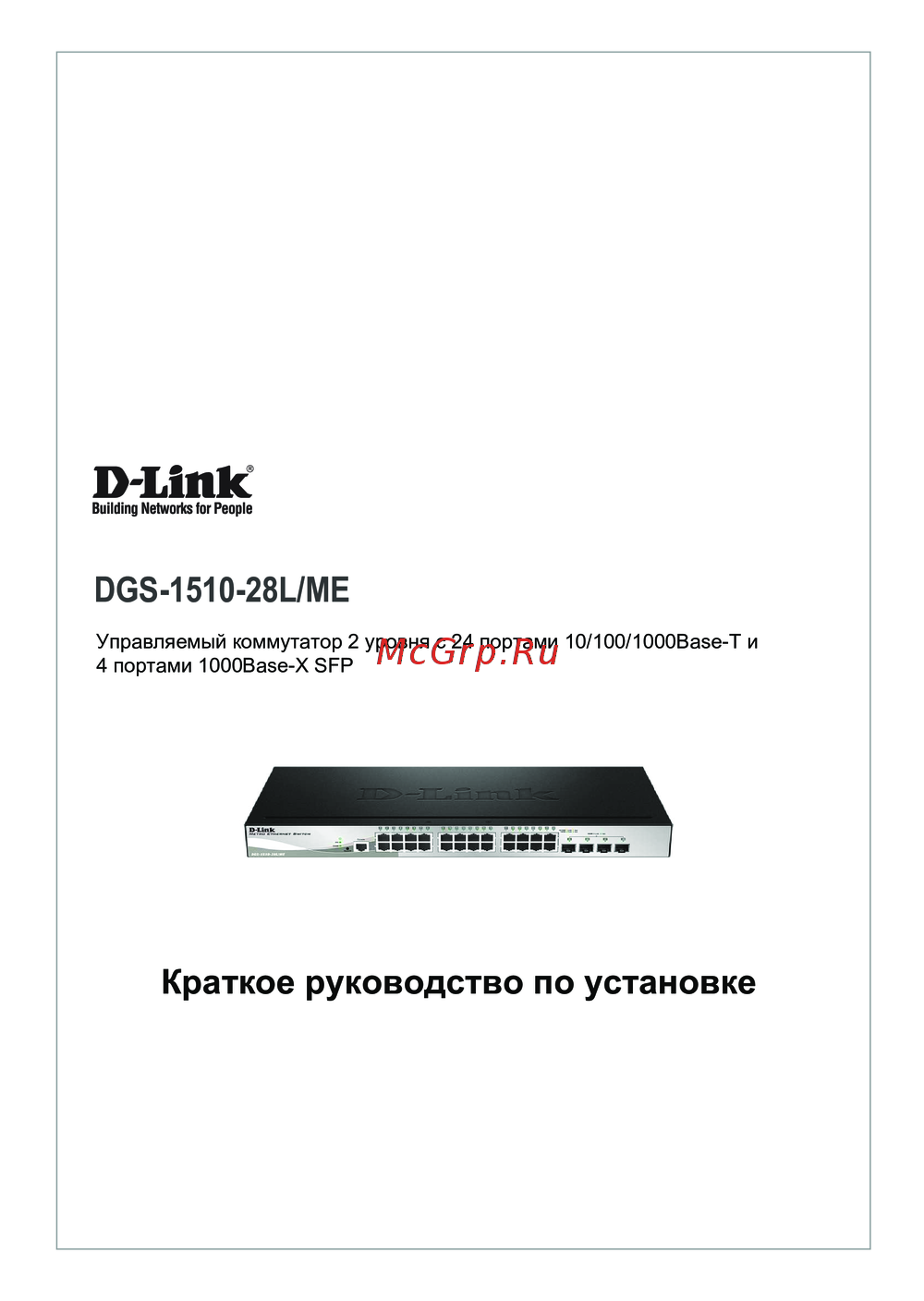 D-Link DGS-1210-28L/MEКраткий обзор функций
 -
D-Link DGS-1510-28L/MEКраткая эксплуатационная инструкция
-
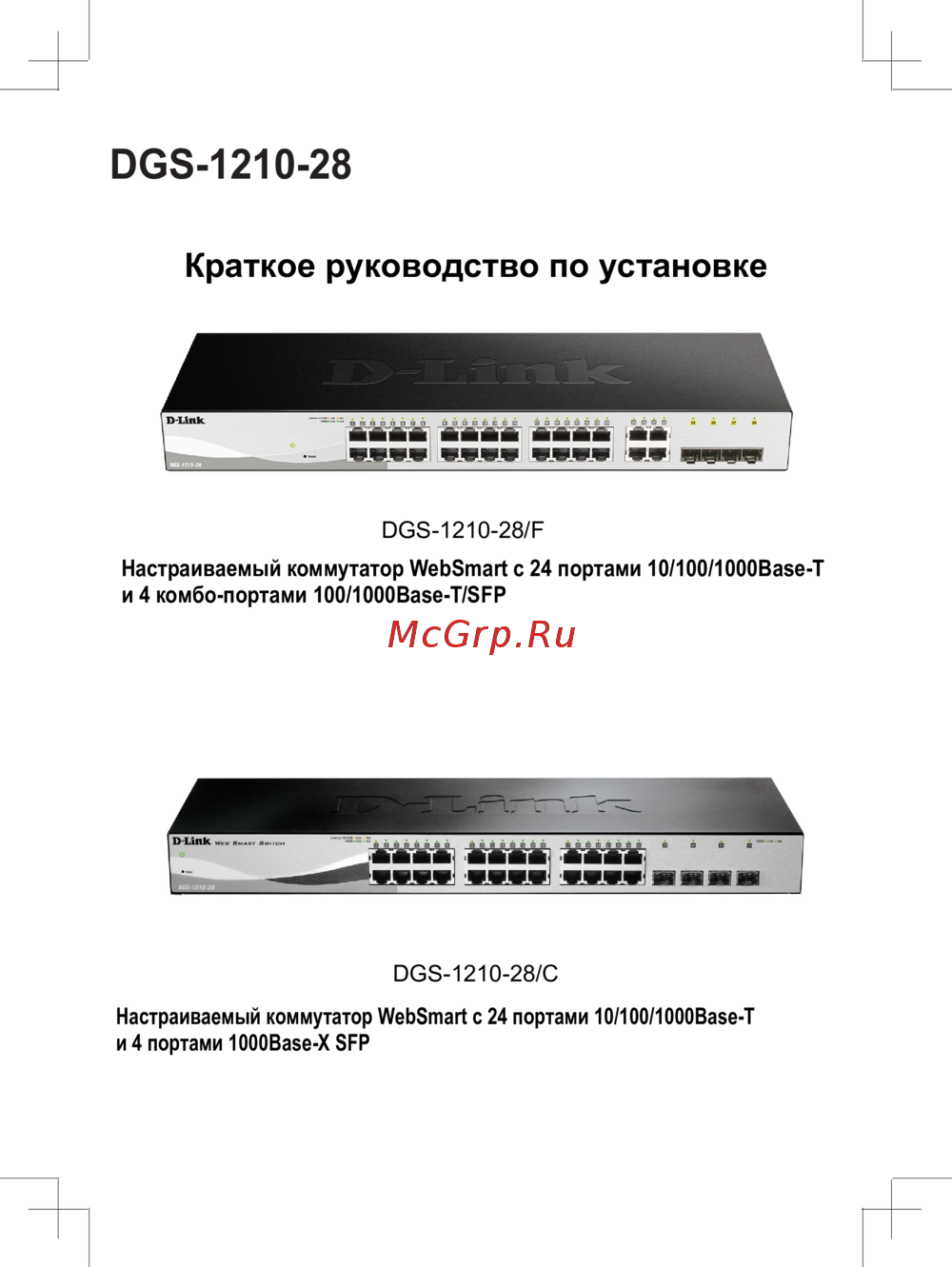 D-Link DGS-1210-28/CКраткий обзор функций
 -
D-Link DGS-1210-28/FКраткая эксплуатационная инструкция
-
D-Link DGS-1210-28Краткая инструкция по использованию
-
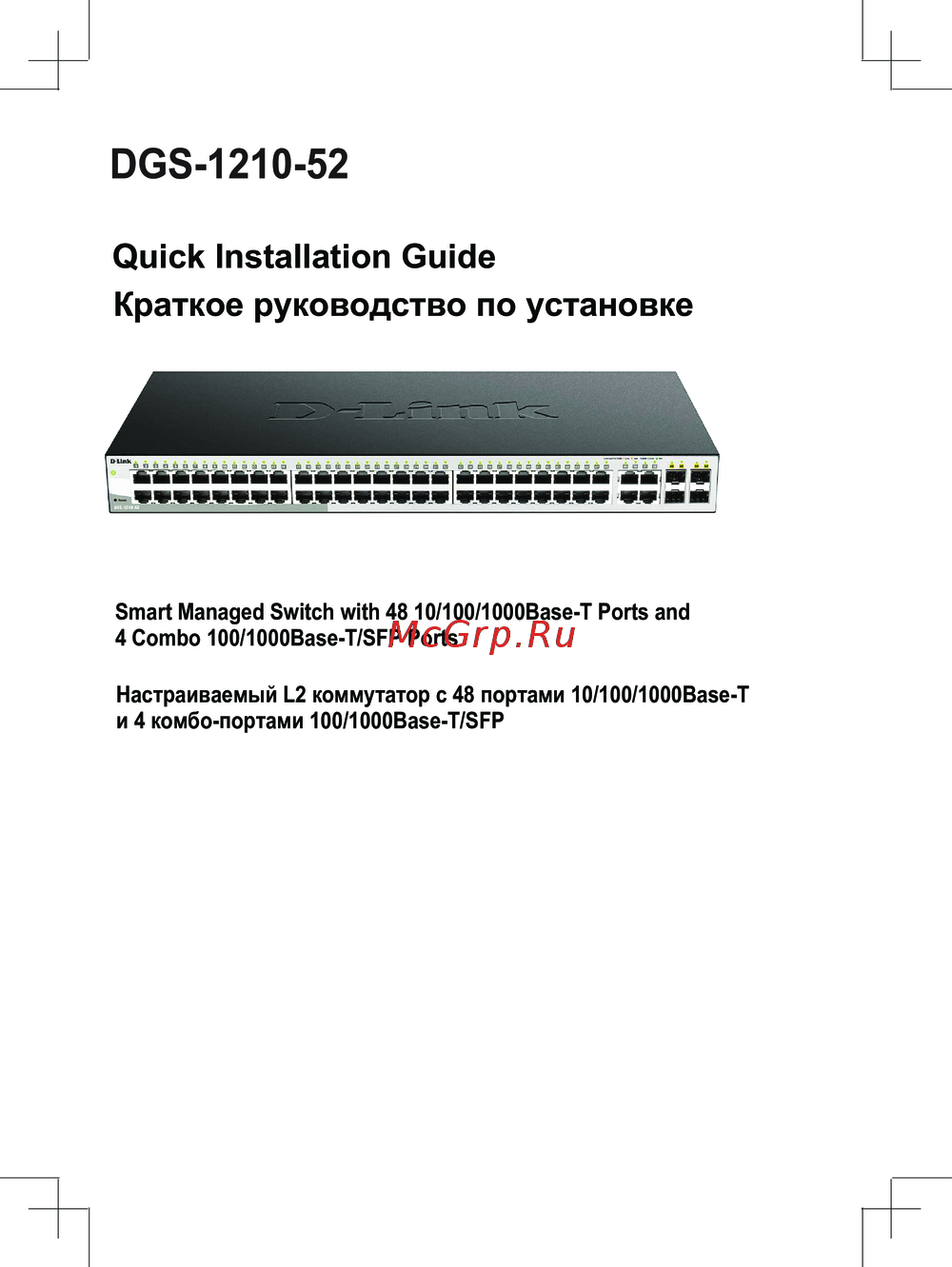 D-Link DGS-1210-52Сжатое руководство пользователя
 -
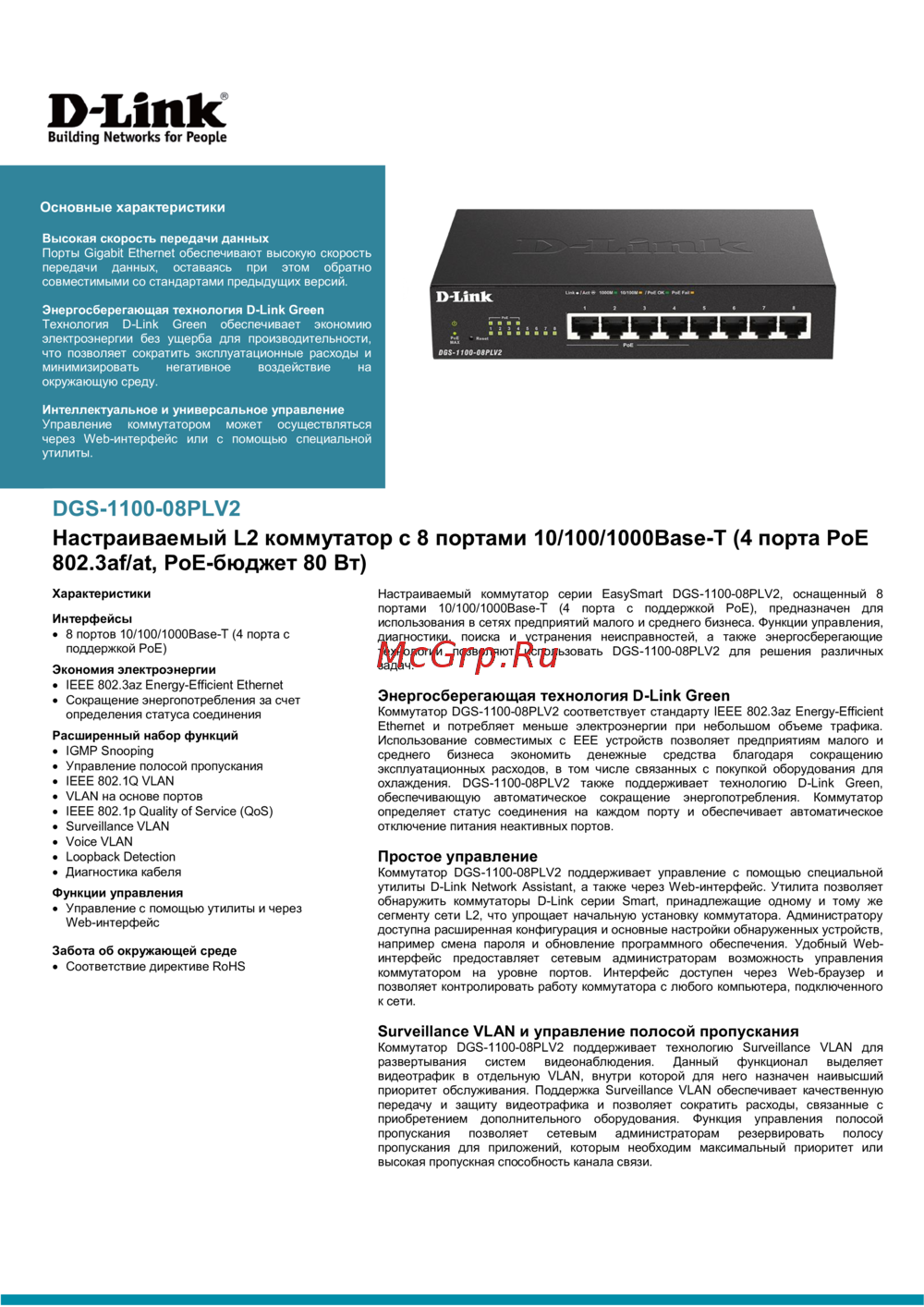 D-Link DGS-1100-08PLV2Технический паспорт устройства