![Tp-Link TL-WA855RE V3 — настройка контроля доступа в вашей сети: пошаговое руководство [20/39]](/icons/site-icon-64.png)
Tp-Link TL-WA855RE V3 — настройка контроля доступа в вашей сети: пошаговое руководство [20/39]
Превью страниц
Страница 20 /
39
![Tp-Link TL-WA855RE V3 [20/39] Set access control](/views2/1469484/page20/bg14.png)
18
Chapter 3 Customize Your Network
3. 6. Set Access Control
Access Control allows you to permit or block specific devices from accessing internet
for a specific period.
1. Visit http://tplinkrepeater.net and log in with the password you set for the extender.
2. Go to Settings > Advanced Settings > Access Control.
3. Enable Access Control.
¾ To block specific device(s):
Note:
Devices connected to the extender via an Ethernet cable cannot be blocked.
1. Select Blacklist and click Save.
2. Select the device to be blocked in the Online Devices table by ticking the
corresponding checkbox.
3. Click Block and the selected device(s) will be added to the Devices in Blacklist table.
4. Click in the Devices in Blacklist table to set the Effective Time for a certain entry
as needed.
Содержание
104- User guide
- Contents
- Chapter 5 manage your extender 24
- Chapter 4 more features of your extender 20
- Chapter 3 customize your network 12
- Chapter 2 set up internet connection
- Chapter 1 get to know about your extender
- About this guide
- About this guide
- More info
- Conventions
- Get to know about your extender
- Chapter 1
- Product overview
- Easy management with the tp link tether app
- Easy installation quick position
- Bring dead zones back to life
- Appearance
- You can check the extender s working status by following the led explanation table
- Ports or buttons description
- Led status indication
- Chapter 1 get to know about your extender
- 2 port and button description
- 1 led explanation
- Chapter 2
- Set up internet connection
- Quick setup
- Power on
- Connect to the host network
- 1 method 1 via the wps button
- 2 method 2 via a web browser
- 3 method 3 via the tp link tether app
- Tp link_extender
- Settings
- Launch tether and select your extender from the local device list
- Go to wi fi settings and connect your device to the extender s wireless network
- Follow the on screen instructions to complete the configuration
- Create a password for future logins
- Chapter 2 set up internet connection
- Position your extender
- Chapter 3
- Customize your network
- Check internet status
- Configure wireless network
- Change lan settings
- Specify dhcp server settings
- Adjust wi fi coverage
- Set access control
- More features of your extender
- Chapter 4
- Use your extender as a wireless adapter
- Transform your existing wired network to a wireless one
- 1 to set up the extender as an access point
- 2 to connect your wireless devices to the extender via wps
- Manage your extender
- Chapter 5
- Control leds
- Set up system time
- Power schedule
- Upgrade the firmware
- Backup and restore configuration settings
- Change login password
- System log
- Q5 i enabled wireless mac filter wireless access control or access control list acl on my router what should i do to configure and use the extender
- Q4 what can i do if i cannot access the web management page
- Q3 what can i do if i forgot my wireless password
- Q2 what can i do if i forgot my login password
- Q1 how to reset the extender to its factory default settings
- Copyright trademarks
- Fcc compliance information statement
- Fcc rf radiation exposure statement
- Ce mark warning
- Canadian compliance statement
- Rf exposure information
- Radiation exposure statement
- Operating frequency the maximum transmitted power
- Eu declaration of conformity
- Déclaration d exposition aux radiations
- 清潔本產品之前請先拔掉電源線 請勿使用液體 噴霧清潔劑或濕布進行清潔
- 注意防潮 請勿將水或其他液體潑灑到本產品上
- 注意
- 插槽與開口供通風使用 以確保本產品的操作可靠並防止過熱 請勿堵塞或覆蓋開 口
- 安全諮詢及注意事項
- 依據 低功率電波輻射性電機管理辦法
- Pour un environnement non contrôlé cet équipement doit être installé et utilisé avec un minimum de 20 cm de distance entre la source de rayonnement et votre corps
- Ncc notice bsmi notice
- Korea warning statements
- 당해 무선설비는 운용중 전파혼신 가능성이 있음
- Industry canada statement
- 限用物質含有情況標示聲明書
- Can ices 3 b nmb 3 b
- 請勿將本產品置放於靠近熱源的地方 除非有正常的通風 否則不可放在密閉位置 中
- 請使用原裝電源供應器或只能按照本產品注明的電源類型使用本產品
- 請不要私自打開機殼 不要嘗試自行維修本產品 請由授權的專業人士進行此項工 作
- 第十四條 低功率射頻電機之使用不得影響飛航安全及干擾合法通行 經發現有干擾現象 時 應立即停用 並改善至無干擾時方得繼續使用 前項合法通信 指依電信規定作業 之無線電信 低功率射頻電機需忍受合法通信或工業 科學以及醫療用電波輻射性電機 設備之干擾
- 第十二條 經型式認證合格之低功率射頻電機 非經許可 公司 商號或使用者均不得擅 自變更頻率 加大功率或變更原設計之特性或功能
- Продукт сертифіковано згідно с правилами системи укрсепро на відповідність вимогам нормативних документів та вимогам що передбачені чинними законодавчими актами україни
- The socket outlet shall be installed near the equipment and shall be easily accessible
- Safety information
- Please read and follow the above safety information when operating the device we cannot guarantee that no accidents or damage will occur due to improper use of the device please use this product with care and operate at your own risk
- Keep the device away from water fire humidity or hot environments
- Explanations of the symbols on the product label
- Do not use the device where wireless devices are not allowed
- Do not attempt to disassemble repair or modify the device
Похожие устройства
-
 Tp-Link re450Инструкция по эксплуатации
 -
 Tp-Link re200Инструкция по эксплуатации
 -
 Tp-Link RE270K V1Руководство по быстрому старту
 -
 Tp-Link RE270K V1Руководство пользователя
 -
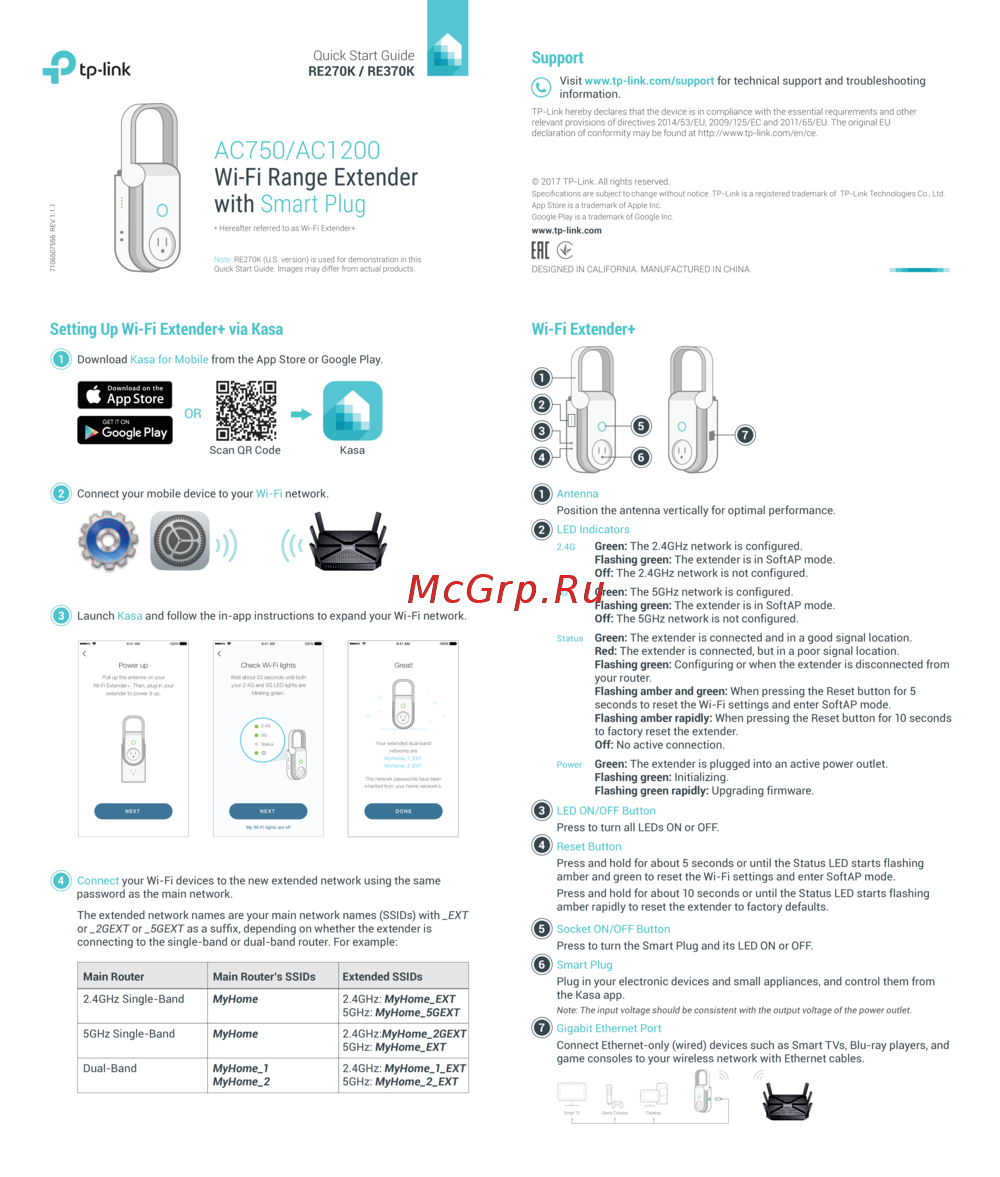 Tp-Link RE370K V1Руководство по быстрому старту
 -
Tp-Link RE370K V1Руководство пользователя
-
Tp-Link RE370K V2Руководство по быстрому старту
-
 Tp-Link TL-WA855RE V1Руководство пользователя
 -
 Tp-Link TL-WA855RE V1Руководство по быстрому старту
 -
 Tp-Link TL-WA855RE V2Руководство пользователя
 -
 Tp-Link TL-WA855RE V2Руководство по быстрому старту
 -
 Tp-Link TL-WA855RE V3Руководство по быстрому старту
Узнайте, как настроить контроль доступа в вашей сети, чтобы разрешать или блокировать устройства. Пошаговая инструкция по настройке и управлению доступом.