![Asus PRIME A520M-K — обзор аудио конфигураций и подключения микрофонов [14/30]](/icons/site-icon-64.png)
Asus PRIME A520M-K — обзор аудио конфигураций и подключения микрофонов [14/30]
Превью страниц
Страница 14 /
30
![Asus PRIME A520M-K [14/30] Audio 2 4 5 or 7 channel configuration](/views2/1769218/page14/bge.png)
1-6
Chapter 1: Product Introduction
9. Microphone port (pink). This port connects a microphone.
Refer to the audio conguration table for the function of the audio ports in 2, 4, 5.1, or
7.1-channel conguration.
Audio 2, 4, 5.1 or 7.1-channel configuration
Port
Headset
2-channel
4-channel 5.1-channel 7.1-channel
Light Blue
(Rear panel)
Line In Rear Speaker Out Rear Speaker Out Rear Speaker Out
Lime (Rear panel) Line Out Front Speaker Out Front Speaker Out Front Speaker Out
Pink (Rear panel) Mic In Mic In Bass/Center Bass/Center
Lime (Front panel) — — — Side Speaker Out
To configure a 7.1-channel audio output:
A chassis with an HD audio module in the front panel is required to support 7.1-channel
audio output.
Содержание
93- E16800 first edition june 2020
- Chapter 1 product introduction
- Chapter 2 bios and raid support
- Appendix
- Contents
- Operation safety
- Electrical safety
- Safety information
- How this guide is organized
- Where to find more information
- Conventions used in this guide
- About this guide
- Package contents
- Prime a520m k specifications summary
- Check your motherboard package for the following items
- Prime a520m k specifications summary
- Prime a520m k specifications summary
- Asus prime a520m k
- Motherboard overview
- Before you proceed
- Take note of the following precautions before you install motherboard components or change any motherboard settings
- Product introduction
- Power connectors
- Layout contents
- Fan headers
- Ddr4 dimm slots
- The motherboard comes with an amd socket am4 designed for
- The m slot allows you to install an m device such as an m ssd module
- The fan headers allow you to connect fans to cool the system
- Sata 6gb s ports
- M slot key m
- Gen amd ryzen with radeon graphics processors
- Gen amd ryzen and
- Expansion slots
- This motherboard supports one pcie x16 graphics card and two pcie 3 x1 network cards scsi cards and other cards that comply with the pci express specification
- Cpu socket
- These power connectors allow you to connect your motherboard to a power supply the power supply plugs are designed to fit in only one orientation find the proper orientation and push down firmly until the power supply plugs are fully inserted
- Chapter 1 product introduction
- The sata 6gb s ports allow you to connect sata devices such as optical disc drives and hard disk drives via a sata cable
- The motherboard comes with dual inline memory modules dimm slots designed for ddr4 double data rate 4 memory modules
- Rear panel connectors
- Audio 2 4 5 or 7 channel configuration
- Microphone port pink this port connects a microphone
- Chapter 1 product introduction
- Asus prime a520m k
- The motherboard comes with an amd socket am4 designed for
- Installing the cpu
- Gen amd ryzen with radeon graphics processors
- Gen amd ryzen and
- Central processing unit cpu
- Chapter 1 product introduction
- This motherboard comes with two double data rate 4 ddr4 dual inline memory module dimm sockets the figure illustrates the location of the ddr4 dimm sockets
- System memory
- Recommended memory configuration
- To remove a dimm
- Installing a dimm
- Asus prime a520m k
- Chapter 1 product introduction
- Asus prime a520m k 2 1
- An error message appears on the screen during the system bootup and requests you to run the bios setup
- You have installed a new system component that requires further bios settings or update
- Knowing bios
- Bios basic input and output system stores system hardware settings such as storage device configuration overclocking settings advanced power management and boot device configuration that are needed for system startup in the motherboard cmos in normal circumstances the default bios settings apply to most conditions to ensure optimal performance do not change the default bios settings except in the following circumstances
- Bios and raid support
- Bios and raid suppor
- Bios setup program
- Bios menu screen
- Entering bios setup after post
- Entering bios at startup
- Asus ez flash 3
- Recovering the bios
- Asus crashfree bios 3
- Raid definitions
- Raid configurations
- Notices
- Fcc compliance information
- Appendix
- Turkey rohs
- India rohs
- Google license terms
- Eu rohs
- Eu reach and article 33
- Declaration of compliance for product environmental regulation
- Vietnam rohs
- Warning
- Regional notice for california
- Asus recycling takeback services
- Asus prime a520m k
- Technical support
- Asustek computer inc
- Asus contact information
- Asus computer international america
- Asus computer gmbh germany and austria
Похожие устройства
-
 Asus TUF GAMING B550-PROРуководство по быстрому запуску
 -
 Asus PRIME A520M-A IIКраткое руководство пользователя
 -
 Asus PRIME B250M-PLUSКраткое руководство
 -
 Asus TUF GAMING Z590-PLUSКраткое руководство
 -
 Asus ProArt B650-CREATORКраткий обзор функций
 -
 Asus TUF GAMING B650-PLUSБыстрый старт
 -
 Asus ROG STRIX X670E-I GAMING WIFIКраткое руководство пользователя
 -
Asus ROG FPS-IIРуководство по быстрому запуску
-
 Asus Pro WS W680M-ACE SEКраткая эксплуатационная инструкция
 -
 Asus PRIME B760M-A WIFI D4Инструкция в сокращённом виде
 -
 Asus PRIME H770-PLUSБыстрый старт
 -
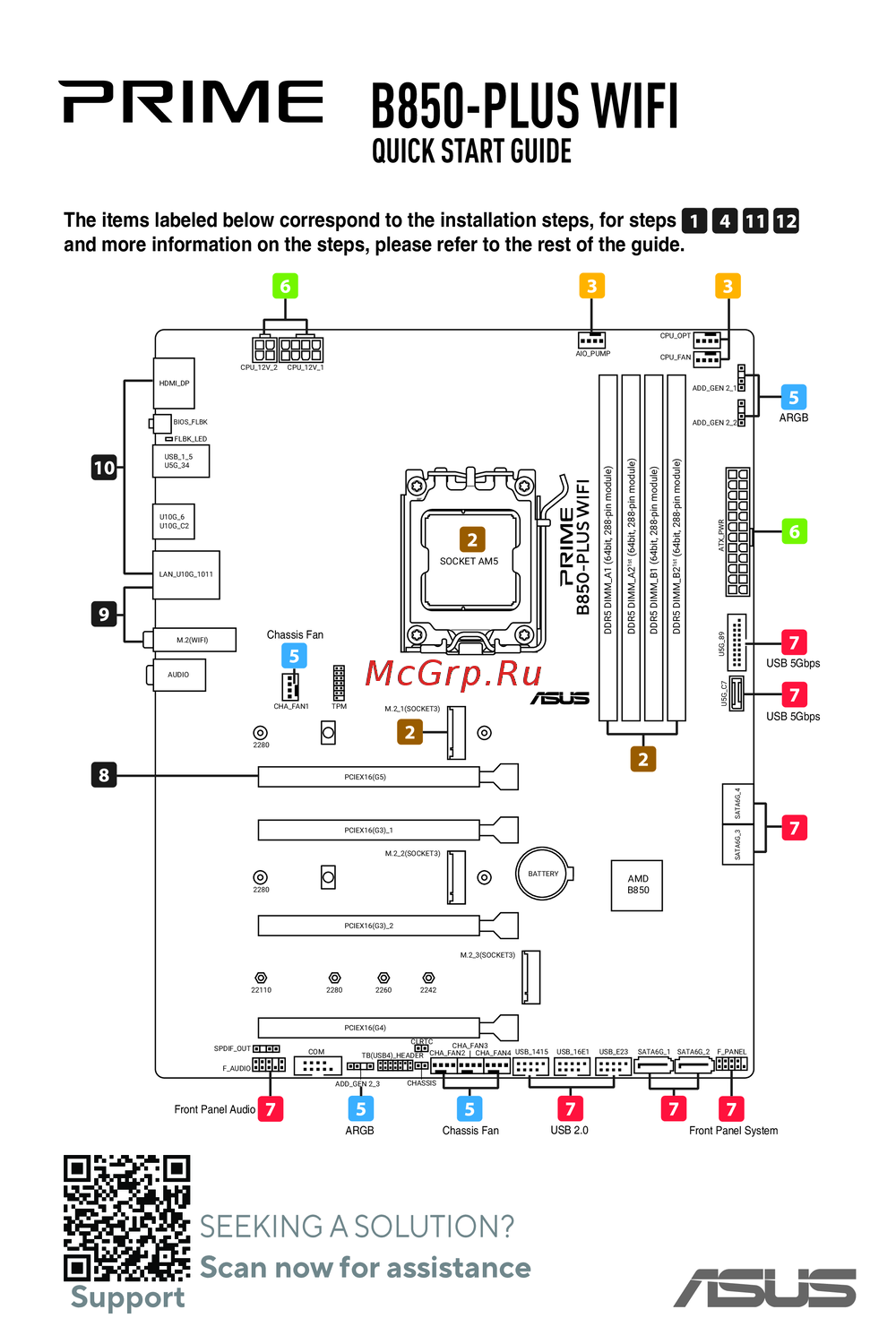 Asus B850-PLUS WIFIКраткое руководство
Узнайте о различных аудио конфигурациях, включая 2, 4, 5.1 и 7.1 канала. Подключение микрофонов и настройка аудио выходов для оптимального звучания.
