![Soundmax SM-CCR5701M Black — управление аудиосистемой и использование USB/SD на устройстве [24/60]](/icons/site-icon-64.png)
Soundmax SM-CCR5701M Black — управление аудиосистемой и использование USB/SD на устройстве [24/60]
Превью страниц
Страница 24 /
60
![Soundmax SM-CCR5701M Black [24/60] Usb sd operations](/views2/1136420/page24/bg18.png)
24
AUDIO
To switch the audio system, tap the AUDIO button on the right of the screen. The sequence will be shown
as follows:
PAL BG---PAL I---PAL DK
ENTER
When TV is playing, tap the screen anytime to come back to the TV menu. Press ENTER to resume playing.
USB/SD operations
USB/SD/MMC notes
USB format supports 1.1. Capacity: up to 1 TB.
For correct and satisfactory operation, licensed micro SD memory cards of well-known brands should be
used with this unit. Avoid using memory cards of unknown brands. SD/MMC capacity: up to 32 GB.
This unit supports playback of video codecs DIVX, H.263, H.264, MPEG1, MPEG2, RVMB, MPEG4, XVID,
audio codecs WMA, MP3, FLAC, OGG, APE, AAC, pictures in JPEG, BMP, GIF, PNG.
The above list of extensions and codecs is for information only and is not a guarantee that all files having
the above extensions and codecs will be read by this unit.
According to the USB 1.1/2.0 Standard, usage of a USB device with power current consumption exceeding
500 mA is not recommended without supplementary power supply. Failure to use supplementary power for
connected USB drives with power consumption exceeding this value as well as defective USB drives may
cause mechanical or thermal changes of elements of this unit as well as failure of internal elements of the
USB port. Such damages are not warrantee cases.
Содержание
42- Руководство по эксплуатации
- Instruction manual
- Usb sd медиаплеер с 7 моторизированным tft дисплеем тв тюнером и bluetooth
- Sm ccr5701m
- Usb sd media player with 7 motorized tft display tv tuner and bluetooth
- Table of contents
- Important safeguards
- Accessories
- Installation connections
- Panel controls
- General operations
- Bluetooth
- Radio operations
- Tv tuner operations
- Usb sd operations
- Steering wheel control swc
- Smartphone mirroring by hdmi
- Cleaning
- Troubleshooting guide
- Below is a table describing simple measures that can help you eliminate most problems likely to emerge when this unit is in use if below measures do not help turn to a service center or to the nearest dealer
- Specifications are subject to change without notice dimensions are approximate
- Specifications
- Содержание
- Меры предосторожности
- Комплект поставки
- Установка подключение
- Провод питания антенны предназначен для подачи питания на антенну и для удаленного управления дополнительным усилителем
- Номер функция
- Для подключений без разъемов iso внимательно проверьте все провода перед подключением неправильное подключение может привести к повреждениям изделия обрежьте разъем подключите цветные головки разъема к шнуру питания батареи в соответствии с приведенной таблицей
- Разъем a разъем a разъем b
- Использование разъема iso 1 если в вашем автомобиле есть разъем iso произведите подключение как показано на рисунке
- Элементы управления
- Общие операции
- Операции с bluetooth
- Операции с радио
- Операции с тв тюнером
- Операции с usb sd
- Передача данных через hdmi
- Управление кнопками руля swc
- Чистка и уход
- Руководство по устранению неисправностей
- Технические характеристики
Похожие устройства
-
 Soundmax SM-CCR3706Руководство по эксплуатации
 -
 Soundmax SM-CCR3705Руководство по эксплуатации
 -
 Soundmax SM-CCR5701M BlackИнструкция по эксплуатации
 -
 Soundmax SM-CCR3703 BlackИнструкция по эксплуатации
 -
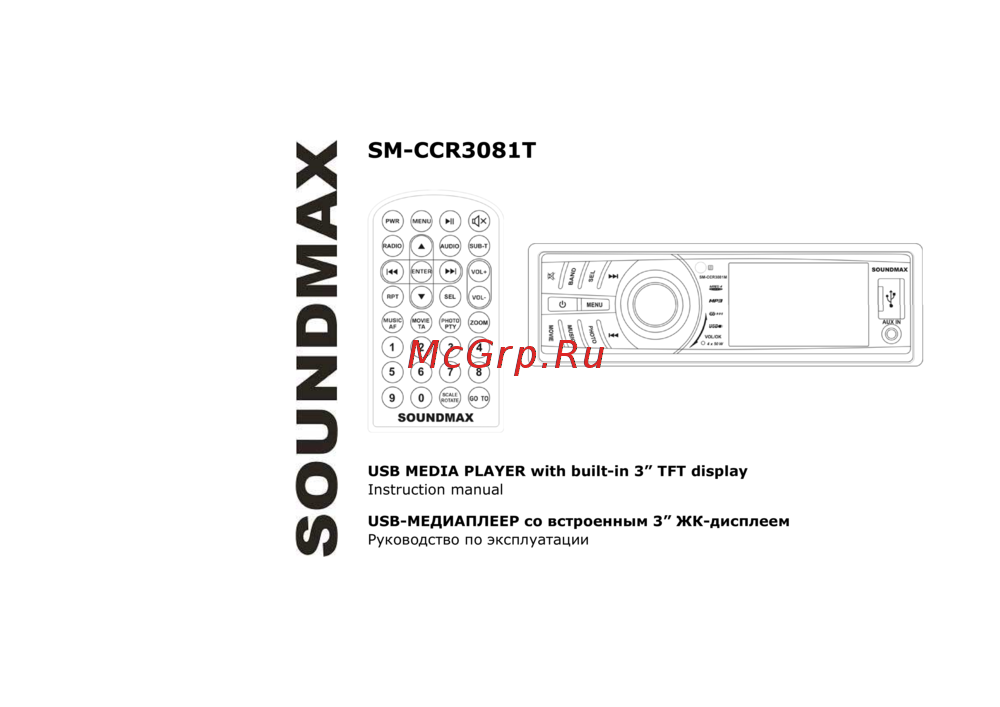 Soundmax SM-CCR3081M Black/WИнструкция по эксплуатации
 -
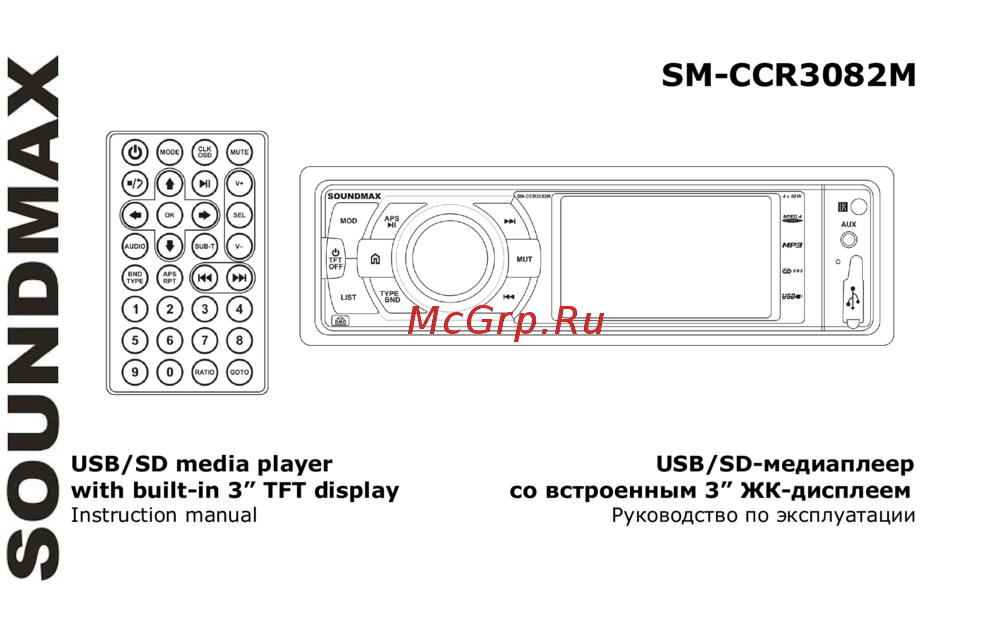 Soundmax SM-CCR3082MИнструкция по эксплуатации
 -
 Sony XAV-1500Инструкция по применению
 -
 SWAT CHR-6220Руководство пользователя
 -
 SWAT AHR-5180Инструкция по эксплуатации
 -
 Incar XTA-7708Инструкция по эксплуатации
 -
 Incar XTA-7707Инструкция по эксплуатации
 -
 SWAT CHR-6220Инструкция по эксплуатации
Узнайте, как управлять аудиосистемой и использовать USB/SD на вашем устройстве. Подробные инструкции и рекомендации по совместимости с форматами и кодеками.