![Soundmax SM-CCR5701M Black — настройки воспроизведения и управление с рулевого колеса [26/60]](/icons/site-icon-64.png)
Soundmax SM-CCR5701M Black — настройки воспроизведения и управление с рулевого колеса [26/60]
Превью страниц
Страница 26 /
60
![Soundmax SM-CCR5701M Black [26/60] Steering wheel control swc](/views2/1136420/page26/bg1a.png)
26
OTHER SETTINGS
During playback, you can adjust other settings including random/repeat play, and sub-title/audio channel,
etc, by tapping on the menu list on the button of the screen. During video playback, tap the screen once and
the menu list will show up.
Steering wheel control (SWC)
Refer to the wiring diagram for connection. The brown wire (SWC 1) must be connected, then the
white or grey (SWC 2A and 2B) will be connected depending on the total number of the wire from the
steering wheel remote control of your vehicle.
Tap steering wheel logo in the OSD. Press RESET before the set up. Select from the 10 functions
according to the number of available keys on the steering wheel of your vehicle. Press any key on your
steering wheel, then tab the function key you would like to assign. The frequency of the function will be
shown on the display. Repeat the step for other keys on the steering wheel. Tap ENTER after your set up is
complete and then you can operate the unit by your steering wheel.
Содержание
42- Руководство по эксплуатации
- Instruction manual
- Usb sd медиаплеер с 7 моторизированным tft дисплеем тв тюнером и bluetooth
- Sm ccr5701m
- Usb sd media player with 7 motorized tft display tv tuner and bluetooth
- Table of contents
- Important safeguards
- Accessories
- Installation connections
- Panel controls
- General operations
- Bluetooth
- Radio operations
- Tv tuner operations
- Usb sd operations
- Steering wheel control swc
- Smartphone mirroring by hdmi
- Cleaning
- Troubleshooting guide
- Below is a table describing simple measures that can help you eliminate most problems likely to emerge when this unit is in use if below measures do not help turn to a service center or to the nearest dealer
- Specifications are subject to change without notice dimensions are approximate
- Specifications
- Содержание
- Меры предосторожности
- Комплект поставки
- Установка подключение
- Провод питания антенны предназначен для подачи питания на антенну и для удаленного управления дополнительным усилителем
- Номер функция
- Для подключений без разъемов iso внимательно проверьте все провода перед подключением неправильное подключение может привести к повреждениям изделия обрежьте разъем подключите цветные головки разъема к шнуру питания батареи в соответствии с приведенной таблицей
- Разъем a разъем a разъем b
- Использование разъема iso 1 если в вашем автомобиле есть разъем iso произведите подключение как показано на рисунке
- Элементы управления
- Общие операции
- Операции с bluetooth
- Операции с радио
- Операции с тв тюнером
- Операции с usb sd
- Передача данных через hdmi
- Управление кнопками руля swc
- Чистка и уход
- Руководство по устранению неисправностей
- Технические характеристики
Похожие устройства
-
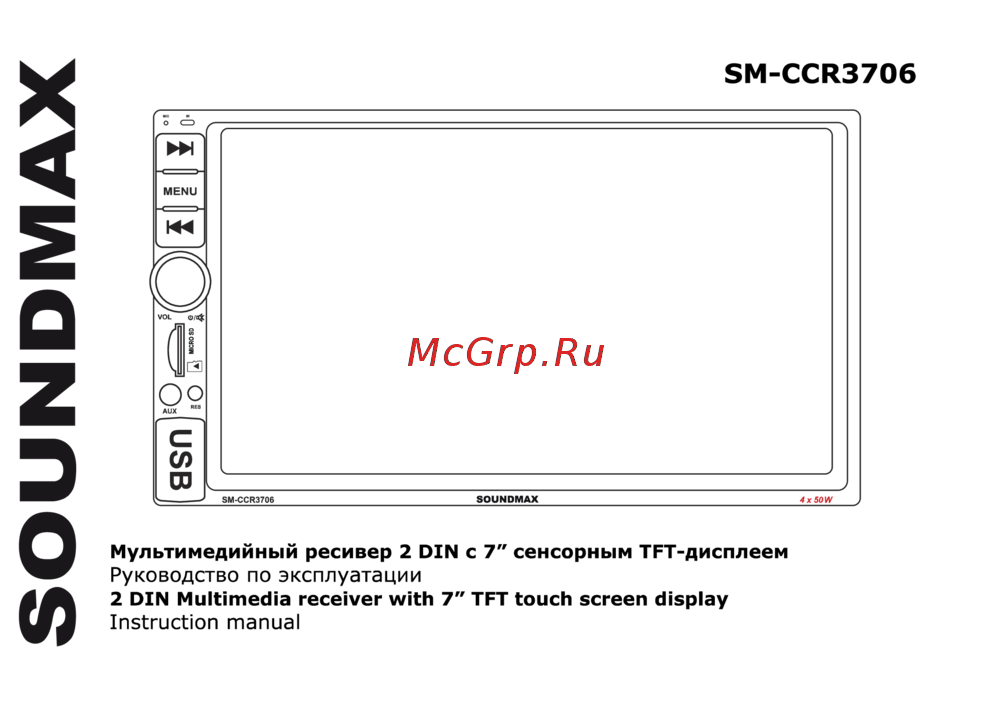 Soundmax SM-CCR3706Руководство по эксплуатации
 -
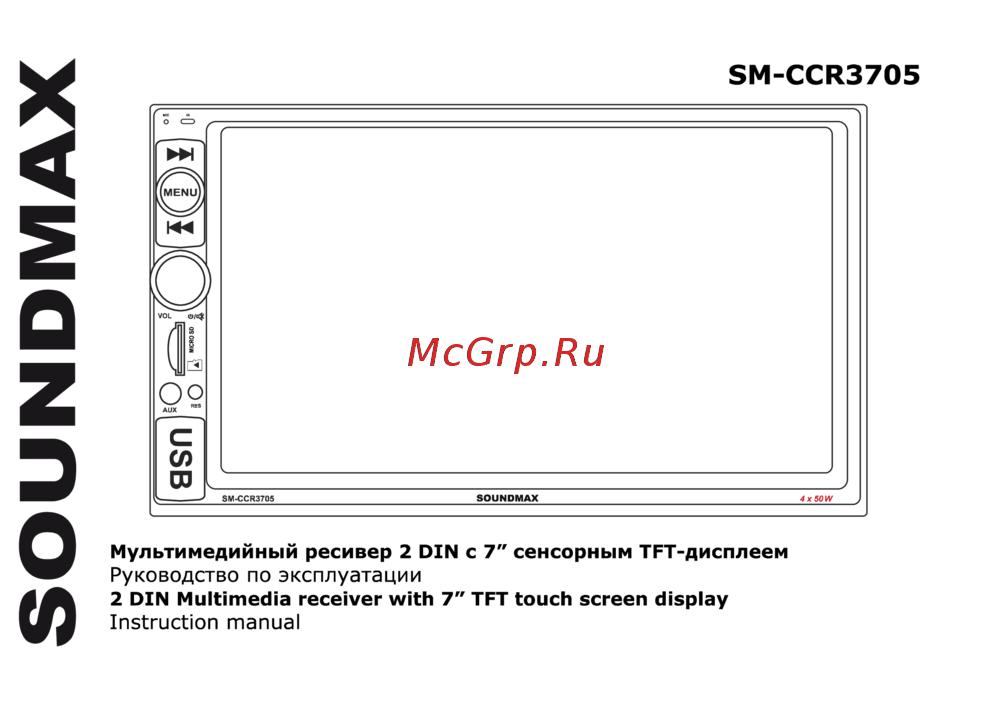 Soundmax SM-CCR3705Руководство по эксплуатации
 -
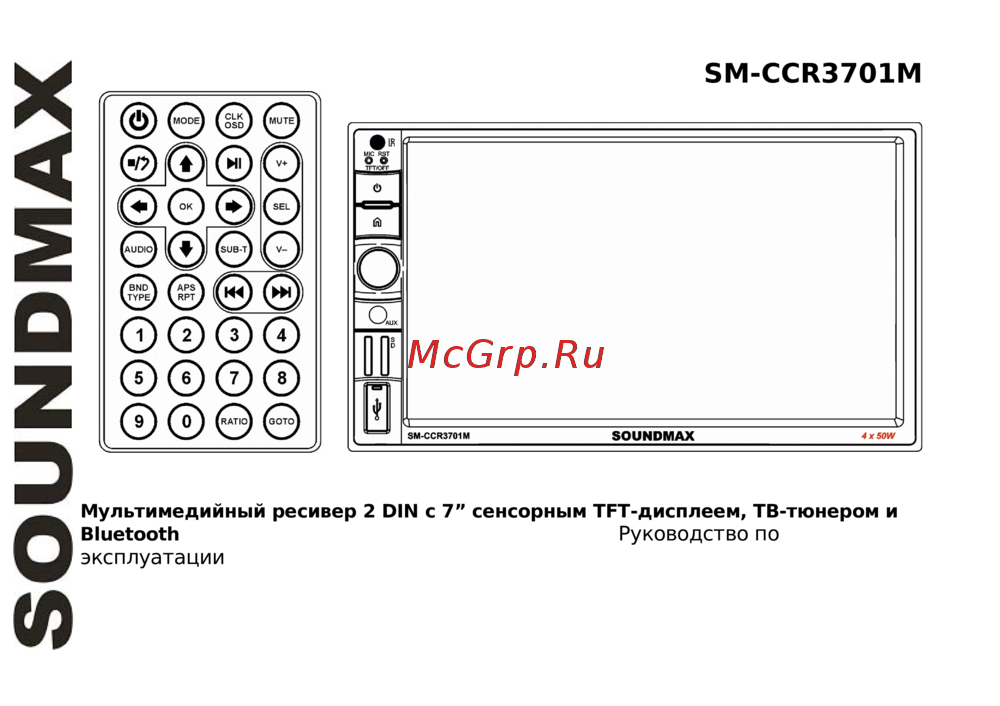 Soundmax SM-CCR5701M BlackИнструкция по эксплуатации
 -
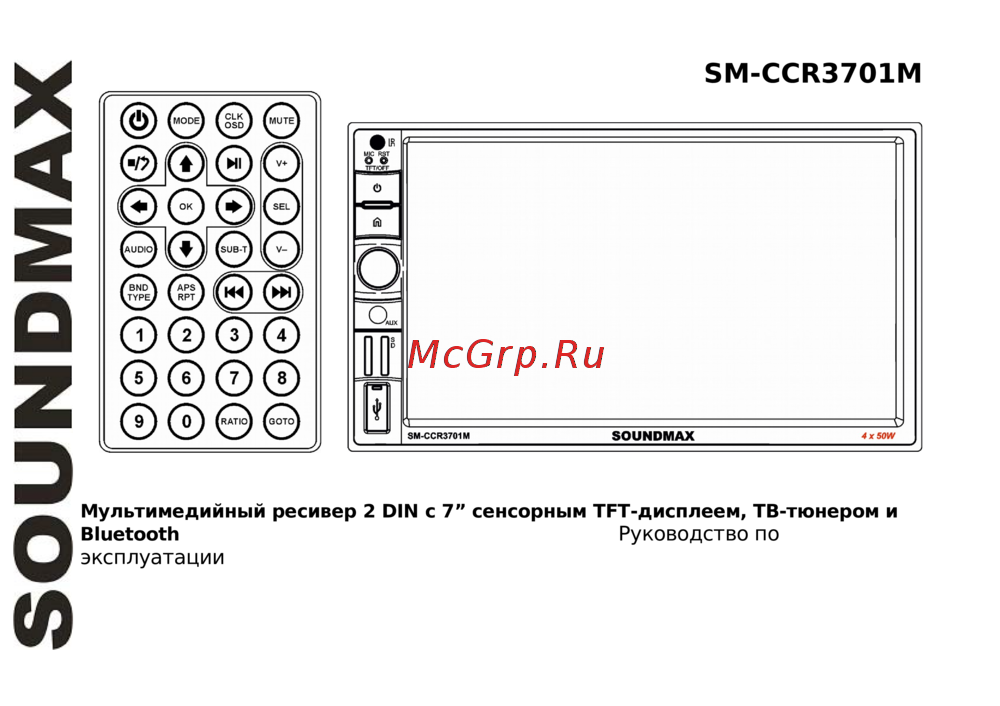 Soundmax SM-CCR3703 BlackИнструкция по эксплуатации
 -
 Soundmax SM-CCR3081M Black/WИнструкция по эксплуатации
 -
 Soundmax SM-CCR3082MИнструкция по эксплуатации
 -
 Sony XAV-1500Инструкция по применению
 -
 SWAT CHR-6220Руководство пользователя
 -
 SWAT AHR-5180Инструкция по эксплуатации
 -
 Incar XTA-7708Инструкция по эксплуатации
 -
 Incar XTA-7707Инструкция по эксплуатации
 -
 SWAT CHR-6220Инструкция по эксплуатации
Узнайте, как настраивать воспроизведение видео и управлять функциями с рулевого колеса. Легко настраивайте параметры и назначайте функции для удобства.