![Makita DSL800Z без акк. и з.у [16/92] Description of the wireless activation lamp status](/icons/site-icon-64.png)
Makita DSL800Z без акк. и з.у [16/92] Description of the wireless activation lamp status
Превью страниц
Страница 16 /
92
![Makita DSL800Z без акк. и з.у [16/92] Description of the wireless activation lamp status](/views2/1889381/page16/bg10.png)
16 ENGLISH
4. Pushthewirelessactivationbuttononthetool
briey.Thewirelessactivationlampwillblinkinblue.
►Fig.32: 1.Wirelessactivationbutton2. Wireless
activation lamp
5. Pull the switch trigger of the tool. Check if the
vacuumcleanerrunswhiletheswitchtriggerisbeing
pulled.
To stop the wireless activation of the vacuum cleaner,
pushthewirelessactivationbuttononthetool.
NOTE: The wireless activation lamp on the tool will
stopblinkinginbluewhenthereisnooperationfor
2hours.Inthiscase,setthestand-byswitchonthe
vacuumcleanerto"AUTO"andpushthewireless
activationbuttononthetoolagain.
NOTE:Thevacuumcleanerstarts/stopswithadelay.
There is a time lag when the vacuum cleaner detects
a switch operation of the tool.
NOTE: The transmission distance of the wireless unit
mayvarydependingonthelocationandsurrounding
circumstances.
NOTE: When two or more tools are registered to one
vacuumcleaner,thevacuumcleanermaystartrun-
ningevenifyoudon'tpulltheswitchtriggerbecause
another user is using the wireless activation function.
Description of the wireless activation lamp status
►Fig.33: 1. Wireless activation lamp
Thewirelessactivationlampshowsthestatusofthewirelessactivationfunction.Refertothetablebelowforthe
meaning of the lamp status.
Status Wireless activation lamp Description
Color
On
Blinking
Duration
Standby Blue
2 hours Thewirelessactivationofthevacuumcleanerisavailable.The
lampwillautomaticallyturnoffwhennooperationisperformed
for 2 hours.
When
the tool is
running.
Thewirelessactivationofthevacuumcleanerisavailableandthe
tool is running.
Tool
registration
Green 20 seconds Readyforthetoolregistration.Waitingfortheregistrationbythe
vacuum cleaner.
2 seconds Thetoolregistrationhasbeennished.Thewirelessactivation
lampwillstartblinkinginblue.
Cancelling
tool
registration
Red 20 seconds Readyforthecancellationofthetoolregistration.Waitingforthe
cancellationbythevacuumcleaner.
2 seconds Thecancellationofthetoolregistrationhasbeennished.The
wirelessactivationlampwillstartblinkinginblue.
Others Red 3 seconds The power is supplied to the wireless unit and the wireless activa-
tion function is starting up.
Off - - The wireless activation of the vacuum cleaner is stopped.
Cancelling tool registration for the
vacuum cleaner
Perform the following procedure when cancelling the
tool registration for the vacuum cleaner.
1. Installthebatteriestothevacuumcleanerandthe
tool.
2. Setthestand-byswitchonthevacuumcleanerto
"AUTO".
►Fig.34: 1.Stand-byswitch
3. Pressthewirelessactivationbuttononthevac-
uumcleanerfor6seconds.Thewirelessactivation
lampblinksingreenandthenbecomered.Afterthat,
pressthewirelessactivationbuttononthetoolinthe
sameway.
►Fig.35: 1.Wirelessactivationbutton2. Wireless
activation lamp
Ifthecancellationisperformedsuccessfully,thewire-
less activation lamps will light up in red for 2 seconds
andstartblinkinginblue.
NOTE:Thewirelessactivationlampsnishblinkingin
red after 20 seconds elapsed. Press the wireless acti-
vationbuttononthetoolwhilethewirelessactivation
lamponthecleanerisblinking.Ifthewirelessacti-
vationlampdoesnotblinkinred,pushthewireless
activationbuttonbrieyandholditdownagain.
Содержание
520- Dsl800
- Intended use
- English original instructions
- Ec declaration of conformity
- Applicable battery cartridge and charger
- Warning
- Vibration
- Specifications
- Save all warnings and instruc tions for future reference
- Safety warnings
- General power tool safety warnings
- Cordless drywall sander safety warnings
- Warning
- Tips for maintaining maximum battery life
- Save these instructions
- Important safety instructions for wireless unit
- Important safety instructions for battery cartridge
- Caution
- Installing or removing battery cartridge
- Indicating the remaining battery capacity
- Functional description
- Save these instructions
- Tool battery protection system
- Switch action
- Speed adjusting dial
- Soft start feature
- Overload protection
- Overload and overheat indicator lamp
- Overheat protection
- Overdischarge protection
- Notice
- Electronic function
- Constant speed control
- Caution
- Assembly
- Assembling the tool bag
- Adjusting the pipe length
- Operation
- Operating the tool with the extension handle
- Notice
- Installing the abrasive disc
- Installing or removing the pad
- Installing or removing the extension handle
- Installing or removing the dust collection brush
- Hex wrench storage
- Connecting a vacuum cleaner
- Caution
- What you can do with the wireless activation function
- Tool registration for the vacuum cleaner
- Starting the wireless activation function
- Notice
- Installing the wireless unit
- Caution
- Wireless activation function
- Description of the wireless activation lamp status
- Cancelling tool registration for the vacuum cleaner
- Troubleshooting for wireless activation function
- English
- Beforeaskingforrepairs conductyourowninspectionfirst ifyoufindaproblemthatisnotexplainedinthemanual donotattempttodismantlethetool instead askmakitaauthorizedservicecenters alwaysusingmakitareplace ment parts for repairs
- Storing the tool in the tool bag
- Optional accessories
- Notice
- Maintenance
- Caution
- Svenska originalinstruktioner
- Specifikationer
- Eg försäkran om överensstämmelse
- Buller
- Avsedd användning
- Vibration
- Varning
- Tillgänglig batterikassett och laddare
- Säkerhetsvarningar för batteridriven väggslip
- Säkerhetsvarningar
- Spara alla varningar och instruk tioner för framtida referens
- Allmänna säkerhetsvarningar för maskiner
- Viktiga säkerhetsanvisningar för den trådlösa enheten
- Viktiga säkerhetsanvisningar för batterikassetten
- Varning
- Tips för att uppnå batteriets max imala livslängd
- Spara dessa anvisningar
- Försiktigt
- Montera eller demontera batterikassetten
- Indikerar kvarvarande batterikapacitet
- Funktionsbeskrivning
- Spara dessa anvisningar
- Överurladdningsskydd
- Överhettningsskydd
- Överbelastningsskydd
- Skyddssystem för maskinen batteriet
- Ratt för hastighetsinställning
- Observera
- Montering
- Montera verktygsväskan
- Mjukstartsfunktion
- Konstant hastighetskontroll
- Indikatorlampa för överbelastning och överhettning
- Försiktigt
- Elektronisk funktion
- Avtryckarens funktion
- Ansluta en dammsugare
- Observera
- Justering av rörlängden
- Installera eller ta bort polerrondellen
- Installera eller ta bort dammuppsamlingsborsten
- Installation eller borttagning av förlängningshandtag
- Installation av sliprondell
- Förvaring av insexnyckel
- Försiktigt
- Användning
- Använda verktyget med förlängningshandtaget
- Verktygsregistrering för dammsugaren
- Vad du kan göra med funktionen för trådlös aktivering
- Observera
- Installera den trådlösa enheten
- Försiktigt
- Funktion för trådlös aktivering
- Upphäver verktygsregistrering för dammsugaren
- Starta funktionen för trådlös aktivering
- Beskrivning av status för lampan för trådlös aktivering
- Svenska
- Innanduberomreparationskaduförstutföraenegenkontroll omduhittarettproblemsomintefinnsförklarati bruksanvisningenskaduinteförsökaatttaisärmaskinen frågaiställetettauktoriseradservicecenterförmakita och använd alltid reservdelar från makita för reparationer
- Felsökning för funktionen för trådlös aktivering
- Valfria tillbehör
- Underhåll
- Observera
- Förvara verktyget i verktygsväskan
- Försiktigt
- Tekniske data
- Riktig bruk
- Passende batteri og lader
- Norsk originalinstruksjoner
- Advarsel
- Vibrasjoner
- Sikkerhetsadvarsel
- Oppbevar alle advarsler og instruksjoner for senere bruk
- Generelle advarsler angående sikkerhet for elektroverktøy
- Efs samsvarserklæring
- Advarsler for batteridrevet slipemaskin for gipsplater
- Advarsel
- Viktige sikkerhetsanvisninger for batteriinnsats
- Ta vare på disse instruksene
- Advarsel
- Viktige sikkerhetsanvisninger for trådløs enhet
- Tips for å opprettholde maksimal batterilevetid
- Ta vare på disse instruksene
- Forsiktig
- Bryterfunksjon
- Batterivernsystem for verktøy batteri
- Sette inn eller ta ut batteri
- Overutladingsvern
- Overopphetingsvern
- Overlastsikring
- Indikere gjenværende batterikapasitet
- Funksjonsbeskrivelse
- Forsiktig
- Mykstartfunksjon
- Montering
- Konstant turtallskontroll
- Koble til støvsuger
- Justering av rørlengden
- Indikatorlampe for overbelastning og overoppheting
- Hastighetsinnstillingshjul
- Forsiktig
- Elektronisk funksjon
- Sette på eller ta av støvoppsamlingsbørste
- Sette på eller ta av puten
- Sammensetting av verktøyvesken
- Påsetting av slipeskive
- Oppbevaring av sekskantnøkkel
- Trådløsaktiverings funksjon
- Påsetting eller avtaking av forlengelseshåndtaket
- Installere den trådløse enheten
- Hva du kan gjøre med trådløsaktiveringsfunksjonen
- Forsiktig
- Bruk av verktøyet med forlengelseshåndtaket
- Verktøyregistrering for støvsugeren
- Starte trådløsaktiveringsfunksjonen
- Fig 3 1 trådløsaktiveringslampe
- Beskrivelse av trådløsaktiveringslampens status
- Avbryte verktøyregistrering for støvsugeren
- Trådløsaktiveringslampenviserstatusentiltrådløsaktiveringsfunksjonen dufinnerinformasjonomlampestatusens betydningitabellennedenfor
- Trykkpåtrådløsaktiveringsknappenpåstøvsu gereni6sekunder trådløsaktiveringslampenblinker grøntogblirderetterrød derettertrykkerdupåtrådløs aktiveringsknappenpåverktøyetpåsammemåte fig 5 1 trådløsaktiveringsknapp 2 trådløsaktiveringslampe
- Stillventebryterenpåstøvsugerenpå auto fig 4 1 ventebryter
- Settbatterieneistøvsugerenogverktøyet
- Merk trådløsaktiveringslampeneslutteråblinke rødtnårdethargått20sekunder trykkpåtrådløs aktiveringsfunksjonenpåverktøyetmenstrådløsak tiveringslampenpåstøvsugerenblinker hvistråd løsaktiveringslampenikkeblinkerrødt trykkerdupå trådløsaktiveringsknappenetkortøyeblikkogholder deninneigjen
- Hvisavbrytingenervellykket viltrådløsaktiveringslam penelyserødti2sekunderogbegynneåblinkeblått
- Gåfrempåfølgendemåtenårduskalavbryteverktøy registrering for støvsugeren
- Inspiserutstyretselvførdubestillerreparasjon ikkeprøvådemontereverktøyethvisdufinneretproblemsomikke erforklartibrukerveiledningen istedetbørdutakontaktmedetavmakitasautoriserteservicesentre somalltid brukerreservedelerframakitatilreparasjoner
- Feilsøking for trådløsaktiveringsfunksjonen
- Vedlikehold
- Valgfritt tilbehør
- Oppbevare verktøyet i verktøyposen
- Forsiktig
- Käyttötarkoitus
- Käytettävä akkupaketti ja laturi
- Ey vaatimustenmukaisuusvakuutus
- Varoitus
- Tärinä
- Tekniset tiedot
- Suomi alkuperäiset ohjeet
- Melutaso
- Varoitus
- Turvavaroitukset
- Säilytä varoitukset ja ohjeet tule vaa käyttöä varten
- Sähkötyökalujen käyttöä koskevat yleiset varoitukset
- Akkukäyttöisen varsihiomakoneen turvaohjeet
- Vihjeitä akun käyttöiän pidentämiseksi
- Varoitus
- Säilytä nämä ohjeet
- Langatonta yksikköä koskevat tärkeät turvallisuusohjeet
- Huomio
- Akkupakettia koskevia tärkeitä turvaohjeita
- Toimintojen kuvaus
- Säilytä nämä ohjeet
- Akun jäljellä olevan varaustason ilmaisin
- Akun asentaminen tai irrottaminen
- Ylikuormitussuoja
- Ylikuormituksen ja ylikuumenemisen merkkivalo
- Vakionopeuden säätö
- Työkalun akun suojausjärjestelmä
- Työkalulaukun kokoaminen
- Sähköinen toiminta
- Pehmeä käynnistys
- Nopeudensäätöpyörä
- Kytkimen käyttäminen
- Kokoonpano
- Huomio
- Huomautus
- Ylipurkautumissuoja
- Ylikuumenemissuoja
- Varren pituuden säätäminen
- Työskentely
- Työkalun käyttäminen jatkokahvan kanssa
- Pölynkeräinharjan kiinnitys tai irrotus
- Pölynimurin kytkeminen
- Kuusioavaimen varastointi
- Jatkokahvan asennus ja irrotus
- Huomio
- Huomautus
- Hiomalaikan asentaminen
- Hioma alustan asennus ja poisto
- Laitteen rekisteröinti pölynimurille
- Huomio
- Huomautus
- Mitä langattomalla aktivointitoiminnolla voi tehdä
- Langattoman yksikön asennus
- Langattoman aktivointitoiminnon aloitus
- Langaton aktivointitoiminto
- Langattoman aktivoinnin merkkivalon tilan kuvaus
- Laiterekisteröinnin peruutus pölynimurille
- Tarkistalaiteensinitse ennenkuinvietsenkorjattavaksi josongelmaaneilöydyratkaisuakäyttöoppaasta älä kuitenkaanyritäpurkaatyökaluaosiin vieotasensijaanyhteyttämakita huoltoliikkeeseen käytäkorjaamiseen aina alkuperäisiä makita varaosia
- Langattoman aktivointitoiminnon vianetsintä
- Työkalun varastoiminen työkalulaukkuun
- Lisävarusteet
- Kunnossapito
- Huomio
- Huomautus
- Latviešu oriģinālie norādījumi
- Ek atbilstības deklarācija
- Brīdinājums
- Vibrācija
- Trokšņa līmenis
- Specifikācijas
- Piemērotā akumulatora kasetne un lādētājs
- Paredzētā lietošana
- Vispārīgi elektrisko darbarīku drošības brīdinājumi
- Glabājiet visus brīdinājumus un norādījums lai varētu tajos ieskatīties turpmāk
- Drošības brīdinājumi attiecībā uz bezvada ģipškartona slīpmašīnas lietošanu
- Drošības brīdinājumi
- Uzmanību
- Svarīgi drošības norādījumi par bezvadu ierīci
- Svarīgi drošības norādījumi par akumulatora kasetni
- Saglabājiet šos norādījumus
- Ieteikumi akumulatora kalpoša nas laika pagarināšanai
- Brīdinājums
- Akumulatora kasetnes uzstādīšana un izņemšana
- Saglabājiet šos norādījumus
- Funkciju apraksts
- Atlikušās akumulatora jaudas indikators
- Uzmanību
- Slēdža darbība
- Pārslodzes un pārkaršanas indikatora lampiņa
- Nemainīga ātruma vadība
- Montāža
- Laidenas ieslēgšanas funkcija
- Ievērībai
- Elektroniskā funkcija
- Darbarīka somas montāža
- Darbarīka akumulatora aizsardzības sistēma
- Aizsardzība pret pārslodzi
- Aizsardzība pret pārkaršanu
- Aizsardzība pret akumulatora pārmērīgu izlādi
- Ātruma regulēšanas gredzens
- Uzmanību
- Sešstūru uzgriežņu atslēgas uzglabāšana
- Putekļu savākšanas sukas pievienošana un noņemšana
- Putekļsūcēja pievienošana
- Paliktņa uzlikšana vai noņemšana
- Pagarinājuma roktura uzstādīšana vai noņemšana
- Ievērībai
- Ekspluatācija
- Darbarīka lietošana ar pagarinājuma rokturi
- Caurules garuma regulēšana
- Abrazīvās ripas uzstādīšana
- Darbarīka reģistrācija putekļu sūcējam
- Bezvadu sistēmas aktivizēšanas funkcijas startēšana
- Bezvadu sistēmas aktivizēšanas funkcija
- Bezvadu ierīces uzstādīšana
- Uzmanību
- Ievērībai
- Iespējas ko sniedz bezvadu sistēmas aktivizēšanas funkcija
- Darbarīka reģistrācijas atcelšana putekļu sūcējam
- Bezvadu sistēmas aktivizēšanas lampiņas statusa apraksts
- Traucējummeklēšana bezvadu sistēmas aktivizēšanas funkcijai
- Pirmsnodošanasremontāvispirmsveicietpārbaudipats jakonstatējatkļūmi kasnavaprakstītarokasgrāmatā nemēģinietdarbarīkuizjaukt dodietiesuzmakitapilnvarotuapkopescentruunremontamvienmērizmantojiettikai makitarezervesdaļas
- Latviešu
- Uzmanību
- Papildu piederumi
- Ievērībai
- Darbarīka glabāšana darbarīka somā
- Apkope
- Numatytoji naudojimo paskirtis
- Lietuvių kalba originali instrukcija
- Eb atitikties deklaracija
- Įspėjimas
- Vibracija
- Triukšmas
- Tinkama akumuliatoriaus kasetė ir arba įkroviklis
- Specifikacijos
- Įspėjimas
- Įspėjimai dėl belaidžio gipso kartono šlifuoklio saugos
- Saugos įspėjimai
- Išsaugokite visus įspėjimus ir instrukcijas kad galėtumėte jas peržiūrėti ateityje
- Bendrieji įspėjimai dirbant elektriniais įrankiais
- Svarbios saugumo instrukcijos dėl belaidžio bloko
- Svarbios saugos instrukcijos taikomos akumuliatoriaus kasetei
- Saugokite šias instrukcijas
- Patarimai ką daryti kad akumu liatorius veiktų kuo ilgiau
- Likusios akumuliatoriaus galios rodymas
- Akumuliatoriaus kasetės uždėjimas ir nuėmimas
- Veikimo aprašymas
- Saugokite šias instrukcijas
- Įrankio akumuliatoriaus apsaugos sistema
- Tolygaus įjungimo funkcija
- Surinkimas
- Perspėjimas
- Perkrovos ir perkaitimo indikatoriaus lemputė
- Pastaba
- Nuolatinis greičio reguliavimas
- Krepšio įrankiui surinkimas
- Jungiklio veikimas
- Greičio reguliavimo ratukas
- Elektroninė funkcija
- Apsauga nuo visiško išeikvojimo
- Apsauga nuo perkrovos
- Apsauga nuo perkaitimo
- Šlifavimo disko montavimas
- Šešiabriaunio rakto laikymas
- Įrankio naudojimas su ilginamąja rankena
- Vamzdžio ilgio reguliavimas
- Perspėjimas
- Pastaba
- Pado uždėjimas ar nuėmimas
- Naudojimas
- Ilginamosios rankenos montavimas ir nuėmimas
- Dulkių surinkimo šepečio uždėjimas arba nuėmimas
- Dulkių siurblio prijungimas
- Perspėjimas
- Pastaba
- Ką galima padaryti su belaidžio aktyvinimo funkcija
- Belaidžio bloko įdėjimas
- Belaidžio aktyvinimo funkcija
- Įrankio nustatymas vakuuminiame valymo įrenginyje
- Įrankio nustatymo vakuuminiame valymo įrenginyje atšaukimas
- Belaidžio aktyvinimo lemputės būsenos aprašymas
- Belaidžio aktyvinimo funkcijos paleidimas
- Prieškreipdamiesidėlremontodarbų pirmiausiapatikrinkitegedimuspatys kilusproblemų apiekuriasnepaaiš kintavartotojovadove nemėginkiteardytiįrankio kreipkitėsįįgaliotuosius makita techninėspriežiūroscentrus kuriuoseremontuivisuometnaudojamosoriginalios makita keičiamosiosdalys
- Lietuvių kalba
- Belaidžio aktyvinimo funkcijos trikčių šalinimas
- Įrankio laikymas įrankio krepšyje
- Techninė priežiūra
- Perspėjimas
- Pastaba
- Pasirenkami priedai
- Kavandatud kasutus
- Hoiatus
- Eü vastavusdeklaratsioon
- Eesti originaaljuhend
- Vibratsioon
- Tehnilised andmed
- Sobiv akukassett ja laadija
- Üldised elektritööriistade ohutushoiatused
- Ohutushoiatused
- Juhtmeta kipsplaadilihvija ohutusjuhised
- Hoidke edaspidisteks viideteks alles kõik hoiatused ja juhtnöörid
- Vihjeid aku maksimaalse kasu tusaja tagamise kohta
- Juhtmeta seadmega seotud olulised ohutusjuhised
- Hoidke juhend alles
- Hoiatus
- Ettevaatust
- Akukassetiga seotud olulised ohutusjuhised
- Funktsionaalne kirjeldus
- Akukasseti paigaldamine või eemaldamine
- Aku jääkmahutavuse näit
- Hoidke juhend alles
- Ülelaadimiskaitse
- Ülekuumenemiskaitse
- Ülekoormuskaitse
- Ülekoormuse ja kuumenemise märgutuli
- Tööriistakoti kokkupanemine
- Tööriista aku kaitsesüsteem
- Tähelepanu
- Sujuvkäivituse funktsioon
- Püsikiiruse juhtimine
- Lüliti funktsioneerimine
- Kokkupanek
- Kiirusregulaator
- Ettevaatust
- Elektrooniline funktsioon
- Ettevaatust
- Tööriista kasutamine koos pikenduskäepidemega
- Tööriista kasutamine
- Tähelepanu
- Toru pikkuse reguleerimine
- Tolmukogumisharja paigaldamine või eemaldamine
- Tolmuimeja ühendamine
- Talla paigaldamine või eemaldamine
- Pikenduskäepideme paigaldamine või eemaldamine
- Lihvketta paigaldamine
- Kuuskantvõtme hoiulepanek
- Tööriista registreerimine tolmuimeja jaoks
- Tähelepanu
- Mida võimaldab juhtmeta aktiveerimise funktsioon
- Juhtmeta seadme paigaldamine
- Juhtmeta aktiveerimise funktsioon
- Ettevaatust
- Tööriista registreerimise tühistamine tolmuimeja jaoks
- Juhtmeta aktiveerimise tule oleku kirjeldus
- Juhtmeta aktiveerimise funktsiooni käivitamine
- Juhtmeta aktiveerimise funktsiooni veaotsing
- Enneremonditöökottapöördumistkontrolligeniidukitise ärgeüritageniidukitlahtivõtta kuileiateprobleemi mida kasutusjuhendiseikirjeldata selleasemelpöördugemakitavolitatudteeninduskeskusesse kuskasutatakseremon timisel alati makita tagavaraosi
- Valikulised tarvikud
- Tööriista tööriistakotis hoiundamine
- Tähelepanu
- Hooldus
- Ettevaatust
- Русский оригинальные инструкции
- Вибрация
- Технические характеристики
- Подходящий блок аккумулятора и зарядное устройство
- Осторожно
- Назначение
- Шум
- Сохраните брошюру с инструк циями и рекомендациями для дальнейшего использования
- Правила техники безопасности при эксплуатации аккумуляторной шлифовальной машины
- Осторожно
- Общие рекомендации по технике безопасности для электроинструментов
- Меры безопасности
- Декларация о соответствии ес
- Сохраните данные инструкции
- Осторожно
- Важные правила техники безопасности для работы с аккумуляторным блоком
- Сохраните данные инструкции
- Советы по обеспечению мак симального срока службы аккумулятора
- Внимание
- Важные правила техники безопасности для работы с беспроводным блоком
- Индикация оставшегося заряда аккумулятора
- Внимание
- Установка или снятие блока аккумуляторов
- Сохраните данные инструкции
- Описание работы
- Система защиты инструмента аккумулятора
- Примечание
- Поворотный регулятор скорости
- Защита от переразрядки
- Защита от перегрузки
- Защита от перегрева
- Действие выключателя
- Внимание
- Примечание
- Постоянный контроль скорости
- Подключение пылесоса
- Индикаторная лампа перегрузки и перегрева
- Внимание
- Электронная функция
- Хранение шестигранного ключа
- Функция плавного запуска
- Установка или снятие подушки
- Установка или извлечение пылесборной щетки
- Установка и снятие удлинительной рукоятки
- Установка абразивного круга
- Сборка сумки для инструмента
- Сборка
- Регулировка длины трубы
- Эксплуатация
- Что позволяет делать функция беспроводной активации
- Функция беспроводной активации
- Установка беспроводного блока
- Примечание
- Внимание
- Эксплуатация инструмента с удлинительной рукояткой
- Регистрация инструмента для пылесоса
- Примечание
- Запуск функции беспроводной активации
- Отмена регистрации инструмента для пылесоса
- Описание статуса лампы беспроводной активации
- Русский
- Преждечемобращатьсяпоповодуремонта проведитеосмотрсамостоятельно еслиобнаруженанеисправ ность неуказаннаявруководстве непытайтесьразобратьинструмент обратитесьводинизавторизован ныхсервисныхцентровmakita вкоторыхдляремонтавсегдаиспользуютсяоригинальныедеталиmakita
- Поиск и устранение неисправностей для функции беспроводной активации
- Хранение инструмента в сумке для инструмента
- Примечание
- Обслуживание
- Дополнительные принадлежности
- Внимание
- Jan baptist vinkstraat 2 3070 kortenberg belgium
- 11 8 sumiyoshi cho anjo aichi 446 8502 japan
- Www makita com
- Makita europe n v
- Makita corporation
Похожие устройства
-
 Makita BO4557Руководство по эксплуатации
 -
 Makita GD0800CИнструкция по эксплуатации
 -
 Makita DGD801Z без акк. и з.уИнструкция по эксплуатации
 -
Makita DGD801Z без акк. и з.уИнструкция по эксплуатации
-
Makita DGD800Z без акк. и з.уИнструкция по эксплуатации
-
Makita DGD801Z без акк. и з.уИнструкция по эксплуатации
-
 Makita BGD801Z без акк. и з.уИнструкция по эксплуатации
 -
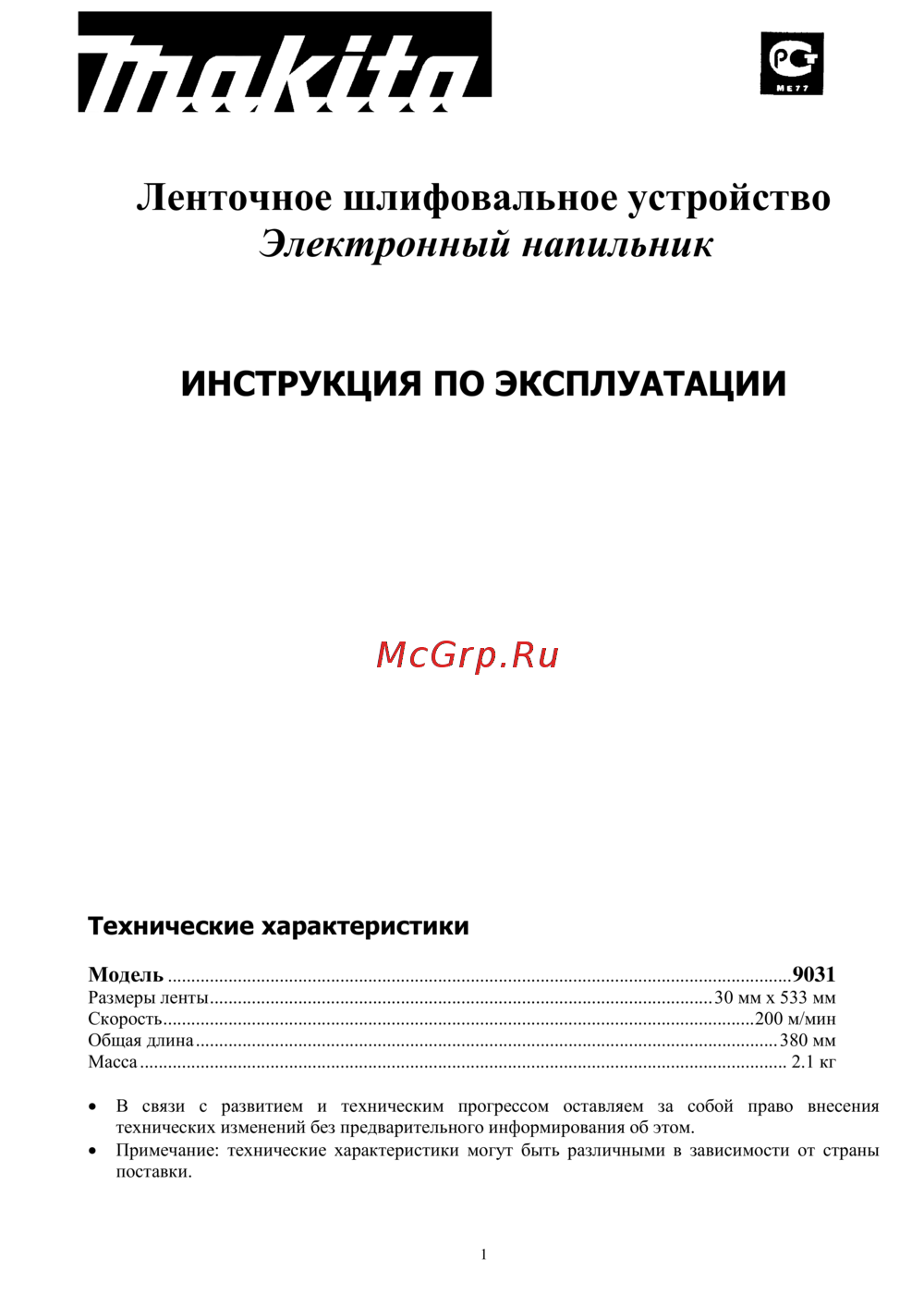 Makita 9031 (ленточный напильник)Инструкция по эксплуатации
 -
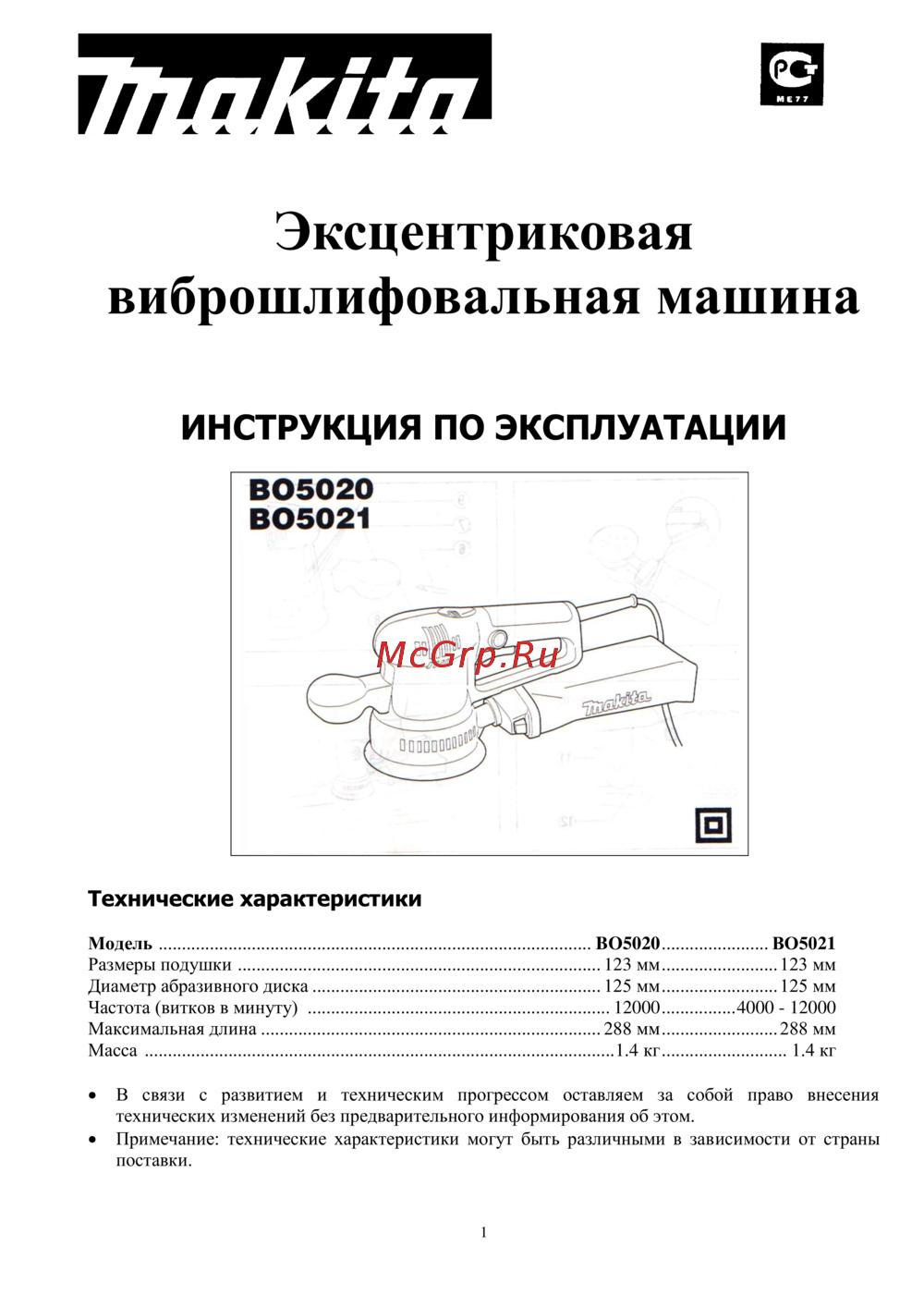 Makita BO5021Инструкция по эксплуатации
 -
 Patriot BS 900Инструкция к устройству
 -
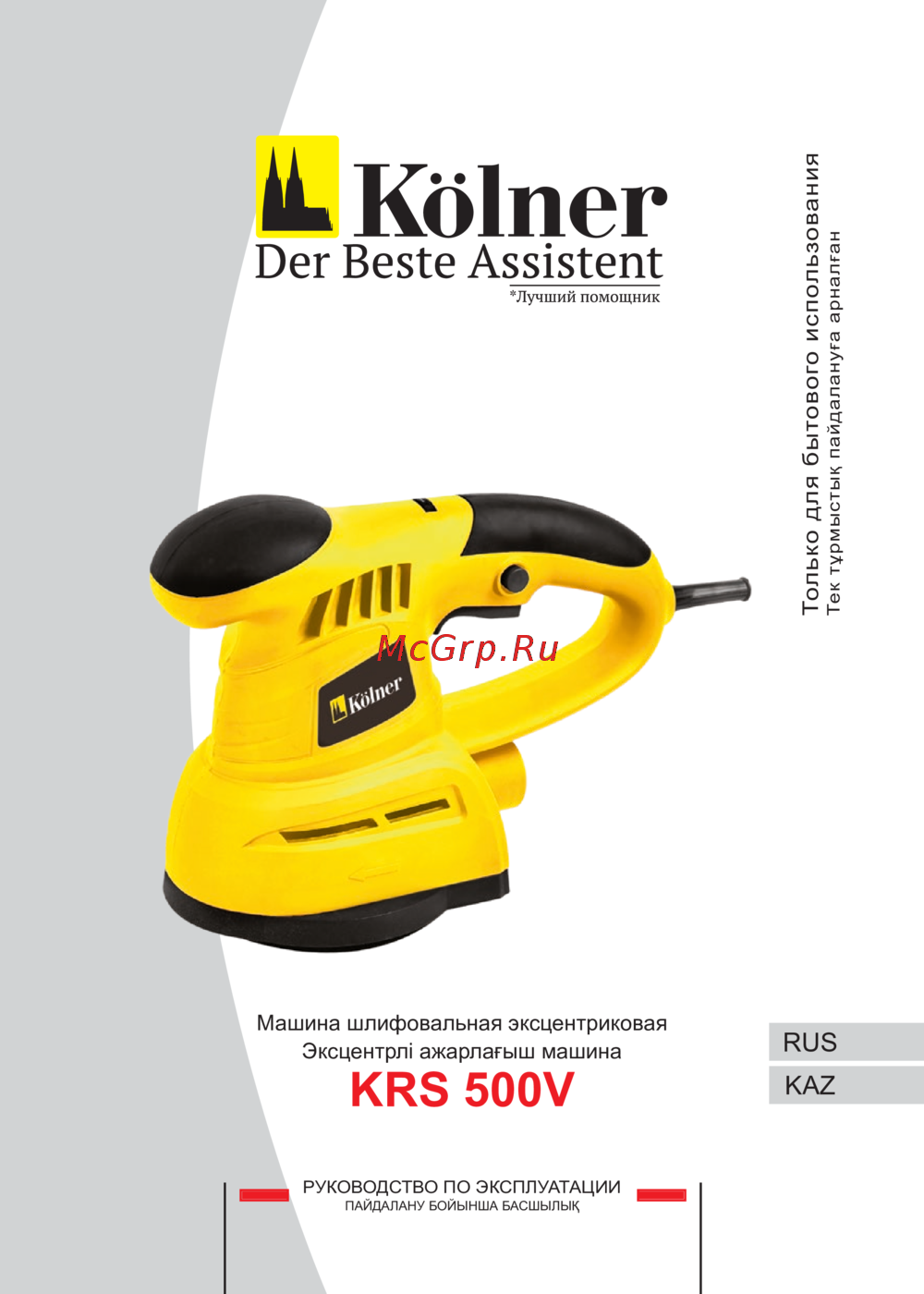 Kolner KRS 500VРуководство по эксплуатации
 -
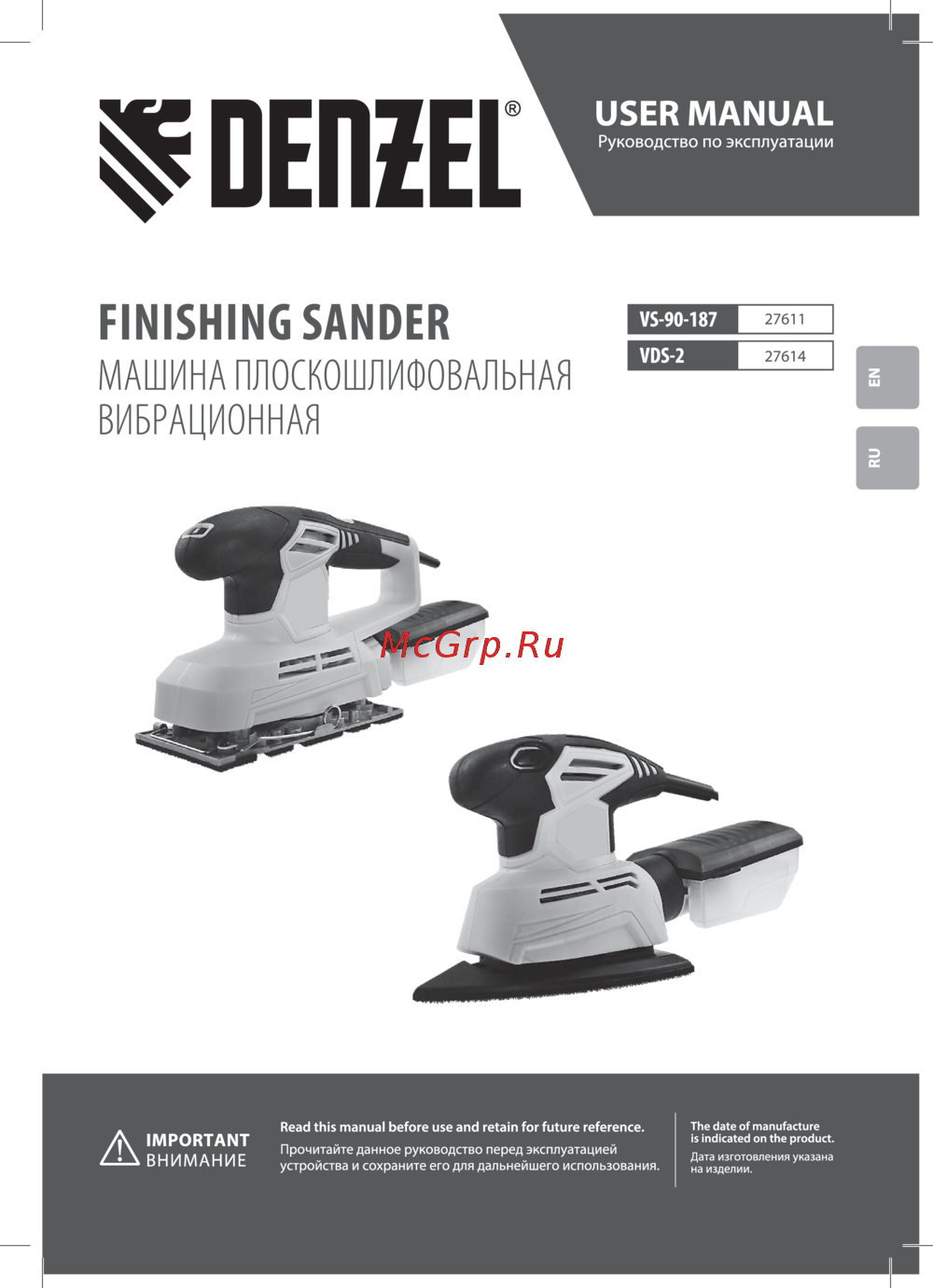 Denzel VDS-2Руководство по эксплуатации