
Netis WF2681 Инструкция по эксплуатации онлайн
Превью страниц
Страница 1 /
12
Содержание
81- Hardware connection
- Product connection
- Package contents
- Connection
- Default button
- Product instruction
- Power jack
- Wps button
- Wan port
- Lan1 lan4 ports
- For gamer
- Step 3
- Step 2
- Step 1 open
- Installation
- Beacon exe
- Step 11
- Log intoourweb control page netis cc through the web browser
- For consumer user
- Steplo
- Step12
- Step 9
- Step 7
- Step 6
- Step 5
- Step 4
- How to set up wi fi mode and ssid password
- Wireless settings
- How to set up internet type
- Wireless 2 g and
- Dhcp cable modem
- Wi fi name set up
- Wf2681
- Client
- Wan connection type
- Change password
- Step 4
- Ap wds
- Step 3
- And select
- Step 2
- And choose the type as you need
- Step 1
- Access point
- Static
- Select
- Scroll downthe selections and set the mode as you need
- Scroll down
- Repeater
- Pppoe adsl
- Network
- Status
- Set the total uplink downlink bandwidth you want to control then click
- Set the bandwidth control rule for different hosts then click
- Select
- Restricted bandwidth uplink bandwidth
- Minimum uplink speed the host can share
- Minimum downlink speed the host can share
- Maximum uplink speed the host can share
- Maximum downlink speed the host can share
- How to set up qos
- Wf2681
- Enable
- To open
- Downlink bandwidth
- To enable or disable bandwidth control rule
- Description
- To choose what kind of host to set bandwidth control rule include
- Bandwidth control
- Step 4
- Step 3
- All the hosts specific host host s subnet host s segment guaranteed bandwidth uplink bandwidth
- Step 1
- Adescription forthe rule
- Troubleshooting
- 页 10
- Fcc radiation exposure statement
- Appendix b industry canada statement
- Appendix a fcc statement
- 页 11
- 页 12
Похожие устройства
-
 Netis WF2780Быстрый старт
 -
Netis WF2710Краткий обзор функций
-
Netis WF2681Краткая инструкция по использованию
-
 Netis WF2681Технические характеристики
 -
 Netis WF2631Инструкция по эксплуатации
 -
 Netis WF-2301Технические характеристики
 -
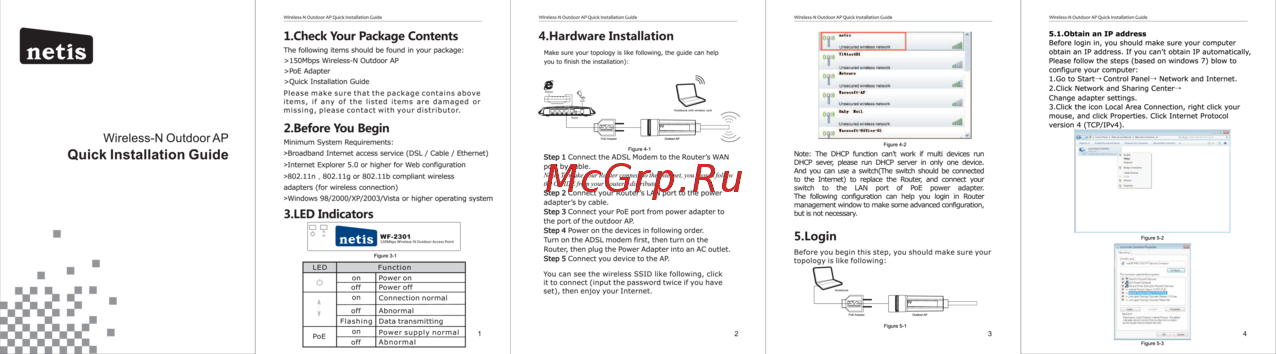 Netis WF-2301Инструкция по установке
 -
 Netis WF-2301Инструкция по эксплуатации
 -
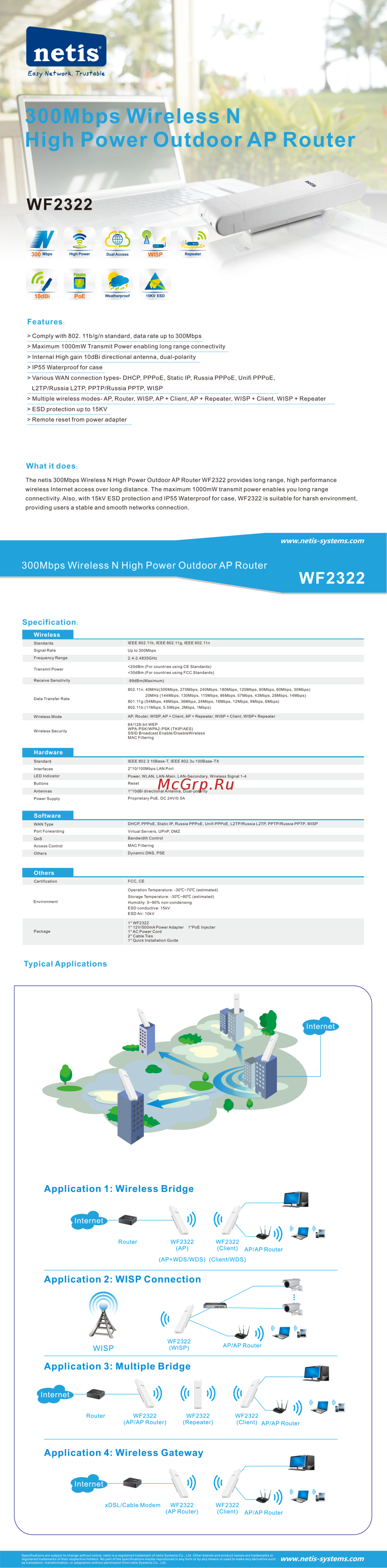 Netis WF2322Инструкция по эксплуатации
 -
 Netis WF2501Инструкция по установке
 -
 Netis WF2501Инструкция по эксплуатации
 -
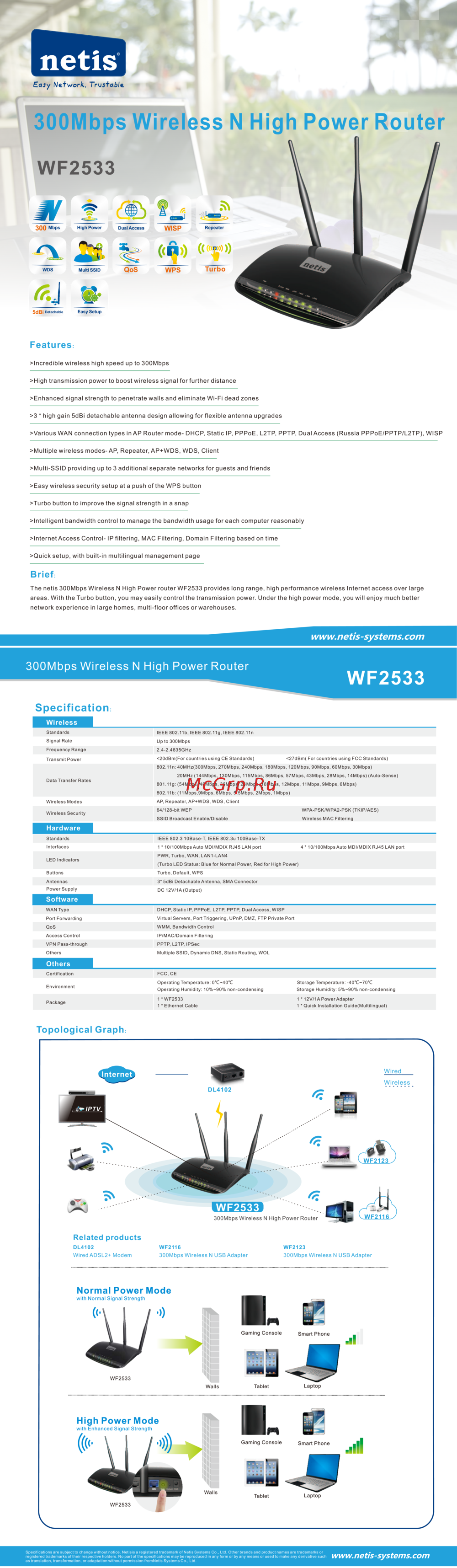 Netis WF2533Инструкция по эксплуатации
netis Beacon AC1200 Gaming Router Quick Installation Guide Model NO WF2681