
Netis WF-2301 Инструкция по эксплуатации онлайн
Превью страниц
Страница 1 /
51

Содержание
60- Fcc radiation exposure statement
- Caution
- Brand and copyright announcement
- Before installing
- Contents
- Product overview
- Main features
- Introduction
- Working environment
- Supporting standard and protocol
- System requirement
- Hardware installation
- Restore to factory configuration
- Hardware installation procedures
- Windows 98 me
- Configure computer
- Windows 2000
- Then press ok to close the internet protocol tcp ip properties window
- Highlight internet protocol tcp ip and then press properties button
- Choose obtain an ip address automatically and obtain dns server address automatically and
- Windows xp
- Highlight the icon local area connection right click your mouse and click properties
- Click network connections
- Click network and internet connections
- Then press ok to close the internet protocol tcp ip properties window
- Highlight internet protocol tcp ip and then press properties button
- Choose obtain an ip address automatically and obtain dns server address automatically and
- Press ok to close the local area connection properties window
- Windows vista
- Highlight internet protocol version 4 tcp ip and then press properties button
- Then press ok to close the internet protocol tcp ip properties window
- Choose obtain an ip address automatically and obtain dns server address automatically and
- Press ok to close the local area connection properties window
- Windows 7
- Mac os
- Checking connection with the adapter
- System setting
- Wireless info
- Secondary ap
- Wireless setup
- Wireless management
- Security
- Wpa2 psk
- Wpa psk
- Host filter
- Host list
- Will connect automatically
- Select this ap in the pop up window then click select
- Push the pin input config pin in the wi fi protect setup of the adapter
- Please wait until the following window appears the connect between the adapter and the ap
- Advanced
- Multiple ap setup
- Wireless led thresholds
- Lan setup
- Lan ip address
- Dhcp server
- Dhcp client info
- Routing
- Applications game
- Troubleshooting
Похожие устройства
-
 Netis WF2780Быстрый старт
 -
Netis WF2710Краткий обзор функций
-
Netis WF2681Краткая инструкция по использованию
-
 Netis WF2681Технические характеристики
 -
 Netis WF2681Инструкция по эксплуатации
 -
 Netis WF2631Инструкция по эксплуатации
 -
 Netis WF-2301Технические характеристики
 -
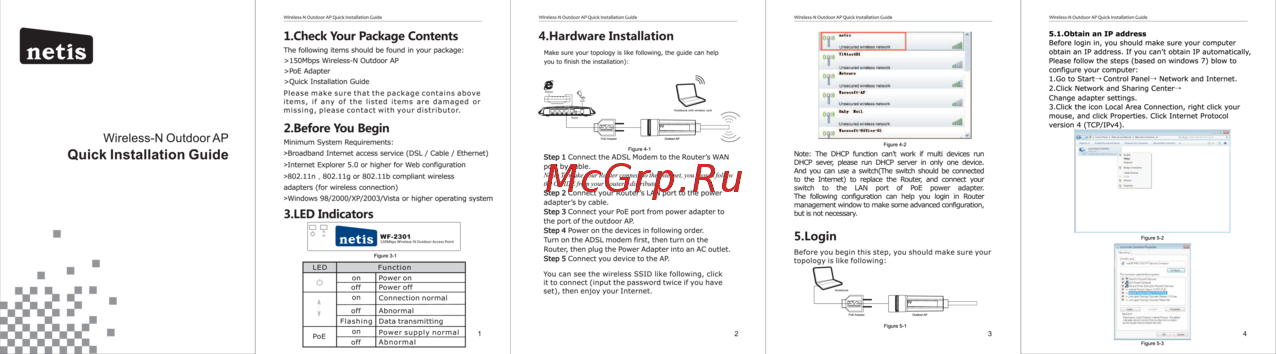 Netis WF-2301Инструкция по установке
 -
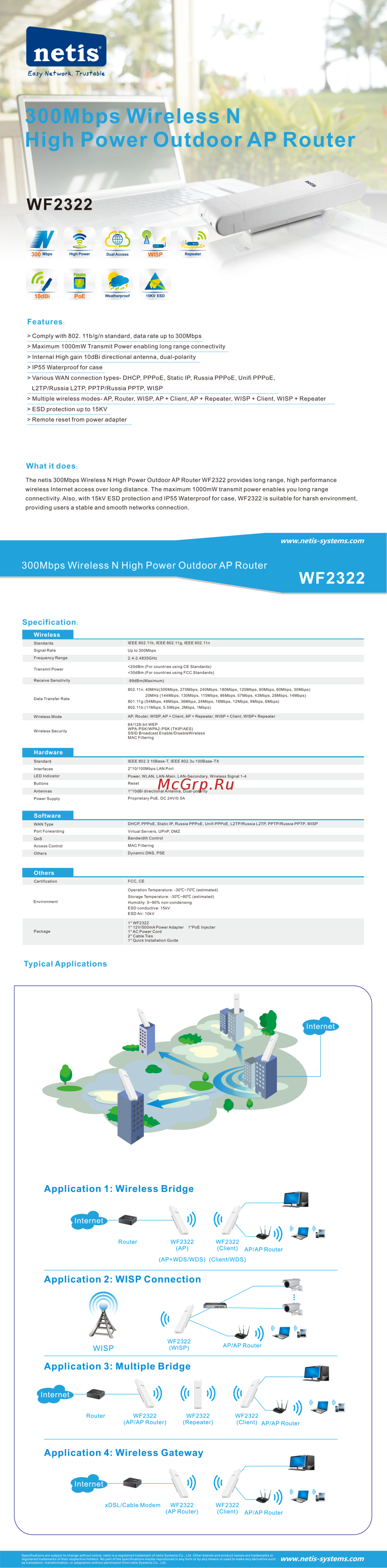 Netis WF2322Инструкция по эксплуатации
 -
 Netis WF2501Инструкция по установке
 -
 Netis WF2501Инструкция по эксплуатации
 -
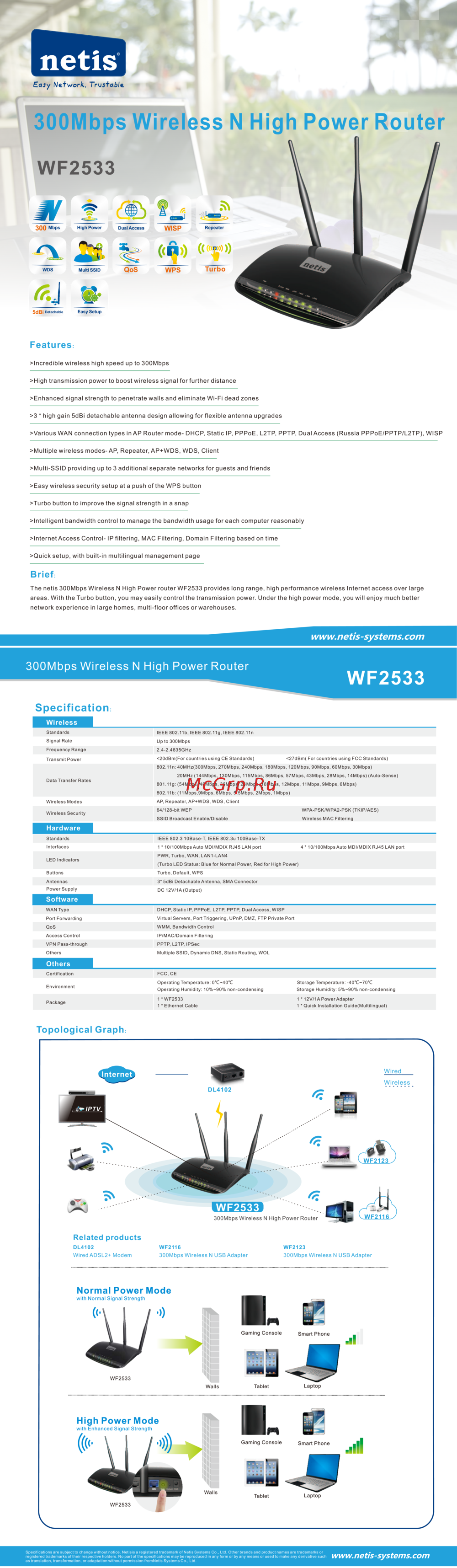 Netis WF2533Инструкция по эксплуатации