![Tp-Link TL-R4299G — руководство пользователя для маршрутизатора с поддержкой Dual-WAN [54/86]](/icons/site-icon-64.png)
Tp-Link TL-R4299G — руководство пользователя для маршрутизатора с поддержкой Dual-WAN [54/86]
Превью страниц
Страница 54 /
86
![Tp-Link TL-R4299G Инструкция по эксплуатации онлайн [54/86] 39444](/views2/1042656/page54/bg36.png)
TL-R4299G Dual-WAN SMB Broadband Router User Guide
48
Figure 4-40
¾ Region - This option used to select the specifically area from which the packets will be
monitored by the next settings.
¾ Scan Attack Defence
• IP Scan: During the specific time, if a computer (identified by a particular source IP
address) transmits packets to at least ten different computers (identified by different
destination IP addresses), then the source IP address will be deemed to make IP Attacks.
And the Router will start up the blocking function immediately.
Содержание
105- Tl r4299g dual wan smb broadband router
- Copyright trademarks
- Fcc statement
- Ce mark warning
- Package contents
- Conventions
- Chapter 3 quick installation guide 5
- Status 11
- Chapter 2 hardware installation 2
- Security 40
- Chapter 1 introduction 1
- Quick setup 13
- Panel layout 2
- Overview of the router 1
- Network 13
- Login 8
- Installation environment requirements 3
- Forwarding 34
- Features 1
- Dhcp 31
- Conventions 2
- Contents
- Connecting the router 4
- Configure pc 5
- Chapter 4 configuring the router 11
- System requirements 3
- System tools 64
- Switch setting 60
- Static routing 50
- Session limit 52
- Qos 53
- Ip mac binding 55
- Dynamic dns 58
- Appendix c glossary 80
- Appendix b faq 76
- Appendix a specifications 75
- Overview of the router
- Features
- Chapter 1 introduction
- Conventions
- Chapter 2 hardware installation
- The front panel
- Panel layout
- The rear panel
- System requirements
- Installation environment requirements
- Connecting the router
- Configure pc
- Chapter 3 quick installation guide
- Status
- Chapter 4 configuring the router
- Quick setup
- Network
- Network service detection
- Mac clone
- Flow balance
- Balance policy
- Wan port parameter
- Dhcp settings
- Dhcp clients list
- Address reservation
- Virtual servers
- Forwarding
- Port triggering
- Security
- Firewall
- Ip filtering
- Domain filtering
- Mac filtering
- Screen
- Static routing
- Session limit
- Session list
- Qos settings
- Qos rules list
- Ip mac binding
- Binding setting
- Arp list
- Dyndns ddns
- Dynamic dns
- Peanuthull ddns
- Comexe ddns
- Switch setting
- Port statistics
- Port mirror
- Port rate control
- Port parameter
- Port status
- Port vlan
- System tools
- Time settings
- Firmware
- Factory defaults
- Backup and restore
- Reboot
- Password
- System log
- Remote management
- Statistics
- Wan speed detect
- Nat source port settings
- Ip nat table
- Appendix a specifications
- Appendix b faq
- Appendix c glossary
Похожие устройства
-
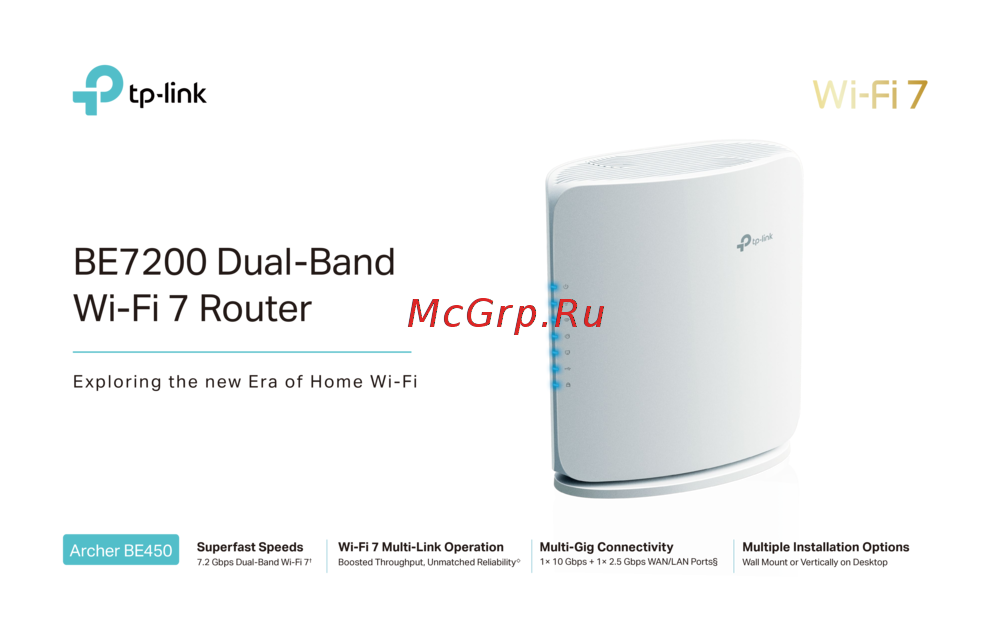 Tp-Link Archer BE450Краткая инструкция
 -
Tp-Link BE7200Краткое руководство пользователя
-
 Tp-Link Archer EC220 G5Руководство по настройке
 -
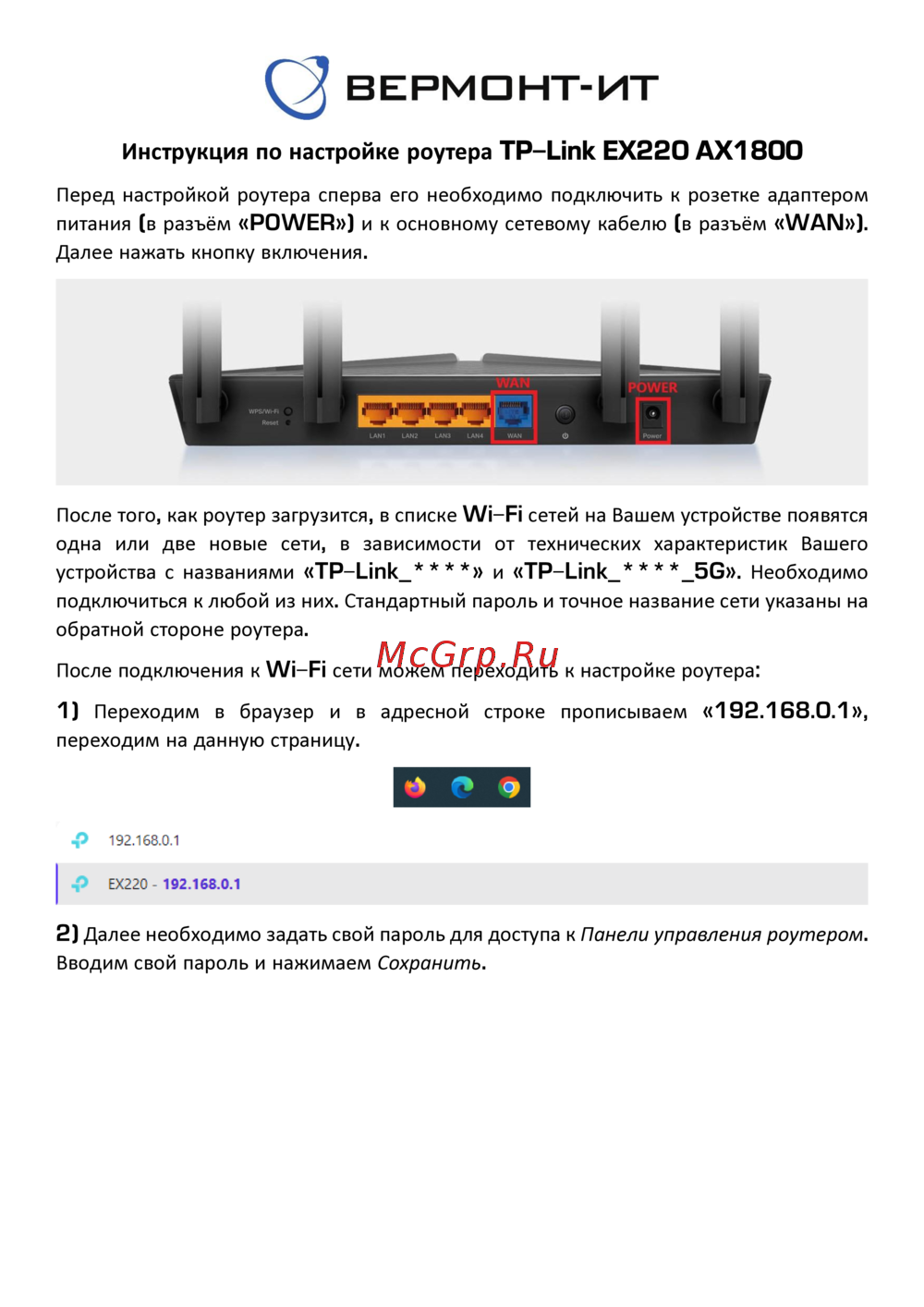 Tp-Link EX220 AX1800Руководство пользователя
 -
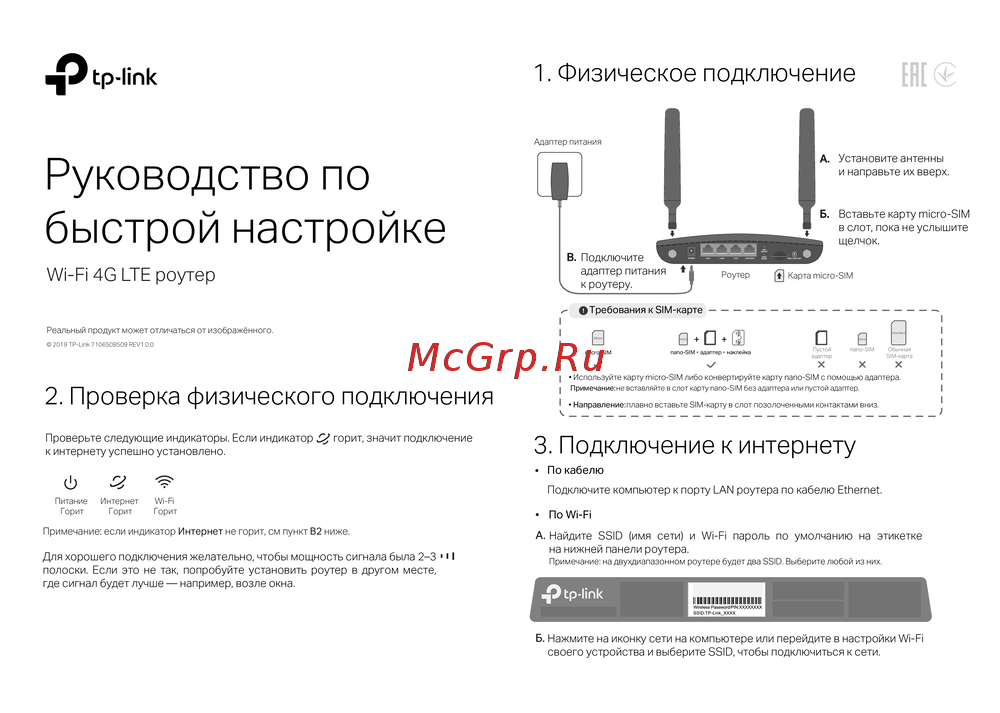 Tp-Link Wi-Fi 4G LTE роутерКраткая инструкция по использованию
 -
 Tp-Link TL-WR3002XИнструкция по применению
 -
 Tp-Link AC750Руководство по работе с устройством
 -
 Tp-Link TL-MR6400 черныйРуководство по эксплуатации
 -
 Tp-Link TL-MR100 N300Руководство по эксплуатации
 -
 Tp-Link TL-MR105 N300Руководство по эксплуатации
 -
 Tp-Link Archer MR500 AC1200Руководство по эксплуатации
 -
 Tp-Link TL-WR840N N300Руководство по эксплуатации
Узнайте, как настроить маршрутизатор с поддержкой Dual-WAN для защиты от атак и мониторинга трафика. Полезные советы и рекомендации по безопасности.
