![Axis 214 PTZ [43/53] Technical specifications](/img/pdf.png)
Axis 214 PTZ [43/53] Technical specifications
Превью страниц
Страница 43 /
53
![Axis 214 PTZ [43/53] Technical specifications](/views2/1064163/page43/bg2b.png)
43
AXIS 214 PTZ
Technical Specifications
Item Specification
Models • AXIS 214 PTZ 50Hz (PAL)
• AXIS 214 PTZ 60Hz (NTSC)
Image sensor ¼" Sony Exview HAD CCD
Lens • 4.1-73.8 mm
• F1.4-3.0
• Autofocus
• Auto day/night
• Focus range: 10mm (wide) or 800 mm (tele) to infinity
Angle of view Horizontal 2.7°-48°
Zoom 18x optical, 12x digital
Minimum illumination • Color mode: 0.3 lux at F1.4, 30IRE
• Black/white mode: 0.005 lux at F1.4, 30IRE
Pan range +/- 170º
Tilt range -30º to +90º
Max speed • Pan: 100°/sec
• Tilt: 90°/sec
Video compression • Motion JPEG
• MPEG-4 Part 2 (ISO/IEC 14496-2), Profiles: ASP and SP
Resolutions • 4CIF, 2CIFExp, 2CIF, CIF, QCIF
• max 704x480 (NTSC) 704x576 (PAL)
• min 176x120 (NTSC) 176x144 (PAL)
Frame rate
(NTSC/PAL)
• Motion JPEG: Up to 30/25 fps in all resolutions
• MPEG-4: Up to 25/21 fps at 4CIF/2CIFExp, up to 30/25 fps at 2CIF/CIF/QCIF
Video streaming • Simultaneous Motion JPEG and MPEG-4
• Controllable frame rate and bandwidth
• Constant and variable bit rate (MPEG-4)
Image settings • Compression levels: 11 (Motion JPEG) /23 (MPEG-4)
• Rotation: 90º, 180º, 270º
• Backlight compensation
• Configurable IR cut filter, Auto/Day/Night
• Configurable white balance, color/BW, brightness, shar
pness, exposure control
• Overlay capabilities: time, date, text or image
• Aspect ratio correction
• De-interlace filter (4 CIF resolution)
Pan/Tilt/Zoom • 20 preset positions
• Guard tour
• Control queue
• Supports Windows compatible joysticks
• Designed for operator control
Shutter time 1 to 1/10000 sec
Audio • Full-duplex, half-duplex, simplex
• External line or microphone input (LINE/MIC IN)
• Mono audio (line level) output (LINE OUT) connects to PA system or active speaker
with built-in amplifier
• Audio compression: G.711 PCM 64kbit/s, G.726 ADPCM 32 or 24 kbit/s
Security • Multiple user access levels with password protection
• IP address filtering
• HTTPS encryption
• Network authentication IEEE 802.1x
• Digest authentication
Alarm and event
management
• Events triggered by: built-in motion detection, external inputs, PTZ preset positions, audio detection or
according to a schedule
• Image upload over FTP, email and HTTP
• Notification over TCP, email, HTTP and external outputs
• Pre- and post alarm buffer of 9 MB per channel (approx. 4
min of CIF resolution video at 4 frames per
second)
Содержание
130- About this document
- Intellectual property rights
- Europe
- Electromagnetic compatibility emc
- Canada
- Axis communications
- Australia
- Weee directive
- Trademark acknowledgments
- Support
- Safety notices used in this manual
- Safety notice battery replacement
- Quick user s guide
- Liability
- Legal considerations
- Table of contents
- Product description
- Accessing the camera from a browser
- Accessing the camera
- Setting the password for root
- Accessing the camera from the internet
- The live view page
- Pan tilt zoom controls
- Viewer controls
- Ptz control queue
- Video stream types
- Video and audio streams
- Audio stream types
- Mpeg 4 protocols and communication methods
- How to stream mpeg 4
- Axis media control
- Other mpeg 4 clients
- Other methods of accessing the video stream
- Audio transmission methods
- Accessing the audio streams
- Configuring the camera
- Accessing the setup link from a browser
- Video image settings
- Advanced camera settings
- Overlay image
- Mpeg 4
- Axis media control
- Basic audio settings
- Advanced audio settings
- Live view config
- Layout
- Html examples
- External video
- Ptz configuration
- Preset positions
- Guard tour
- Control queue
- Advanced limits
- Advanced ctrl panel
- Advanced calibration
- When the setup is complete the connection can be tested by clicking the test button the connection test will take approximately 10 seconds
- This section describes how to configure the axis 214 ptz for alarm and handling the axis 214 ptz can be configured to perform certain actions when certain types of events occur
- Terminology
- Notification messages
- For details on each setting please refer to the online help available from each web page
- Event type a set of parameters describing how and when the axis 214 ptz should perform cer tain actions an event type may result in a single event or it may result in many all depending on how often the conditions governing its behavior are met triggered event type an event that is activated by a specific internal or external trigger condi tion for example by motion detection or by an external device such as a door switch or a sensor scheduled event type an event that runs at a pre programmed time action what occurs when the event triggers e g the upload of video images to an ftp server or email notification
- Event servers and enter the required information for the selected server type
- Event servers
- Event configuration
- Axis 214 ptz
- Event types
- Scheduled events
- Motion detection
- Port status
- Security ip address filter
- Security https
- System options
- Security users
- Security 802 x
- Network basic tcp ip settings
- Date time
- Network advanced tcp ip settings
- Network socks
- You can activate trap reporting enter the ip address of the management server and choose the trap community to use when sending a trap message to the management system
- Network snmp
- Network smtp email
- Network qos quality of service
- Ports devices i o ports
- Network upnp
- Network rtp mpeg 4
- Network bonjour
- Maintenance
- Resetting to the factory default settings
- Support
- Advanced
- Connections
- Schematic connection diagram
- I o inputs and outputs
- Connecting audio equipment
- Updating the firmware
- Troubleshooting
- Checking the firmware
- Symptoms possible causes and remedial actions
- Support overview the server report contains important information about the server and its software as well as a list of the current parameters
- Support
- Logs reports the log file records events within the unit since the last restart of the system and can prove a useful diagnostic tool for troubleshooting
- If you contact the axis support desk please help us resolve your problems by providing a server report a log file and a brief description of the problem
- Axis 214 ptz
- For further assistance please contact your reseller or check the product s support pages on the axis website at http www axis com techsup
- Axis 214 ptz
- Technical specifications
- Axis 214 ptz
- Axis 214 ptz
- To do this special format strings are added as part of a text overlay simply add r average frame rate in fps and or b average bandwidth in kbps to the overlay
- The following factors are among the most important to consider
- The axis 214 ptz pal delivers the following file sizes
- The axis 214 ptz ntsc delivers the following file sizes
- Pal pal aspect ratio corrected
- Overlay settings and the help for file naming date time formats
- Optimizing your system
- Ntsc ntsc aspect ratio corrected
- High image resolutions and or lower compression levels result in larger images bandwidth affected access by large numbers of motion jpeg and or unicast mpeg 4 clients bandwidth affected simultaneous viewing of different streams resolution compression etc by many clients frame rate and bandwidth affected accessing both motion jpeg and mpeg 4 video streams simultaneously frame rate and band width affected heavy usage of event settings affects the cpu load frame rate affected enabled motion detection frame rate and bandwidth affected heavy network utilization due to poor infrastructure bandwidth affected viewing on poorly performing client pc lowers perceived performance frame rate affected access by large number of audio clients using full duplex mode bandwidth affected
- General performance considerations
- Axis 214 ptz
- When setting up the camera it is important to consider how various settings and situations will affect performance some factors affect the amount of bandwidth the bit rate required others can affect the frame rate and some will affect both if the load on the cpu reaches its maximum this will also affect the frame rate
- To see the bandwidth and frame rate currently required by the video stream the axis 214 ptz provides a tool that can be used to display these values directly in the video image
- Frame rates mpeg 4
- Frame rates motion jpeg
- Bandwidth
- Glossary of terms
- Axis 214 ptz
- Axis 214 ptz
- Axis 214 ptz
- Axis 214 ptz
- Axis 214 ptz
Похожие устройства
-
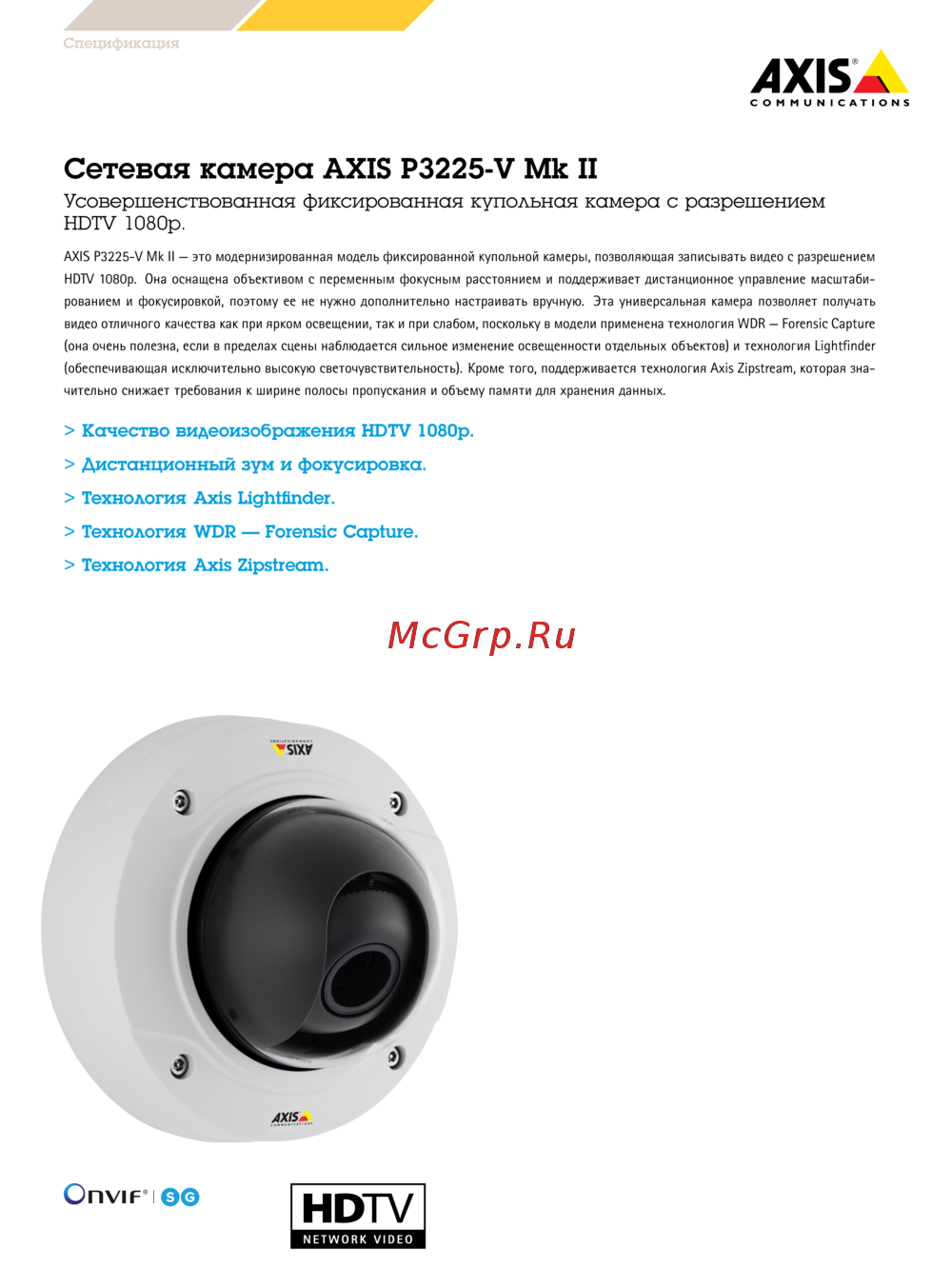 Axis P3225-V Mk IIИнструкция по эксплуатации
 -
 Axis Q3617-VEИнструкция по эксплуатации
 -
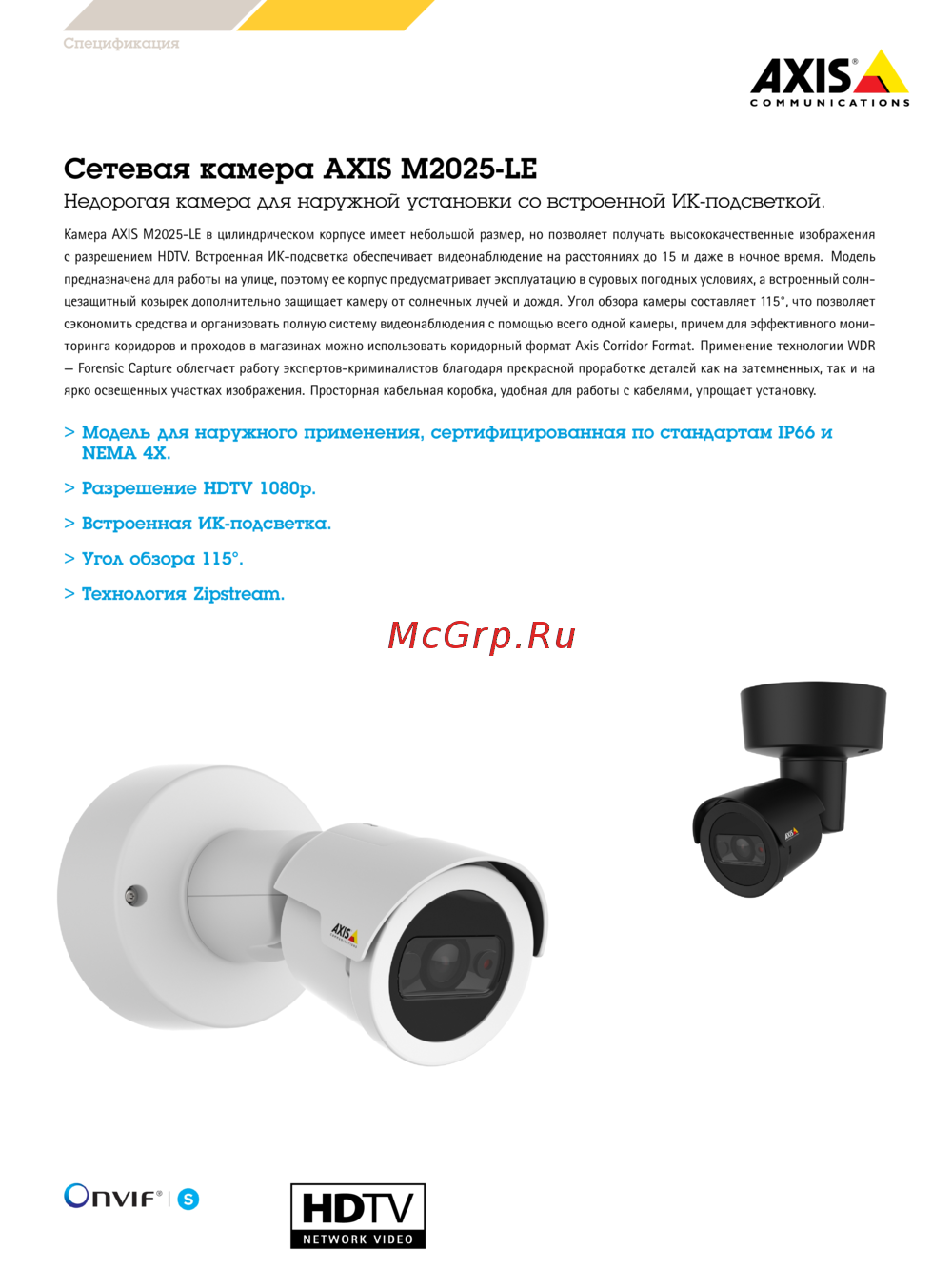 Axis M2025-LEИнструкция по эксплуатации
 -
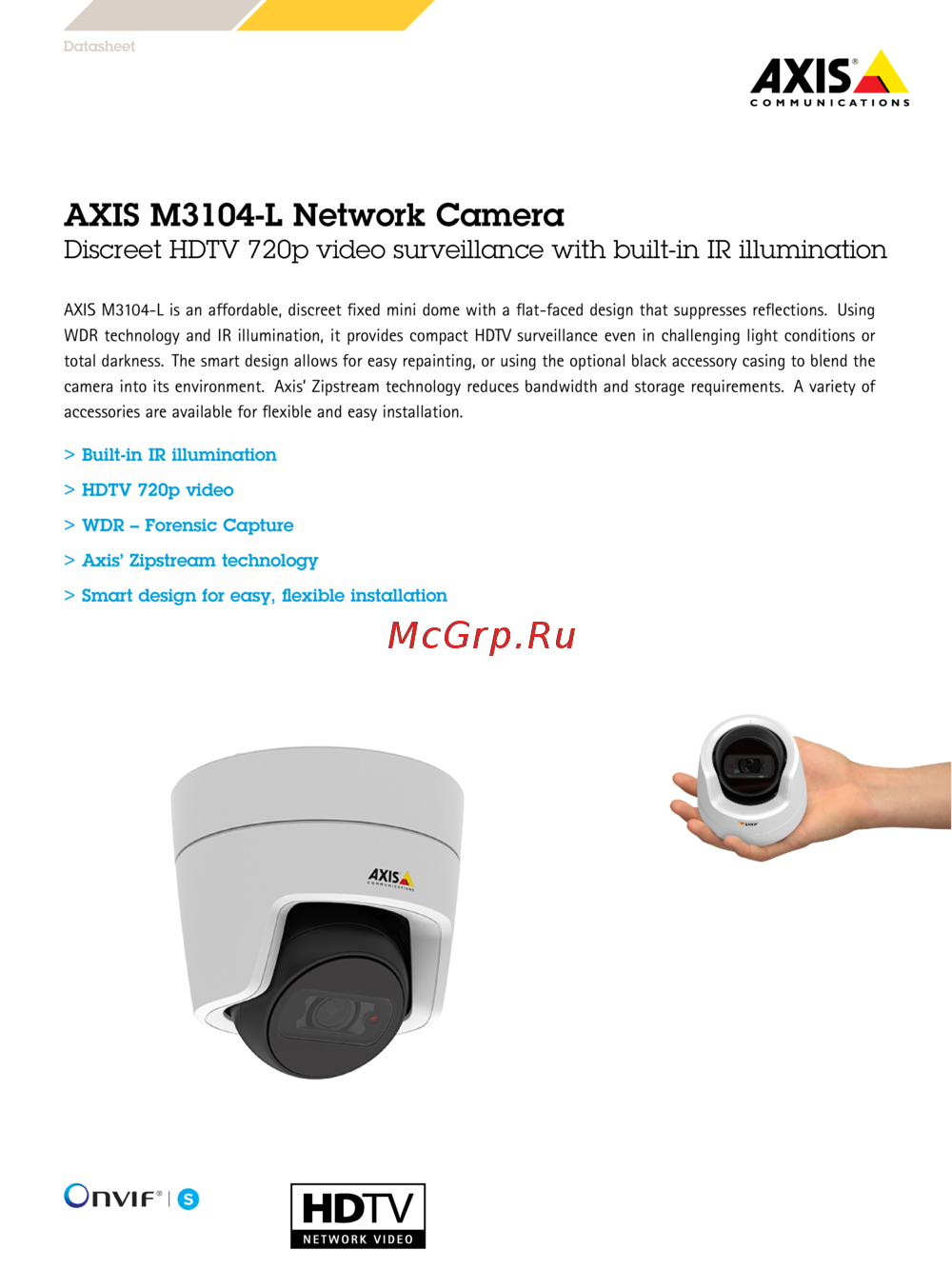 Axis M3104-LИнструкция по эксплуатации
 -
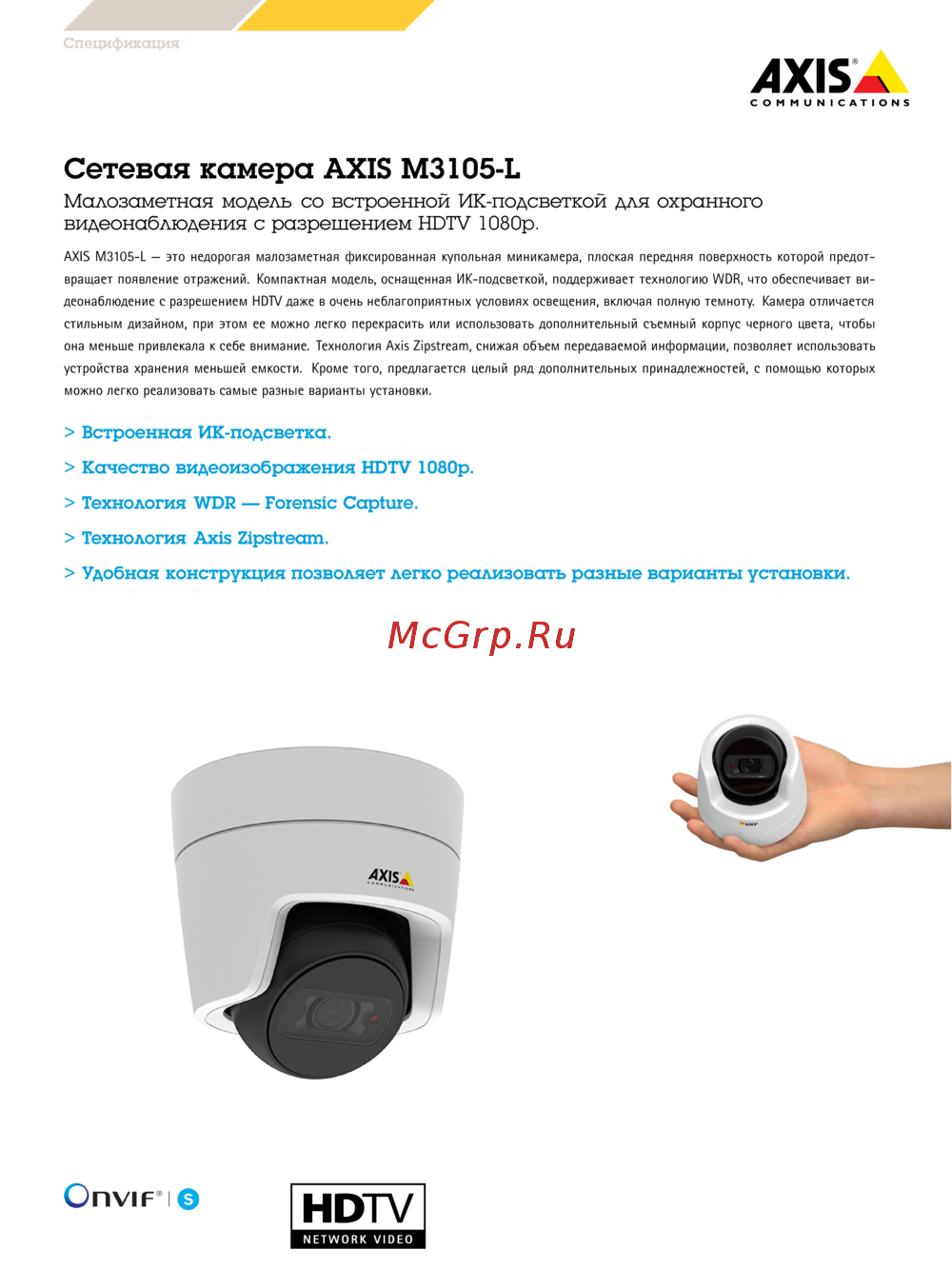 Axis M3105-LИнструкция по эксплуатации
 -
 Axis M3106-LИнструкция по эксплуатации
 -
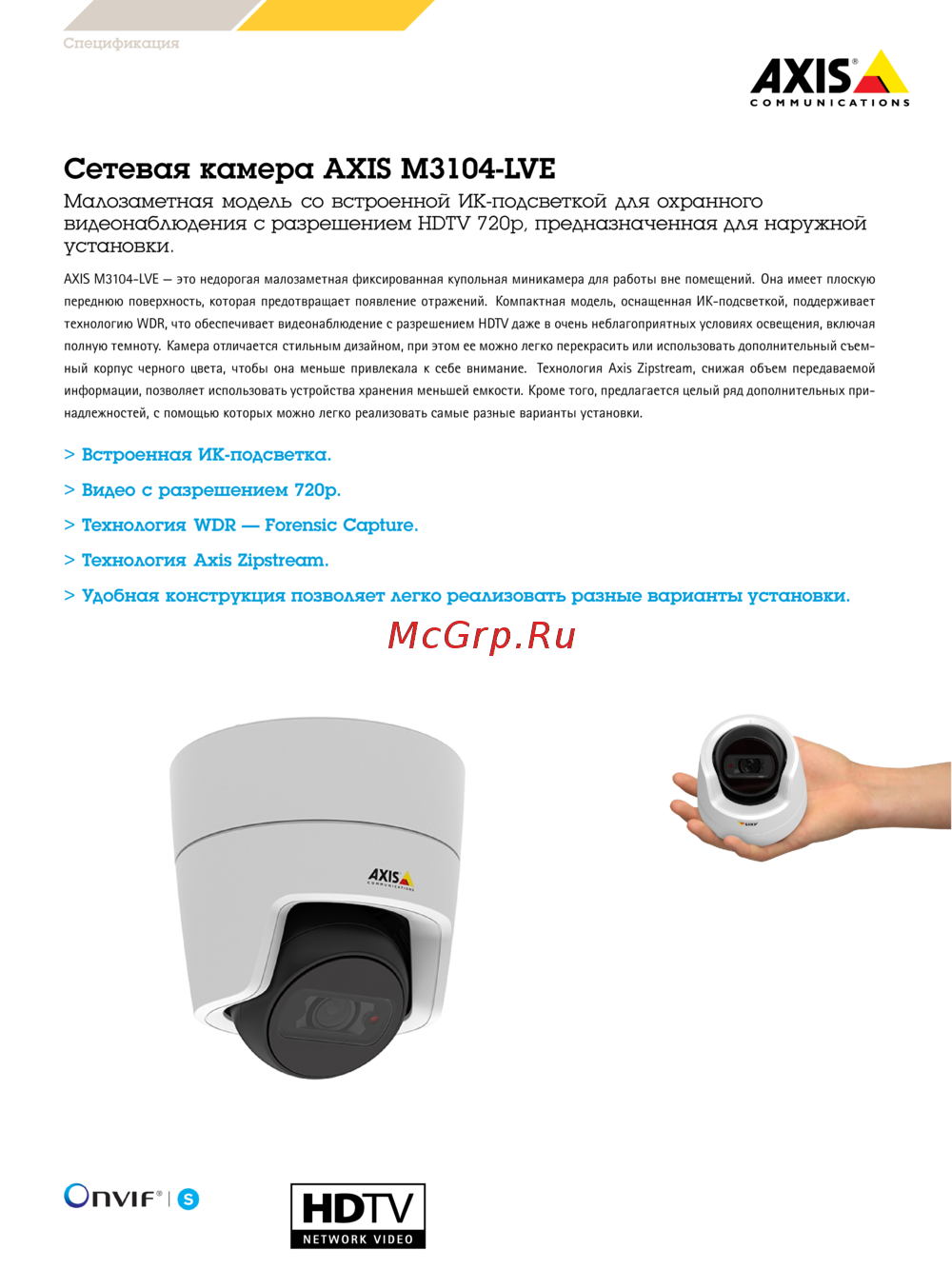 Axis M3104-LVEИнструкция по эксплуатации
 -
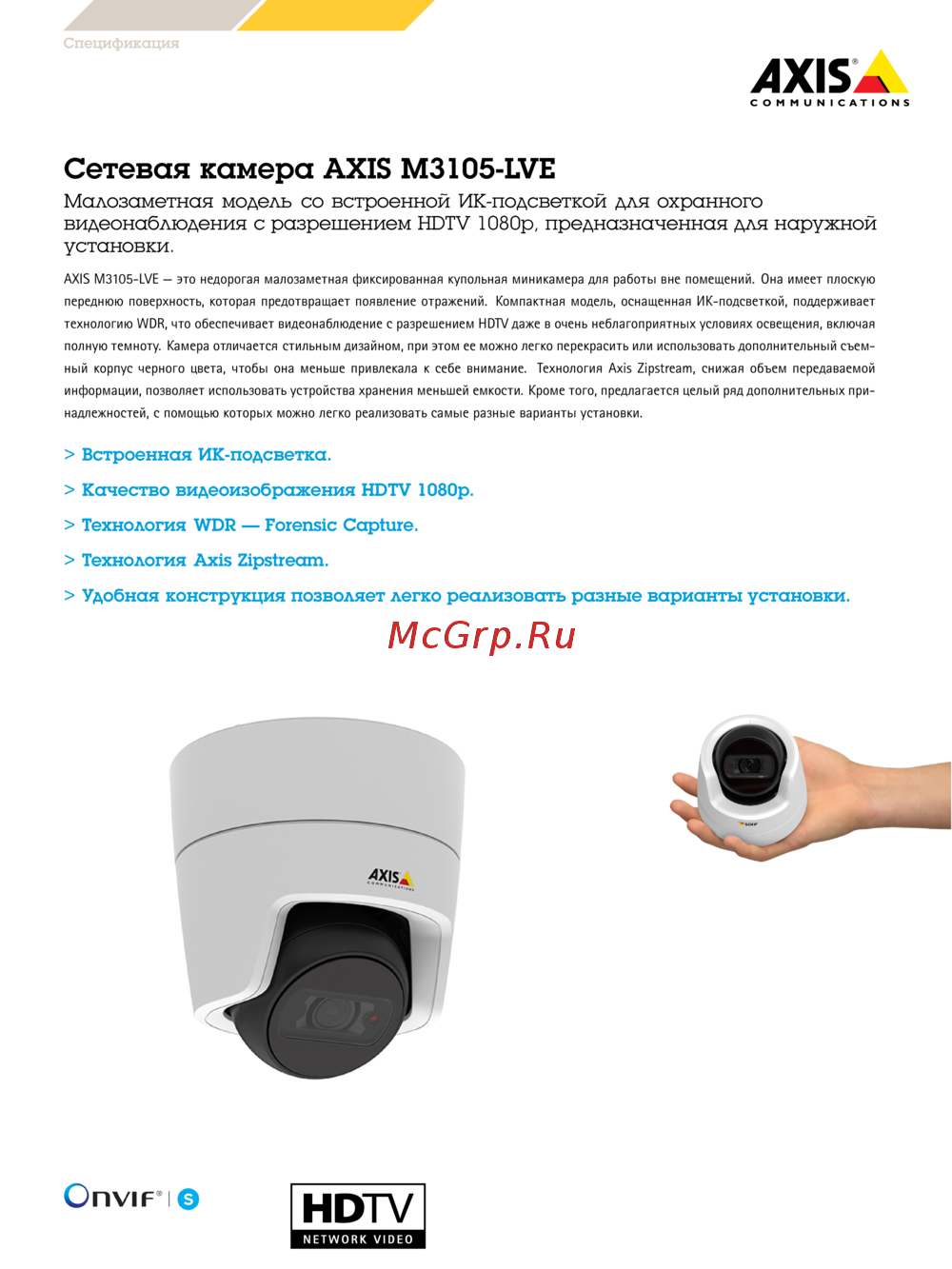 Axis M3105-LVEИнструкция по эксплуатации
 -
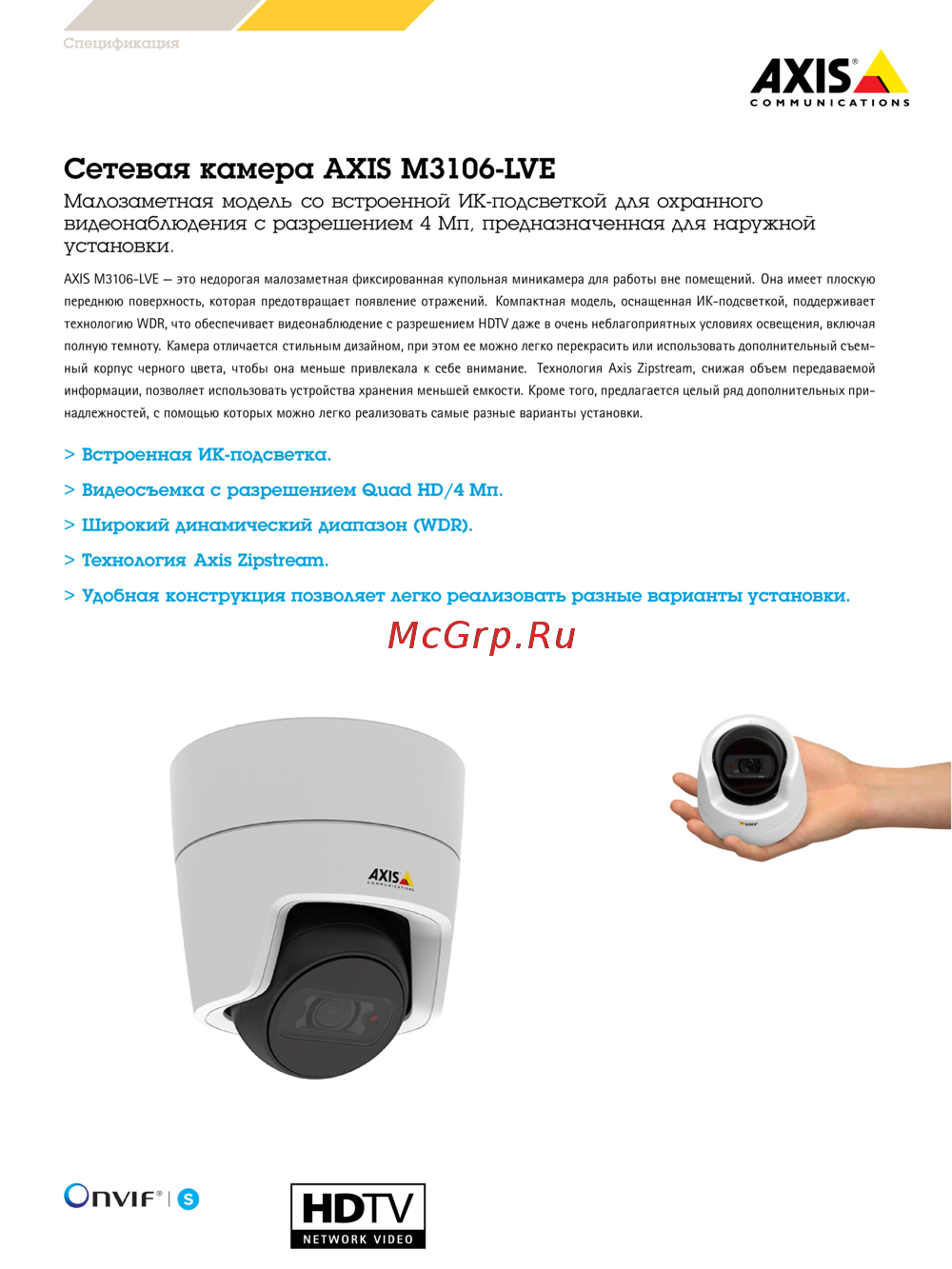 Axis M3106-LVEИнструкция по эксплуатации
 -
 Axis Q3615-VEИнструкция по эксплуатации
 -
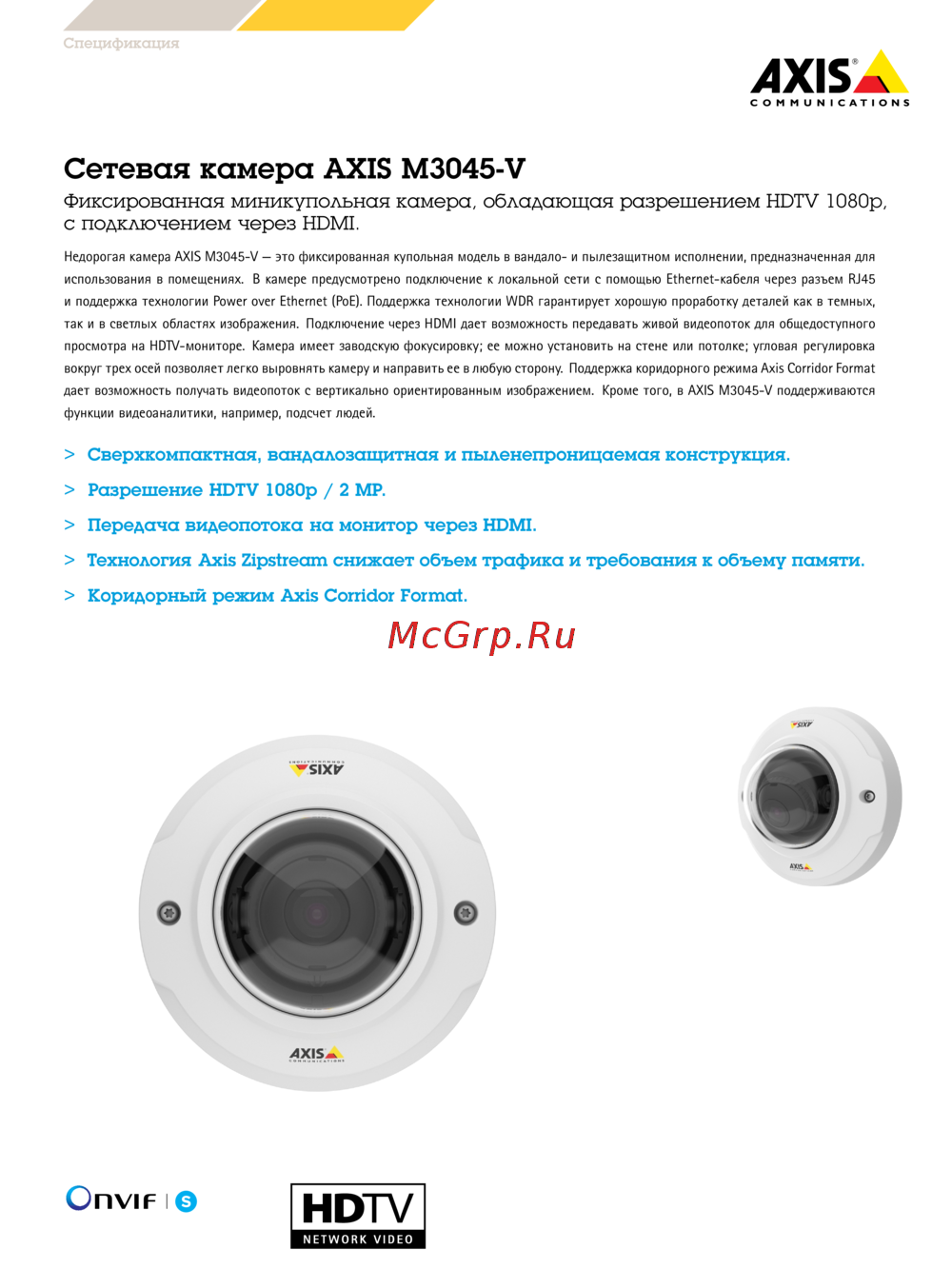 Axis M3045-VИнструкция по эксплуатации
 -
 Axis M3044-VИнструкция по эксплуатации