![ADJ Quad Phase HP Руководство по эксплуатации онлайн [5/10] 776836](/img/pdf.png)
ADJ Quad Phase HP Руководство по эксплуатации онлайн [5/10] 776836
Превью страниц
Страница 5 /
10
![ADJ Quad Phase HP Руководство по эксплуатации онлайн [5/10] 776836](/views2/2008551/page5/bg5.png)
ADJ Products, LLC - www.adj.com - Quad Phase HP Instruction Manual Page 10ADJ Products, LLC - www.adj.com - Quad Phase HP Instruction Manual Page 9
ADDR - DMX Address Setting.
1. Press the either the MENU, UP, or DOWN buttons until
“ADDR” is displayed, press ENTER.
2. “1” will now be displayed and ashing. Press the UP or
DOWN buttons to nd your desired address. Press ENTER to
set your desired DMX address.
SLND - This will let you set unit as a master or slave in a
master/slave conguration.
1. Press the either the MENU button until “SLnd” is displayed,
press ENTER. “MAST”, “SL 1” or “SL 2” will be displayed.
2. Tap the UP or DOWN buttons until your desired setting is
displayed, press ENTER to conm and exit.
SOUN - Sound Active mode.
1. Press the MENU button until “SOUN” is displayed, press
ENTER.
2. The display will show either “ON” or “OFF”. Press the UP or
DOWN buttons to select “ON” to activate sound active mode,
or “OFF” to deactivate sound active mode.
3. Press ENTER to conrm.
SENS - Using this mode, you can set the sound sensitiv-
ity level. 0 for least sensitive, 100 for more sensitive.
1. Press the MENU button until “SENS” is displayed, press ENTER.
2. Using the UP or DOWN buttons adjust the sensivity level to your
desire.
3. When you found your desired level, press the ENTER, and then press
and hold the MENU button for at least 3 seconds to conrm.
Quad Phase HP System Menu
DNST - This mode can be used as a precaution mode, that
in case the DMX signal is lost, the operating mode chosen
in the setup is the running mode the xture will go into when
the DMX signal is lost. You can also set this as the operat-
ing mode you would like the unit to return to when power is
applied.
1. Press the MENU button until “DNST” is displayed, press
ENTER.
2. Either “MAST”, “BLND”, or “LAST” will be displayed. Choose
an operating mode you would like the unit to start up in when
power is applied or the DMX signal is lost.
• MAST (Master Slave) - If the DMX signal is lost or power is
applied, the unit will automatically go into Master Slave mode.
• BLND (Blackout) - If the DMX signal is lost or power is applied,
the unit will automatically go into stand by mode.
• LAST (Last State) - If the DMX signal is lost the xture will stay
in the last DMX set up. If power is applied and this mode is set,
the unit will automatically go into the last DMX set up.
3. Press ENTER to conrm your desired set up
LED - With this function you can switch the LED on or off
via the control board.
1. Press the either the MENU button until “LED” is displayed,
press ENTER.
2. The display will show either “ON” or “OFF”. Press the UP or
DOWN buttons to select “ON” to switch on the LED, or “OFF”
to switch off the LED.
3. Press ENTER to conrm and exit.
Quad Phase HP System Menu
Содержание
55- Customer support
- Caution
- Warning
- User instructions
- Unpacking
- Introduction
- Caution
- Special note line termination
- Power supply
- Notice
- Dmx 512
- Pin xlr dmx connectors
- Press the menu button until temp is displayed press enter
- Press the either the menu button until ver is displayed press enter
- Press the either the menu button until fhrs is displayed press enter
- Press enter to confirm
- Pres the either the menu button until disp is displayed press enter
- With this function you can display the running time of the unit
- Master slave operation sound active
- With this function you can display the running temperature of the unit
- Use this function to display the software version of the unit
- Universal dmx control
- This function will run a self test program
- This function will reverse the display 180º
- The display will show the software version
- The display shows the running time of the unit press menu to exit
- The current running temperature of the fixture will now be displayed press menu to exit
- Sound active mode
- Press the up button to select dsip to activate this func tion or disp to deactivate this function
- On the slave units
- Channel value function
- 9 no rotation 10 120 clockwise fast slow 121 134 no rotation
- 255 color selection 1 16 color 1 17 33 color 2 34 50 color 3 51 67 color 4 68 84 color 5 85 101 color 6 102 118 color 7 119 135 color 8 136 152 color 9 153 169 color 10 170 186 color 11 187 203 color 12 204 220 color 13 221 237 color 14 238 255 color 15
- 245 counter clockwise slow fast 246 249 no rotation 250 255 sound active
- Strobing 0 off 1 255 strobing slow fast
- Shutter open 0 15 off 16 255 open
- Rotation
- Fixture cleaning
- Quad phase hp warranty
- Quad phase hp notes
- Adj products llc www adj com quad phase hp instruction manual page 17 adj products llc www adj com quad phase hp instruction manual page 18
- S eastern ave los angeles ca 90040 usa
- Please note
- Netherlands
- Model quad phase hp
- Junostraat 2
- Ew kerkrade
- Auto sensing voltage this fixture contains a automatic volt age switch which will auto sense the voltage when it is plugged into the power source
- Adj products llc
- A d j supply europe b v
- Web www adj com e mail info adj com
- Tel 323 582 2650 fax 323 725 6100
- Tel 31 45 546 85 00 fax 31 45 546 85 99
- Specifications and improvements in the design of this unit and this manual are subject to change without any prior written notice
- Service adj eu www adj com
Похожие устройства
-
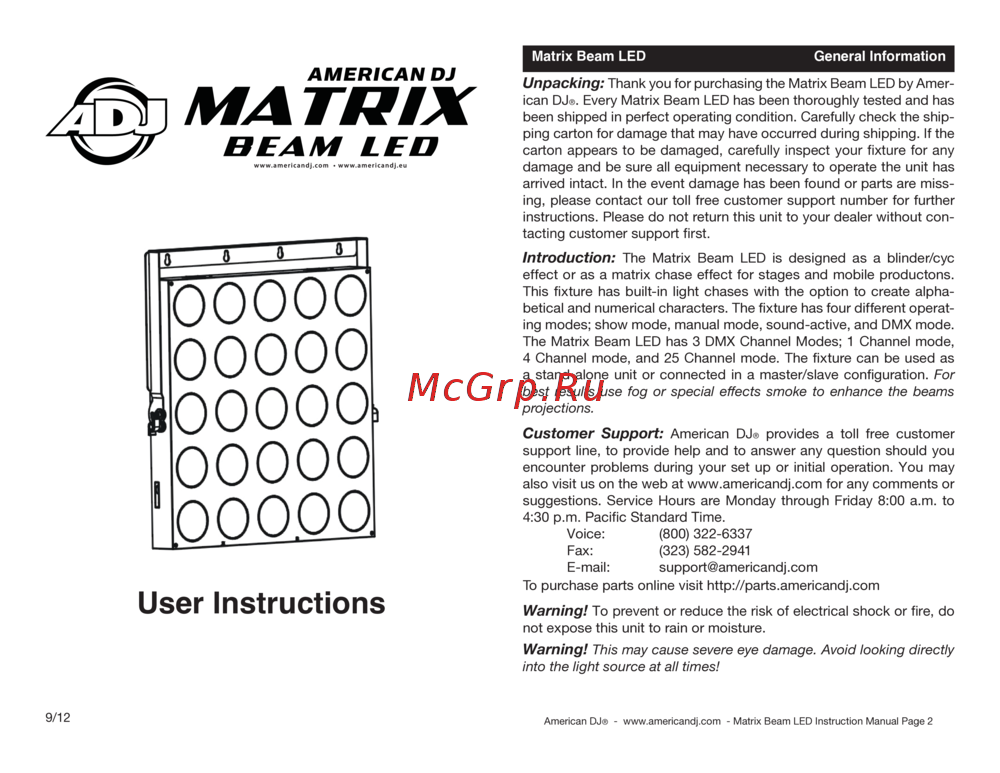 ADJ Matrix Beam LEDРуководство по эксплуатации
 -
 ADJ Tri Gem LEDРуководство по эксплуатации
 -
 Involight DD6Руководство по использованию
 -
 Involight HZ610Руководство по использованию
 -
 Involight FM900DMXИнструкция пользователя
 -
 ILDA Pangolin Quick-ShowРуководства пользователя
 -
 AMERICAN DJ Dotz TPAR SystemРуководство по эксплуатации
 -
 ADJ Hydro Beam X1Руководство по эксплуатации
 -
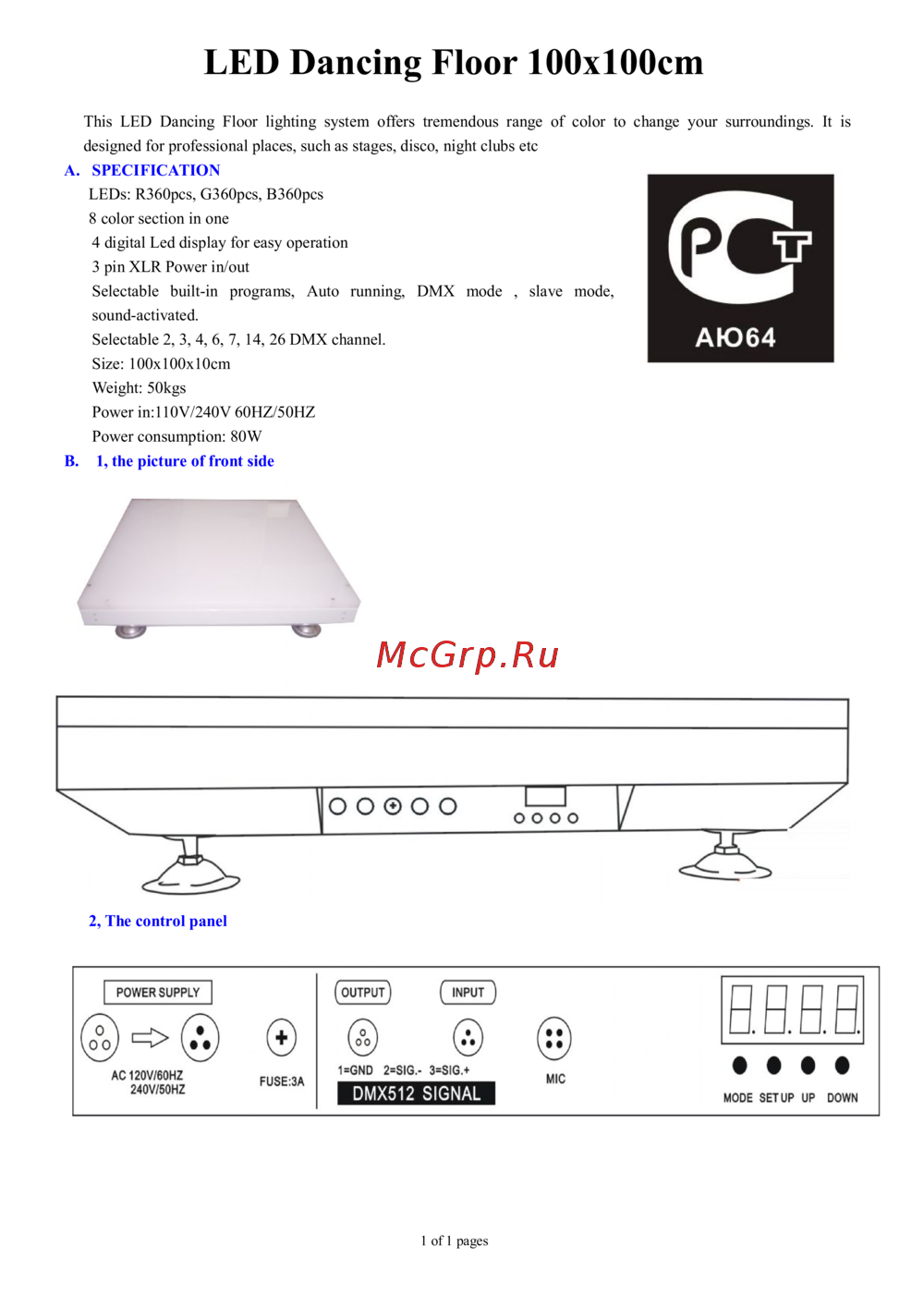 Involight LDF100Руководство по эксплуатации
 -
 AMERICAN DJ Focus Spot ONEРуководство по эксплуатации
 -
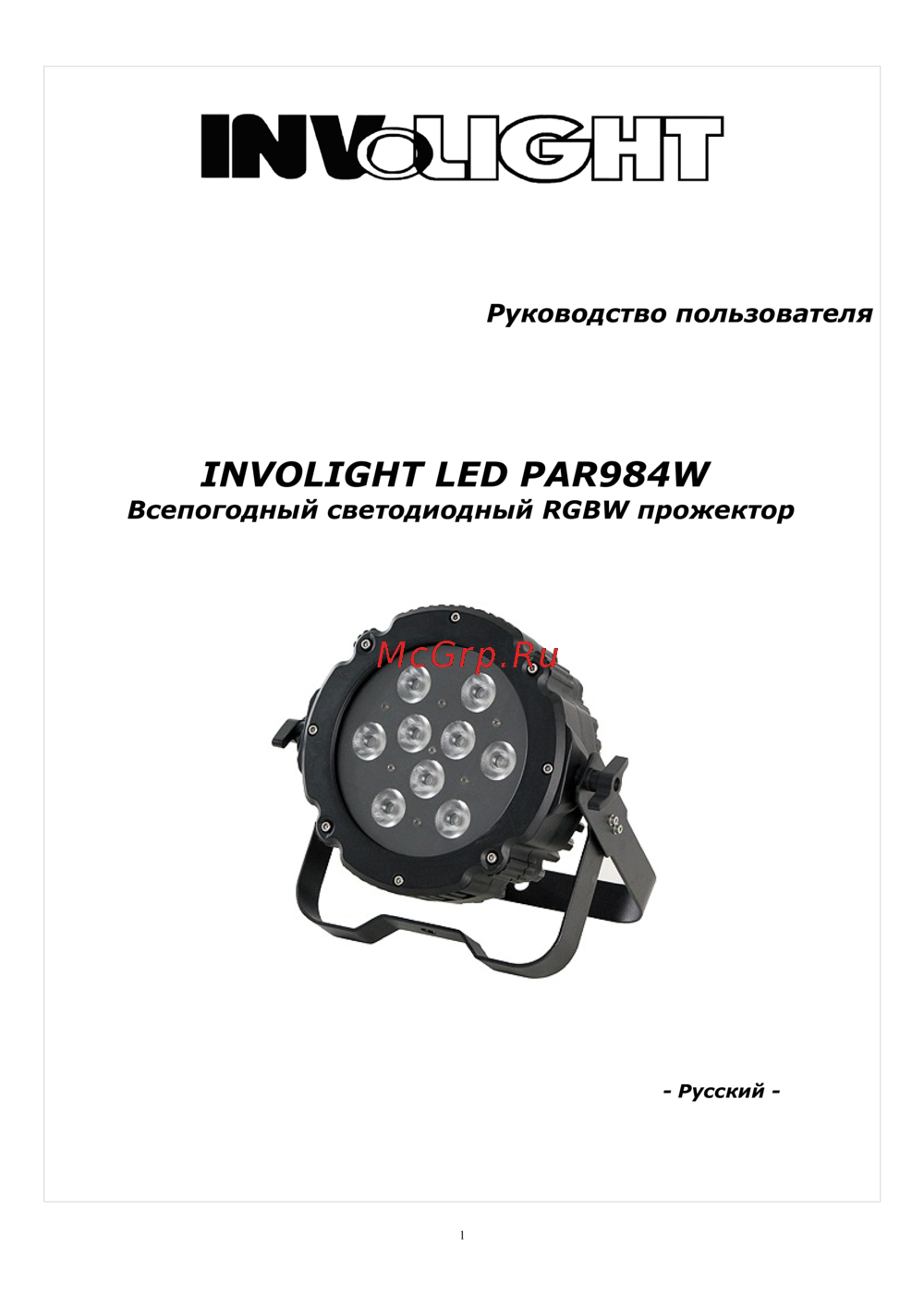 Involight LED PAR984WРуководство по эксплуатации
 -
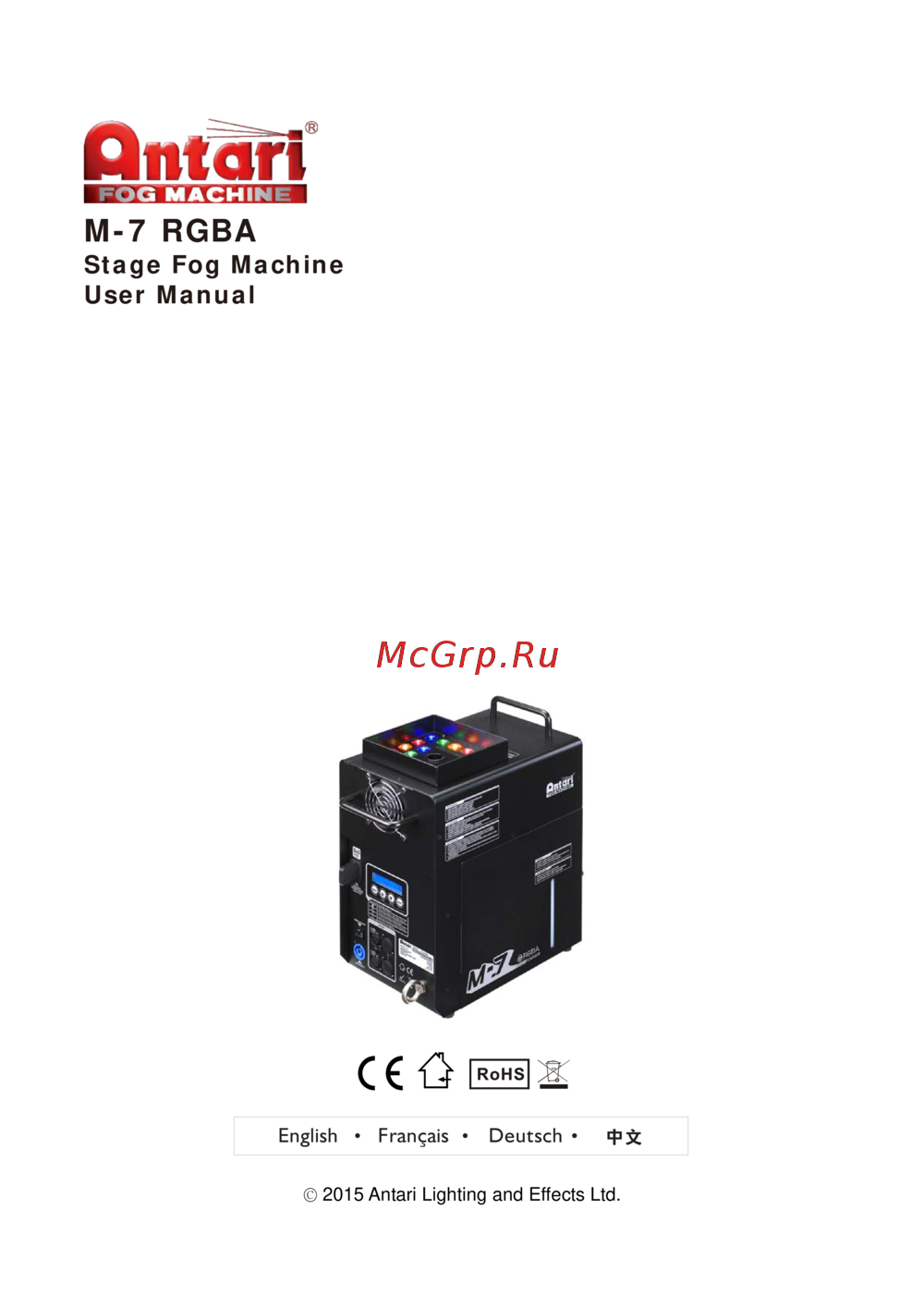 Antari M-7Руководство по эксплуатации