![Tp-Link TL-R402M — обзор маршрутизатора для малых офисов и домашних сетей [8/61]](/icons/site-icon-64.png)
Tp-Link TL-R402M — обзор маршрутизатора для малых офисов и домашних сетей [8/61]
Превью страниц
Страница 8 /
61
![Tp-Link TL-R402M [8/61] Overview of the router](/views2/1042359/page8/bg8.png)
TL-R402M Cable/DSL Router User Guide
-1-
Chapter 1. Introduction
Thank you for choosing TL-R402M Cable/DSL Router.
1.1 Overview of the Router
The TL-R402M Cable/DSL Router integrates a 4-port switch, firewall, and NAT-router. Its design is
dedicated to Small Office/Home Office (SOHO) network solutions. The TL-R402M Cable/DSL Router
will allow you to connect your network better than ever, sharing Internet Access, files and fun, easily
and securely.
The TL-R402M Cable/DSL Router has built-in NAT and DHCP server supporting static IP address
distributing. It supports Virtual Server and DMZ host for Port Triggering needs, and remote
management and log so that network administrators can manage and monitor the network on real
time. It also supports VPN pass-through for sensitive data secure transmission.
Quick Setup
is supported and friendly help messages are provided for every step. So you can
configure it quickly and share Internet access, files and fun comfortably.
1.2 Features
¾ Complies with IEEE802.3, IEEE802.3u standards
¾ Ignores Ping packets from WAN or LAN ports
¾ Ethernet connection to a WAN device, such as a Cable modem or DSL modem
¾ Shares data and Internet access for the network, connecting Internet through PPPoE on
demand and disconnecting when idle
¾ Built-in NAT and DHCP server supporting static IP address distributing
¾ Built in 4-port 10/100Mbps switch
¾ Built-in firewall supporting IP address filtering, Domain Name filtering, and MAC address
filtering
¾ Supports Virtual Server, Port Triggering, and DMZ host
¾ Supports TCP/IP, PPPoE,L2TP, DHCP, ICMP, NAT
¾ Supports UPnP, Static Routing, VPN pass-through
Содержание
60- Cable dsl router
- Tl r402m
- Http www tp link com
- Copyright trademarks
- Safety notices
- Fcc statement
- Ce mark warning
- Package contents
- Conventions
- Contents
- Chapter 4 configuring the router 1
- Chapter 3 quick installation guide
- Chapter 2 connecting the router
- Chapter 1 introduction
- Appendix d glossary 4
- Appendix c specifications 2
- Appendix b configuring the pcs 8
- Appendix a faq 4
- Overview of the router
- Features
- Chapter 1 introduction
- The front panel
- Panel layout
- The rear panel
- System requirements
- Installation environment requirements
- Connecting the router
- Chapter 2 connecting the router
- Tcp ip configuration
- Chapter 3 quick installation guide
- Quick installation guide
- Status
- Chapter 4 configuring the router
- Quick setup
- Network
- Mac clone
- Dhcp settings
- Dhcp clients list
- Address reservation
- Virtual servers
- Forwarding
- Port triggering
- Security
- Firewall
- Ip address filtering
- Domain filtering
- Mac filtering
- Filterin
- Remote management
- Static routing
- Ping from wan
- System tools
- Firmware
- Factory defaults
- Reboot
- Password
- Appendix a faq
- Appendix b configuring the pcs
- Appendix c specifications
- Appendix d glossary
Похожие устройства
-
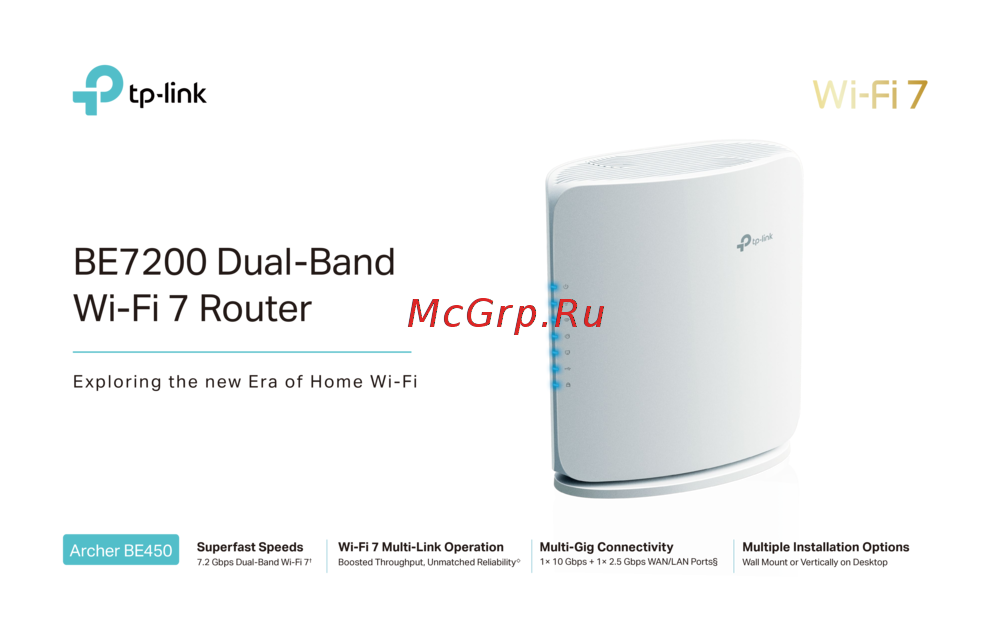 Tp-Link Archer BE450Краткая инструкция
 -
Tp-Link BE7200Краткое руководство пользователя
-
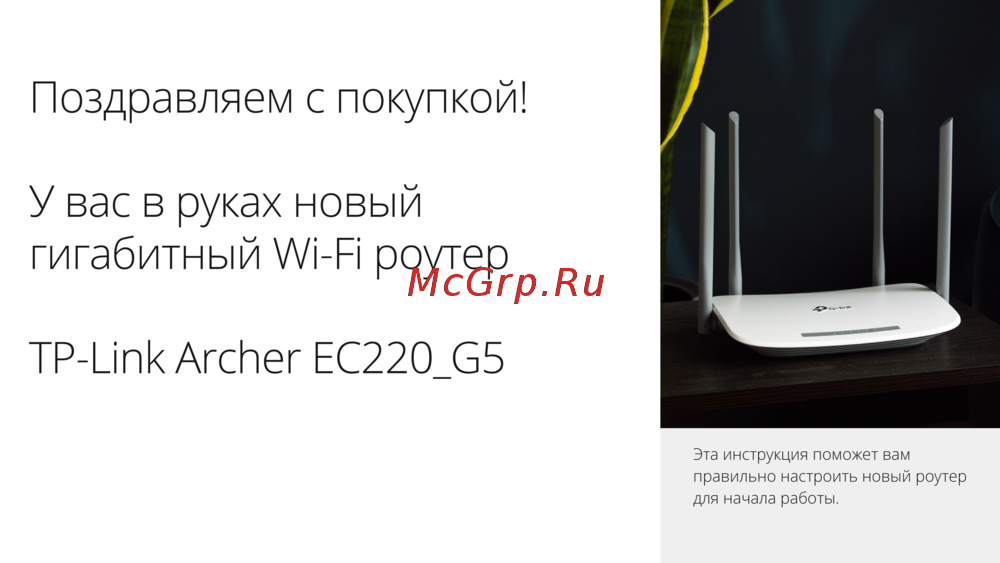 Tp-Link Archer EC220 G5Руководство по настройке
 -
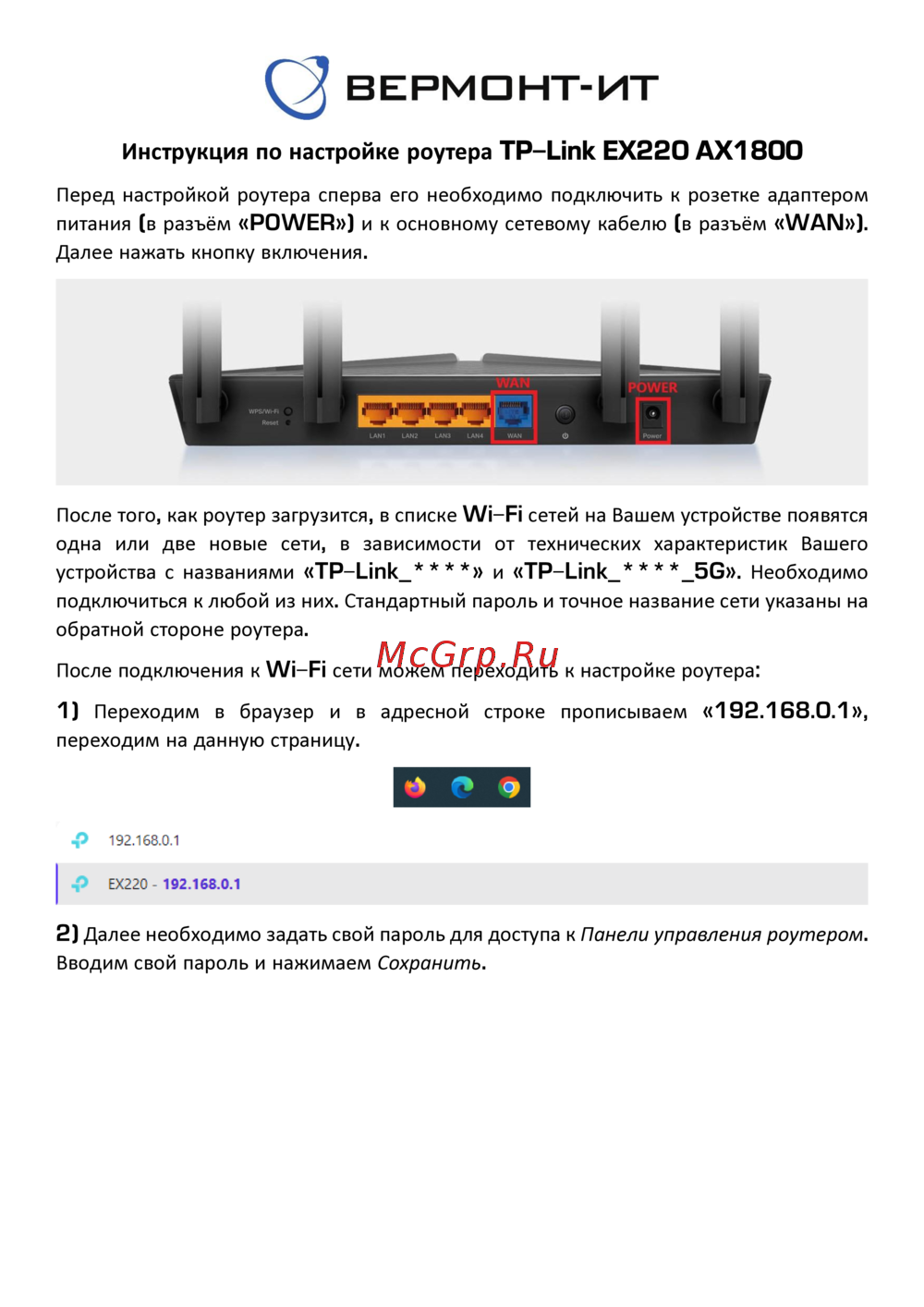 Tp-Link EX220 AX1800Руководство пользователя
 -
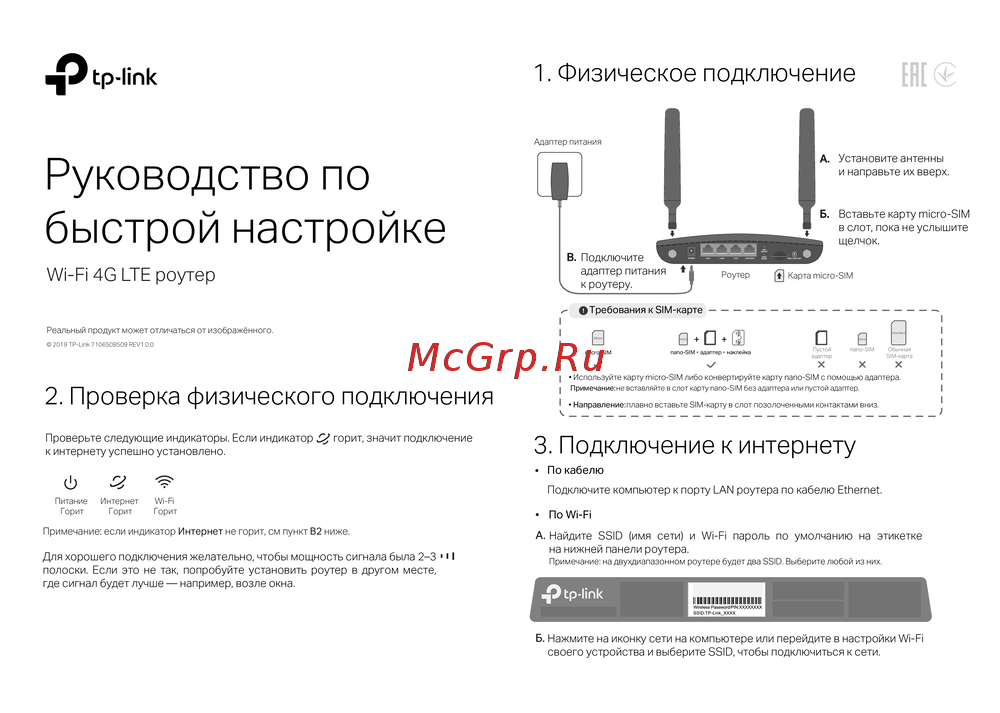 Tp-Link Wi-Fi 4G LTE роутерКраткая инструкция по использованию
 -
 Tp-Link TL-WR3002XИнструкция по применению
 -
 Tp-Link AC750Руководство по работе с устройством
 -
 Tp-Link TL-MR6400 черныйРуководство по эксплуатации
 -
 Tp-Link TL-MR100 N300Руководство по эксплуатации
 -
 Tp-Link TL-MR105 N300Руководство по эксплуатации
 -
 Tp-Link Archer MR500 AC1200Руководство по эксплуатации
 -
 Tp-Link TL-WR840N N300Руководство по эксплуатации
Изучите возможности маршрутизатора для малых офисов и домашних сетей. Он обеспечивает надежное подключение к интернету, защиту данных и простоту настройки.