![ADJ DiversaRAY — инструкция по безопасности для лазерных устройств [3/12]](/img/pdf.png)
ADJ DiversaRAY — инструкция по безопасности для лазерных устройств [3/12]
Превью страниц
Страница 3 /
12
![ADJ DiversaRAY [3/12] Stop and read all laser safety data](/views2/1990720/page3/bg3.png)
©American DJ® - www.americandj.com - Diversa Ray Instruction Manual Page 5
©American DJ® - www.americandj.com - Diversa Ray Instruction Manual Page 6
Diversa Ray Laser Warnings and Safety
NON-INTERLOCKED HOUSING WARNING
The Diversa Ray contains high power laser devices internally. Do not
open the laser housing, due to the potential exposure to unsafe levels
of laser radiation. The laser power levels, if the unit is opened, can
cause instant blindness, skin burns and res.
STOP AND READ ALL LASER SAFETY DATA
OPERATION INSTRUCTIONS AND LASER SAFETY
The light source emitted from this product can potentially cause eye
injury if not set up and used properly. The light source emitted from a
laser is very dierent from any other light sources with which you may
be aware of. Laser light is thousands of times more concentrated
than any light from any other kind of light source. This concentration
of light can cause instant eye injuries, primarily by burning the retina
(the back of your eyeball contatining cells that are sensitive to light).
Even if you cannot feel “heat” from a laser beam, it can still poten-
tially injure or blind you or your audience. Even very small amounts
of laser beam light are potentially hazardous even at long distances.
Laser eye injuries can be sustained faster than you can blink.
Do not think that because this laser splits the laser beam into hun-
dreds of beams and that the laser beam is scanned out in high
speed, that an individual laser beam is safe for eye exposure. This
laser uses dozens of milliwatts of laser power (Class 3B levels inter-
nally) before it splits into multiple beams (Class 3R levels). Many of
the individual beams are potentially hazardous to the eyes.
Do not that because the laser light is moving, it is safe. This is not
true. Nor, do the laser beams always move. Since eye injuries can
occur instantly, it is critical to prevent even the smallest possibility of
any direct eye exposure. In the laser safety regulation, it is not legal
to aim Class 3R lasers in areas which people can get exposed. This
is true even if it is aimed below people’s faces, such as on a dance
oor.
Do not operate the laser without rst reading and understanding
all safety and technical data in this manual.
Always set up and install all laser eects so that all laser light is at
least 3 meters (9.8 feet) above the oor on which people can stand.
After setting up, and before public use, test laser to ensure proper
function. Do not use if any defect is detected. Do not use if laser
emits only one or two laser beams rather than dozens/hundreds, as
this could indicate damage to the diraction grating optic, and could
allow emission of higher laser levels above Class 3R.
Do not point lasers at people or animals. Never look into the laser
aperture or laser beams.
Do not point lasers in areas in which people can potentially get
exposed, such as uncontrolled balconies, etc.
Do not point lasers at highly reective surfaces, such as windows,
mirrors and shiny metal. Even laser reections can be hazardous.
Never point a laser at aircraft, this is a federal oense.
Never point un-terminated laser beams into the sky.
Do not expose the output optic (aperture) to cleaning chemicals.
Do not use laser if the laser appears to be emitting only one or two
beams.
Do not use the laser if the housing is damaged, the housing is open,
or if the optics appear damaged in any way.
Never open the laser housing. The high laser power levels inside of
the protective housing can start res, burn skin and will cause instant
eye injury.
Never leave this device running unattended.
The operation of a class 3R laser show is only allowed if the show
is controlled by a skilled and well- trained operator, familiar with the
data included in this manual.
The legal requirements for using laser entertainment products vary
from country to country. The user is responsible for the legal require-
ments at the location/country of use.
Always use proper lighting safety cables when hanging lights and
eects overhead.
Diversa Ray Laser Warnings and Safety
Содержание
80- Warning
- User instructions
- Unpacking
- To purchase parts online visit http parts americandj com
- Introduction
- Customer support
- Caution
- Danger
- Stop and read all laser safety data
- Operation instructions and laser safety
- Power supply
- Dmx 512
- Pin 5 do not use
- Pin 4 do not use
- Notice
- Not used
- Ground shield
- Diversa ray set up
- Data true signal
- Data compliment signal
- Conductor 5 pin xlr male in 3 pin xlr female out
- Cable must be daisy chained and cannot be split
- Be sure to follow figures two and three when making your own cables do not use the ground lug on the xlr connector do not con nect the cable s shield conductor to the ground lug or allow the shield conductor to come in contact with the xlr s outer casing grounding the shield could cause a short circuit and erratic behavior
- When longer runs of cable are used you may need to use a terminator on the last unit to avoid erratic behavior a terminator is a 110 120 ohm 1 4 watt resistor which is con nected between pins 2 and 3 of a male xlr connector data and data this unit is inserted in the female xlr connector of the last unit in your daisy chain to terminate the line using a cable terminator adj part number z dmx t will decrease the possibilities of erratic behavior
- Special note line termination
- Some manufactures use 5 pin dmx 512 data cables for data transmission in place of 3 pin 5 pin dmx fixtures may be implemented in a 3 pin dmx line when inserting stan dard 5 pin data cables in to a 3 pin line a cable adaptor must be used these adaptors are readily available at most electric stores the chart below details a proper cable conversion
- Pin xlr to 5 pin xlr conversion
- Pin xlr dmx connectors
- Shnd sh 0 sh 2
- To enter the pan tilt submenu press the enter button for at least 5 seconds this submenu allows you to adjust the motor so that the laser centered and is projected perfectly
- The slave units will now follow the master unit
- Sl 1 or sl 2 and
- Press the enter button for at least 5 seconds
- Press enter please see page 12 for more info press enter please see page 12 for more info
- Operating modes the diversa ray can operate in three dif ferent modes in each mode you can run the fixture as a stand alone fixture or in a master slave confiugration this next sec tion will detail the differences in the operating modes
- On the slave units
- Master slave operation
- In this submenu you can fine adjust the tilt
- In this submenu you can fine adjust the pan
- Use the up and down buttons to make your adjustments and then press enter to confirm press the menu button to exit without making changes
- Universal dmx control
- Sound active mode
- Show mode
- Red laser 0 7 blackout 8 255 on 2 green laser 0 7 off 8 15 on 16 131 laser dash effect 132 247 dot on line effect 248 255 on 3 patterns 0 11 pattern 1 12 23 pattern 2 24 34 pattern 3 35 46 pattern 4 47 58 pattern 5 59 69 pattern 6 70 81 pattern 7 82 93 pattern 8 94 104 pattern 9 105 116 pattern 10 117 127 pattern 11 128 139 pattern 12 140 151 pattern 13 152 162 pattern 14 163 174 pattern 15 175 186 pattern 16 187 197 pattern 17 198 209 pattern 18 210 221 pattern 19 222 232 pattern 20 233 244 pattern 21 245 255 pattern 22
- Channel value function
- Diversa ray warranty
- Diversa ray trouble shooting
- Diversa ray fuse replacement
- Diversa ray cleaning
- Cleaning frequency depends on the environment in which the fixture operates i e smoke fog residue dust dew in heavy use we recom mend cleaning on a monthly basis periodic cleaning will ensure lon gevity and crisp beam output
- Clean the external optics with glass cleaner and a soft cloth every 20 days
- Be sure the fuse holder is completely and properly seated unit does not respond to sound
- Www americandj com diversa ray instruction manual page 22
- Be sure the external fuse has not blown the fuse is located on the rear panel of the unit
- Www americandj com diversa ray instruction manual page 21
- American d
- Trouble shooting listed below are a few common problems that you may encounter with solutions
- Always be sure to dry all parts completely before plugging the unit back in
- Not activate the unit not activate the unit
- No light output from the unit
- Low frequencies bass should cause the unit to react to sound tapping on the microphone quiet or high pitched sounds may
- Locate and remove the unit s power cord once the cord has been removed located the fuse holder located inside the power socket insert a flat head screw driver into the power socket and gently pry out the fuse holder remove the bad fuse and replace with a new one the fuse holder has a built in socket for a spare fuse be sure not to confuse the spare fuse with active fuse
- Fixture cleaning
- Due to fog residue smoke and dust cleaning the internal and external lenses should be carried out periodically to optimize light output 1 use normal glass cleaner and a soft cloth to wipe down the out side casing
- Model diversa ray
- Junostraat 2
- Ew kerkrade
- Auto sensing voltage
- American dj world headquarters
- American dj supply
- American dj europe
- Web www americandj com e mail info americandj com
- This fixture contains a automatic volt age switch which will auto sense the voltage when it is plugged into the power source
- Tel 323 582 2650 fax 323 582 2610
- Tel 31 45 546 85 00 fax 31 45 546 85 99
- Specifications and improvements in the design of this unit and this manual are subject to change without any prior written notice
- Service adjgroup eu www americandj eu
- S eastern ave los angeles ca 90040 usa
- Please note
- Netherlands
Похожие устройства
-
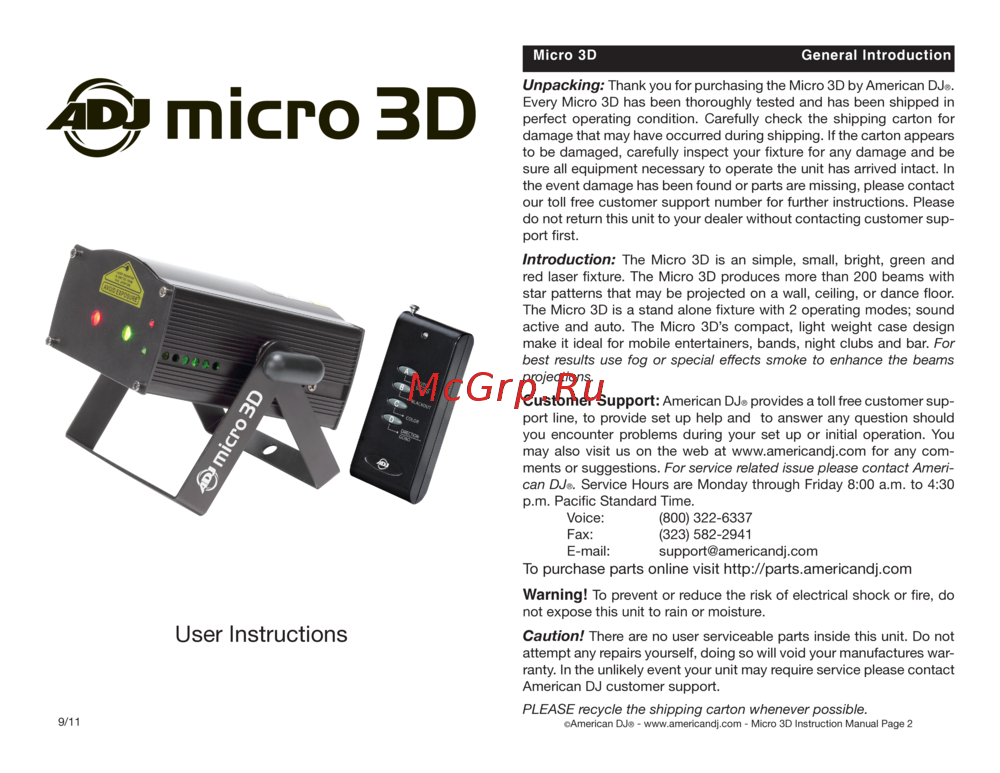 ADJ Micro 3DРуководство по эксплуатации
 -
 Involight DD6Руководство по использованию
 -
 Involight HZ610Руководство по использованию
 -
 Involight FM900DMXИнструкция пользователя
 -
 ILDA Pangolin Quick-ShowРуководства пользователя
 -
 AMERICAN DJ Dotz TPAR SystemРуководство по эксплуатации
 -
 ADJ Hydro Beam X1Руководство по эксплуатации
 -
 Involight LDF100Руководство по эксплуатации
 -
 AMERICAN DJ Focus Spot ONEРуководство по эксплуатации
 -
 Involight LED PAR984WРуководство по эксплуатации
 -
 Antari M-7Руководство по эксплуатации
 -
 STAGG SLI KINGPAR22Руководство по эксплуатации
Узнайте о важности соблюдения мер безопасности при использовании лазерных устройств. Защитите себя и свою аудиторию от потенциальных опасностей лазерного излучения.