![Tp-Link TD-W8151N — заявление о соответствии для беспроводного модема и маршрутизатора [5/69]](/icons/site-icon-64.png)
Tp-Link TD-W8151N — заявление о соответствии для беспроводного модема и маршрутизатора [5/69]
Превью страниц
Страница 5 /
69
![Tp-Link TD-W8151N [5/69] Tp link technologies co ltd](/views2/1042041/page5/bg5.png)
TP-LINK TECHNOLOGIES CO., LTD
TP-LINK TECHNOLOGIES CO., LTD.
South Building, No.5 Keyuan Road, Central Zone, Science & Technology Park, Nanshan,
Shenzhen, P. R. China
DECLARATION OF CONFORMITY
For the following equipment:
Product Description: 150Mbps Wireless N ADSL2+ Modem Router
Model No.: TD-W8151N
Trademark: TP-LINK
We declare under our own responsibility that the above products satisfy all the technical
regulations applicable to the product within the scope of Council Directives:
Directives 1999/5/EC
The above product is in conformity with the following standards or other normative documents
ETSI EN 300 328 V1.7.1: 2006
ETSI EN 301 489-1 V1.8.1:2008& ETSI EN 301 489-17 V2.1.1:2009
EN60950-1:2006
Recommendation 1999/519/EC
EN62311:2008
Directives 2004/108/EC
The above product is in conformity with the following standards or other normative documents
EN 55022:2006 +A1:2007
EN 55024:1998+A1:2001+A2:2003
EN 61000-3-2:2006
EN 61000-3-3:1995+A1:2001+A2:2005
Directives 2006/95/EC
The above product is in conformity with the following standards or other normative documents
EN60950-1:2006
Directive(ErP) 2009/125/EC
Audio/Video, information and communication technology equipment- Environmentally conscious
design
EN62075:2008
Person is responsible for marking this declaration:
Yang Hongliang
Product Manager of International Business
Содержание
70- Copyright trademarks
- Fcc statement
- Fcc rf radiation exposure statement
- Ce mark warning
- National restrictions
- Country restriction reason remark
- 2483 mhz
- Tp link technologies co ltd
- South building no keyuan road central zone science technology park nanshan
- Shenzhen p r china
- Declaration of conformity
- Interface setup 16
- Installation environment 6
- Conventions 3
- Contents
- Connecting the router 6
- Configure pc 8
- Chapter 4 software configuration 15
- Chapter 3 quick installation guide 8
- The front panel 4
- Chapter 2 hardware installation 4
- The back panel 5
- Chapter 1 introduction 2
- Status 15
- Advanced setup 33
- Access management 43
- Quick start 16
- Product overview 2
- Package contents 1
- Main features 2
- Login 11
- Maintenance 54
- Help 60
- Appendix a specification 62
- Package contents
- Wireless
- Product overview
- Main features
- Chapter 1 introduction
- Conventions
- The front panel
- Chapter 2 hardware installation
- The back panel
- Installation environment
- Connecting the router
- Configure pc
- Chapter 3 quick installation guide
- Status
- Chapter 4 software configuration
- Quick start
- Interface setup
- Internet
- Wireless
- Firewall
- Advanced setup
- Routing
- Virtual server
- Ip address mapping
- Access management
- Ip filter
- Filter
- Mac filter
- Application filter
- Maintenance
- Administration
- Time zone
- Firmware
- Sysrestart
- Diagnostics
- Appendix a specification
Похожие устройства
-
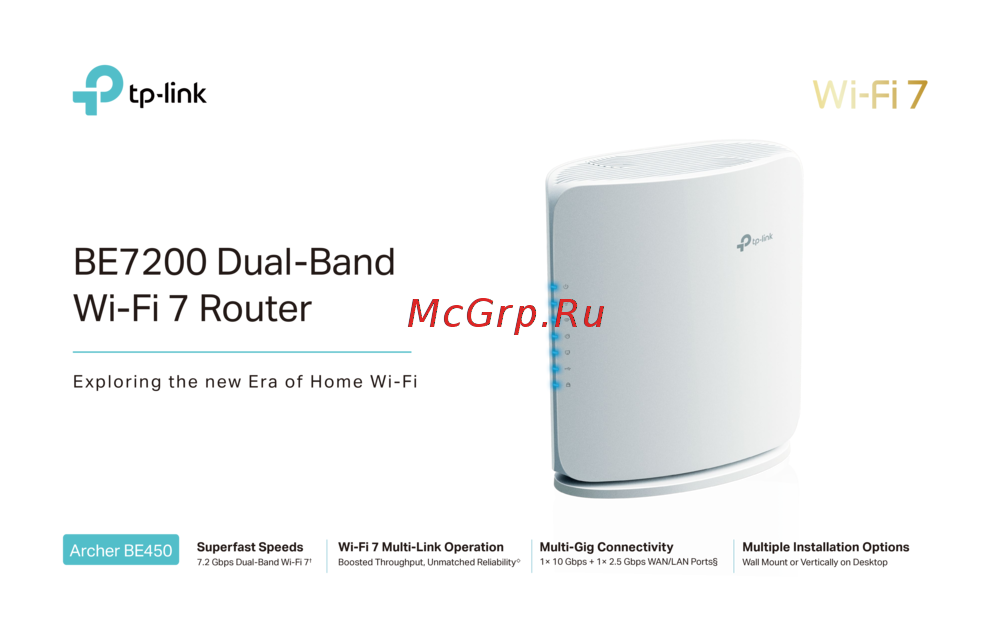 Tp-Link Archer BE450Краткая инструкция
 -
Tp-Link BE7200Краткое руководство пользователя
-
 Tp-Link Archer EC220 G5Руководство по настройке
 -
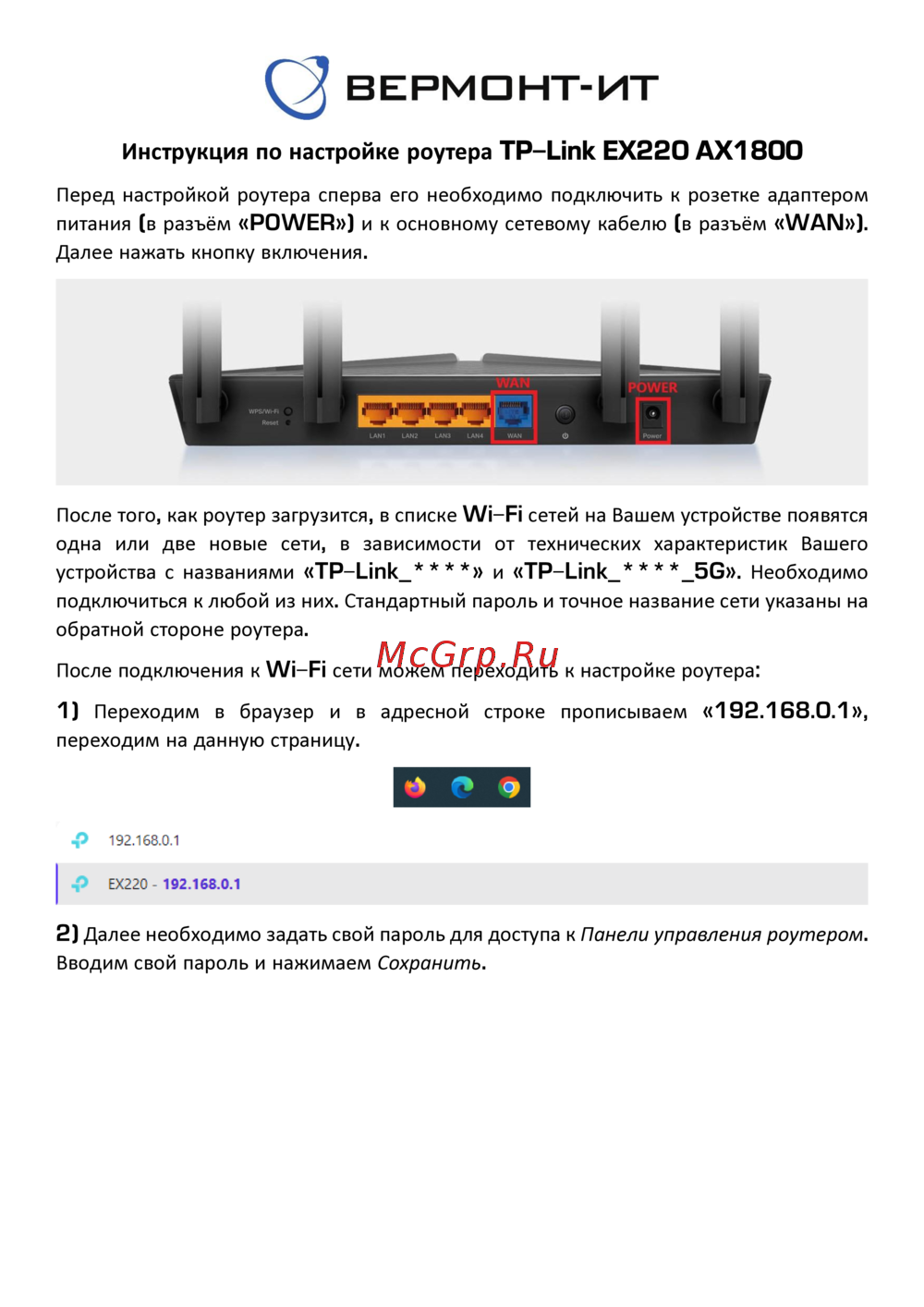 Tp-Link EX220 AX1800Руководство пользователя
 -
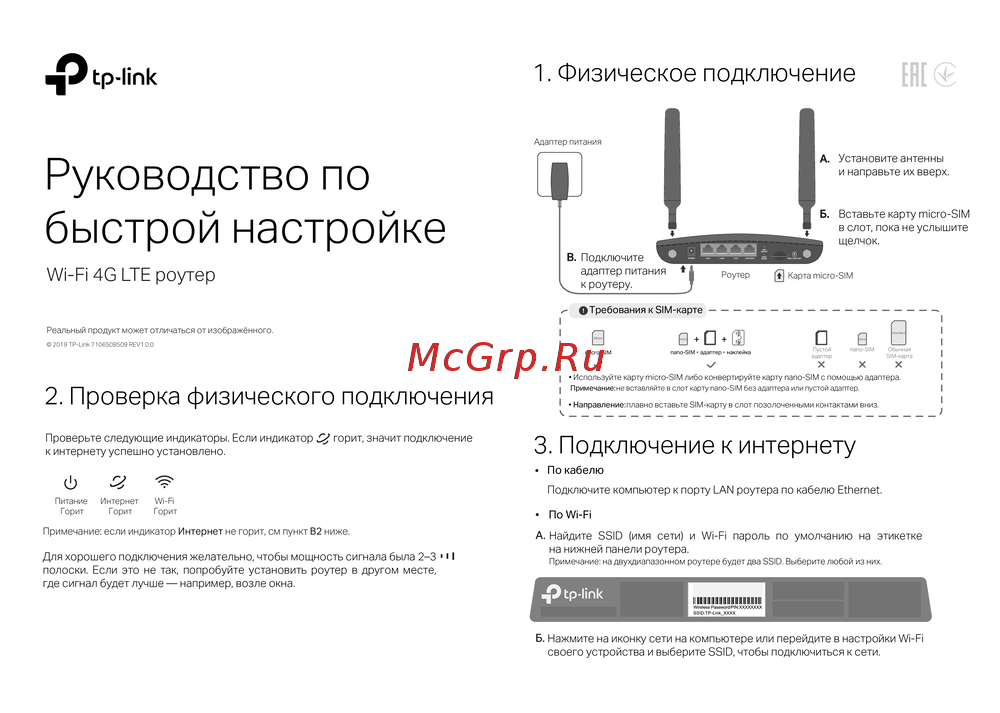 Tp-Link Wi-Fi 4G LTE роутерКраткая инструкция по использованию
 -
 Tp-Link TL-WR3002XИнструкция по применению
 -
 Tp-Link AC750Руководство по работе с устройством
 -
 Tp-Link TL-MR6400 черныйРуководство по эксплуатации
 -
 Tp-Link TL-MR100 N300Руководство по эксплуатации
 -
 Tp-Link TL-MR105 N300Руководство по эксплуатации
 -
 Tp-Link Archer MR500 AC1200Руководство по эксплуатации
 -
 Tp-Link TL-WR840N N300Руководство по эксплуатации
Узнайте о соответствии беспроводного модема и маршрутизатора всем техническим требованиям и стандартам. Подробности о декларации и сертификации оборудования.