![Tp-Link TD-W8151N [6/69] Quick start 16](/icons/site-icon-64.png)
Tp-Link TD-W8151N [6/69] Quick start 16
Превью страниц
Страница 6 /
69
CONTENTS
Package Contents....................................................................................................1
Chapter 1 Introduction.........................................................................................2
1.1 Product Overview..................................................................................2
1.2 Main Features.......................................................................................2
1.3 Conventions..........................................................................................3
Chapter 2 Hardware Installation..........................................................................4
2.1 The Front Panel ....................................................................................4
2.2 The Back Panel.....................................................................................5
2.3 Installation Environment........................................................................6
2.4 Connecting the Router ..........................................................................6
Chapter 3 Quick Installation Guide.....................................................................8
3.1 Configure PC.........................................................................................8
3.2 Login ...................................................................................................11
Chapter 4 Software Configuration ....................................................................15
4.1 Status..................................................................................................15
4.2 Quick Start ..........................................................................................16
4.3 Interface Setup....................................................................................16
4.3.1 Internet .................................................................................................... 17
4.3.2 LAN ......................................................................................................... 21
4.3.3 Wireless................................................................................................... 23
4.4 Advanced Setup..................................................................................33
4.4.1 Firewall.................................................................................................... 33
4.4.2 Routing.................................................................................................... 34
4.4.3 NAT ......................................................................................................... 35
4.4.4 QoS ......................................................................................................... 38
4.4.5 VLAN....................................................................................................... 40
4.4.6 ADSL....................................................................................................... 42
4.5 Access Management...........................................................................43
4.5.1 ACL ......................................................................................................... 43
4.5.2 Filter ........................................................................................................ 44
4.5.3 SNMP...................................................................................................... 51
4.5.4 UPnP....................................................................................................... 52
4.5.5 DDNS ...................................................................................................... 52
Содержание
70- Copyright trademarks
- Fcc statement
- Fcc rf radiation exposure statement
- Ce mark warning
- National restrictions
- Country restriction reason remark
- 2483 mhz
- Tp link technologies co ltd
- South building no keyuan road central zone science technology park nanshan
- Shenzhen p r china
- Declaration of conformity
- Interface setup 16
- Installation environment 6
- Conventions 3
- Contents
- Connecting the router 6
- Configure pc 8
- Chapter 4 software configuration 15
- Chapter 3 quick installation guide 8
- The front panel 4
- Chapter 2 hardware installation 4
- The back panel 5
- Chapter 1 introduction 2
- Status 15
- Advanced setup 33
- Access management 43
- Quick start 16
- Product overview 2
- Package contents 1
- Main features 2
- Login 11
- Maintenance 54
- Help 60
- Appendix a specification 62
- Package contents
- Wireless
- Product overview
- Main features
- Chapter 1 introduction
- Conventions
- The front panel
- Chapter 2 hardware installation
- The back panel
- Installation environment
- Connecting the router
- Configure pc
- Chapter 3 quick installation guide
- Status
- Chapter 4 software configuration
- Quick start
- Interface setup
- Internet
- Wireless
- Firewall
- Advanced setup
- Routing
- Virtual server
- Ip address mapping
- Access management
- Ip filter
- Filter
- Mac filter
- Application filter
- Maintenance
- Administration
- Time zone
- Firmware
- Sysrestart
- Diagnostics
- Appendix a specification
Похожие устройства
-
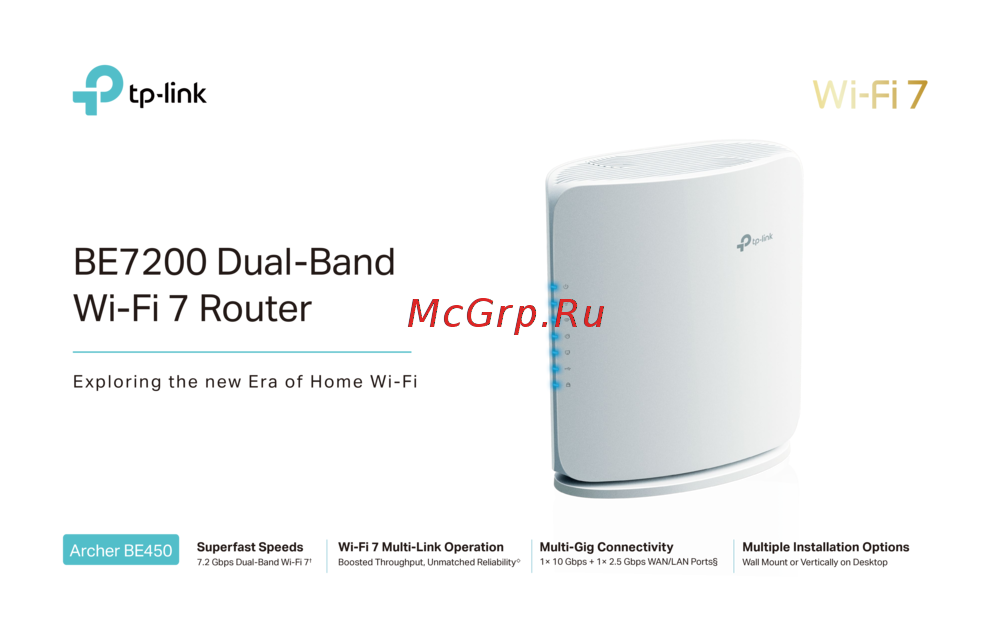 Tp-Link Archer BE450Краткая инструкция
 -
Tp-Link BE7200Краткое руководство пользователя
-
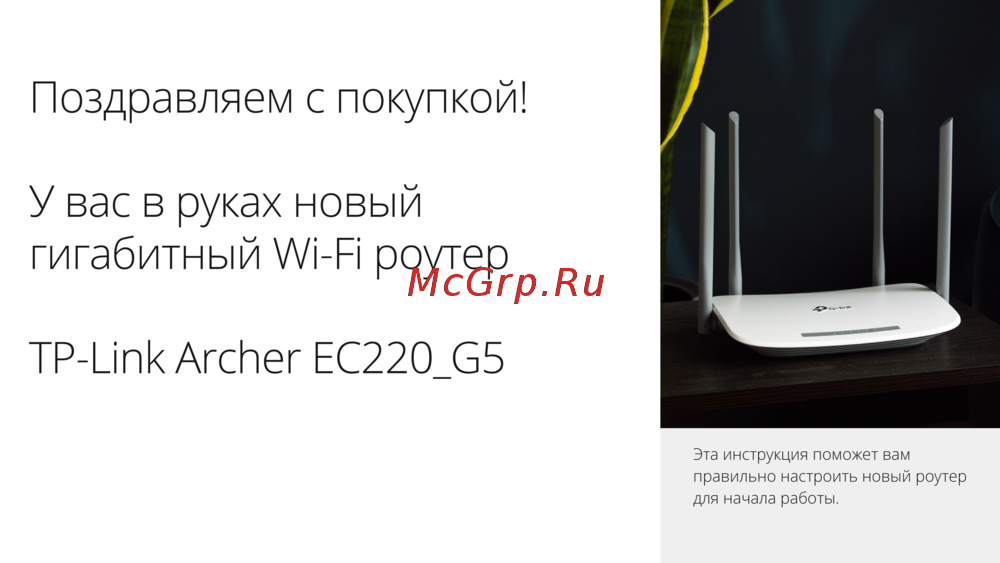 Tp-Link Archer EC220 G5Руководство по настройке
 -
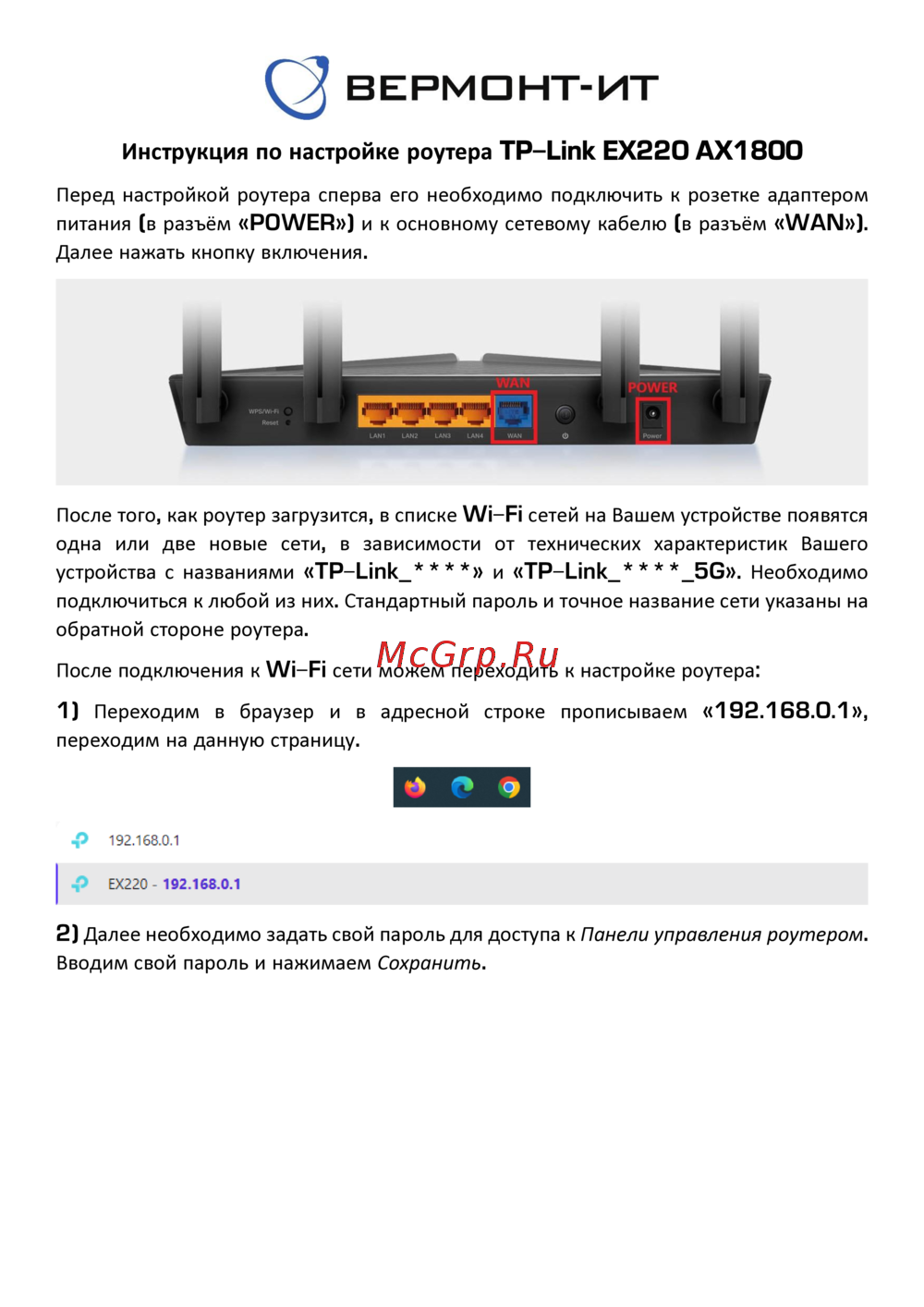 Tp-Link EX220 AX1800Руководство пользователя
 -
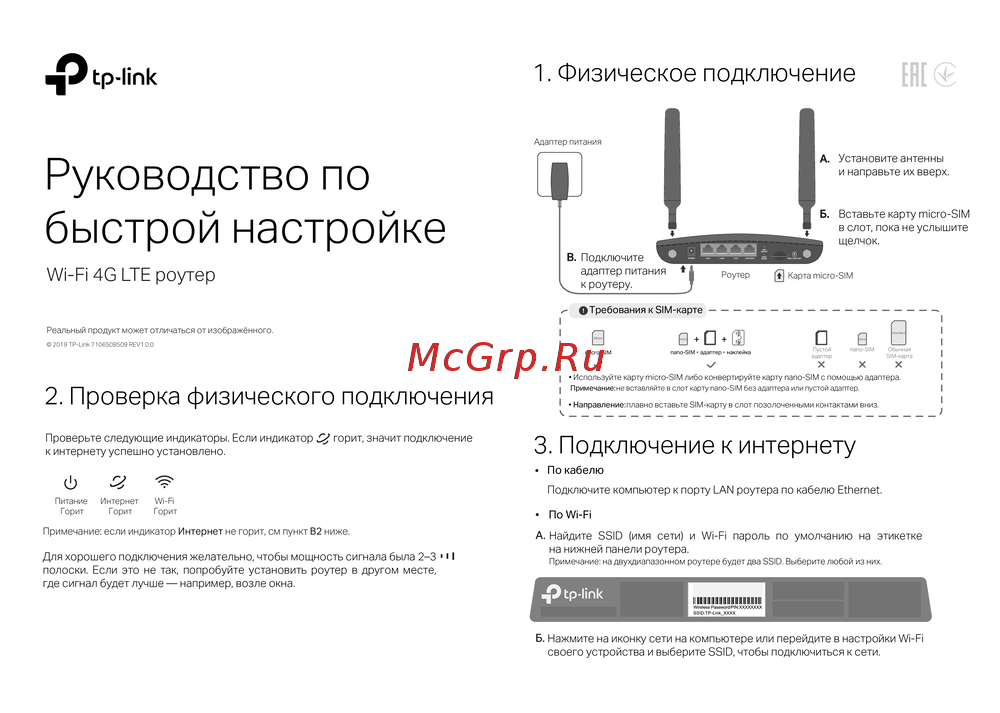 Tp-Link Wi-Fi 4G LTE роутерКраткая инструкция по использованию
 -
 Tp-Link TL-WR3002XИнструкция по применению
 -
 Tp-Link AC750Руководство по работе с устройством
 -
 Tp-Link TL-MR6400 черныйРуководство по эксплуатации
 -
 Tp-Link TL-MR100 N300Руководство по эксплуатации
 -
 Tp-Link TL-MR105 N300Руководство по эксплуатации
 -
 Tp-Link Archer MR500 AC1200Руководство по эксплуатации
 -
 Tp-Link TL-WR840N N300Руководство по эксплуатации