![Beurer EM28 [25/124] When the battery status sym](/img/pdf.png)
Beurer EM28 [25/124] When the battery status sym
Превью страниц
Страница 25 /
124
![Beurer EM28 [25/124] When the battery status sym](/views2/1984502/page25/bg19.png)
24 25
Connecting the connection
cable and positioning the
wrist cu
1.
Connect the connection cable
with the metallic connection clips
on the wristcu.
Note
Beforepositioningthewristcu,rstcleanthebody
parts to be treated.
Before positioning the wrist cu, first moisten
the water contact electrodes and the wrist with
water.
Slipyourarmintothecutopositionthecuonyour
wrist/lowerarm.Topositionitmoreeasily,pleaserst
brace your arm against your upper body so that you have
a counter pressure and can then subsequently tighten
thecumoreeasily.
Foruseontherightarm:Ifyouhaveplacedthecu
ontherightwrist/lowerarm,pleasepullbothstraps
diagonally downwards.
Foruseontheleftarm:Ifyouhaveplacedthecuon
theleftwrist/lowerarm,pleasepullbothstrapsdiago-
nally upwards.
2. Fixthecu in the desired position using the buckle
fasteners. Ensure that the cu is not too tight but that
the water contact electrodes still have sucient con-
tact with the skin.
3. Insert the plug for the connec-
tion cable into the connector
socket[5]onthecontrolunit.
Replacing the battery
Please replace the batteries
when the battery status sym-
bolappearsinthedisplay[7].
•
Openthebatterycompartment[4]
by pushing the cover in the area
marked with an arrow and sliding
downwards.
•
3x1.5Vbatteries,typeAAA(LR03Micro)shouldbe
inserted for operation. Ensure the polarity is correct.
Observe the graphic in the battery compartment.
•
Donotuserechargeablebatteries.
Содержание
- Deutsch p.2
- Sehr geehrte kundin sehr geehrter kunde p.2
- Schmerzbehandlung mit dem em 28 stimulati onsgerät p.2
- Lieferumfang p.2
- Kennenlernen p.2
- Inhalt p.2
- Zeichenerklärung p.3
- Wichtige hinweise p.4
- Sicherheitshinweise p.4
- Vorsichtsmaßnahmen p.5
- Hinweise zu den elektroden p.6
- Konsultieren sie vor der anwendung ihren arzt bei p.7
- Das gerät darf nicht angewendet werden p.7
- Vor inbetriebnahme p.7
- Übersicht bedieneinheit p.9
- Inbetriebnahme p.9
- Gerätebeschreibung p.9
- Batterien einlegen p.9
- Bevor sie die handgelenksmanschette anle gen befeuchten sie zuerst die wasserkon taktelektroden und das handgelenk mit was ser p.10
- Anschlusskabel verbinden und handgelenksmanschette anlegen p.10
- Programm wählen p.11
- Einschalten p.11
- Bedienung p.11
- Allgemeine hinweise zur anwendung p.11
- Speicherfunktion p.12
- Kontakterkennung p.12
- Intensität einstellen p.12
- Eine pause einlegen p.12
- Auf unangenehme empfindungen reagieren p.12
- Zu starke impulse stoppen p.12
- Ungewünschte impulsänderungen verhindern p.12
- Weichen leichtangefeuchtetentuch beistärkererver p.13
- Seifenwasser verwendensiekeinheißeswasser a p.13
- Schmutzung können sie das tuch auch mit einer leichten p.13
- Reinigung und aufbewahrung p.13
- Reinigung der handgelenksmanschette p.13
- Reinigung der bedieneinheit p.13
- Reinigen sie die bedieneinheit nach gebrauch mit einem p.13
- Entsorgen p.13
- Entfernen sie die batterien aus dem gerät wenn sie es p.13
- Bewahrensiedieoriginalverpackunganeinemkühlen p.13
- Bevor sie die manschetteerneutanlegen reinigenund p.13
- Aufbewahrung p.13
- Problemlösung p.14
- Technische angaben p.16
- Garantie service p.17
- English p.18
- Works on the basis of electrical nerve p.18
- Pain relief with the em 28 stimulation device p.18
- Included in delivery p.18
- Getting to know your device p.18
- Dear customer p.18
- Contents p.18
- The device may not be used by people with p.19
- The device can emit effective output p.19
- Signs and symbols p.19
- Of directive 93 42 eec on medical p.19
- Damage to the device acces p.19
- Exportedtotherussianfederationand p.20
- Donotwearanyelectronicdevices suchaswatches p.20
- Deviceoraccessories ifyouhaveanydoubts donot p.20
- Who is responsible for their safety or are instructed by p.20
- Safety notes p.20
- Itisdesignedexclusivelyforself treatmentinaprivate p.20
- Important notes p.20
- The use of the device may be limited in the presence p.21
- Precautions p.21
- Notes on the electrodes p.21
- Whenundertheinfluenceofpain relievingmedication p.22
- The device must not be used p.22
- Onrashes e g allergies burns bruises swellings as p.22
- Inthethroatandlarynxarea thiscantriggermuscular p.22
- Ifyousufferfromaseriousillness inparticularifyou p.22
- Donotusethedevicewhilstusingotherdevicesthat p.22
- Disorder propensitytothromboembolicconditionsor p.22
- Consult your gp before use p.22
- Afteranoperation ifstrongmusclecontractionscould p.22
- Prior to initial use p.23
- Overview of the control unit p.24
- Inserting the batteries p.24
- Initial use p.24
- Ensure that the correct polarity is p.24
- Device description p.24
- X1 vbatteries typeaaa lr03micro shouldbe p.25
- When the battery status sym p.25
- The water contact electrodes and the wrist with p.25
- Connecting the connection cable and positioning the wrist cuff p.25
- Before positioning the wrist cuff first moisten p.25
- Presstheprogrambuttonp3toswitchbetweenthe p.26
- Operation p.26
- Intensity ortheintensitybutton 2tolowertheinten p.26
- Gradually in the new program until it reaches the p.26
- General notes on use p.26
- With program a you will feel the effect become p.26
- Switching on p.26
- Stopping pulses that are too strong p.26
- Setting the intensity p.26
- Selecting a program p.26
- Reacting to unpleasant sensations p.27
- Preventing unwanted pulse changes p.27
- Pausing a program p.27
- Memory function p.27
- Contact detection p.27
- Cleaning the wrist cuff p.27
- Cleaning the control unit p.27
- Cleaning and storage p.27
- Storage p.28
- Dispose of the device at a suitable local collection or p.28
- Disposal p.28
- Troubleshooting p.28
- Technical specifications p.30
- Munication systems may interfere with this device more p.30
- Mpbetreibv isnotrequired itisalsonotnecessaryto p.30
- 42 ecformedicaldevices aswellasthoseofthe p.30
- Years or if longer the country specific warranty period from date of purchase p.31
- Warranty service p.31
- The warranty period for beurer products is either p.31
- In case of returning the unit please add a copy of your p.31
- Présentation p.32
- L air lisezattentivementcemoded emploi conservez le p.32
- Français p.32
- Fonctionne par stimulation nerveuse p.32
- Etlescontrôlesdequalitéauxquelsilssontsoumis nos p.32
- Contenu p.32
- Chère cliente cher client p.32
- Traitement de la douleur avec l appareil de stimulation em 28 p.32
- Sommaire p.32
- Symboles utilisés p.33
- Lessymbolessuivantssontutiliséssurlaplaquesigna p.33
- Lesigleceattestedelaconformitéaux p.33
- Celui civousdonneraégalementdesindicationssurles p.33
- Andelectronicequipment relativeaux déchets d équipements électriques et p.33
- Sur d autres parties du corps peut entraîner de graves p.34
- Remarques importantes p.34
- Professionnelouenclinique maisexclusivementpour p.34
- Personneetlesenfantsdontlescapacitésphysiques p.34
- Consignes de sécurité p.34
- Accessoires ne présentent aucun dommage visible en p.34
- D autres appareils ou en l empilant sur d autres appa p.35
- Cédemmentindiqué ilconvientalorsdesurveillercet p.35
- Appareiletlesautresappareilsafind êtrecertainque p.35
- Évitez d utiliser cet appareil à proximité immédiate p.35
- Retirez la manchette uniquement lorsque l appareil est p.35
- Ne portez pas d appareils électroniques tels que des p.35
- Ne plongez jamais l appareil dans l eau ou d autres p.35
- Ne pliez ou ne tirez pas sur l extrémitédu câble de p.35
- Mesures de précaution p.35
- Lenon respectdecetteconsignepeutentraînerune p.35
- Fournis par le fabricant de cet appareil peut provoquer p.35
- Enprésenced interférencesélectromagnétiques vous p.35
- Des perturbations électromagnétiques accrues ou une p.35
- Remarques relatives aux électrodes p.36
- Plants commeunepompeàinsulineoudes p.36
- N utilisezpasl appareilenmêmetempsqued autres p.36
- Enparallèledetouteslesactivitésdanslesquellesune p.36
- Des densités du courant effectives supérieures à p.36
- Appareilsenvoyantdesimpulsionsélectriquesàvotre p.36
- Mages causés par une utilisation inappropriée ou non p.37
- L appareil ne doit pas être utilisé p.37
- En cas p.37
- Consultez votre médecin avant toute utilisation p.37
- Avant la mise en service p.37
- Auniveaudelatête celarisquedeprovoquerdes p.37
- Description de l appareil p.38
- Aperçu de l unité de commande p.38
- Raccorder le câble de connexion et placer la manchette de poignet p.39
- Mise en service p.39
- Le poignet avec de l eau p.39
- Lafixation placezd abordlebrassurvotretorse de p.39
- Insérer les piles p.39
- Difier d abord les électrodes à contact à eau et p.39
- Delaflècheetenpoussantversle p.39
- Avant de placer la manchette de poignet humi p.39
- Utilisation p.40
- Sélection du programme p.40
- Remarques générales relatives à l utilisation p.40
- Mise sous tension p.40
- Éviter les changements d intensité non désirés p.41
- À tout moment vous pouvez réduire l intensité ou en p.41
- Réglage de l intensité p.41
- Réagir aux sensations désagréables p.41
- Interrompre des impulsions trop fortes p.41
- Faire une pause p.41
- Baisserprogressivement vouspouvezréglerl intensité p.41
- Appuyezenviron2 secondessurlatoucheprogrammep p.41
- Nettoyage de l unité de commande p.42
- Fonction d enregistrement p.42
- Détection du contact p.42
- Aprèsunchangementdepiles l appareilredémarreau p.42
- Stockage p.42
- Nettoyez la manchette avec précaution àl eautiède p.42
- Nettoyage et stockage p.42
- Nettoyage de la manchette de poignet p.42
- Élimination p.43
- Solution aux problèmes p.43
- Sivousnecomptezpasl utiliseravantlongtemps re p.43
- Pour toute question adressez vous aux collectivités p.43
- L appareilnedoitpasêtrejetéaveclesordures p.43
- Sivotreproblèmenefigurepasici contacteznotreser p.45
- Caractéristiques techniques p.45
- Lenumérodesériesetrouvesurl appareiloudansle p.46
- Garantie maintenance p.46
- Directsouindirectscausésparl appareilestexclue mêmesiundroitdegarantieestreconnuencasde p.46
- Concernéàcompterdeladated achat p.46
- A à une utilisation inappropriée par exemple le p.46
- Veuilleznoterquelesdispositifsdecommunicationhf portables et mobiles sont susceptibles d influer sur cet p.46
- Touteresponsabilitéliéeauxdommagesconsécutifs p.46
- Spécialesrelativesàlacompatibilitéélectromagnétique p.46
- Índice p.47
- Tratamiento para aliviar el dolor con el aparato de p.47
- Introducción p.47
- Estimulación em 28 p.47
- Estimada clienta estimado cliente p.47
- Español p.47
- Artículos suministrados p.47
- Símbolos p.48
- Sobre residuos de aparatos eléctricos y p.48
- Laspersonasquellevenimplantesmédicos p.48
- Indicación de información im p.48
- En estas instrucciones de uso se utilizan los siguientes p.48
- El sello ce certifica que este aparato p.48
- Utilización en otras partes del cuerpo puede provocar p.49
- Para el fin para el que ha sido diseñado y del modo p.49
- Nosqueseespecificanenestasinstruccionesdeuso p.49
- Indicaciones importantes p.49
- Indicaciones de seguridad p.49
- Ensituacionesgravesdeemergencia tienenprioridad p.49
- Comotratamientoexternoparalamuñecahumana la p.49
- Verse afectadas las características de funcionamiento p.50
- Sinosetienenencuentaestasindicaciones podrían p.50
- Provocar un funcionamiento incorrecto pero si resulta p.50
- Noutiliceelaparatocercadesustanciasinflamables p.50
- No utilice piezas adicionales no recomendadas por el p.50
- Medidas de precaución p.50
- Magnéticas del aparato y provocar un funcionamiento p.50
- En caso de erupciones cutáneas como alergias p.51
- Agudas arritmias yotrosproblemasdegeneracióny p.51
- Valordesalidamáx recomendadoparaloselectrodos p.51
- Si padece alteraciones del ritmo cardiaco conocidas o p.51
- Requieren una mayor atención por parte del p.51
- No utilice este aparato al mismo tiempo que otros p.51
- No utilice el aparato si lleva un marcapasos p.51
- Mientras se realizan actividades en las que una reac p.51
- Lasdensidadesdecorrienteefectivasporencimade p.51
- Indicaciones sobre los electrodos p.51
- Nideseguireltratamientoprescritoporél porlotanto p.52
- Lautilizacióndelaparatonoeximedeacudiralmédico p.52
- El aparato no debe utilizarse p.52
- Cualquier dolor o enfermedad debe consultarse primero p.52
- Consulte a su médico antes de la utilización p.52
- Antes de la puesta en funcionamiento p.52
- Unidad de control p.53
- Descripción del aparato p.53
- Puesta en funcionamiento p.54
- Conectar el cable de conexión y colocar el brazalete para la muñeca p.54
- Con agua los electrodos y la muñeca p.54
- Colocar las pilas p.54
- Antes de colocarse el brazalete humedezca p.54
- Seleccionar un programa p.55
- Manejo p.55
- Indicaciones generales sobre la aplicación p.55
- Encender el aparato p.55
- Seleccione el ajuste de forma que el uso le resulte p.56
- Reducirlaintensidad laintensidadsepuedeajustaren p.56
- Reacción ante sensaciones desagradables p.56
- Parar impulsos demasiado intensos p.56
- Impedir cambios de impulsos no deseados p.56
- Hacer una pausa p.56
- Ajustar la intensidad p.56
- Si se cambia de programa durante la estimulación p.56
- Siloselectrodosnoestánencontactoconelcuerpo la p.57
- Limpieza y conservación p.57
- Limpieza del brazalete para la muñeca p.57
- Limpieza de la unidad de control p.57
- Jabo nosa no utilice limpiadores químicos ni abrasivos p.57
- Función de almacenamiento p.57
- Forma se impedirá que se produzcan irritaciones no de p.57
- Detección de contacto p.57
- Desconecteelcabledeconexióndelaunidaddecon p.57
- Conservación p.57
- Antesdeprocederalalimpieza desenchufeelcablede p.57
- Se puede desechar en los puntos de recogida adecua p.58
- Resolución de problemas p.58
- Eliminación p.58
- Datos técnicos p.60
- Perímetro de la mu p.60
- Rectos provocados por el aparato también queda p.61
- Garantía asistencia p.61
- Este aparato puede solicitar información más precisa al p.61
- Directrices europeas sobre productos sanitarios 93 42 p.61
- Compra p.61
- Ce asícomolaleyalemanasobreproductosmédicos p.61
- C transporte del fabricante al cliente o durante el p.61
- Trattamento del dolore con l elettrostimolatore em 28 p.62
- Italiano p.62
- Introduzione p.62
- Gentile cliente p.62
- Fornitura p.62
- Contenuto p.62
- Spiegazione dei simboli p.63
- Avvertenze di sicurezza p.64
- Indicazioni importanti p.64
- Precauzioni d impiego p.65
- Indicazioni per gli elettrodi p.66
- Prima della messa in servizio p.67
- Prima dell utilizzo consultare il medico in caso di p.67
- Non usare l apparecchio p.67
- Panoramica unità di comando p.68
- Descrizione dell apparecchio p.68
- Prima di applicare il manicotto per polso inumidire gli elettrodi di contatto con acqua e il polso con dell acqua p.69
- Ne ai contatti metallici a clip del p.69
- Messa in funzione p.69
- Inserimento delle batterie p.69
- Collegamento del cavo di alimentazione e applicazione del manicotto per polso p.69
- Indicazioni generali di impiego p.70
- Accensione p.70
- Esclusione di modifiche indesiderate degli impulsi p.71
- Selezione del programma p.71
- Reazione alle sensazioni sgradevoli p.71
- Interruzione degli impulsi troppo forti p.71
- Impostazione dell intensità p.71
- Tosporco inumidireleggermenteilpannoconacquae p.72
- Rilevamento dei contatti p.72
- Pulizia e conservazione p.72
- Pulizia dell unità di comando p.72
- Pulizia del manicotto per polso p.72
- Prodottiabrasivi accertarsichenonpenetriacquaall in p.72
- Funzione di memoria p.72
- Dopol utilizzopulirel unitàdicomandoconunpanno p.72
- Smaltimento p.73
- Riporrel unitàdicomando ilmanicotto e il cavo di p.73
- Prima di applicare nuovamente il manicotto puliree p.73
- Conservazione p.73
- Soluzione dei problemi p.74
- Seilproblemanonvienetrattatoqui contattareilservi p.75
- Dati tecnici p.75
- Perrivendicazioninell ambitodellagaranzia rivolgersial p.77
- Laresponsabilitàperdannidirettioindiretticausati p.77
- La durata della garanzia non viene prolungata da p.77
- Garanzia assistenza p.77
- Di acquisto di ciascun paese p.77
- C trasporto dal produttore al cliente o durante il p.77
- B riparazioniomodificheeffettuatedalclienteoda p.77
- Allegare al reso dell apparecchio una copia della prova p.77
- A usoimproprio ades mancataosservanzadelle p.77
- Teslimat kapsamı p.78
- Sayın müşterimiz p.78
- I çindekiler p.78
- Em 28 stimülasyon cihazıyla ağrı tedavisi p.78
- Ürün özellikleri p.78
- Türkçe p.78
- I şaretlerin açıklaması p.79
- Önemli bilgiler p.80
- Güvenlik bilgileri p.80
- Koruyucu önlemler p.81
- Elektrotlar hakkında bilgiler p.81
- Cihaz aşağıdaki şekilde kullanılmamalıdır p.82
- Çalıştırmadan önce p.83
- Aşağıdaki durumlarda uygulamadan önce dokto runuza danışın p.83
- Kumanda ünitesine genel bakış p.84
- Cihaz açıklaması p.84
- Pillerin takılması p.85
- I lk çalıştırma p.85
- El bileği manşetini takmadan önce su kontaklı elektrotları ve el bileğinizi suyla nemlendirin p.85
- Bağlantı kablosunun bağlan ması ve el bileği manşetinin bağlanması p.85
- Şetinin metal klipsli bağlantıları p.85
- Program seçme p.86
- Kullanım ile ilgili genel bilgiler p.86
- Kullanım p.86
- Cihazın açılması p.86
- Yoğunluk ayarı p.87
- Rahatsız edici durumlarda yapılacaklar p.87
- Kontak algılaması p.87
- Kayıt fonksiyonu p.87
- I stenmeyen impuls değişimlerinin önlenmesi p.87
- Duraklatma p.87
- Aşırı kuvvetli impulsların durdurulması p.87
- Manşeti ılık sabunlusudanazikçetemizleyin sıcaksu p.88
- Kumanda ünitesinin temizliği p.88
- El bileği manşetinin temizliği p.88
- Bertaraf etme p.88
- Temizlik ve saklama p.88
- Saklama p.88
- Sorun giderme p.89
- Saklama p.89
- Bertaraf etme p.89
- Teknik veriler p.90
- Itibarengarantisüresikabuledilir p.91
- Garanti servis p.91
- Durumunda da cihazın neden olduğu doğrudan veya p.91
- Beurerürünleriningarantisüresi5yıldırveya daha p.91
- B müşteriveyayetkisizkişilertarafındanyapılan p.91
- Внимательнопрочтитеданнуюинструкциюпо приме p.92
- Ляциинервов tens подаббревиатуройtensпони p.92
- Лечение боли при помощи электростимулятора p.92
- Комплект поставки p.92
- Знакомство с прибором p.92
- Уважаемый покупатель p.92
- Русский p.92
- Оглавление p.92
- Указываетнавозможность p.93
- Травмирования или нане p.93
- Татами например кардиостимулятором p.93
- Соблюдайте инструкцию по приме p.93
- Предосте p.93
- Пояснения к символам p.93
- Повреждения прибора p.93
- Гается кромепрочего подавлениемпередачиболи p.93
- Любоеприменениене поназначениюможетбыть p.94
- Используйте p.94
- И обратитеськ продавцуилив сервиснуюслужбу p.94
- Важные указания p.94
- Weee wasteelectricalandelectronic p.94
- Экспортируемыхвроссийскуюфеде p.94
- Утилизация прибора в соответствии p.94
- Указания по технике безопасности p.94
- Принадлежности не имеют видимых повреждений p.94
- Перечисленныхвнастоящейинструкциипоприме p.94
- Снедостаточнымизнаниямиилиопытом заисклю p.95
- Сенсорными например с отсутствием болевой p.95
- Прииспользованииданногоприбораснимитевсе p.95
- Приборtensдлязапястьяпредназначенисключи p.95
- Надлежащийнадзорилиеслиониполучилиотвас p.95
- Меры предосторожности p.95
- Имикроволновыхприборов например мобильных p.95
- Еслипридлительномиспользованиинаблюдается p.95
- Детьмиилилицамисограниченнымифизическими p.95
- Воздействиедолжнобытькомфортным еслиприбор p.95
- Вающихсомненияв возможностиданнойтерапии p.95
- Чением случаев когда за ними осуществляется p.95
- Телефонов т к этоможетпривестикколебаниям p.95
- Ющихсяотприлагаемыхкданномуприбору может p.96
- Устройствами и не устанавливайте его на другие p.96
- Указания по электродам p.96
- Применениестороннихпринадлежностей отлича p.96
- При известных или острых нарушениях сердечного p.96
- При высокой температуре например p.96
- Неиспользуйтеданныйприборрядомс другими p.96
- Макс рекомендуемоезначениевыходныхсигналов p.96
- Использования прибора могут быть ограничены p.96
- Еслииспользованиеприборавсе такинеобходимо p.96
- Втомвиде какописановыше следуетнаблюдать p.96
- Блению помехоустойчивости прибора и тем самым p.96
- Вглоткеивгортани этоможетвызватьмышечные p.97
- Ванияхкожи сповреждениямииливоспалениями p.97
- Со своим лечащим врачом в следующих случаях p.97
- Следитезатем чтобывовремястимуляцииметал p.97
- Риск мерцания предсердий и привести к остановке p.97
- Прилюбойдеятельности прикоторойнепредска p.97
- Подвоздействиемболеутоляющихмедикаментов p.97
- Перед применением проконсультируйтесь p.97
- Не используйте данный прибор одновременно p.97
- Зуемаяреакция например усиленноесокращение p.97
- Запрещается использовать прибор p.97
- Перед вводом в эксплуатацию p.98
- Опасность проглатывания мелких деталей p.98
- Никогданекладитеманжетудлязапястьярядом p.98
- Использованиезапрещено устройствонедолжно p.98
- Изготовительненесетответственностизаущерб p.98
- Если прибор нуждается в ремонте обратитесь p.98
- В сервиснуюслужбуилик официальномудистр p.98
- Тродовотсутствуетилиоторвалось рекомендуется p.98
- Приналичиижалоб связанныхсостимулирующим p.98
- Элемент управления p.99
- Описание прибора p.99
- Защищайтебатарейкиотчрезмерноговоздействия p.99
- Установка батареек p.100
- Смочите водяные контактные электроды p.100
- Подключение соединитель ного кабеля и наложение манжеты на запястье p.100
- Перед наложением манжеты для запястья p.100
- Откройтеотсекдлябатареек4 p.100
- Манжетынаправоезапястье предплечьепотяните p.100
- И запястье водой p.100
- Ввод в эксплуатацию p.100
- Указания по применению p.101
- Выбор программы p.101
- Включение p.101
- Электростимулятор для запястий tens предназначен p.101
- Ченномстрелкой исдвинувее p.101
- Управление p.101
- Регулировка интенсивности p.102
- Реакция на неприятные ощущения p.102
- Проверьте находитсяликруглаякрышканадэлек p.102
- Проверьте впорядкелиэлектроды илиониимеют p.102
- При наложении следите за достаточным контактом p.102
- Предупреждение нежелательных изменений p.102
- Остановка слишком сильного импульса p.102
- Ностивовремяиспользования включитеблокировку p.102
- Кфазе2 прибл через10 минут выощутите p.102
- Интенсивности в зависимости от выбранного уровня p.102
- Импульса p.102
- Выможетевлюбоевремяуменьшитьинтенсивность p.102
- Выборапрограммыp3 прозвучитзвуковойсигнал p.102
- Хранение p.103
- Функция памяти p.103
- Уход за элементом управления p.103
- Распознавание контакта p.103
- После смены батареек прибор начинает работать p.103
- Перерыв нажмите на кнопку паузы 1 прозвучит звуковойсигнал инадисплее 6появитсясимвол паузы ii после повторного нажатия на кнопку 1 p.103
- Пауза p.103
- Очистка манжеты для запястья p.103
- Очистка и хранение p.103
- Ющиепунктысборав вашейстране приборследует p.104
- Утилизация p.104
- Решение проблем p.104
- Использоватьсядлительное время протекающие p.104
- Технические данные p.106
- Серийныйномернаходитсяна прибореилив отсеке p.106
- Гарантия сервисное p.107
- Скойдирективыомедицинскихизделиях93 42 ec p.107
- Скимстандартамen60601 1иen60601 1 2 всоот p.107
- Прибора более точные данные можно запросить p.107
- По указанномуадресусервиснойслужбыилинайти p.107
- Обслуживание p.107
- Zawartość opakowania p.108
- Szanowni państwo p.108
- Spis treści p.108
- Polski p.108
- Nerwów tens tenstoelektrycznastymulacjanerwów p.108
- Leczenie bólu za pomocą urządzenia do stymu lacji em 28 p.108
- Informacje o urządzeniu p.108
- I może być stosowana również przy samodzielnej terapii p.108
- Działającaprzezskórę tenstosprawdzonaklinicznie p.108
- Objaśnienie symboli p.109
- O zużytych urządzeniach elektrycznych p.109
- Z zasadniczymi wymogami dyrektywy p.109
- Utylizacja zgodnie z dyrektywą we p.109
- Urządzenie nie może być stosowane przez p.109
- Urządzenie może emitować skuteczne wartości wyjściowe ponad 10 ma p.109
- Oznakowaniecepotwierdzazgodność p.109
- Ostrzeżenie przed niebezpie p.109
- Odczuwanie bólu metoda ta została zbadana klinicznie p.109
- Obrażeniami ciała lub utratą p.109
- W przypadku jakichkolwiek wątpliwości dotyczących p.110
- Użycie niezgodne z przeznaczeniem może być niebez p.110
- Urządzenie nie może być obsługiwane przez dzieci ani p.110
- Soria nie wykazują żadnych widocznych uszkodzeń p.110
- Oznakowanie certyfikacyjne produktów p.110
- Otoczeniuwymienionymwniniejszejinstrukcjiobsługi p.110
- Np zniewrażliwościąnaból iumysłowąlubbrakiem p.110
- Jeżeli w przypadku dłuższego czasu terapii wystąpią p.110
- Zasady bezpieczeństwa p.110
- Ważne wskazówki p.110
- Środki ostrożności p.111
- Wytwarzającychfalekrótkielubmikrofale np telefony p.111
- Nieprawidłowym działaniem jeśli użytkowanie w wyżej p.111
- Dozwiększeniazakłóceńelektromagnetycznychlubdo p.111
- Bezpieczeństwaznajdująsięonepodnadzoremodpo p.111
- Zalecana maksymalna wartość wyjściowa dla elektrod p.112
- Wskazówki dotyczące elektrod p.112
- U osób pod wpływem leków uśmierzających ból oraz p.112
- Rozpoznane lub ostre zaburzenia rytmu serca p.112
- Należyuważać abypodczasstymulacjiniedoszłodo p.112
- Kontaktuelementówmetalowychz elektrodami ponie p.112
- Arytmia i innezaburzeniaczynnościukładubodźcot p.112
- Aby zapobiec obrażeniom kategorycznie odradza się p.112
- Lekarskiego w przypadku wszelkiego rodzaju bólów lub p.113
- W obszarze głowy mogłoby to spowodować napady p.113
- W obszarze gardła i krtani mogłoby to powodować p.113
- Urządzenia nie należy używać p.113
- Sultować się z lekarzem w następujących przy p.113
- Przewlekłeobjawybóloweo niewyjaśnionympodłożu p.113
- Przed zastosowaniem urządzenia należy skon p.113
- Przed uruchomieniem p.113
- Padkach p.113
- Np w łazienkach podczaskąpieliw wannielubpod p.113
- Niętymielektrodamimetalowymi stosowaniemankietu p.113
- Nadgarstkowego bez osłon na elektrody może spowo p.113
- Żonenadziałaniedużejwilgoci bądźteżuległoinnym p.114
- Uruchomienie p.115
- Otwórzkomorębaterii4poprzez przyciśnięcie pokrywy w miejscu oznaczonym strzałką w dół oraz p.115
- Opis urządzenia p.115
- Opis panelu obsługi p.115
- Wkładanie baterii p.115
- Przed założeniem mankietu nadgarstkowego p.116
- Podłączanie przewodu przy łączeniowego i zakładanie mankietu nadgarstkowego p.116
- Najpierw należy zwilżyć wodą elektrody kon taktowe oraz nadgarstek p.116
- Gunów należy przestrzegać schematu umieszczonego p.116
- Zatrzymanie zbyt silnych impulsów p.117
- Włączanie p.117
- Wybór programu p.117
- Regulacja intensywności p.117
- Ogólne wskazówki dotyczące użytkowania p.117
- Obsługa p.117
- Nośćwyjściowawnowymprogramiezwiększasię p.117
- Należyprzytrzymaćwciśniętyprzyciskwł wył 1do p.117
- Funkcja zapisywania p.118
- Czyszczenie panelu obsługi p.118
- Czyszczenie i przechowywanie p.118
- Zwilżonej ściereczki w przypadku silniejszego zabrudze p.118
- Zapobieganie niepożądanym zmianom impulsów p.118
- Włączenie pauzy p.118
- Wyświetlaczu6 poponownymwciśnięciuprzycisku1 p.118
- Sprawdzenie czyelektrodysąsprawneiniewyglądają p.118
- Rozpoznanie kontaktu p.118
- Reakcja na nieprzyjemne doznania p.118
- Przycisków należyponownieprzytrzymaćprzyciskp3 p.118
- Programup3 wówczasnawyświetlaczu6pojawisię p.118
- Podczasponownegozakładanianależyzwrócićuwagę p.118
- Jeślielektrodyniemająkontaktuzciałem intensywność p.118
- Utylizacja p.119
- Przechowywanie p.119
- Następnienależydelikatniewytrzećręcznikiemwodę p.119
- Mankiet należy ostrożnie czyścić w letniej wodzie p.119
- Czyszczenie mankietu nadgarstkowego p.119
- Zmydłem nienależyużywaćgorącejwody następ p.119
- W danym kraju urządzenie należy zutylizować zgodnie p.119
- Rozwiązywanie problemów p.120
- Dane techniczne p.121
- Zakupu p.122
- Ustawy w sprawie produktów medycznych w przypadku p.122
- Przyodsyłceurządzenianależyzałączyćkopiędowodu p.122
- Producent zastrzega sobie prawo do zmian technicz p.122
- Potwierdzenie daty zakupu przez okazanie dowodu p.122
- Nio spowodowane przez urządzenie jest wykluczona p.122
- Niniejsze urządzenie spełnia wymogi dyrektywy europej p.122
- Mogą zakłócać działanie urządzenia szczegółowe dane p.122
- Gwarancja serwis p.122
- Gwarancja nie obowiązuje wprzypadku uszkodzeń p.122
- En 60601 1 2 zgodność z cispr 11 61000 4 2 p.122
- Do miejscowego dystrybutora lub partnera patrz lista p.122
Похожие устройства
-
 Beurer EM49 White (662.05)Руководство по эксплуатации
 -
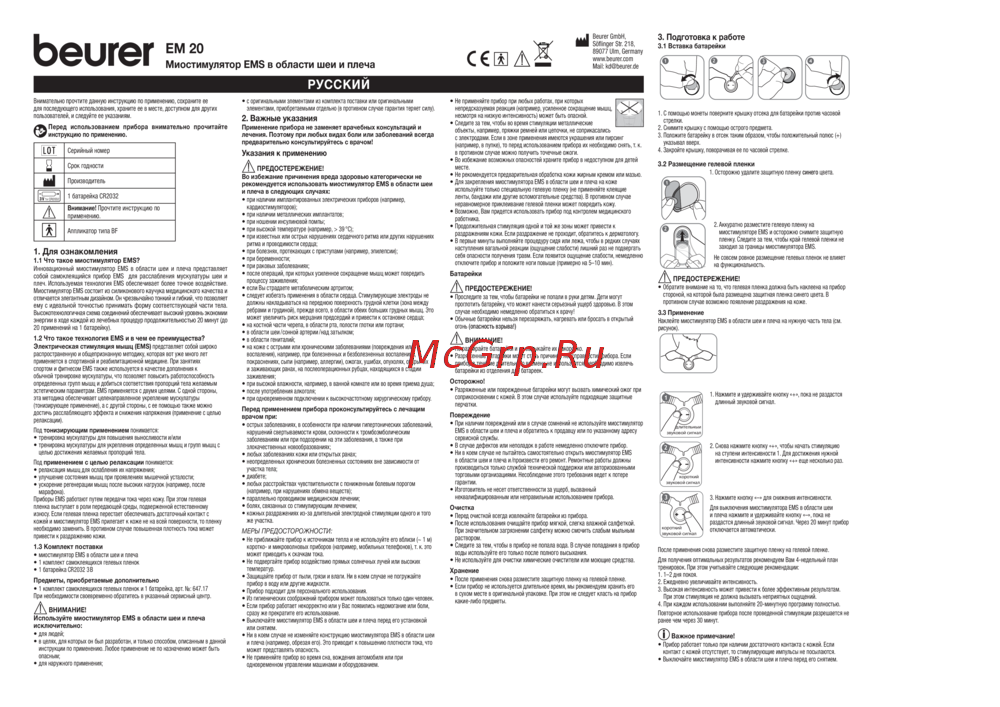 Beurer EM20Руководство по эксплуатации
 -
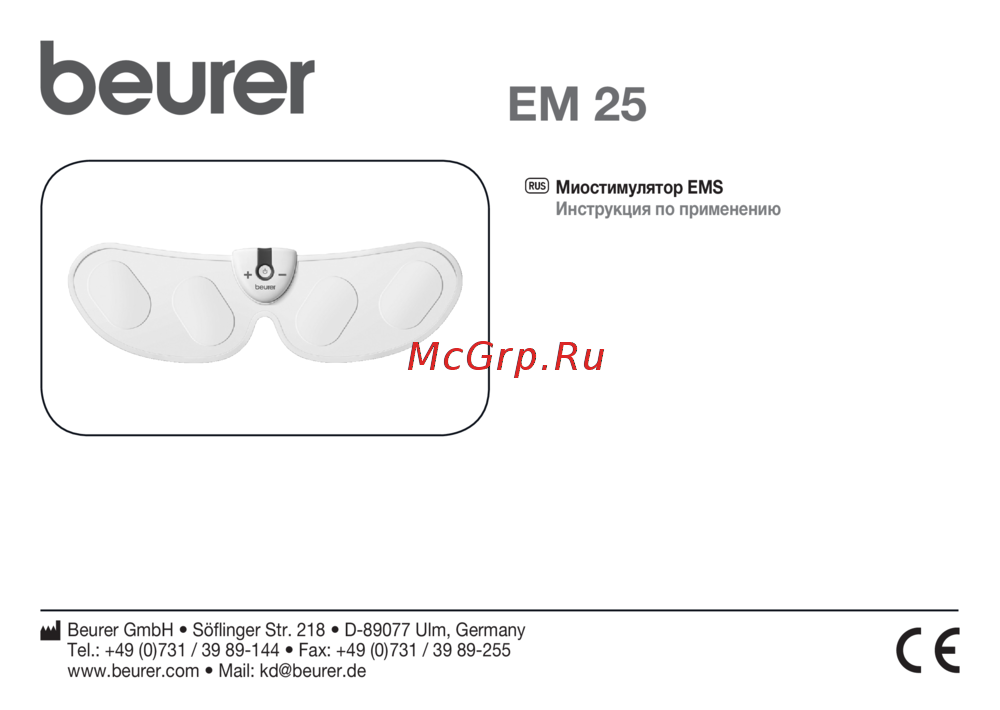 Beurer EM25Руководство по эксплуатации
 -
 Beurer EM49 White (662.05)Инструкция по эксплуатации
 -
 BRADEX ИмпульсРуководство по эксплуатации
 -
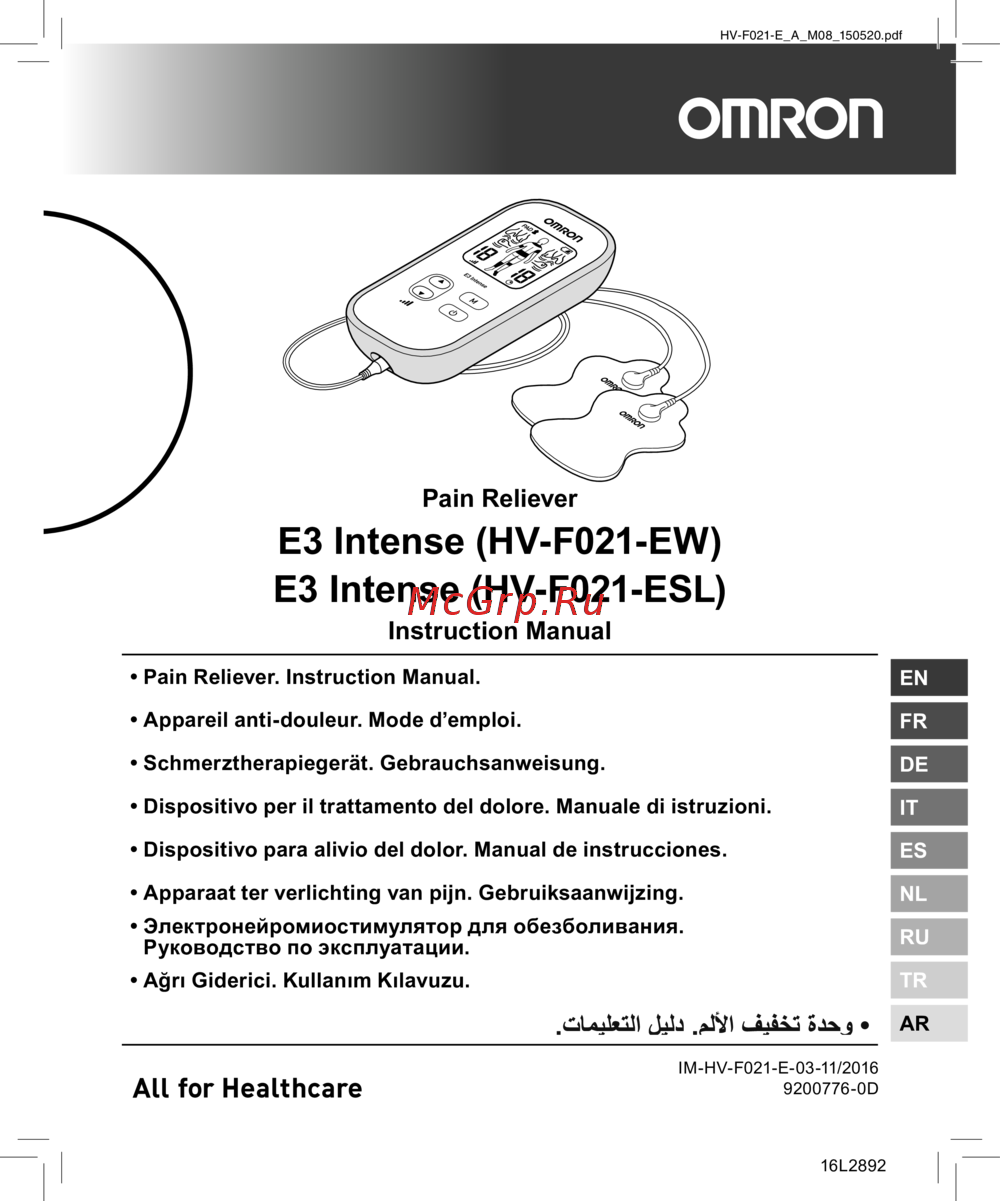 Omron Е3 Intense (HV-F021-EW)Инструкция по эксплуатации
 -
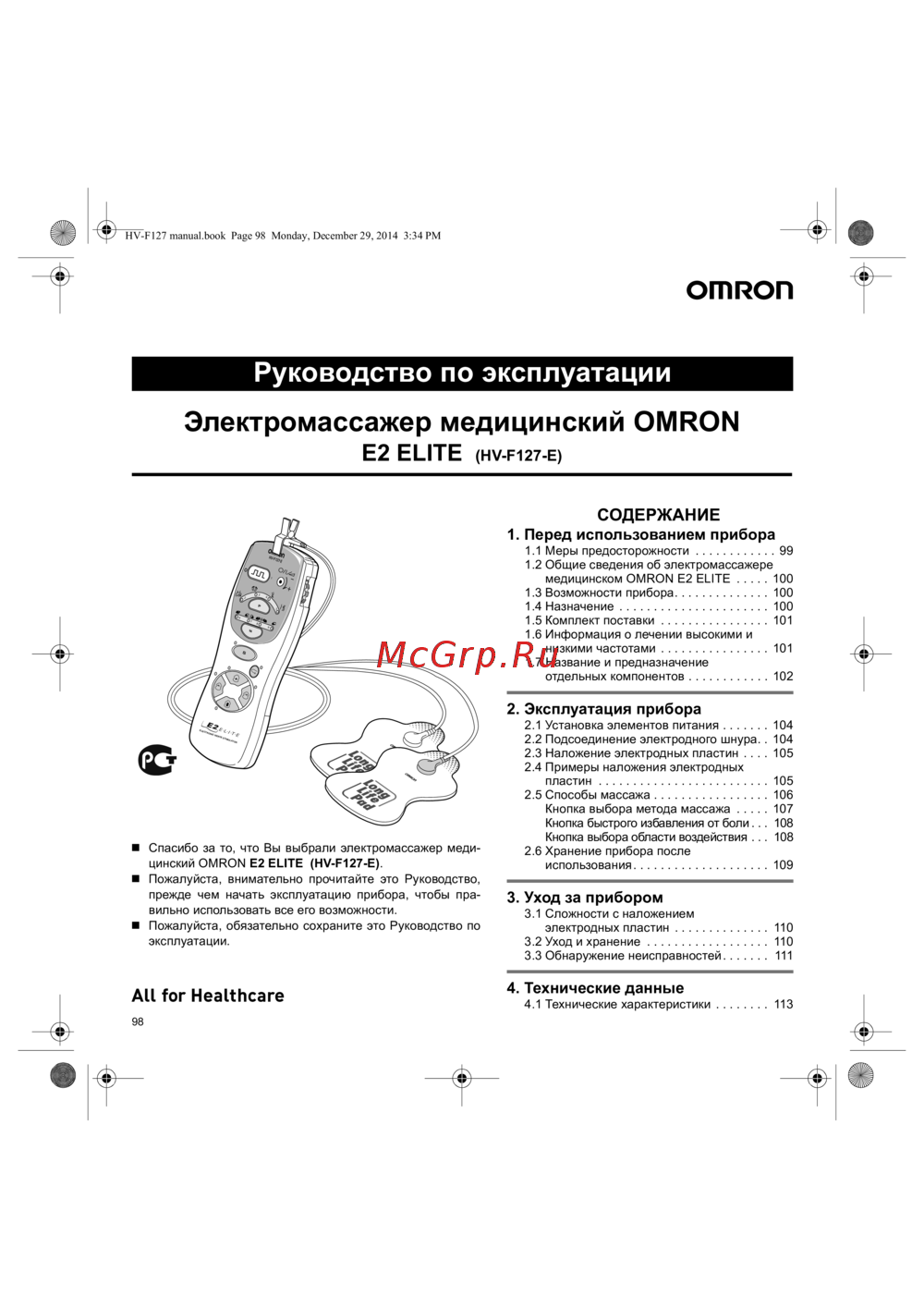 Omron E2 Elite (HV-F127-E)Инструкция по эксплуатации
 -
 Omron E4 (HV-F128-E)Инструкция по эксплуатации
 -
 Omron Е4Инструкция по эксплуатации
 -
 Homedics FM-TS9-GBРуководство по работе с устройством
 -
 Gezatone AMG709Инструкция по применению
 -
 Cs Medica CS-562 JuniorРуководство пользователя