![Kettler Montana 7877-000 — anleitung zum Batteriewechsel bei Computergeräten [29/36]](/img/pdf.png)
Kettler Montana 7877-000 — anleitung zum Batteriewechsel bei Computergeräten [29/36]
Превью страниц
Страница 29 /
36
![Kettler Montana 7877-000 [29/36] Nl verwisselen van de batterijen](/views2/1239411/page29/bg1d.png)
29
Eine schwache oder erloschene Computeranzeige macht einen
Batterie wechsel erforderlich. Der Computer ist mit zwei Batterien
ausgestattet. Nehmen Sie den Batteriewechsel wie folgt vor:
■ Nehmen Sie den Batteriefachdeckel ab und ersetzen Sie die
Batterien durch zwei neue vom Typ AA 1,5V.
■ Achten Sie beim Einsatz der Batterien auf die Kennzeichnung
im Batteriefachboden.
■ Sollte es nach dem Wiedereinschalten zu Fehlfunktionen kom-
men, klemmen Sie die Batterien noch einmal kurz ab und wie-
der an.
Wichtig: Aufgebrauchte Batterien fallen nicht unter die Garantie -
bestim mun gen.
Batterien dürfen nicht in den Haushaltsmüll!
Dieses Symbol weist darauf hin, dass Batterien nicht mit
dem normalen Hausmüll entsorgt werden dürfen. Die
Buchstaben Hg (Quecksilber) und Pb (Blei) unter der
durchgestrichenen Mülltonne weisen zusätzlich darauf
hin, dass die Batterie ein Anteil von mehr als 0,0005% Queck-
silber oder 0,004% Blei enthält. Falsches Entsorgen schädigt Um-
welt und Gesundheit, Materialrecycling schont kostbare Rohstof-
fe. Entfernen Sie bei der Stilllegung des Produktes alle Batterien
und geben Sie sie an einer Annahmestelle für das Recycling ab.
Informationen über entsprechende Annahmestellen erhalten Sie
bei Ihrer örtlichen Kommunalbehörde, Entsorgungsbetrieb oder
der Verkaufsstelle dieses Gerätes. Nahezu alle Batterien enthal-
ten Chemikalien, die ungefährlich für die Haut sind, aber sie soll-
ten dennoch wie jede andere Chemikalie behandelt werden. Tref-
fen Sie immer Vorsichtsmaßnahmen, wenn Batterien ausgelaufen
sind und säubern Sie den Gerätebereich gründlich. Die ausge-
laufene Batterie muss fachgerecht entsorgt werden. Schützen Sie
Ihre Hände mit Handschuhen und waschen Sie sie anschließend
gründlich. Wird Batteriesäure verschluckt oder gelangt in die Au-
gen, suchen Sie umgehend einen Arzt auf.
– GB – Battery change
A weak or an extinguished computer display makes a battery
change necessary. The computer is equipped with two batteries.
Perform the battery change as described below:
■ Remove the lid of the battery compartment and replace the
batteries by two new batteries of type AA 1,5V.
■ When inserting the batteries pay attention to the designation
an the bottom of the battery compartment.
■ Should there be any misoperation after switching on the com-
puter again, shortly disconnect the batteries once again and
re-insert them.
IImportant: The guarantee does not cover worn-out batteries.
Batteries must not be disposed of in the household waste!
This symbol shows that batteries are not to be disposed of
with the normal household waste. The letters Hg (mer-
cury) and Pb (lead) under the crossed out rubbish bin fur-
thermore indicate that the battery contains a percentage
of more than 0.0005 % of mercury or 0.004 % of lead. Incorrect
disposal harms environment and health, material recycling saves
valuable raw materials. Remove all batteries with every shutdown
of the product and hand them in at a receiving office for recyc-
ling. You will receive information on the corresponding receiving
offices from your local authority, waste management company or
the selling point of this device. Almost all batteries contain che-
micals which are harmless for the skin, but they should neverthe-
less be treated like any other chemical. Always take precautions
in case of batteries have leaked and thoroughly clean the device
area. The leaked battery has to be disposed of properly. Protect
your hands with gloves and afterwards wash them properly. If
battery acid has been swallowed or comes into contact with the
eyes, please visit a doctor immediately.
– F – Changement de piles
Un affichage de l'ordinateur faible ou éteint impose un change-
ment des piles. L'ordinateur est équipé de deux piles. Effectuez le
changement comme suit:
■ Enlevez le couvercle du logement des piles et remplacez-les
par deux piles neuves du type AA 1,5V.
■ Veillez au marquage au fond du logement lors de la mise en
place des piles.
■ En cas de dysfonctionnement après la remise en marche, en-
levez brièvement les piles et remettez-les ensuite.
Important: Les piles usées sont exclues des dispositions de garan-
tie.
Les piles ne doivent pas être jetées aux ordures ménagères !
Ce symbole indique que les piles ne doivent pas être jet-
ées avec les ordures ménagères habituelles.De plus, les
lettres Hg (mercure) et Pb (plomb) sous la poubelle barrée
indiquent que la pile contient un taux de mercure
supérieur à 0,0005 % ou de plomb supérieur à 0,004 %. Un
mauvais tri des déchets nuit à l’environnement et à la santé, le
recyclage des matériaux préserve les précieuses ressources. Si le
produit n’est plus utilisé, enlevez toutes les piles du produit et dé-
posez-les dans un point de collecte de recyclage approprié. Vous
pouvez obtenir des informations sur les points de collectes ap-
propriés auprès des autorités locales de votre lieu de résidence,
des entreprises de gestion des déchets ou du revendeur de cet ap-
pareil. Presque toutes les piles contiennent des produits chimi-
ques, qui sont inoffensifs pour la peau. Néanmoins, ils doivent
être traités de la même manière que les autres produits chimi-
ques. Prenez toujours des précautions lorsque des piles ont
coulées et nettoyez soigneusement la partie de l’appareil sou-
illée. La pile ayant coulé doit être mise au rebut de manière ap-
propriée. Portez des gants pour protéger vos mains et lavez-les
ensuite soigneusement. Si l’acide de la pile est avalé ou entre en
contact avec les yeux, consultez immédiatement un médecin.
– NL – Verwisselen van de batterijen
Een zwakke of weggevallen computerweergave maakt een bat-
terijwisseling noodzakelijk. De computer werkt op 2 batterijen.
Verwisselen van de batterijen gaat als volgt:
■ Verwijder het deksel van het batterijenvak en vervang de bat-
terijen door twee nieuwe van het type AA 1,5V.
■ Let bij het verwisselen van de batterijen op de tekens in het
batterijenvak.
■ Treden er na het verwisselen nog foutieve functies op, haalt u
dan de batterijen nogmaals uit het vak en duw ze weer terug.
Batteriewechsel
Содержание
- Wichtige hinweise p.2
- Warnung p.2
- Montagehinweise p.2
- Gefahr p.2
- Zu ihrer sicherheit p.2
- Bitte lesen sie diese anweisung vor der montage und der ersten benutzung aufmerksam durch sie erhalten wichtige hinweise für ihre sicherheit sowie den gebrauch und die wartung des gerätes bewahren sie diese anleitung zur information bzw für wartungsarbeiten oder ersatzteilbestellungen sorgfältig auf p.2
- Zur handhabung p.3
- Ersatzteilbestellung seite 32 35 p.3
- Warning p.4
- Please read these instructions carefully prior to carrying out assembly and using for the first time they contain infor mation which is important for your safety as well as for the use and maintenance of the appliance keep these in structions in a safe place for reference purposes maintenance work and to assist you when ordering spare parts p.4
- Instructions for assembly p.4
- Important instructions p.4
- For your safety p.4
- List of spare parts page 32 35 p.5
- Handling the equipment p.5
- Pour votre sécurité p.6
- Lire attentivement les présentes instructions avant le montage et la première utilisation de l appareil elles contiennent des renseignements importants relatifs à la sécurité des personnes ainsi qu à l emploi et à l entretien de la bicyclette d áppartement conserver soigneusement lesdites instructions pour d éventuels renseignements ainsi que pour effec tuer l entretien de l appareil ou commander des pièces de rechange p.6
- Instructions de montage p.6
- Danger p.6
- Consignes de montage p.6
- Avertissement p.6
- Liste des pièces de rechange page 32 35 p.7
- Utilisation p.7
- Waarschuwing p.8
- Voor uw veiligheid p.8
- Montagehandleiding p.8
- Lees deze handleiding vóór montage en vóór het eerste gebruik zorgvuldig door u krijgt waardevolle adviezen m b t uw veiligheid het gebruik en onderhoud van dit apparaat bewaar deze handleiding zorgvuldig ter informatie voor onderhoudswerkzaamheden en voor het bestellen van onderdelen p.8
- Gevaar p.8
- Belangrijke aanwijzingen p.8
- Onderdelenbestelling bladzijde 32 35 p.9
- Handleiding p.9
- Peligro p.10
- Para su seguridad p.10
- Le rogamos leer atentamente estas instrucciones antes del montaje y del primer uso obtendrá indicaciones impor tantes respecto a su seguridad así como al uso y al mantenimiento del aparato guarde cuidadosamente estas in strucciones como información para los trabajos de mantenimiento o para los pedidos de piezas de recambio p.10
- Instrucciones para el montaje p.10
- Indicaciones importantes p.10
- Advertencia p.10
- Advertencias p.11
- Lista de repuestos página 32 35 p.11
- Siete pregati di leggere con attenzione queste istruzioni prima del montaggio e del primo utilizzo contengono im portanti indicazioni relative all utilizzo e alla manutenzione dell attrezzo conservate con cura queste istruzioni per in formarvi per lavori di manutenzione o per l ordinazione di pezzi di ricambio p.12
- Pericolo p.12
- Per la vostra sicurezza p.12
- Indicazioni per il montaggio p.12
- Avvisi importanti p.12
- Attenzione p.12
- Per l utilizzo p.13
- Lista di parti di ricambio pagg 32 35 p.13
- Ważne wskazówki p.14
- Przed montażem i przed pierwszym użyciem urządzenia należy uważnie przeczytać niniejszą instrukcję zawiera ona ważne wskazówki dotyczące bezpieczeństwa użytkowania i konserwacji urządzenia instrukcję należy starannie pr zechowywać dla celów informacyjnych a także jako pomoc przy wykonywaniu prac konserwacyjnych lub zama wianiu części zamiennych p.14
- Ostrtożnie p.14
- Niebezpieczeństwo p.14
- Montaż p.14
- Bezpieczeństwo p.14
- Obsługa p.15
- Zamawianie części zamiennych strona 32 35 p.15
- Varování p.16
- Prosím pročtěte si před montáží a prvním použitím pozorně tento návod obdržíte důležité pokyny ohledně vaší bez pečnosti jako i použití a údržby přístroje pečlivě uschovejte tento návod za účelem získávání potřebných informací popř prací na údržbě nebo objednání náhradních dílů p.16
- Pro vaší bezpečnost p.16
- Pokyny k montáži p.16
- Nebezpečí p.16
- Důležité pokyny p.16
- Objednání náhradních dílů strana 32 35 p.17
- K manipulaci p.17
- Para sua segurança p.18
- Leia estas instruções atentamente e na íntegra antes da montagem e da primeira utilização são lhe dadas indicações importantes para a sua segurança e para a utilização e manutenção do aparelho guarde cuidadosamente estas in struções para informação para trabalhos de manutenção ou para a encomenda de peças sobressalentes p.18
- Instruções de montagem p.18
- Indicações importantes p.18
- Danger p.18
- Manuseamento p.19
- Encomenda de peças sobressalentes páginas 32 35 p.19
- Vigtige anvisninger p.20
- Samleinstruktion p.20
- Læs venligst disse anvisninger opmærksomt igennem inden træningsmaskinen monteres og benyttes første gang de indeholder oplysninger omkring sikkerhed brug og vedligeholdelse af træningsmaskinen opbevar venligst denne ve jledning på et sikkert sted af hensyn til information vedligeholdelse eller bestilling af reservedele p.20
- For din egen sikkerheds skyld p.20
- Advarsel p.20
- Håndtering p.21
- Bestilling af reservedele side 32 35 p.21
- Указания по монтажу p.22
- Предупреждение p.22
- Пожалуйста внимательно прочтите эту инструкцию перед монтажом и первым использованием в ней содержатся важные указания по технике безопасности а также по использованию и техническому обслуживанию устройства сохраните эту инструкцию она может пригодиться вам в будущем например при проведении работ по техобслуживанию или заказе запчастей p.22
- Опасность p.22
- Для вашей собственной безопасности p.22
- Внимание p.22
- Важные указания p.22
- Уход и обслуживание p.23
- Заказ запчастей стр 32 35 p.23
- 7 495 755 81 94 7 495 755 81 46 p.23
- Указание касательно утилизации p.23
- Обращение с устройством p.23
- Messhilfe für verschraubungsmaterial p.24
- Beispiel examples examples voorbeeld ejemplos esempio przykłod příklad exemplo eksempel примеры p.24
- Checkliste packungsinhalt p.25
- Handhabungshinweise p.28
- Ca 5 mm p.28
- Nl verwisselen van de batterijen p.29
- Gb battery change p.29
- F changement de piles p.29
- Batteriewechsel p.29
- Pl wymiana baterii p.30
- I cambio delle batteria p.30
- E cambio de la pilas p.30
- Batteriewechsel p.30
- Rus замена батареек p.31
- P substituição das pilhas p.31
- Dk udskiftning af batterier p.31
- Cz výměna baterií p.31
- Batteriewechsel p.31
- Ersatzteilbestellung p.32
- Zubehörbestellung p.33
- X110 c p.33
- Ersatzteilbestellung p.34
- Ersatzteilbestellung p.35
Похожие устройства
-
 Kettler Montana 7877-000Рекомендации по проведению тренировок и руководство по эксплуатации компьютера
 -
 Kettler MontanaРуководство по сборке и эксплуатации
 -
Kettler MontanaРекомендации по проведению тренировок и руководство по эксплуатации компьютера
-
 Kitfort КТ-9813Инструкция по эксплуатации
 -
 Kitfort КТ-9814Инструкция по эксплуатации
 -
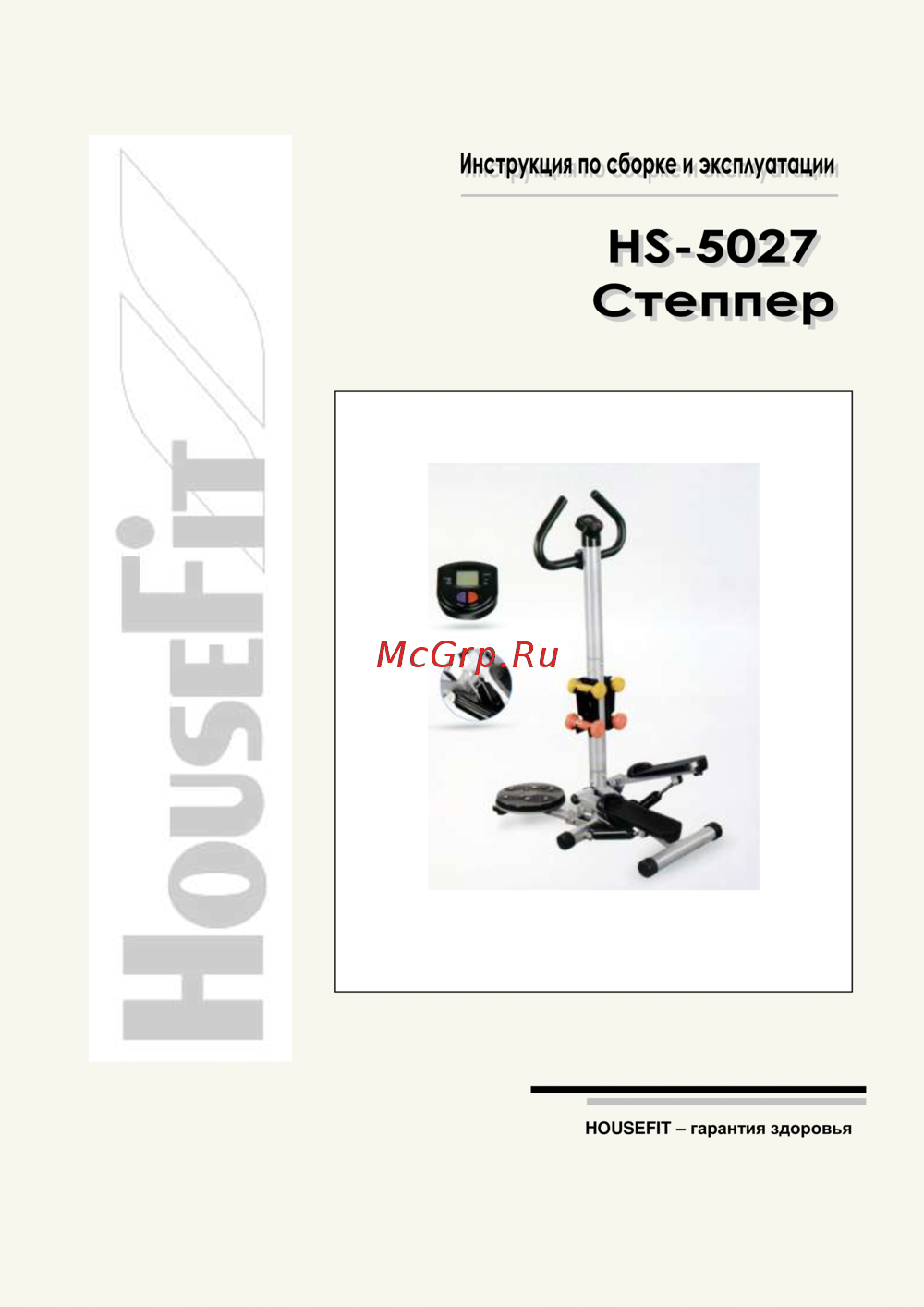 HouseFit HS-5027Руководство по эксплуатации
 -
 HouseFit HS-5035HPРуководство по эксплуатации
 -
 HouseFit DYNAMIC PS4.0Руководство по эксплуатации
 -
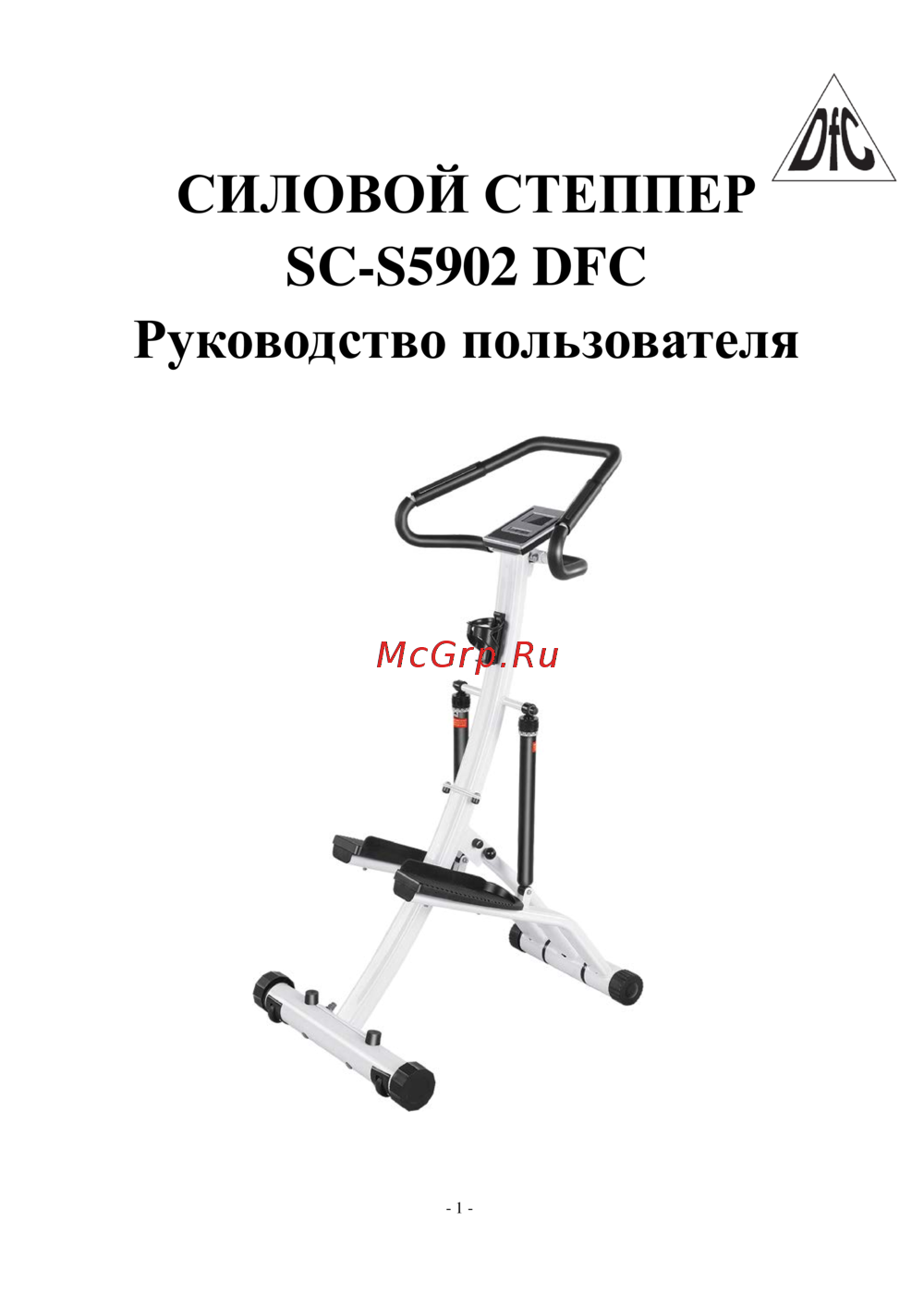 DFC SC-S5902Руководство по эксплуатации
 -
 BRADEX SF 0576Инструкция
 -
 BRADEX SF 0816Инструкция
 -
 BRADEX Кардиостеппер SF 0033Инструкция
Erfahren Sie, wie Sie die Batterien Ihres Computers sicher wechseln und umweltgerecht entsorgen. Wichtige Hinweise zur Handhabung und Entsorgung von Batterien.