![Tp-Link TL-ER6120 — настройка маршрутизатора: статус и режимы работы [14/167]](/icons/site-icon-64.png)
Tp-Link TL-ER6120 — настройка маршрутизатора: статус и режимы работы [14/167]
Превью страниц
Страница 14 /
167
![Tp-Link TL-ER6120 [14/167] Network](/views2/1042332/page14/bge.png)
-9-
Chapter 3 Configuration
3.1 Network
3.1.1 Status
The Status page shows the system information, the port connection status and other information
related to this Router.
Choose the menu Network→Status to load the following page.
Figure 3-1 Status
3.1.2 System Mode
The TL-ER6120 Router can work in three modes: NAT, Non-NAT and Classic.
If your Router is hosting your local network’s connection to the Internet with a network topology as the
Figure 3-2 shown, you can set it to NAT mode.
Содержание
134- Gigabit dual wan vpn router
- Tl er6120
- Ce mark warning
- Fcc statement
- Copyright trademarks
- Contents
- Package contents
- Overview of this guide
- Intended readers
- Conventions
- Chapter 1 about this guide
- Overview of the router
- Chapter 2 introduction
- Features
- Front panel
- Appearance
- Rear panel
- Network
- System mode
- Status
- Chapter 3 configuration
- Dhcp reservation
- Dhcp client
- Mac address
- Switch
- Statistics
- Port mirror
- Rate control
- Port config
- Port status
- Port vlan
- User group
- Nat setup
- Advanced
- One to one nat
- Multi nets nat
- Virtual server
- Port triggering
- Traffic control
- Bandwidth control
- Session limit
- Session list
- Load balance
- Configuration
- Policy routing
- Link backup
- Protocol
- Static route
- Routing
- Route table
- Firewall
- Ip mac binding
- Anti arp spoofing
- Arp scanning
- Attack defense
- Arp list
- Mac filtering
- Url filtering
- Access control
- Web filtering
- Access rules
- Service
- Control rules
- App control
- Database
- Ike policy
- Ike proposal
- Ipsec policy
- Ipsec proposal
- Ipsec sa
- L2tp pptp tunnel
- L2tp pptp
- Ip address pool
- Services
- Pppoe server
- List of l2tp pptp tunnel
- General
- Ip address pool
- Account
- Exceptional ip
- List of account
- E bulletin
- Dynamic dns
- Dyndns
- Peanuthull
- Comexe
- Maintenance
- Administrator
- Admin setup
- Login parameter
- Remote management
- Management
- Factory defaults
- Reboot
- Export and import
- License
- Firmware upgrade
- Statistics
- Interface traffic statistics
- Ip traffic statistics
- Diagnostics
- Online detection
- Network requirements
- Chapter 4 application
- Network topology
- Internet setting
- Configurations 4 configurations
- Configurations
- Internet connection
- System mode
- Link backup
- Vpn setting
- Ipsec vpn
- Pptp vpn setting
- Network management
- User group
- App control
- Bandwidth control
- Session limit
- Network security
- Lan arp defense
- Wan arp defense
- Attack defense
- Traffic monitoring
- Chapter 5 cli
- Configuration
- Interface mode
- Online help
- Ip mac
- Command introduction
- History
- Appendix a hardware specifications
- Appendix b faq
- Appendix c glossary
Похожие устройства
-
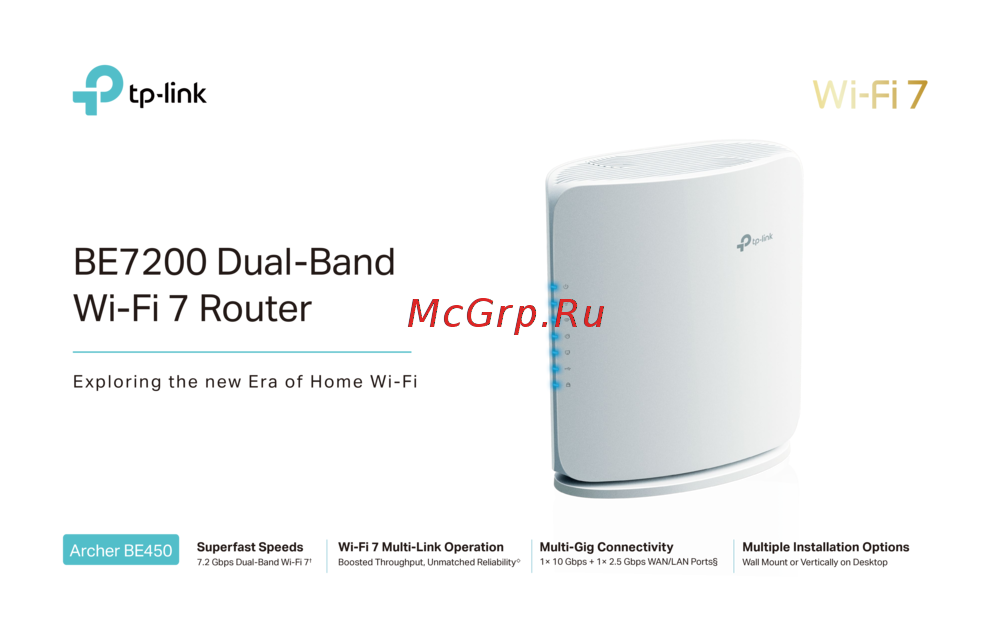 Tp-Link Archer BE450Краткая инструкция
 -
Tp-Link BE7200Краткое руководство пользователя
-
 Tp-Link Archer EC220 G5Руководство по настройке
 -
 Tp-Link EX220 AX1800Руководство пользователя
 -
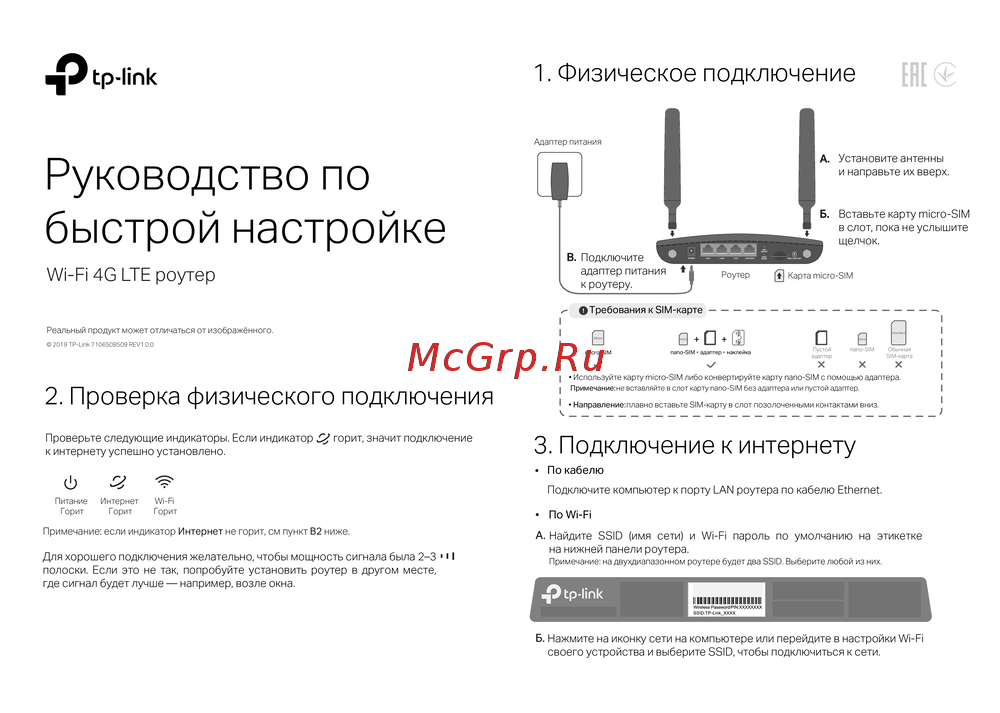 Tp-Link Wi-Fi 4G LTE роутерКраткая инструкция по использованию
 -
 Tp-Link TL-WR3002XИнструкция по применению
 -
 Tp-Link AC750Руководство по работе с устройством
 -
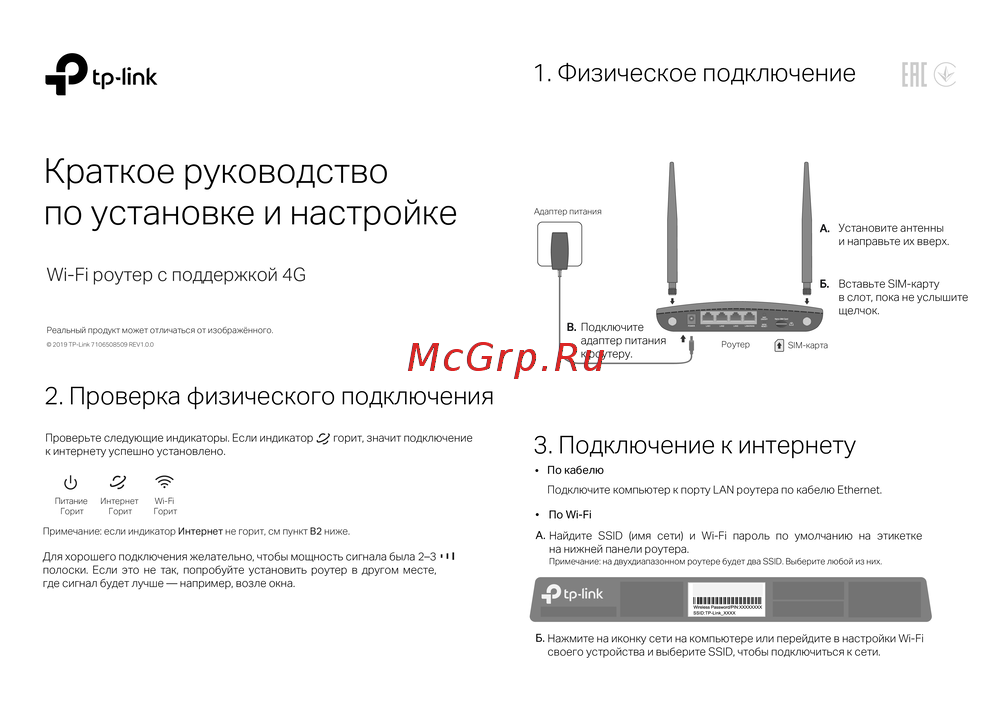 Tp-Link TL-MR6400 черныйРуководство по эксплуатации
 -
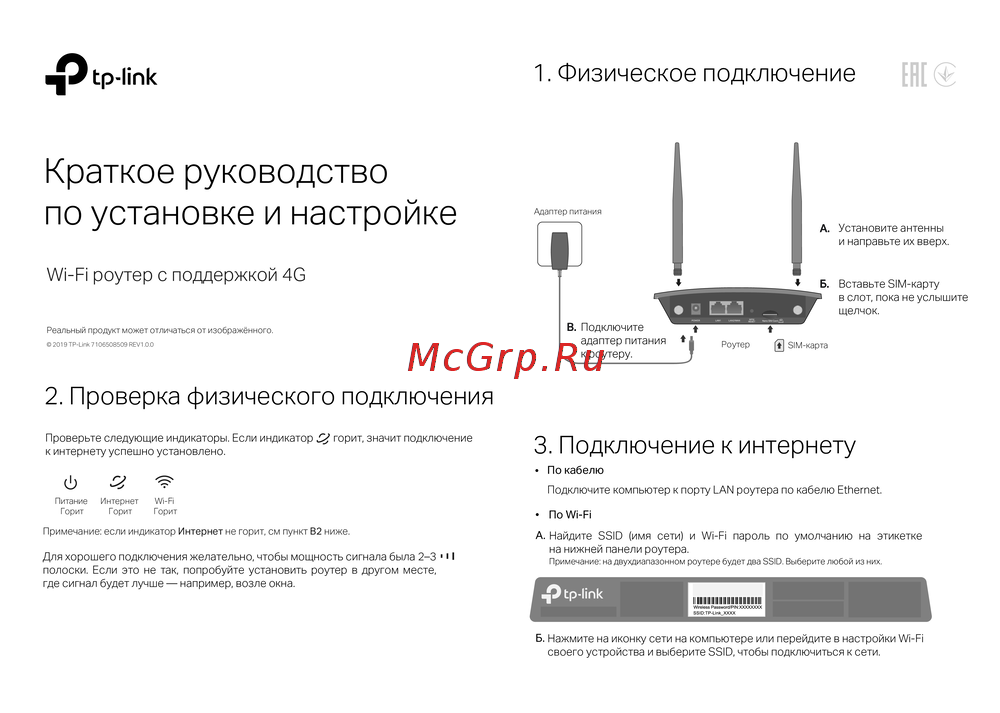 Tp-Link TL-MR100 N300Руководство по эксплуатации
 -
 Tp-Link TL-MR105 N300Руководство по эксплуатации
 -
 Tp-Link Archer MR500 AC1200Руководство по эксплуатации
 -
 Tp-Link TL-WR840N N300Руководство по эксплуатации
Узнайте, как проверить статус маршрутизатора и его режимы работы. Информация о подключении и настройках для оптимизации сети.