![Tp-Link TL-ER6120 — обзор алгоритмов аутентификации и шифрования для IPsec [97/167]](/icons/site-icon-64.png)
Tp-Link TL-ER6120 — обзор алгоритмов аутентификации и шифрования для IPsec [97/167]
Превью страниц
Страница 97 /
167
![Tp-Link TL-ER6120 Инструкция по эксплуатации онлайн [97/167] 39127](/views2/1042332/page97/bg61.png)
less than the 64th power of 2 in bits and generates a
160-bit message digest.
ESP Authentication:
Select the algorithm used to verify the integrity of the data
for ESP authentication. Options include:
z MD5: MD5 (Message Digest Algorithm) takes a
message of arbitrary length and generates a 128-bit
message digest.
z SHA: SHA (Secure Hash Algorithm) takes a message
less than the 64th power of 2 in bits and generates a
160-bit message digest.
ESP Encryption:
Select the algorithm used to encrypt the data for ESP
encryption. Options include:
NONE: Performs no encryption.
DES: DES (Data Encryption Standard) encrypts a 64-bit
block of plain text with a 56-bit key. The key should be 8
characters.
3DES: Triple DES, encrypts a plain text with 168-bit key. The
key should be 24 characters.
AES128: Uses the AES algorithm and 128-bit key for
encryption. The key should be 16 characters.
¾ List of IPsec Proposal
In this table, you can view the information of IPsec Proposals and edit them by the action buttons.
3.5.2.3 IPsec SA
This page displays the information of the IPsec SA (Security Association).
Choose the menu VPN→IPsec→IPsec SA to load the following page.
-92-
Содержание
134- Gigabit dual wan vpn router
- Tl er6120
- Ce mark warning
- Fcc statement
- Copyright trademarks
- Contents
- Package contents
- Overview of this guide
- Intended readers
- Conventions
- Chapter 1 about this guide
- Overview of the router
- Chapter 2 introduction
- Features
- Front panel
- Appearance
- Rear panel
- Network
- System mode
- Status
- Chapter 3 configuration
- Dhcp reservation
- Dhcp client
- Mac address
- Switch
- Statistics
- Port mirror
- Rate control
- Port config
- Port status
- Port vlan
- User group
- Nat setup
- Advanced
- One to one nat
- Multi nets nat
- Virtual server
- Port triggering
- Traffic control
- Bandwidth control
- Session limit
- Session list
- Load balance
- Configuration
- Policy routing
- Link backup
- Protocol
- Static route
- Routing
- Route table
- Firewall
- Ip mac binding
- Anti arp spoofing
- Arp scanning
- Attack defense
- Arp list
- Mac filtering
- Url filtering
- Access control
- Web filtering
- Access rules
- Service
- Control rules
- App control
- Database
- Ike policy
- Ike proposal
- Ipsec policy
- Ipsec proposal
- Ipsec sa
- L2tp pptp tunnel
- L2tp pptp
- Ip address pool
- Services
- Pppoe server
- List of l2tp pptp tunnel
- General
- Ip address pool
- Account
- Exceptional ip
- List of account
- E bulletin
- Dynamic dns
- Dyndns
- Peanuthull
- Comexe
- Maintenance
- Administrator
- Admin setup
- Login parameter
- Remote management
- Management
- Factory defaults
- Reboot
- Export and import
- Firmware upgrade
- License
- Statistics
- Interface traffic statistics
- Ip traffic statistics
- Diagnostics
- Online detection
- Network requirements
- Chapter 4 application
- Network topology
- Internet setting
- Configurations 4 configurations
- Configurations
- System mode
- Link backup
- Internet connection
- Ipsec vpn
- Vpn setting
- Pptp vpn setting
- Network management
- User group
- App control
- Bandwidth control
- Session limit
- Network security
- Lan arp defense
- Wan arp defense
- Attack defense
- Traffic monitoring
- Configuration
- Chapter 5 cli
- Interface mode
- Online help
- Ip mac
- Command introduction
- History
- Appendix a hardware specifications
- Appendix b faq
- Appendix c glossary
Похожие устройства
-
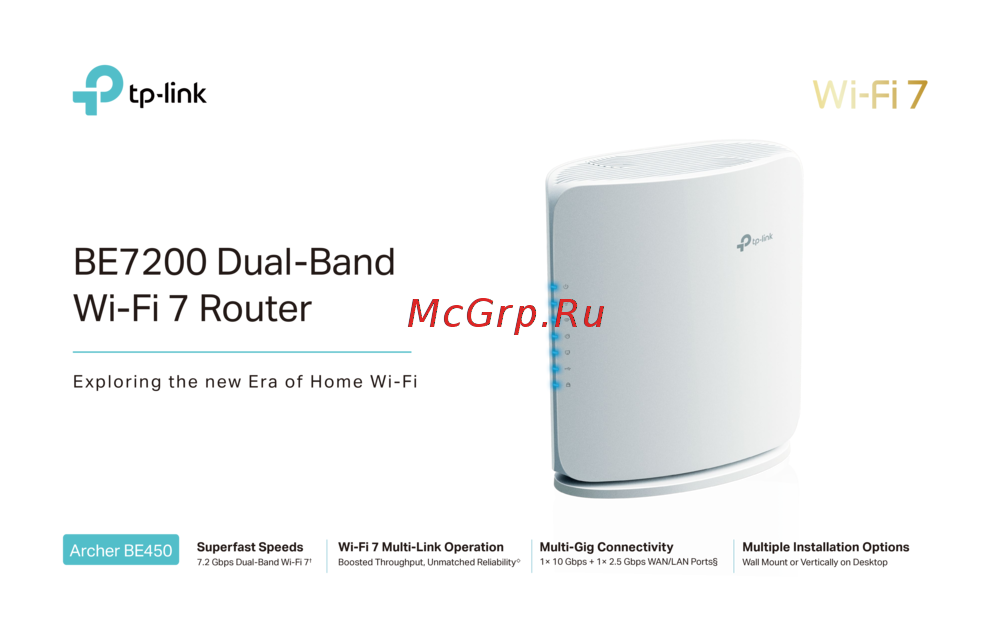 Tp-Link Archer BE450Краткая инструкция
 -
Tp-Link BE7200Краткое руководство пользователя
-
 Tp-Link Archer EC220 G5Руководство по настройке
 -
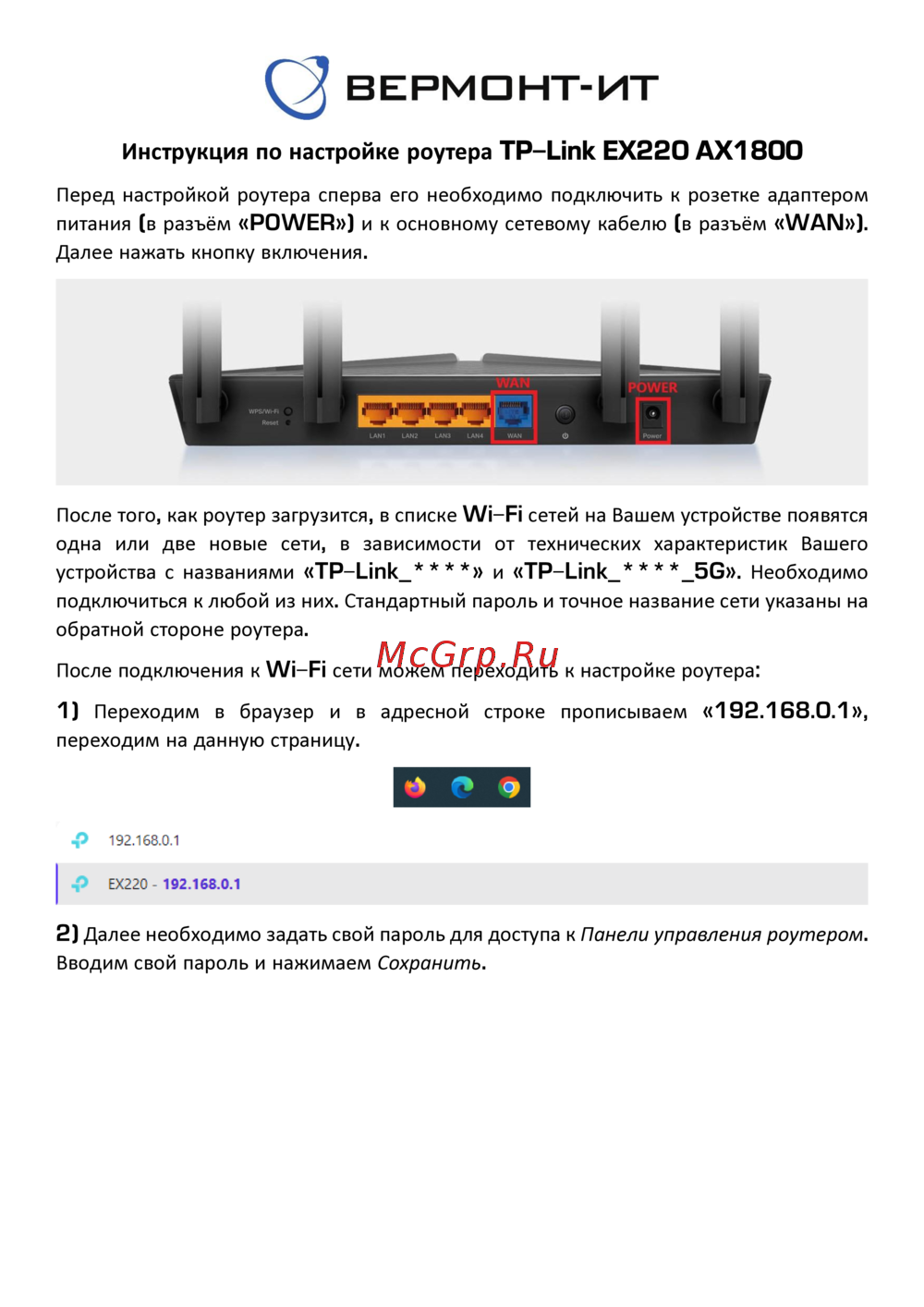 Tp-Link EX220 AX1800Руководство пользователя
 -
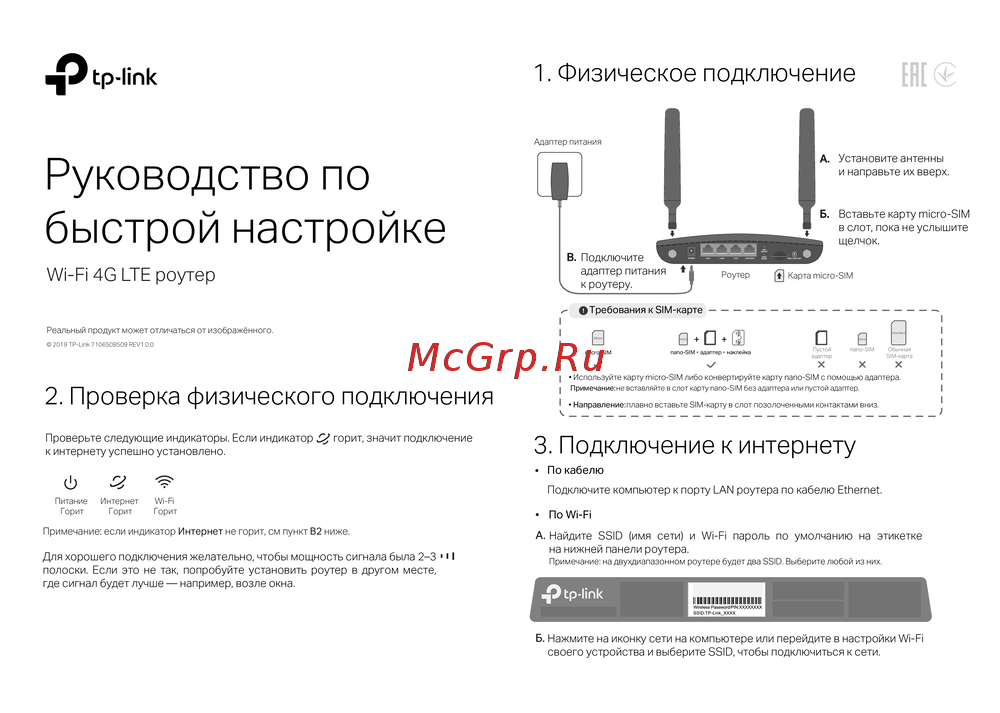 Tp-Link Wi-Fi 4G LTE роутерКраткая инструкция по использованию
 -
 Tp-Link TL-WR3002XИнструкция по применению
 -
 Tp-Link AC750Руководство по работе с устройством
 -
 Tp-Link TL-MR6400 черныйРуководство по эксплуатации
 -
 Tp-Link TL-MR100 N300Руководство по эксплуатации
 -
 Tp-Link TL-MR105 N300Руководство по эксплуатации
 -
 Tp-Link Archer MR500 AC1200Руководство по эксплуатации
 -
 Tp-Link TL-WR840N N300Руководство по эксплуатации
Изучите алгоритмы аутентификации и шифрования, используемые в IPsec. Узнайте о MD5, SHA, DES, 3DES и AES128 для обеспечения безопасности данных.