![ADJ Hydro Beam X1 — руководство пользователя по настройке DMX для осветительных приборов [22/40]](/img/pdf.png)
ADJ Hydro Beam X1 — руководство пользователя по настройке DMX для осветительных приборов [22/40]
Превью страниц
Страница 22 /
40
![ADJ Hydro Beam X1 [22/40] Hydro beam x1 dmx set up](/views2/2014316/page22/bg16.png)
ADJ Products, LLC - www.adj.com - Hydro Beam X1 User Manual Page 21
Special Note: Line Termination.
When longer runs of cable are used, you may need to use a terminator
on the last unit to avoid erratic behavior. A terminator is a 110-120 ohm 1/4 watt resistor which is con-
nected between pins 2 and 3 of a male XLR connector (DATA + and DATA -). This unit is inserted in the
female XLR connector of the last unit in your daisy chain to terminate the line. Using a cable terminator
(ADJ part number Z-DMX/T) will decrease the possibilities of erratic behavior.
TO MAINTAIN IP65 RATING INTEGRITY AND PREVENT WATER FROM ENTERING THE FIXTURE,
ALL UNUSED CONNECTION RUBBER CAPS MUST BE SEALED AND ONLY IP65 RATED POWER
AND DATE CABLES MUST BE USED.
Hydro Beam X1 DMX Set Up
DMX-512: DMX is short for Digital Multiplex. This is a universal protocol used as a form of communication
between intelligent fixtures and controllers. A DMX controller sends DMX data instructions from
the controller to the fixture. DMX data is sent as serial data that travels from fixture to fixture via the
DATA “IN” and DATA “OUT” XLR terminals located on all DMX fixtures (most controllers only have a
DATA “OUT” terminal).
DMX Linking: DMX is a language allowing all makes and models of dierent manufactures to be
linked together and operate from a single controller, as long as all xtures and the controller are DMX
compliant. To ensure proper DMX data transmission, when using several DMX fixtures try to use
the shortest cable path possible. The order in which fixtures are connected in a DMX line does not
influence the DMX addressing. For example; a fixture assigned a DMX address of 1 may be placed
anywhere in a DMX line, at the beginning, at the end, or anywhere in the middle. When a fixture is
assigned a DMX address of 1, the DMX controller knows to send DATA assigned to address 1 to that
unit, no matter where it is located in the DMX chain.
Data Cable (DMX Cable) Requirements (For DMX Operation): The Hydro Beam X1 can be controlled via
DMX-512 protocol. Your unit and your DMX controller requires a 5-pin XLR connector for data input and data
output. We recommend Accu-Cable DMX cables. If you are making your own cables, be sure to use
standard 110-120 Ohm shielded cable (This cable may be purchased at almost all pro lighting stores).
Your cables should be made with a male and female XLR connector on either end of the cable. Also
remember that DMX cable must be daisy chained and cannot be split.
Содержание
127- Hydro beam x1
- Due to additional product features and or enhancements an updated version of this document may be available online please check www adj com for the latest revision update of this manual before beginning installation and or programming
- Document version
- Dmx channel mode notes
- Date document version
- Adj products llc and all affiliated companies hereby disclaim any and all liabilities for property equipment building and electrical damages injuries to any persons and direct or indirect economic loss associated with the use or reliance of any information contained within this document and or as a result of the improper unsafe unsufficient and negligent assembly installation rigging and operation of this product
- 21 19 1 1 11 14 initial version
- 2019 adj products llc all rights reserved information specifications diagrams images and instructions herein are subject to change without notice adj products llc logo and identifying product names and numbers herein are trademarks of adj products llc copyright protection claimed includes all forms and matters of copyrightable materials and information now allowed by statutory or judicial law or hereinafter granted product names used in this document may be trademarks or registered trademarks of their respective companies and are hereby acknowledged all non adj products llc brands and product names are trademarks or registered trademarks of their respective companies
- Europe energy saving notice energy saving matters eup 2009 125 ec saving electric energy is a key to help protecting the enviroment please turn off all electrical products when they are not in use to avoid power consumption in idle mode disconnect all electrical equipment from power when not in use thank you
- Hydro beam x1 introduction
- Adj products llc www adj com hydro beam x1 user manual page 3
- Hydro beam x1 warranty registration
- Hydro beam x1 features
- Adj products llc www adj com hydro beam x1 user manual page 4
- Hydro beam x1 safety guidelines
- Adj products llc www adj com hydro beam x1 user manual page 6
- S a f e t y g u i d e l i n e s
- Hydro beam x1 safety guidelines
- Adj products llc www adj com hydro beam x1 user manual page 7
- S a f e t y g u i d e l i n e s
- Hydro beam x1 safety guidelines
- Adj products llc www adj com hydro beam x1 user manual page 8
- Hydro beam x1 safety guidelines
- Adj products llc www adj com hydro beam x1 user manual page 9
- Up button
- Service port
- Menu button
- Lcd menu control display
- Ip65 power in ip65 power out
- Ip65 5 pin dmx in ip65 5 pin dmx out
- Hydro beam x1 overview
- Gore valve
- Enter button
- Down button
- Adj products llc www adj com hydro beam x1 user manual page 10
- U v r a d i a t i o n n o t i c e
- Hydro beam x1 discharge lamp warning
- D i s c h a r g e l a m p w a r n i n g
- Adj products llc www adj com hydro beam x1 user manual page 11
- Adj products llc www adj com hydro beam x1 user manual page 12
- Lamp replacement warning
- Hydro beam x1 discharge lamp warning
- Lamp installation replacement
- Hydro beam x1 lamp installation
- Adj products llc www adj com hydro beam x1 user manual page 13
- Hydro beam x1 lamp installation
- Adj products llc www adj com hydro beam x1 user manual page 14
- Torque settings for screws
- Torque drivers recommended utica ts 30 shown
- Hydro beam x1 torque settings ip tester
- Diagram and number on the next page for screw location depictions
- Caution do not over torque screws as this can cause leakage issues to confirm the ip65 intengrity after a lamp replacement test the fixture using the elation ip tester contact elation service for more details
- Alternative drivers proto j6107a wiha 28887
- All screws must be tightened with a torque driver all screws are allen head screws please see below for screw locations screw quantity and torque settings the number listed in the column corresponds to the location on the fixture see the fixture
- Adj products llc www adj com hydro beam x1 user manual page 15
- 2 f 1 0 0 c
- Minimum distance to objects surfaces
- Maximum temperature of external surface maximum temperature of external surface
- M u s t b e 4 0 f e e t 1 2 m e t e r s
- Keep fixture at least 5 feet 1 m away from any flammable materials decorations pyrotechnics etc
- Hydro beam x1 fixture installation
- F l a m m a b l e m a t e r i a l w a r n i n g f l a m m a b l e m a t e r i a l w a r n i n g
- F i x t u r e i n s t a l l a t i o n
- E l e c t r i c a l c o n n e c t i o n s
- Adj products llc www adj com hydro beam x1 user manual page 17
- A qualified electrician should be used for all electrical connections and or installations
- Safety cable
- Omega bracket
- Hydro beam x1 fixture installation
- Adj products llc www adj com hydro beam x1 user manual page 18
- Hydro beam x1 fixture installation
- Adj products llc www adj com hydro beam x1 user manual page 19
- S i d e m o u n t i n g
- S a f e t y c a b l e
- Hydro beam x1 connections
- Adj products llc www adj com hydro beam x1 user manual page 20
- Hydro beam x1 dmx set up
- Adj products llc www adj com hydro beam x1 user manual page 21
- Hydro beam x1 dmx addressing
- Adj products llc www adj com hydro beam x1 user manual page 22
- Hydro beam x1 dmx channel modes
- Functions
- Adj products llc www adj com hydro beam x1 user manual page 23
- Hydro beam x1 dmx channel modes
- Functions
- Adj products llc www adj com hydro beam x1 user manual page 24
- Functions
- Adj products llc www adj com hydro beam x1 user manual page 25
- Hydro beam x1 gobos
- Hydro beam x1 dmx channel modes
- Gobo 5 gobo 6 gobo 7 gobo 8 gobo 9
- Gobo 4 gobo 1 gobo 2 gobo 3
- Gobo 10 gobo 11 gobo 13 gobo 14 gobo 15 gobo 12
- System menu
- Hydro beam x1 system menu
- Adj products llc www adj com hydro beam x1 user manual page 26
- Menu options description submenu
- Hydro beam x1 system menu
- Adj products llc www adj com hydro beam x1 user manual page 27
- Menu options description submenu
- Hydro beam x1 system menu
- Adj products llc www adj com hydro beam x1 user manual page 28
- Hydro beam x1 system menu
- Adj products llc www adj com hydro beam x1 user manual page 29
- Menu options description submenu
- Hydro beam x1 system menu
- Adj products llc www adj com hydro beam x1 user manual page 30
- Hydro beam x1 system menu
- Adj products llc www adj com hydro beam x1 user manual page 31
- Hydro beam x1 system menu
- Adj products llc www adj com hydro beam x1 user manual page 32
- Hydro beam x1 wifly control
- Adj products llc www adj com hydro beam x1 user manual page 33
- Wireless wifly installation location guidelines
- Hydro beam x1 wifly control
- Adj products llc www adj com hydro beam x1 user manual page 34
- Above ground
- Hydro beam x1 error codes
- Adj products llc www adj com hydro beam x1 user manual page 35
- Not to scale
- Hydro beam x1 multiple unit power linking
- Hydro beam x1 cleaning
- Adj products llc www adj com hydro beam x1 user manual page 37
- Hydro beam x1 limited warranty usa only
- Adj products llc www adj com hydro beam x1 user manual page 38
- Hydro beam x1 technical specifications
- Adj products llc www adj com hydro beam x1 user manual page 39
Похожие устройства
-
 ADJ Par Z MoveРуководство по эксплуатации
 -
 Involight DD6Руководство по использованию
 -
 Involight HZ610Руководство по использованию
 -
 Involight FM900DMXИнструкция пользователя
 -
 ILDA Pangolin Quick-ShowРуководства пользователя
 -
 AMERICAN DJ Dotz TPAR SystemРуководство по эксплуатации
 -
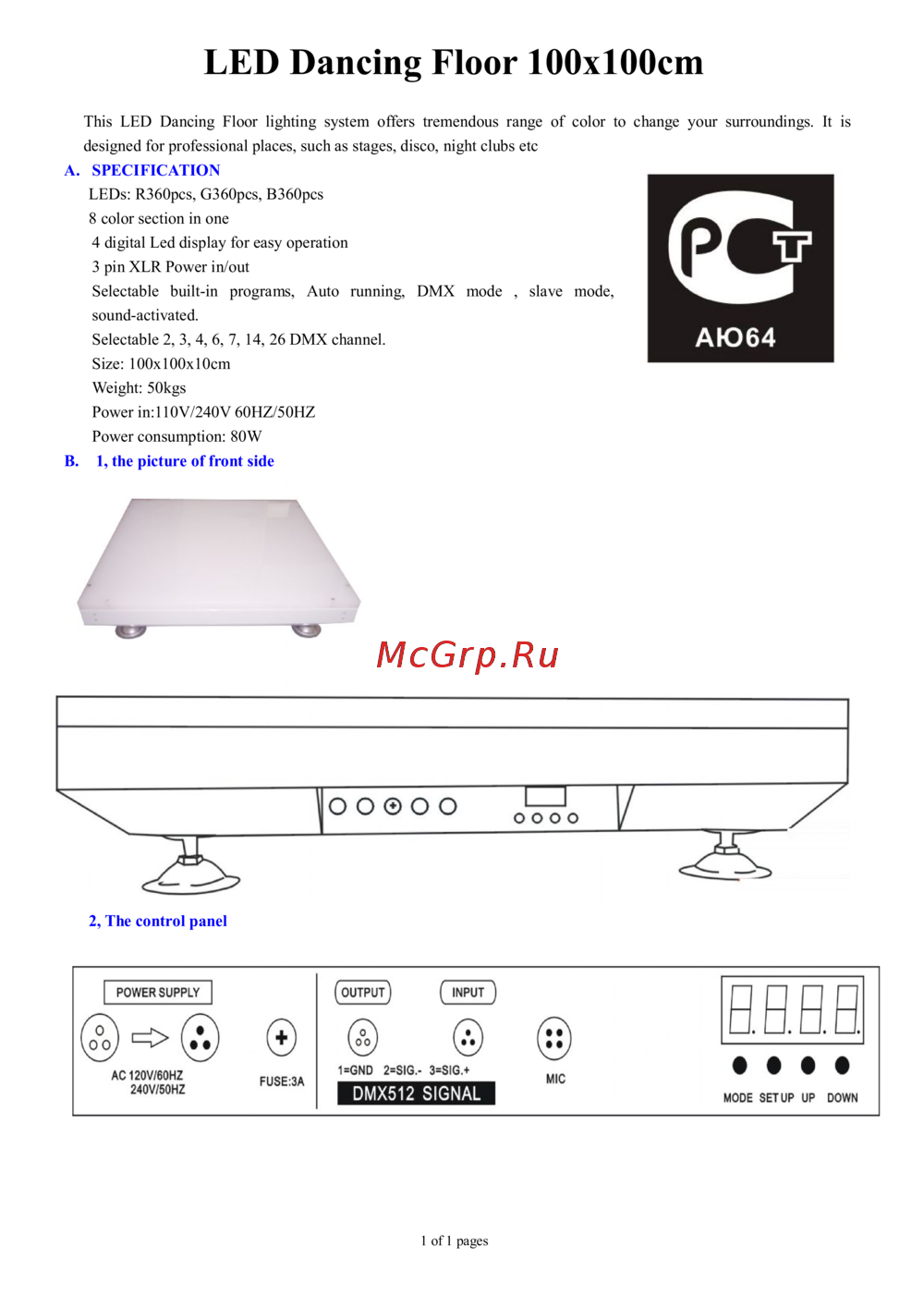 Involight LDF100Руководство по эксплуатации
 -
 AMERICAN DJ Focus Spot ONEРуководство по эксплуатации
 -
 Involight LED PAR984WРуководство по эксплуатации
 -
 Antari M-7Руководство по эксплуатации
 -
 STAGG SLI KINGPAR22Руководство по эксплуатации
 -
 Involight LED ARCH2410Руководство по эксплуатации
Узнайте, как правильно подключить и настроить DMX-систему для осветительных приборов. Следуйте рекомендациям по использованию кабелей и терминаторов для стабильной работы.