![D-Link DES-3326SR — построение соседства между маршрутизаторами в сетях [172/240]](/icons/site-icon-64.png)
D-Link DES-3326SR — построение соседства между маршрутизаторами в сетях [172/240]
Превью страниц
Страница 172 /
240
![D-Link DES-3326SR [172/240] The ospf packet header](/views2/1043774/page172/bgac.png)
D-Link DES-3326SR Layer 3 Switch
Building Adjacency
Two routers undergo a multi-step process in building the adjacency relationship. The following is a simplified
description of the steps required:
• Down − No information has been received from any router on the segment.
• Attempt − On non-broadcast multi-access networks (such as Frame Relay or X.25), this state indicates
that no recent information has been received from the neighbor. An effort should be made to contact the
neighbor by sending Hello packets at the reduced rate set by the Poll Interval.
• Init − The interface has detected a Hello packet coming from a neighbor but bi-directional
communication has not yet been established.
• Two-way − Bi-directional communication with a neighbor has been established. The router has seen its
address in the Hello packets coming from a neighbor. At the end of this stage the DR and BDR election
would have been done. At the end of the Two-way stage, routers will decide whether to proceed in
building an adjacency or not. The decision is based on whether one of the routers is a DR or a BDR or
the link is a point-to-point or virtual link.
• Exstart − (Exchange Start) Routers establish the initial sequence number that is going to be used in the
information exchange packets. The sequence number insures that routers always get the most recent
information. One router will become the primary and the other will become secondary. The primary
router will poll the secondary for information.
• Exchange − Routers will describe their entire link-state database by sending database description
packets.
• Loading − The routers are finalizing the information exchange. Routers have link-state request list and
a link-state retransmission list. Any information that looks incomplete or outdated will be put on the
request list. Any update that is sent will be put on the retransmission list until it gets acknowledged.
• Full − The adjacency is now complete. The neighboring routers are fully adjacent. Adjacent routers
will have the same link-state database.
Adjacencies on Point-to-Point Interfaces
OSPF Routers that are linked using point-to-point interfaces (such as serial links) will always form adjacencies.
The concepts of DR and BDR are unnecessary.
OSPF Packet Formats
All OSPF packet types begin with a standard 24 byte header and there are five packet types. The header is
described first, and each packet type is described in a subsequent section.
All OSPF packets (except for Hello packets) forward link-state advertisements. Link-State Update packets, for
example, flood advertisements throughout the OSPF routing domain.
• OSPF packet header
• Hello packet
• Database Description packet
• Link-State Request packet
• The Link-State Update packet
• Link-State Acknowledgment packet
The OSPF Packet Header
Every OSPF packet is preceded by a common 24 byte header. This header contains the information necessary
for a receiving router to determine if the packet should be accepted for further processing.
The format of the OSPP packet header is shown below:
162
Содержание
431- D link des 3326sr
- D link des 3326sr layer 3 switch
- ____________________
- Ontents
- Able of
- Notes notices and cautions
- Intended readers
- About this manual
- Safety instructions
- Safety cautions
- General precautions for rack mountable products
- Protecting against electrostatic discharge
- Switch description
- Introduction
- Chapter 1
- Features
- Front panel components
- Led indicators
- Stacking led indicators
- Side panels
- Rear panel description
- Port functions
- Optional plug in modules
- Led indicators
- Des 132 2 port 100base tx module
- Port functions
- Led indicators
- Des 131f 132f 1 2 port 100base fx module
- Port functions
- Led indicators
- Des 131fl 132fl 1 2 port 100base fx module
- Led indicators
- Des 132t 2 port 1000base t module
- Port functions
- Port functions
- Led indicators
- Des 132g 2 port 1000base sx gigabit ethernet module
- Dem 320s 2 port 1000base sx gigabit ethernet module
- Port functions
- Led indicators
- Des 132gl 2 port 1000base lx gigabit ethernet module
- Dem 320l 2 port 1000base lx gigabit ethernet module
- Port functions
- Led indicators
- Des 132gb 2 port gbic based gigabit ethernet module
- Dem 320gh 2 port gbic based gigabit ethernet module
- Led indicators
- Des 332gs 1 port gbic based gigabit ethernet switch and stacking module
- Dem 320gs 1 port gbic based gigabit ethernet switch and stacking module
- Stacking port function
- Port functions
- Switch stacking
- Web based management interface
- Snmp based management
- Management options
- Command line console interface through the serial port or telnet
- Package contents
- Installation
- Chapter 2
- Connecting the console port
- Before you connect to the network
- Password protection
- Ip address assignment
- Snmp settings
- Installing the switch without the rack
- Installing the switch in a rack
- Stacking connections with ieee 1394 cabling
- Connecting stacked switch groups
- Notes on stacking switches
- Configuring a switch group for stacking
- Notes on standalone operation
- To disable stacking
- Unit id display for switches in a switch stack
- Connecting devices to the switch
- Installing a redundant power supply
- Connect to rps
- Chapter 3
- Before you start
- Basic switch management
- General deployment strategy
- Defining static routes
- Vlan setup
- Web based user interface
- Areas of the user interface
- Area 3
- Area 2
- Area 1
- Web pages and menus
- Login to web manager
- Switch information
- Basic setup
- Switch ip settings
- User accounts management
- Saving changes
- Admin and user privileges
- Factory reset
- Restart system
- Stacking mode
- Chapter 4
- Port configuration
- Chapter 5
- Configure ports
- Serial port settings
- Port security settings
- Traffic segmentation
- Link aggregation
- Chapter 6
- Configure link aggregation
- Choose the link aggregation algorithm
- Configure the link aggregation groups
- Port mirroring
- Chapter 7
- Chapter 8
- Unicast mac address forwarding
- Mac forwarding
- Mac address aging time
- Multicast mac address forwarding
- Broadcast multicast storm control
- W rapid spanning tree
- Spanning tree protocol
- Port transition states
- Chapter 9
- W 802 d compatibility
- Configure stp switch settings
- Stp port settings
- Quality of service configuration
- Chapter 10
- Configure qos output scheduling
- Configure 802 p user priority
- Configure default priority
- Configure bandwidth control
- Mac notification global settings
- Mac notification
- Chapter 11
- Mac notification port settings
- System log
- Configure system log state
- Chapter 12
- Sntp settings
- Current time settings
- Chapter 13
- Time zone and dst
- Chapter 14
- Access profile mask
- Access profile configuration
- Security management
- Cpu interface filtering state settings
- Cpu interface filtering
- Cpu interface filtering mask
- X port based network access control
- X state
- X configuration
- X port settings
- Port capability
- Initialize ports
- Re authenticate ports
- Radius server settings
- Snmp version
- Snmp network management
- Chapter 15
- Snmp view table
- Snmp group table
- Snmp community table
- Snmp engine id
- Snmp host table
- Snmp user table
- Security ip management
- Network monitoring and statistics
- Chapter 16
- Port utilization statistics
- Port packet statistics
- Port packet analysis
- Port error packets
- Mac address table
- Routing table
- Arp table
- Ospf information
- Ospf link state database table
- Ospf virtual neighbor table
- Ospf neighbor table
- Dvmrp routing table
- Dvmrp information
- Dvmrp next hop table
- Dvmrp neighbor address table
- Pim neighbor address table
- Gvrp status
- Router ports
- Igmp snooping group table
- Igmp snooping forwarding table
- Igmp group table
- X authentication status
- Ip multicast forwarding table
- Switch history
- Tftp services
- Switch utilities
- Download firmware
- Chapter 17
- Save settings to server
- Download configuration file
- Save history log to server
- Ping test
- Dhcp bootp and dns relay
- Bootp dhcp relay interface configuration
- Dns relay
- Dns relay interface configuration
- Nterfaces
- Layer 3 based vlans
- Chapter 18
- Assigning ip network addresses and subnet masks to vlans
- Vlans in layer 2
- Planning vlan layout
- Understanding 802 q vlans
- Q vlan packet forwarding
- Ieee 802 q vlans
- Q vlan tags
- Port vlan id
- Tagging and untagging
- Ingress filtering
- Configure vlans
- Configure 802 q static vlans
- Chapter 19
- Q port settings
- Switch gvrp
- Ip interface configuration
- Chapter 20
- Set up ip interfaces
- Multicast routing configuration
- Multicast global configurations
- Chapter 21
- Igmp snooping settings
- Igmp interface configuration
- Dvmrp interface configuration
- Pim dm settings
- Static route static arp and rip configuration
- Configure static routes
- Chapter 22
- Configure static arp
- Routing information protocol rip configuration
- The link state algorithm
- Introduction to ospf
- Chapter 22
- The shortest path algorithm
- Shortest path tree
- Ospf cost
- Router d
- Router c
- Router b
- Router a
- 13 1 222 11 0
- Link state packets
- Areas and border routers
- The backbone and area 0
- Simple password authentication
- Partitioning the backbone
- Ospf authentication
- Message digest authentication md 5
- Areas not physically connected to area 0
- Virtual links
- Neighbors
- Designated router election
- Adjacencies
- The ospf packet header
- Ospf packet formats
- Building adjacency
- Adjacencies on point to point interfaces
- The hello packet
- Ospf packet header
- The database description packet
- Hello packet
- The link state request packet
- Database description packet
- D link des 3326sr layer 3 switch
- Link state request packet
- The link state update packet
- Link state update packet
- The link state acknowledgment packet
- Link state advertisement formats
- Link state acknowledgment packet
- The link state advertisement header
- The format of the link state advertisement header is shown below
- Link state advertisement header
- D link des 3326sr layer 3 switch
- All link state advertisements begin with a common 20 byte header this header contains enough information to uniquely identify the advertisements link state type link state id and advertising router multiple instances of the link state advertisement may exist in the routing domain at the same time it is then necessary to determine which instance is more recent this is accomplished by examining the link state age link state sequence number and link state checksum fields that are also contained in the link state advertisement header
- Router links advertisements
- Summary link advertisements
- Network links advertisements
- Autonomous systems external link advertisements
- Configure ospf
- Chapter 24
- Md5 key table configuration
- Ospf area setting
- Global ospf settings
- Configure ospf settings
- Ospf interface configuration
- Ospf virtual interface settings
- Area aggregation configuration
- Ospf host route settings
- Route redistribution settings
- Technical specifications
- Appendix a
- Network addressing and protocols
- Ip addressing and subnetting
- Ip addresses
- Definitions
- Appendix b
- Address classes
- Subnet masking
- Calculating the number of subnets and nodes
- Under cidr the subnet mask notation is reduced to a simplified shorthand instead of specifying all of the bits of the subnet mask it is simply listed as the number of contiguous 1 s bits in the network portion of the address look at the subnet mask of the above example in binary 11111111 1100000 0000000 0000000 and you can see that there are 11 1 s or 11 bits used to mask the network address from the node address written in cidr notation this becomes 10 2 11
- Subnetting reduces the number of possible nodes for a given network but increases the segmentation of the network
- Note that this is less than the 16 777 214 possible nodes that an unsubnetted class a network would have
- Multiplying the number of subnets times the number of nodes gives 12 582 900 possible nodes
- D link des 3326sr layer 3 switch
- Classless inter domain routing cidr
- Class a subnet masks
- Class c subnet masks
- Class b subnet masks
- Protocol layering
- Internet protocols
- Layer 2
- Layer 1
- Layer 3
- Tcp ip
- Packet headers
- Layer 7
- Layer 4
- Ethernet
- Udp and icmp
- Tcp and udp well known ports
- The domain name system
- Mapping domain names to addresses
- Domain name resolution
- Dhcp servers
- Packet fragmentation and reassembly
- Ip routing multicasting multicast routing and routing protocols
- Appendix c
- Multicast groups
- Multicasting
- Internet group management protocol igmp
- Igmp versions 1 and 2
- Multicast spanning trees
- Multicast routing algorithms
- Flooding
- Reverse path multicasting rpm
- Reverse path broadcasting rpb
- Multicast routing protocols
- Distance vector multicast routing protocol dvmrp
- Routing protocols
- Routing information protocol rip
- Protocol independent multicast dense mode
- Rip version 1 message format
- Rip 1 message
- Rip 1 route interpretation
- Rip2 message format
- Rip version 2 extensions
- Glossary
- Limited warranty
- Fcc warning
- D link des 3326sr layer 3 switch
- D link des 3326sr layer 3 switch
- For detailed warranty information applicable to products purchased outside the united states please contact the corresponding local d link office
- D link des 3326sr layer 3 switch
- Product registration
- Limitation of product warranty
- Geographical scope of the limited product warranty
- General terms
- Except as expressly set forth in this limited warranty d link makes no other warranties express or implied including any implied warranties of merchantability and fitness for a particular purpose d link expressly disclaims all warranties not stated in this limited warranty any implied warranties that may be imposed by law are limited in duration to the limited warranty period some states or countries do not allow a limitation on how long an implied warranty lasts or the exclusion or limitation of incidental or consequential damages for consumer products in such states or countries some exclusions or limitations of this limited warranty may not apply to you this limited warranty gives you specific legal rights you may also have other rights that may vary from state to state or from country to country you are advised to consult applicable state or country laws for
- D link europe limited product warranty
- D link des 3326sr layer 3 switch
- Limited product warranty period
- Warrantor
- Performance of the limited product warranty
- D link des 3326sr layer 3 switch
- Verwaltete switches d h switches mit eingebauten snmp agents einschließlich modulen und verwaltungssoftware fünf 5 jahre
- Räumlicher geltungsbereich der eingeschränkten garantie
- Produkttyp gewährleistungslaufzeit
- Laufzeit der eingeschränkten garantie
- Ersatzteile z b externe netzteile lüfter ein 1 jahr
- Einschränkung der garantie
- D link europe limited produktgarantie
- D link des 3326sr layer 3 switch
- Allgemeine bedingungen
- Alle weiteren produkte zwei 2 jahre
- Garantiegeber
- D link des 3326sr layer 3 switch
- Leistungsumfang der eingeschränkten garantie
- Type de produit période de garantie
- Tous autres produits deux 2 ans
- Switches gérés switches comportant un agent snmp intégré y compris modules et logiciels de gestion
- Période de garantie produit limitée
- Pièces détachées adaptateurs d alimentation externes ventilateurs un 1 an
- Limitation de la garantie produit
- Etendue géographique de la garantie produit limitée
- D link europe a limité la garantie des produits
- D link des 3326sr layer 3 switch
- Conditions générales
- Cinq 5 ans
- Garant
- Exécution de la garantie produit limitée
- D link des 3326sr layer 3 switch
- Cinco 5 años
- Tipo de producto período de garantía del producto
- Resto de productos dos 2 años
- Piezas de repuesto p ej adaptadores de alimentación externos ventiladores un 1 año
- Período de la garantía limitada del producto
- Limitación de la garantía del producto
- Garantía limitada del producto d link europa
- D link des 3326sr layer 3 switch
- Conmutadores gestionados p ej conmutadores con agente snmp integrado incluyendo módulos y software de gestión
- Condiciones generales
- Cobertura geográfica de la garantía limitada del producto
- Uso de la garantía limitada del producto
- Garante
- D link des 3326sr layer 3 switch
- D link europe termini di garanzia dei prodotti
- D link des 3326sr layer 3 switch
- Ambito geografico della garanzia limitata
- Tutti gli altri prodotti 2 due anni
- Tipo di prodotto periodo di garanzia
- Switch solo switch dotati di agente snmp incorporato inclusi moduli e software di gestione 5 cinque anni
- Pezzi di ricambio es adattatori esterni di potenza alimentatori esterni ventole 1 un anno
- Periodo di garanzia
- Limitazione della garanzia
- Generalità
- Prestazioni della garanzia limitata
- Garante
- D link des 3326sr layer 3 switch
- International offices
- D link des 3326sr layer 3 switch
- Registration card
- All countries and regions excluding usa
Похожие устройства
-
 D-Link DES-3200Сжатое руководство пользователя
 -
 D-Link DES-1100-16Технические характеристики
 -
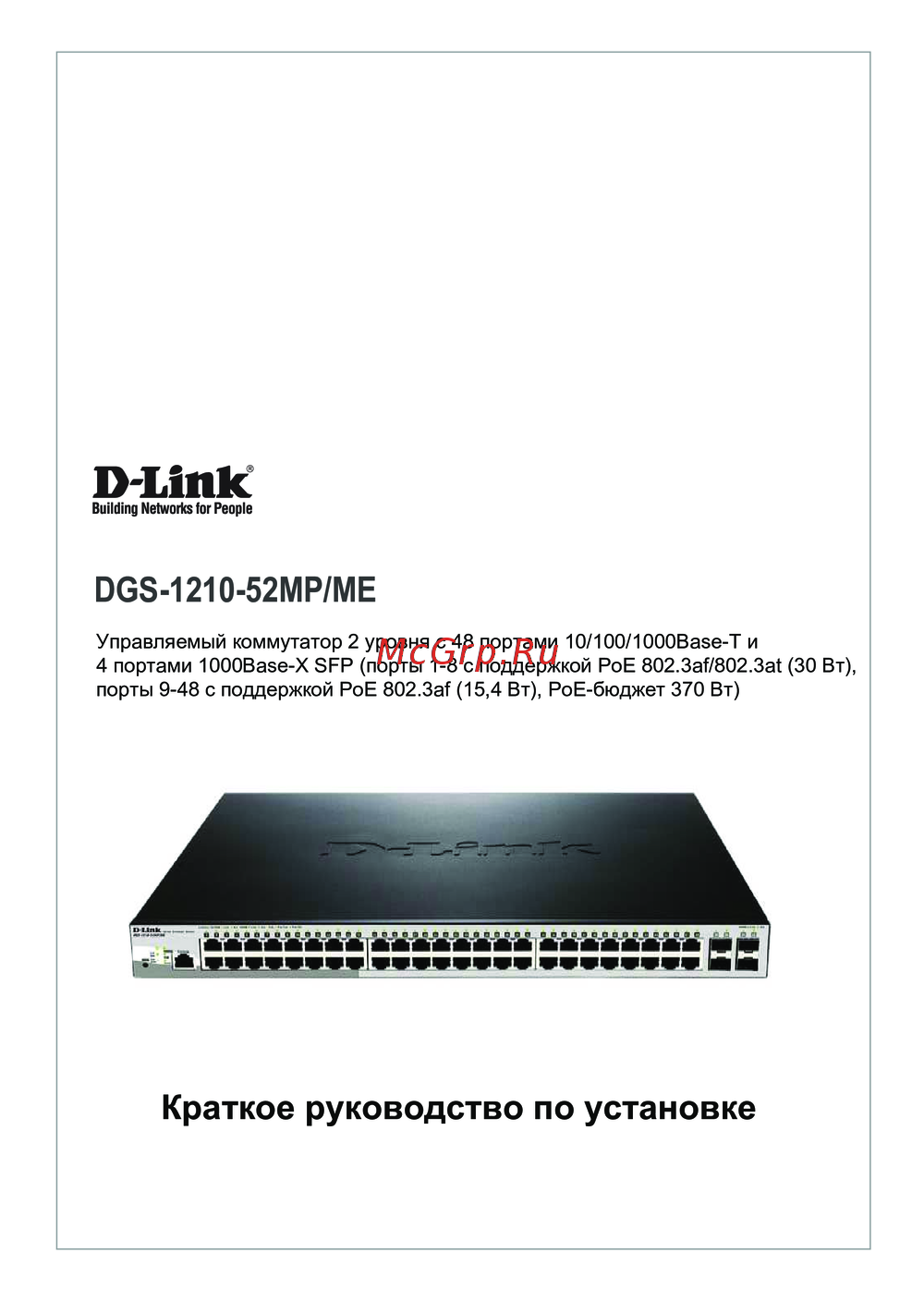 D-Link DGS-1210-52MP/MEКраткая инструкция по использованию
 -
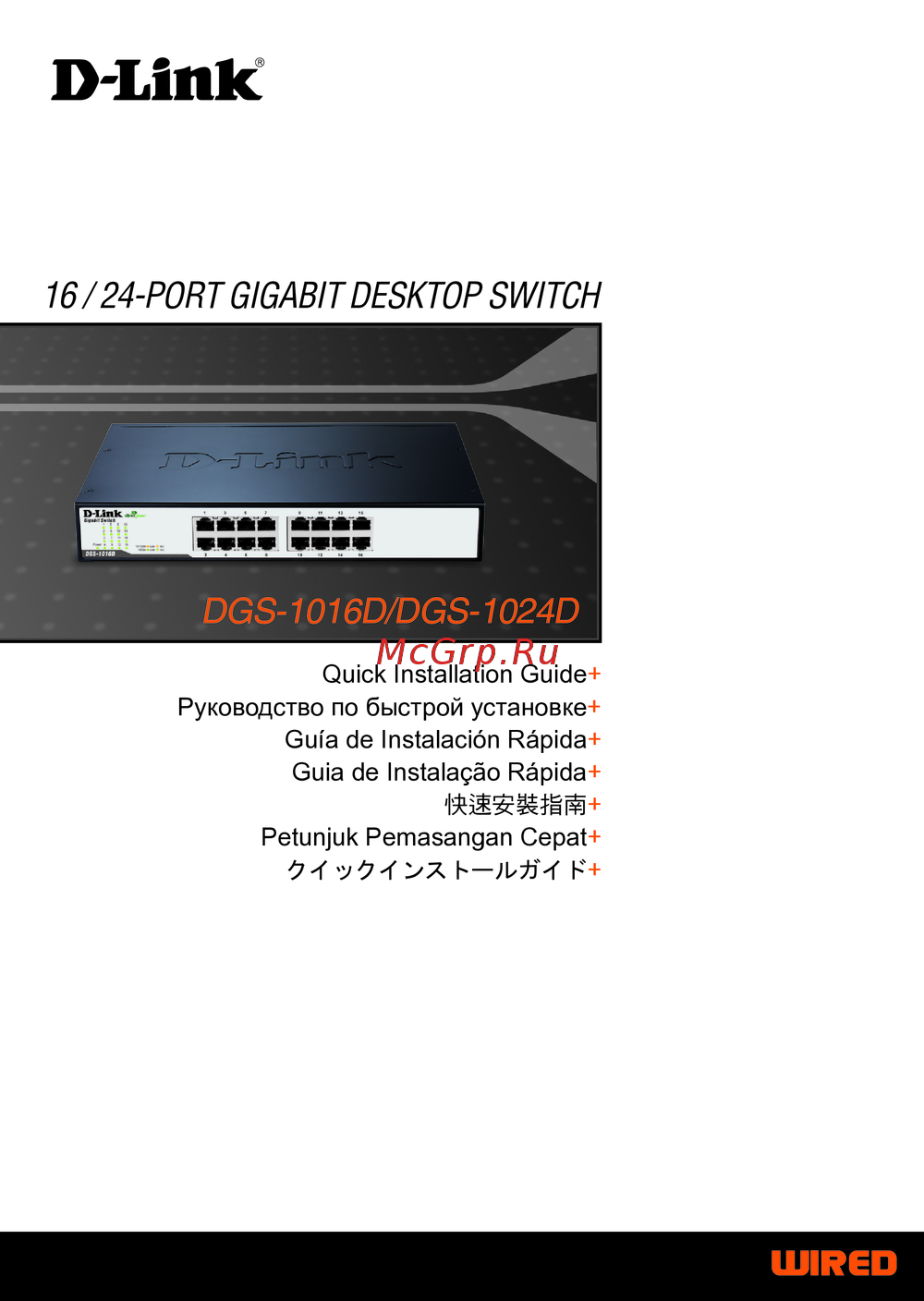 D-Link DGS-1024DИнструкция в сокращённом виде
 -
D-Link DGS-1016DРуководство по быстрому запуску
-
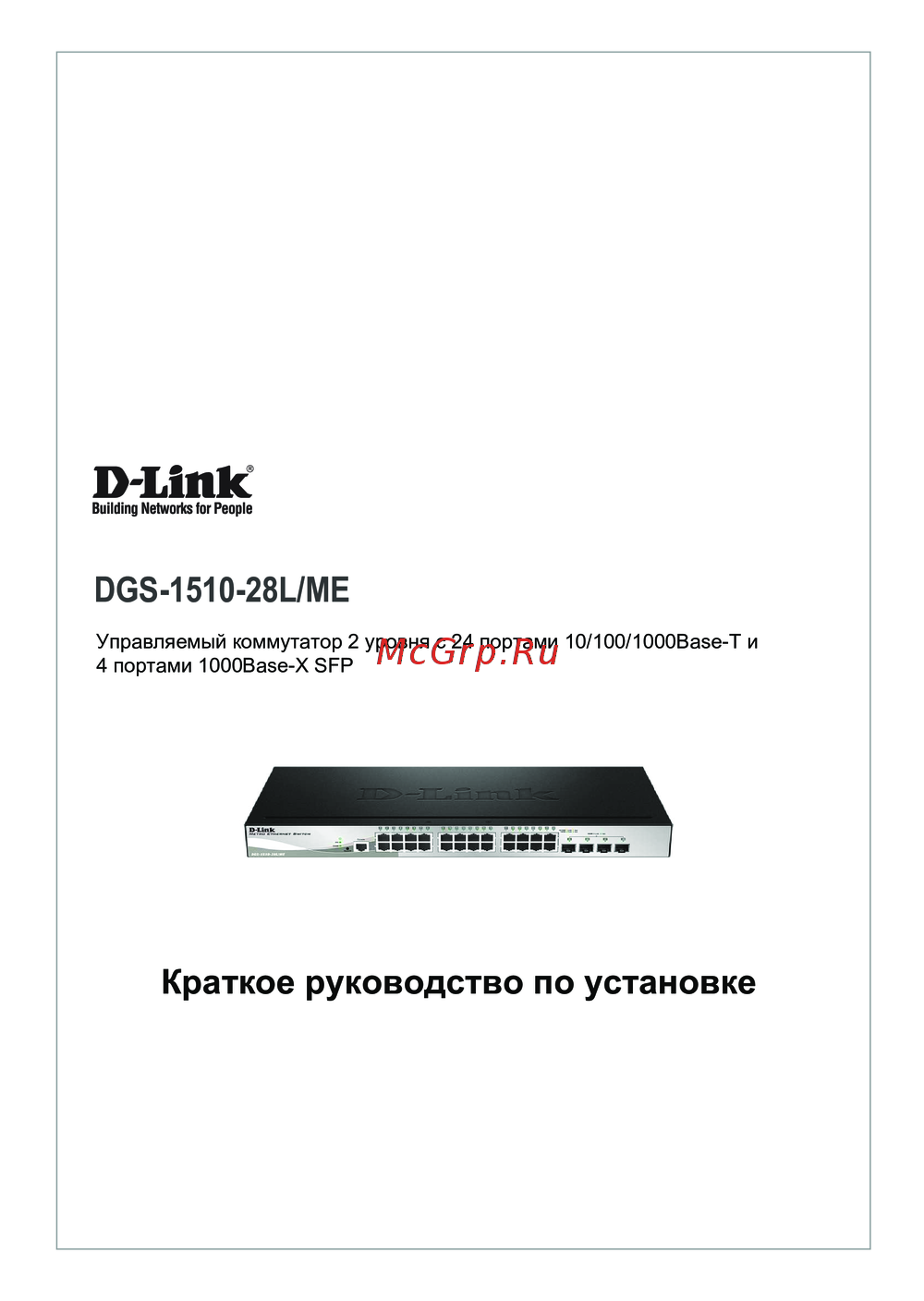 D-Link DGS-1210-28L/MEКраткий обзор функций
 -
D-Link DGS-1510-28L/MEКраткая эксплуатационная инструкция
-
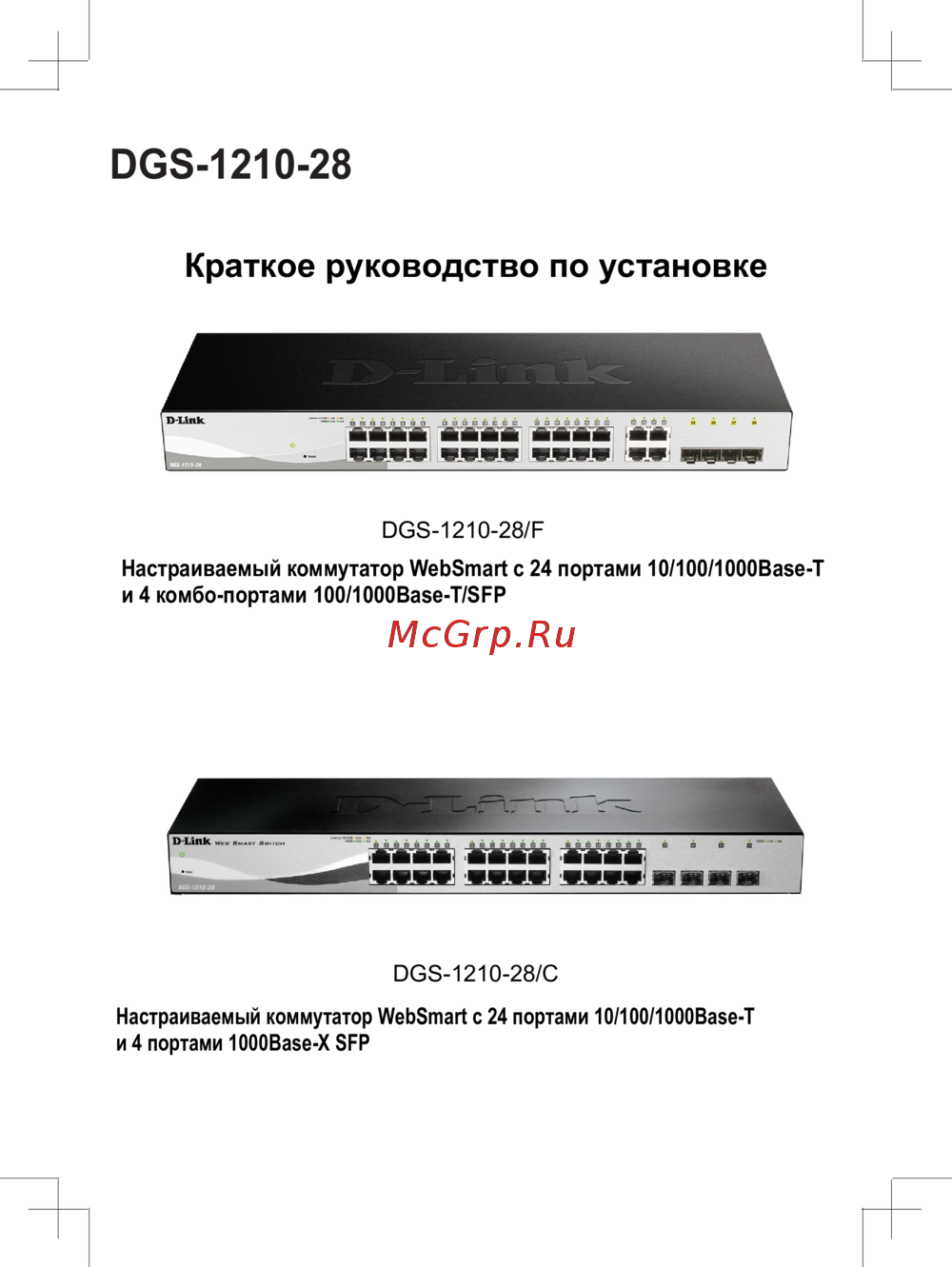 D-Link DGS-1210-28/CКраткий обзор функций
 -
D-Link DGS-1210-28/FКраткая эксплуатационная инструкция
-
D-Link DGS-1210-28Краткая инструкция по использованию
-
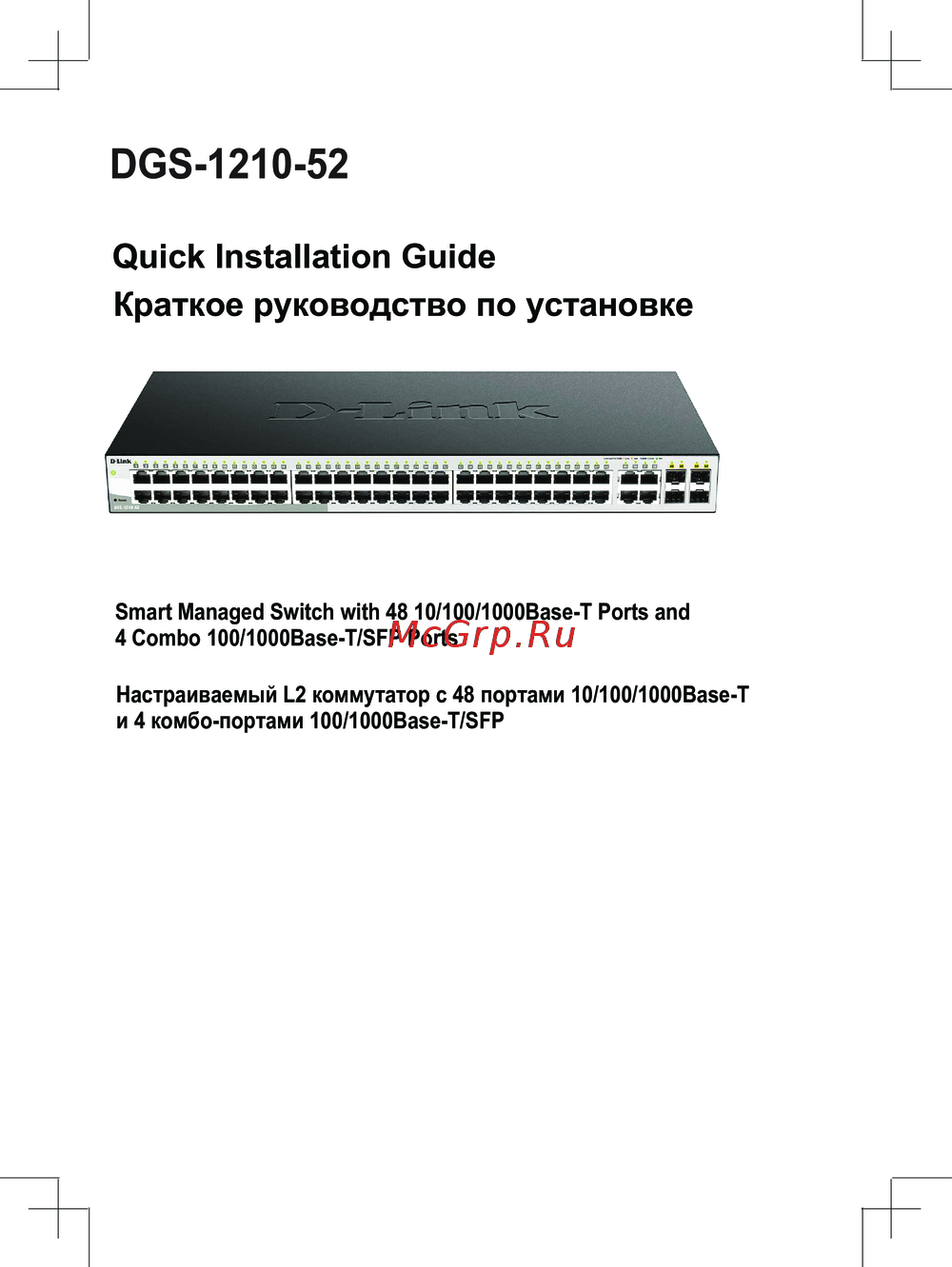 D-Link DGS-1210-52Сжатое руководство пользователя
 -
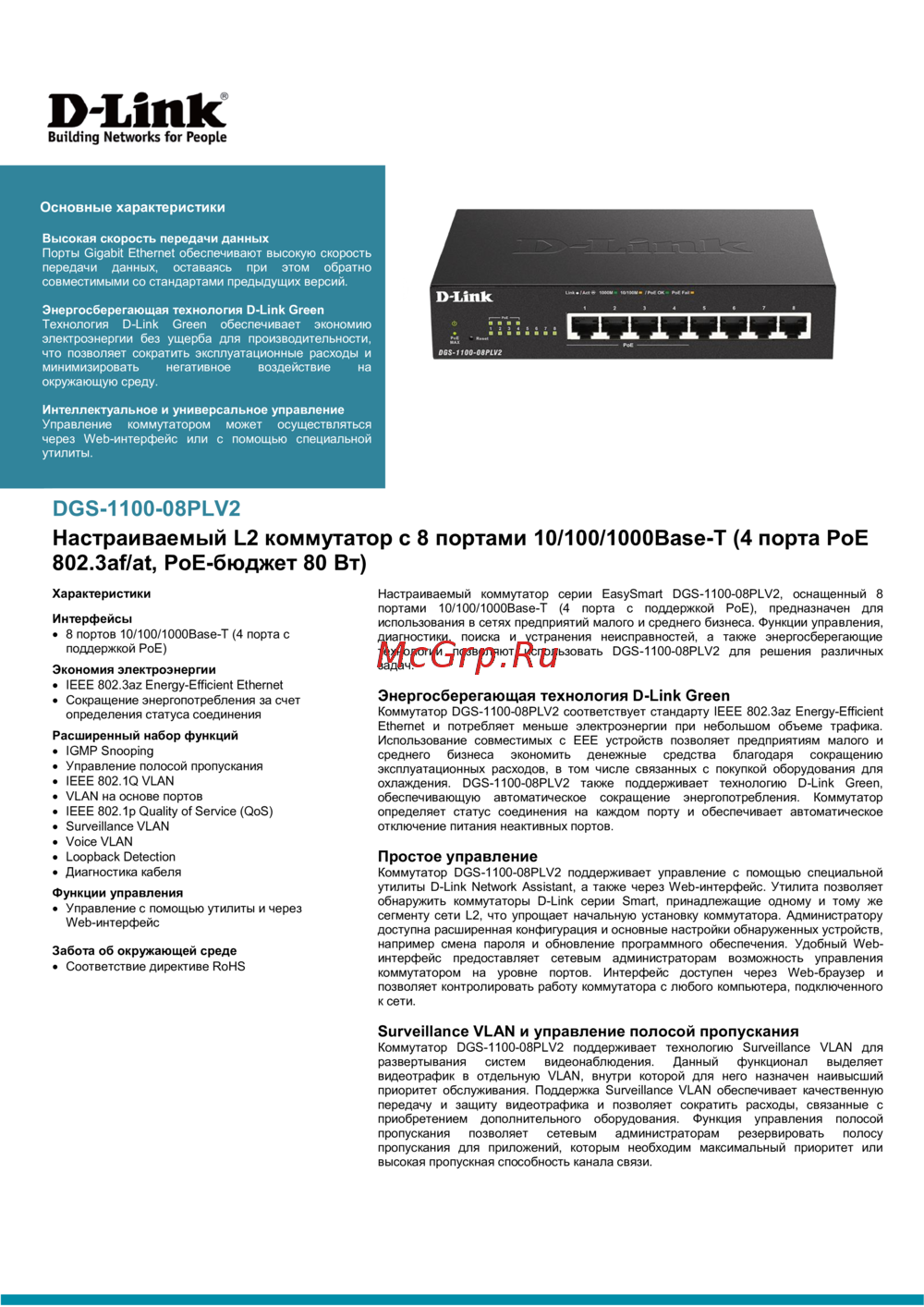 D-Link DGS-1100-08PLV2Технический паспорт устройства
Узнайте о процессе построения соседства между маршрутизаторами, включая этапы и типы пакетов OSPF. Понимание этих шагов поможет в настройке сетевой инфраструктуры.
